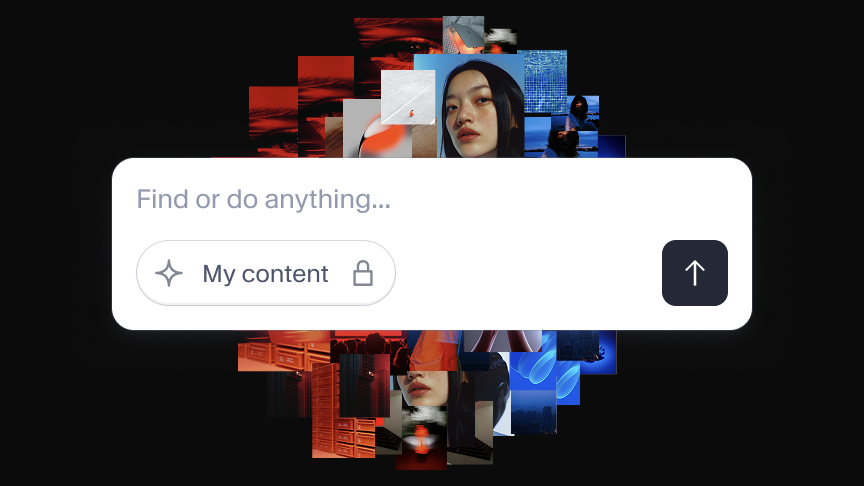
AI agents need structure. Build the foundation now
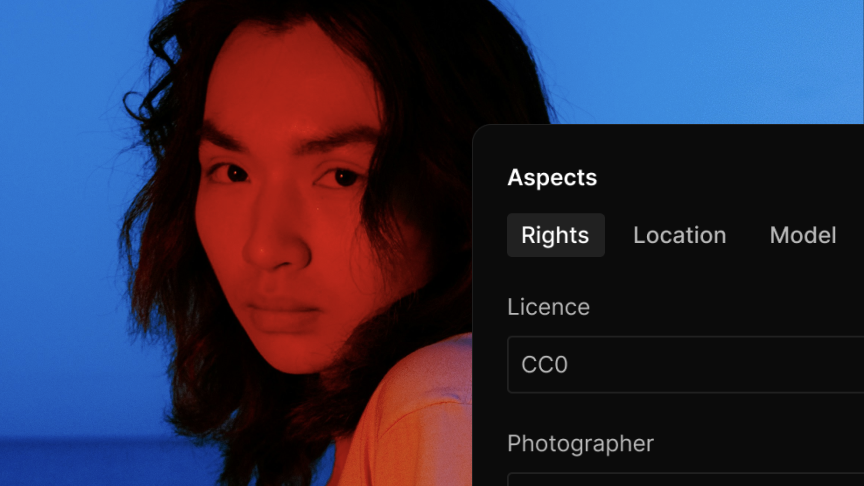
Close-up of an East Asian woman with freckles and reddish lips, looking directly at the viewer against a bright blue background.
import {defineField, defineType} from 'sanity'

export default defineType({
  name: 'hero',
  title: 'Hero',
  type: 'document',
  fields: [
    defineField({
      name: 'eyebrow',
      title: 'Eyebrow',
      type: 'string',
    }),
    defineField({
      name: 'title',
      title: 'Title',
      type: 'string',
      validation: (Rule) => Rule.required(),
    }),
    defineField({
      name: 'description',
      title: 'Description',
      type: 'text',
      rows: 3,
    }),
    defineField({
      name: 'image',
      title: 'Image',
      type: 'image',
      options: {
        hotspot: true,
      },
      fields: [
        {
          name: 'alt',
          type: 'string',
          title: 'Alternative text',
          description: 'Important for SEO and accessibility.',
        },
      ],
    }),
  ],
  preview: {
    select: {
      title: 'title',
      subtitle: 'description',
      media: 'image',
    },
  },
})

Studio/Homepage/Hero

The Headless CMS that bends to your needs

Sanity Studio

All-code content workspace for your data stored in the Content Lake, configured and customized by you to fit the needs of any team.

Sanity 101

Sanity Studio in 60 seconds

A 60-second walkthrough of Sanity Studio's core features.

devs, rejoice

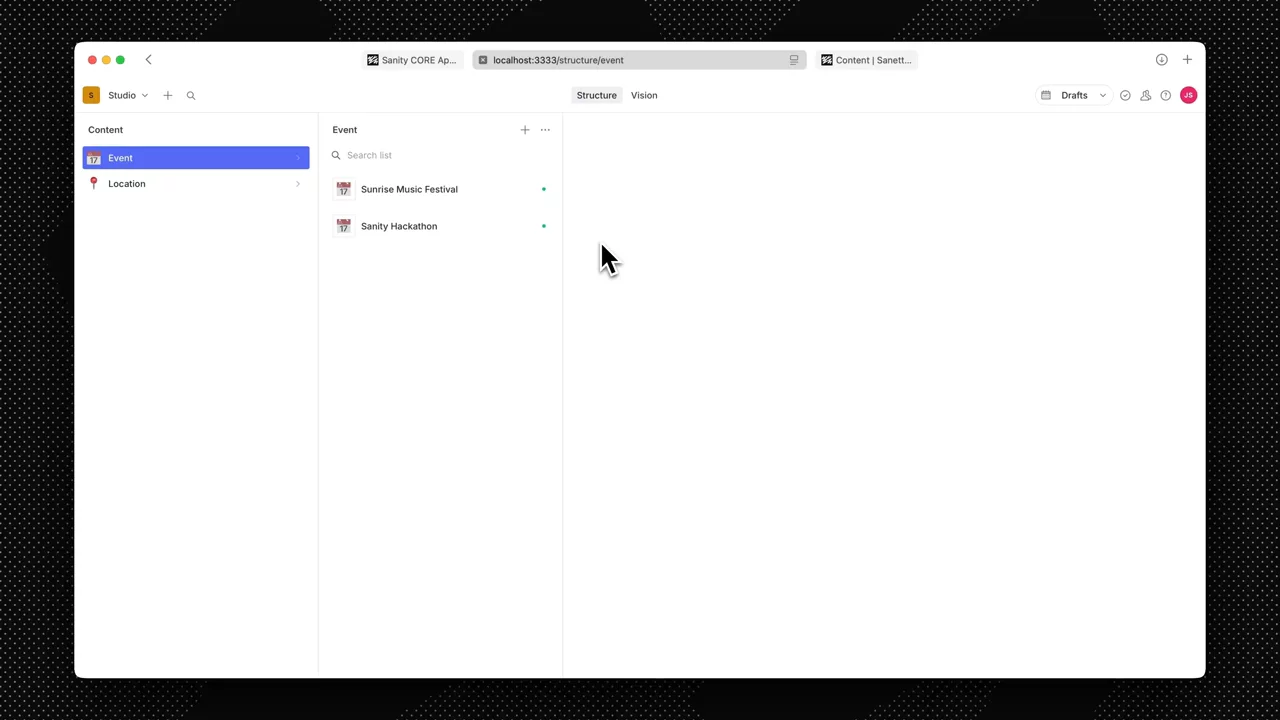
Define in code. See it live.

{
  name: 'page',
  title: 'Page',
  type: 'document',
  fields: [
    {
      name: 'title',
      title: 'Title',
      type: 'string',
      validation: (Rule) => Rule.required(),
    },
    {
      name: 'slug',
      title: 'Slug',
      type: 'slug',
      options: {
        source: 'title',
        maxLength: 96,
      },
      validation: (Rule) => Rule.required(),
    },
    {
      name: 'description',
      title: 'Description',
      type: 'text',
      rows: 3,
    },
    {
      name: 'image',
      title: 'Image',
      type: 'image',
      options: {
        hotspot: true,
      },
      fields: [
        {
          name: 'alt',
          title: 'Alt Text',
          type: 'string',
        },
      ],
    },
  ],
}
Sanity Studio
ME

No changes yet

Your content model is TypeScript. Your workspace is React. Change either, see the result immediately.

No migrations.
No config files.
No waiting.

Make it yours

Every team works differently. Your CMS should too.

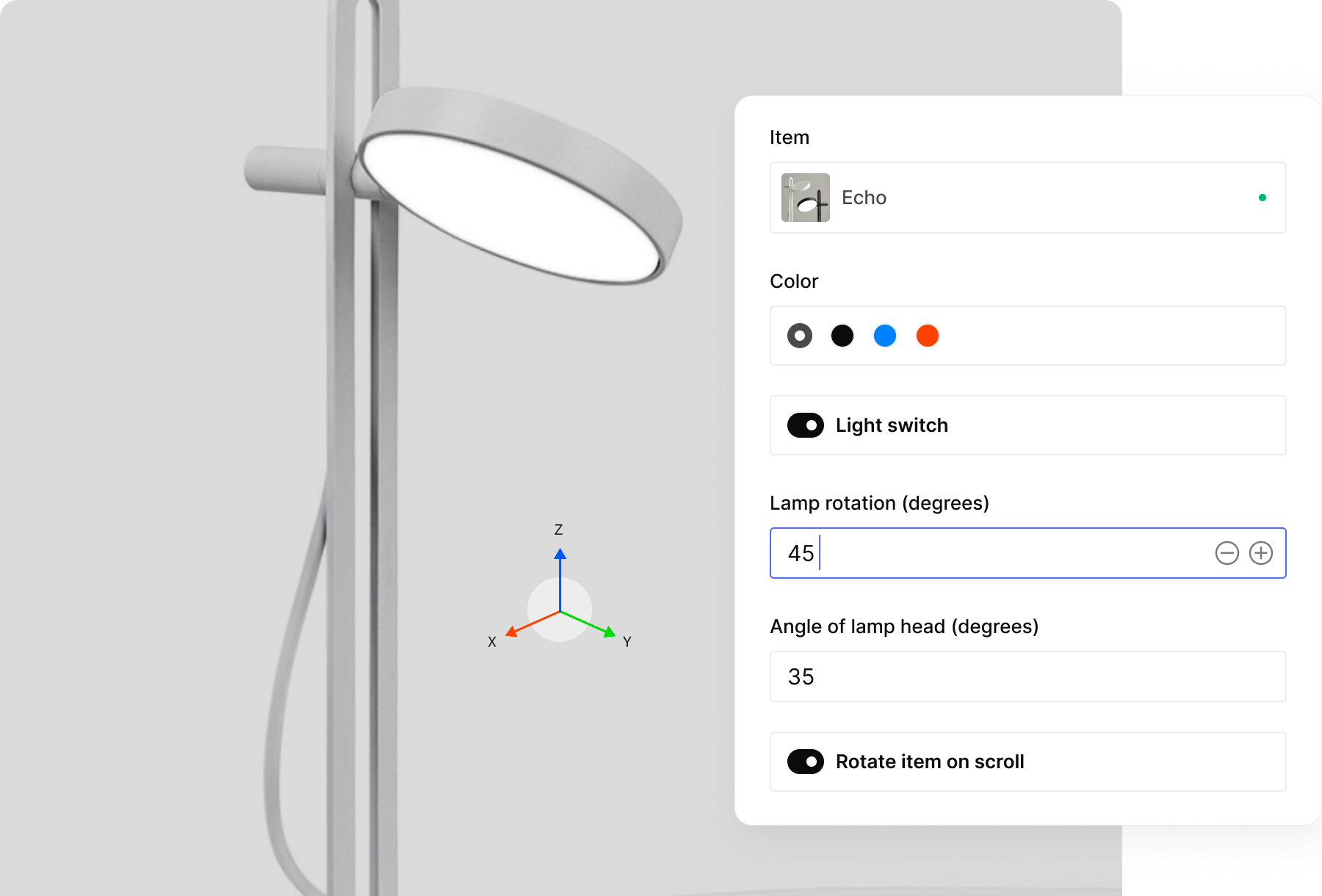
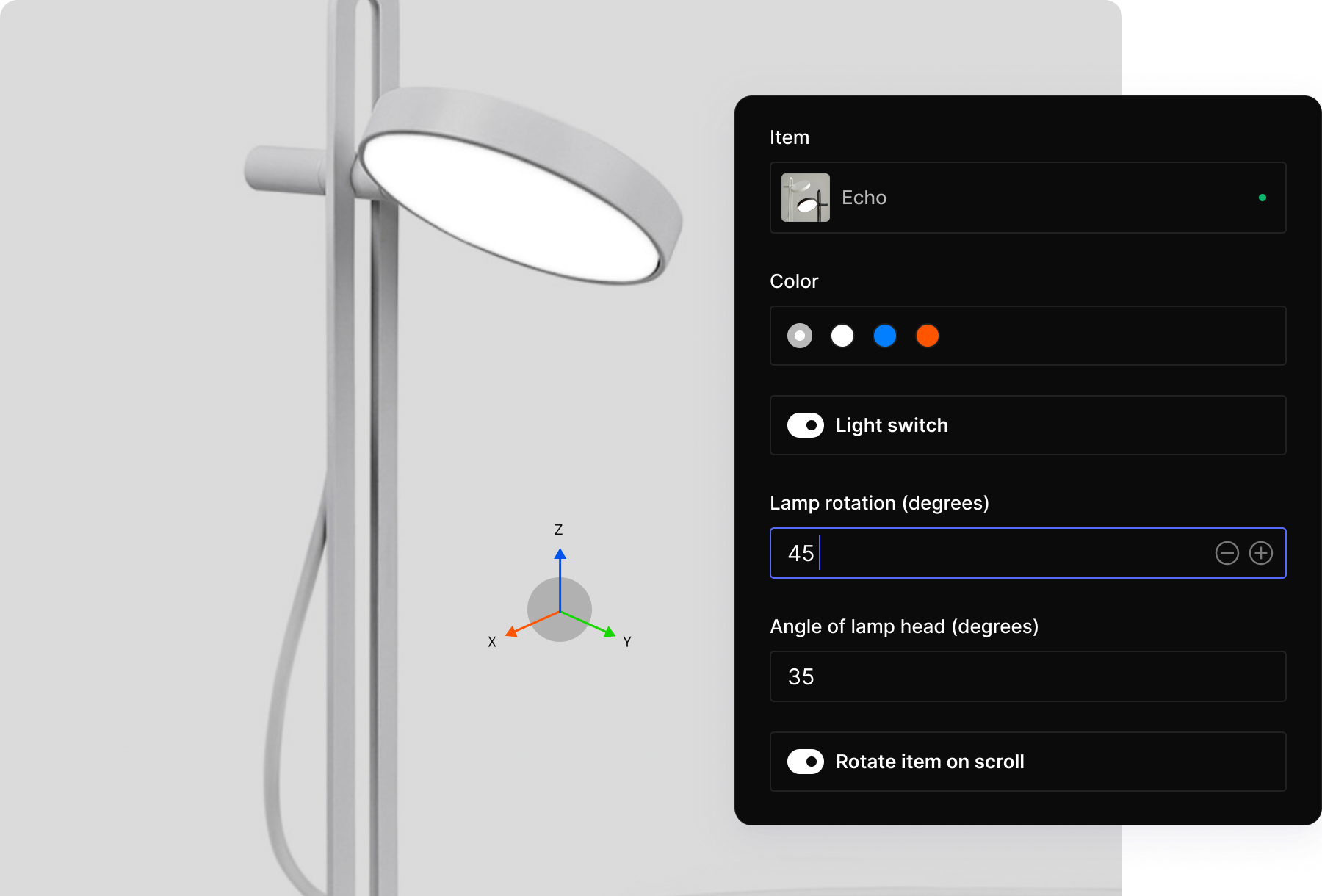
  • A 3D rendering of a white floor lamp with a control panel showing its rotation set to 45 degrees and head angle to 35 degrees.

    Custom input components: a 3D product configurator built directly into the editing interface.

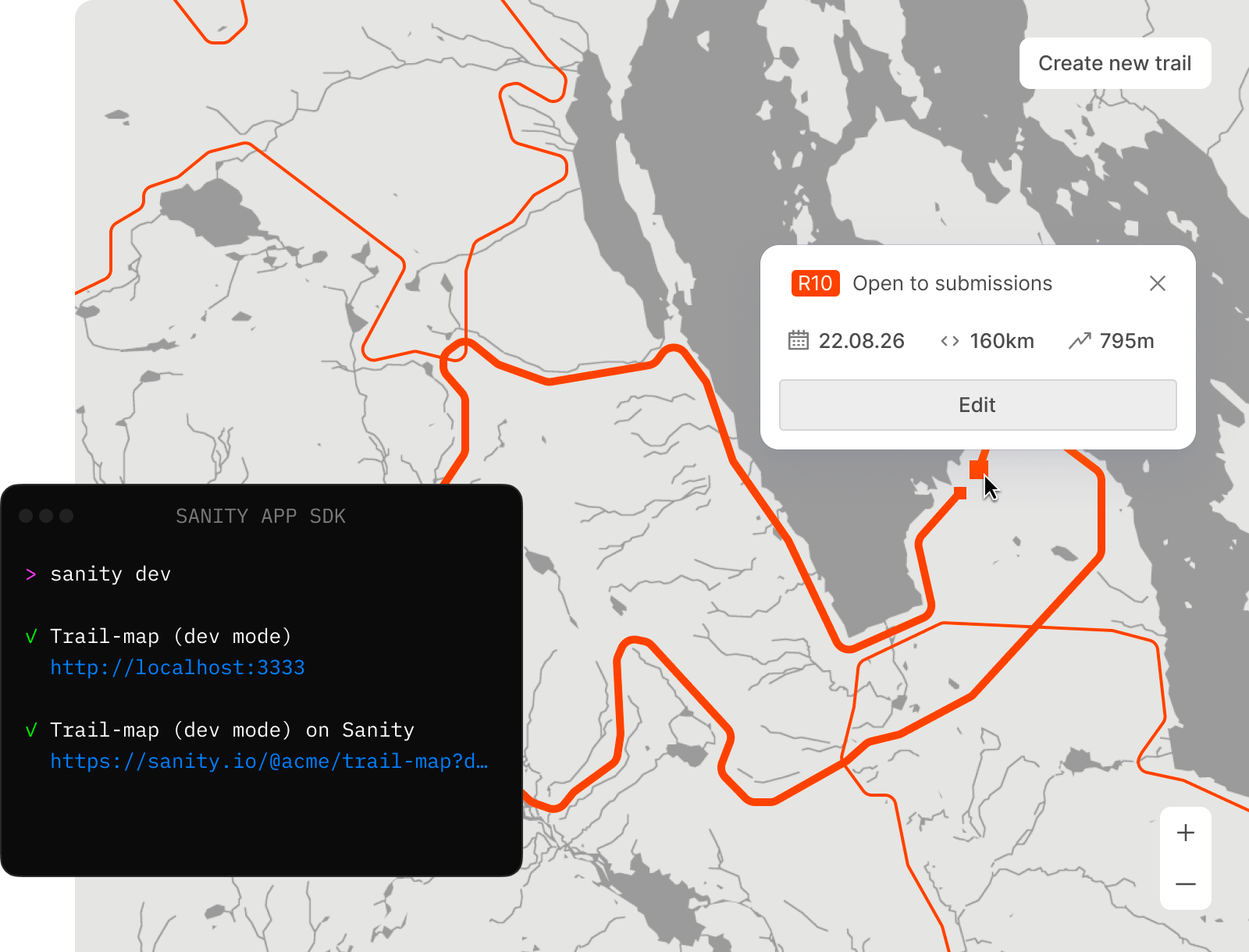
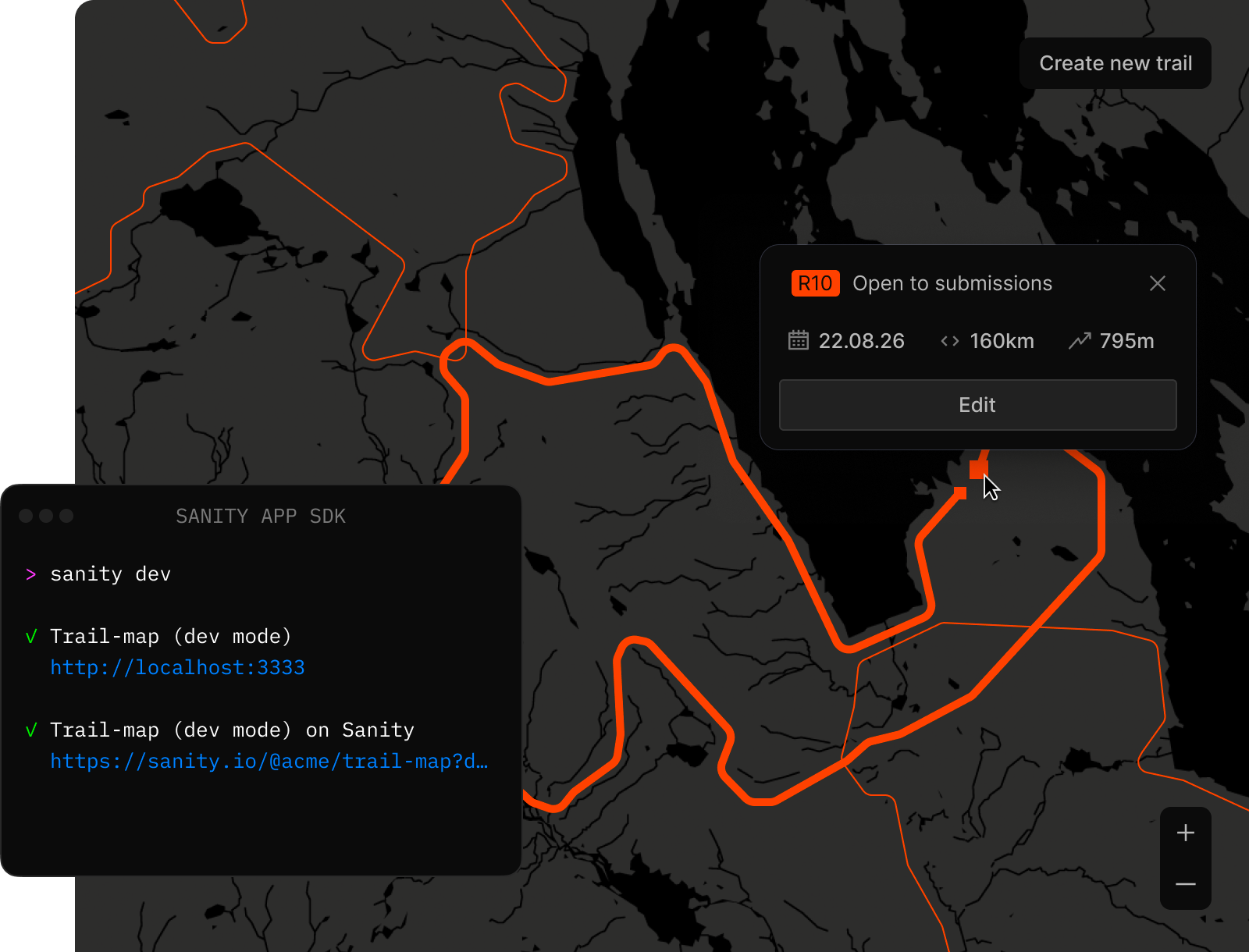
  • A map with orange trails, overlaid with a Sanity SDK developer terminal and a trail details popup.

    App SDK: embed any React application inside Studio. Here, a trail mapping tool with live data.

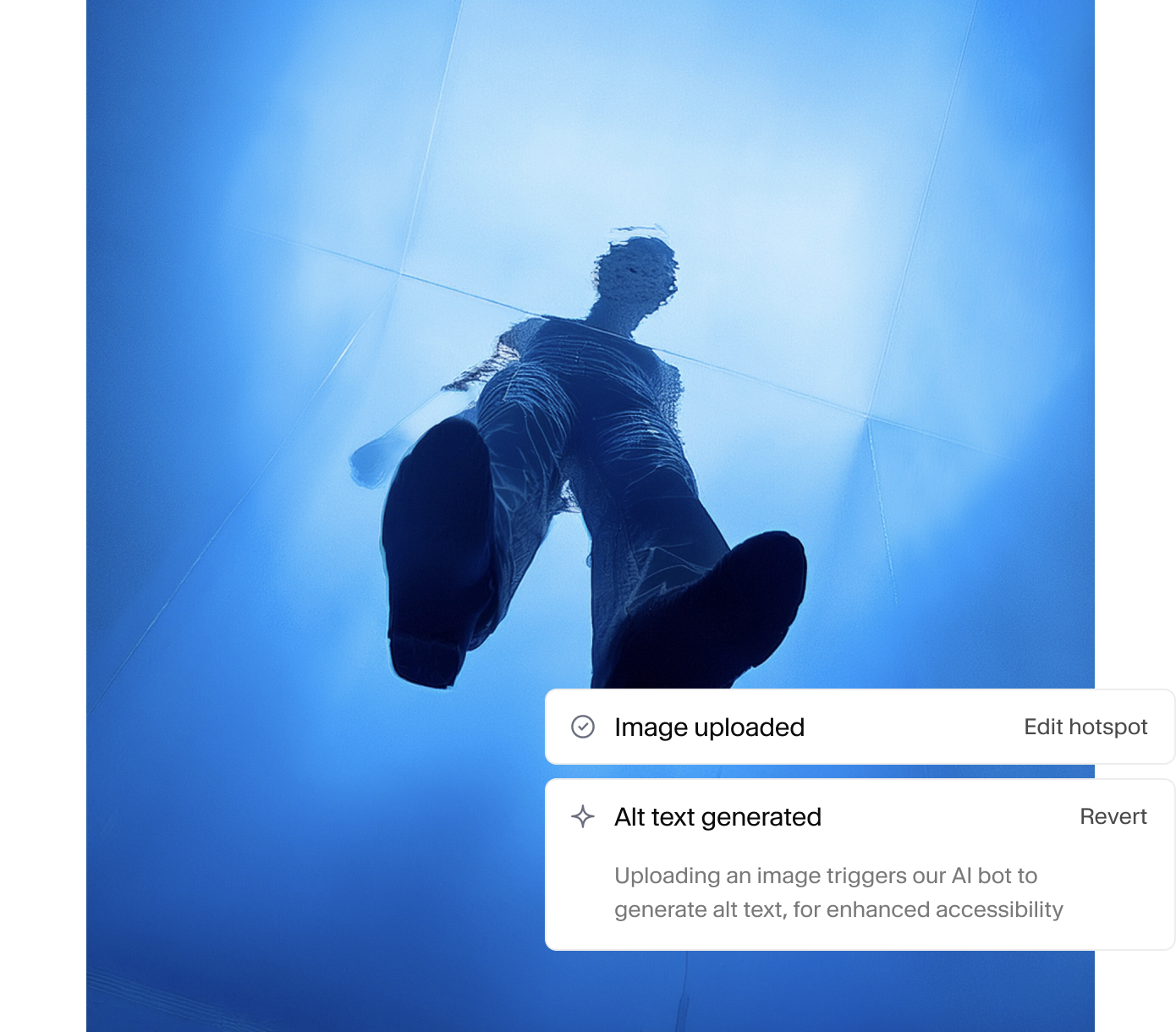
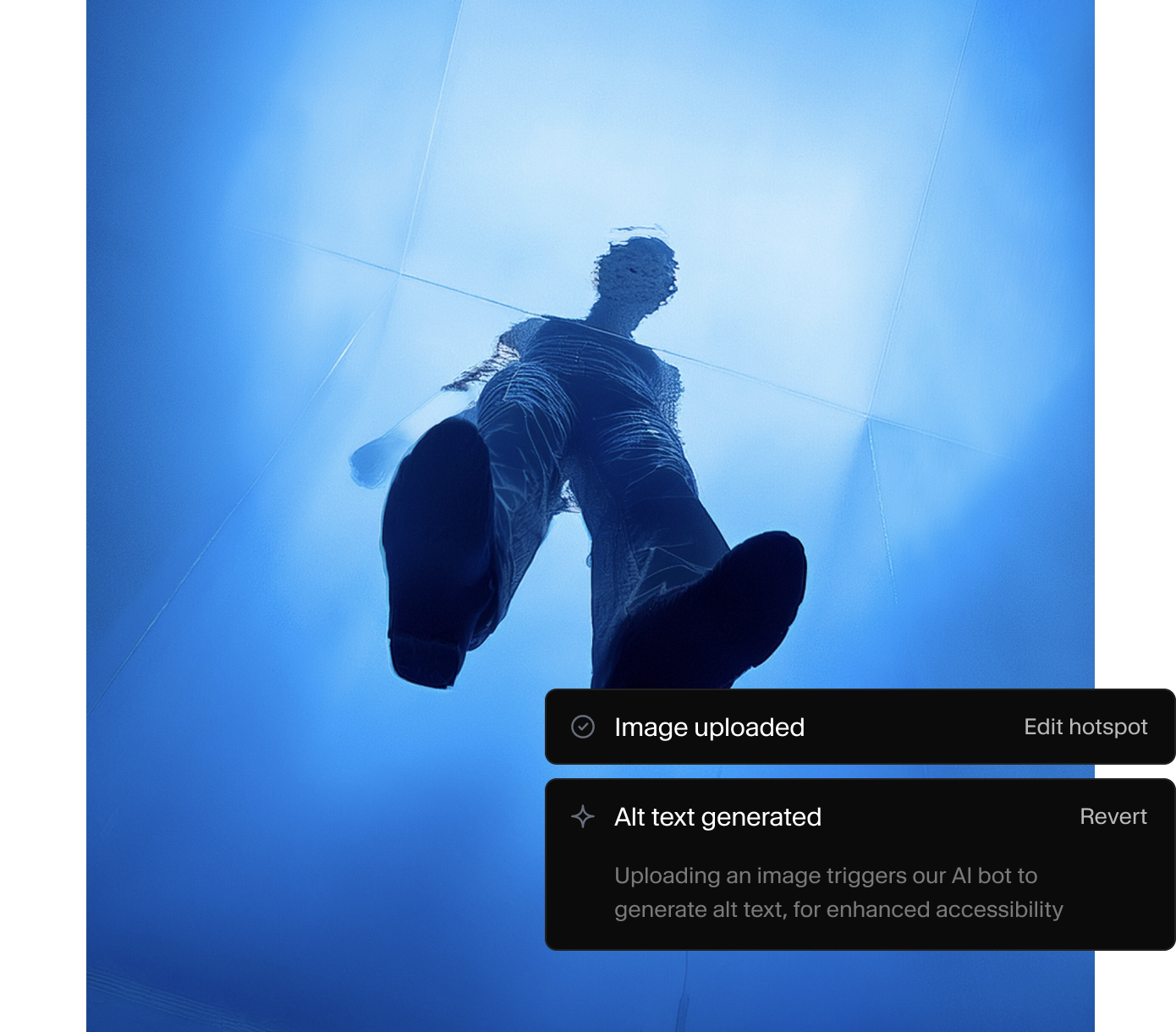
  • An image of a person walking on a transparent blue surface, overlaid with UI elements confirming "Image uploaded" and "Alt text generated".

    Functions: auto-generate alt text when images are uploaded. No external infrastructure needed.

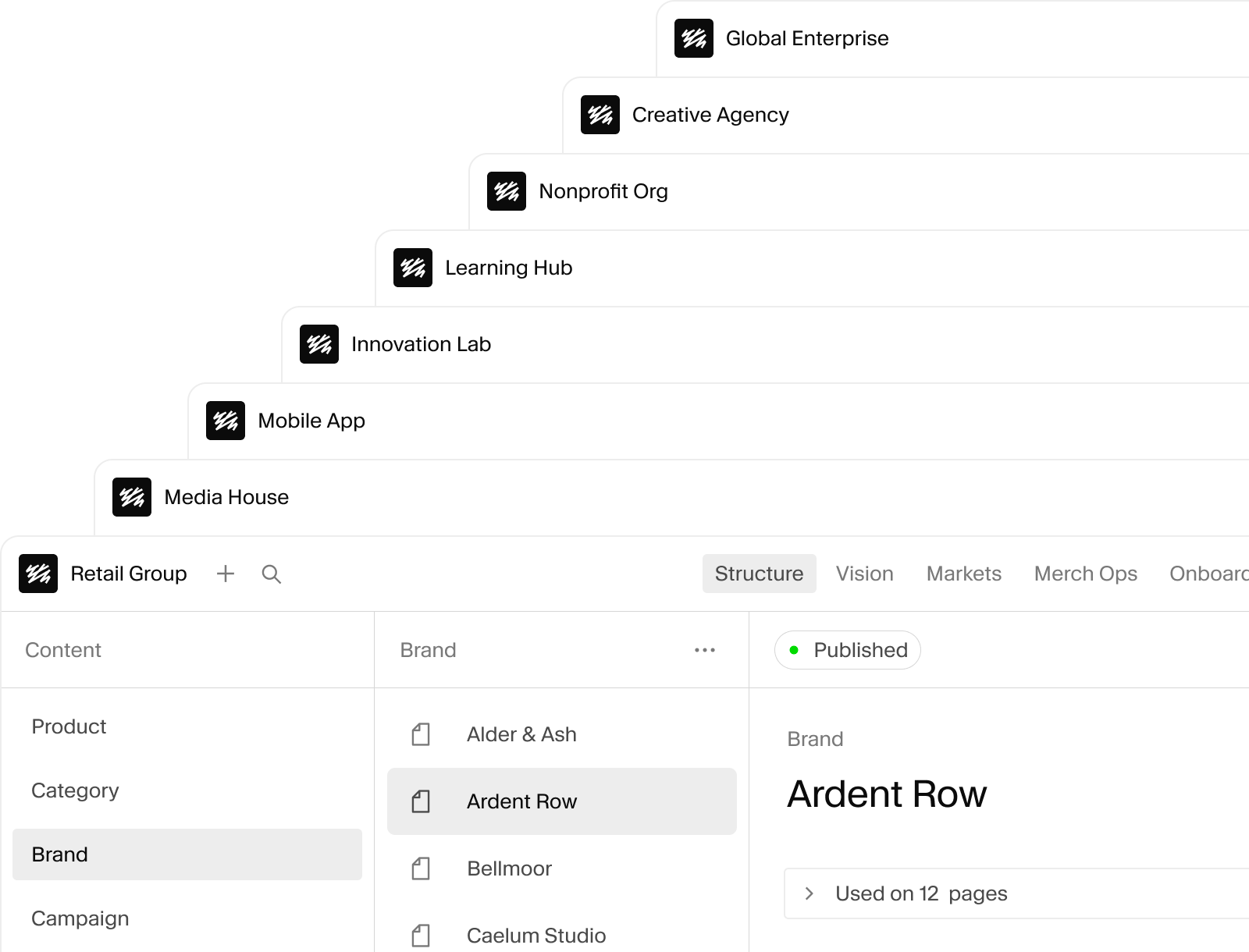
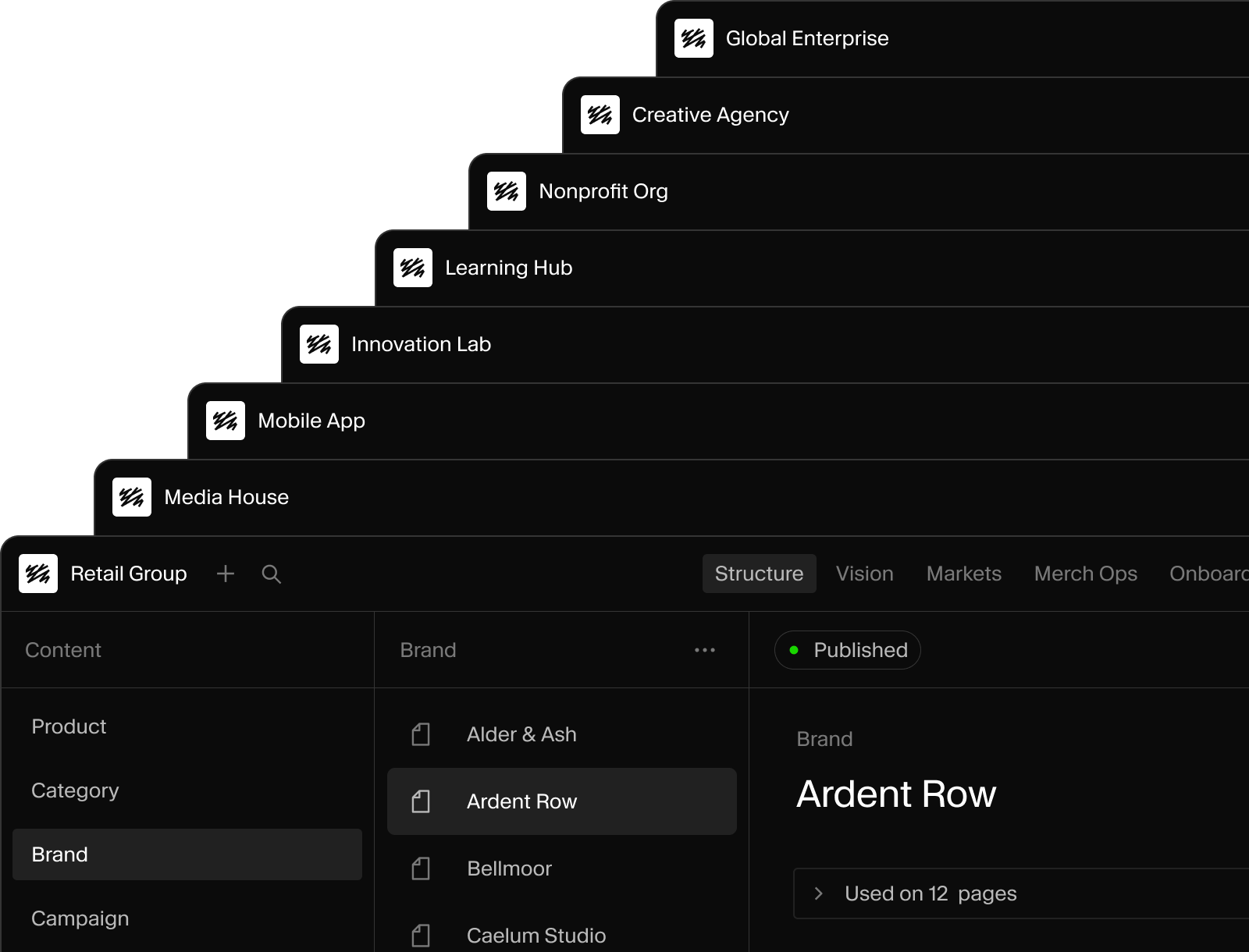
  • Stack of studios

    Multiple Studios configured for different teams, each with its own schema and workflows.

  • Your content model belongs in your repo

    Content types in TypeScript. Version controlled. Type-safe. Deploys with CI/CD, not through an admin UI you can't roll back.

  • Editing views that fit the work

    Add live previews, dashboards, or any React component to the editing interface. You're not limited to what we ship.

  • Organize content your way

    Structure the sidebar by workflow, team, or project. Filtered views so editors find their content, not everyone's.

  • Build tools for specific workflows

    Use the App SDK to build standalone content apps with real-time sync and full API access, right in the dashboard.

Work together

Real-time editing. Real-time review. No merge conflicts.

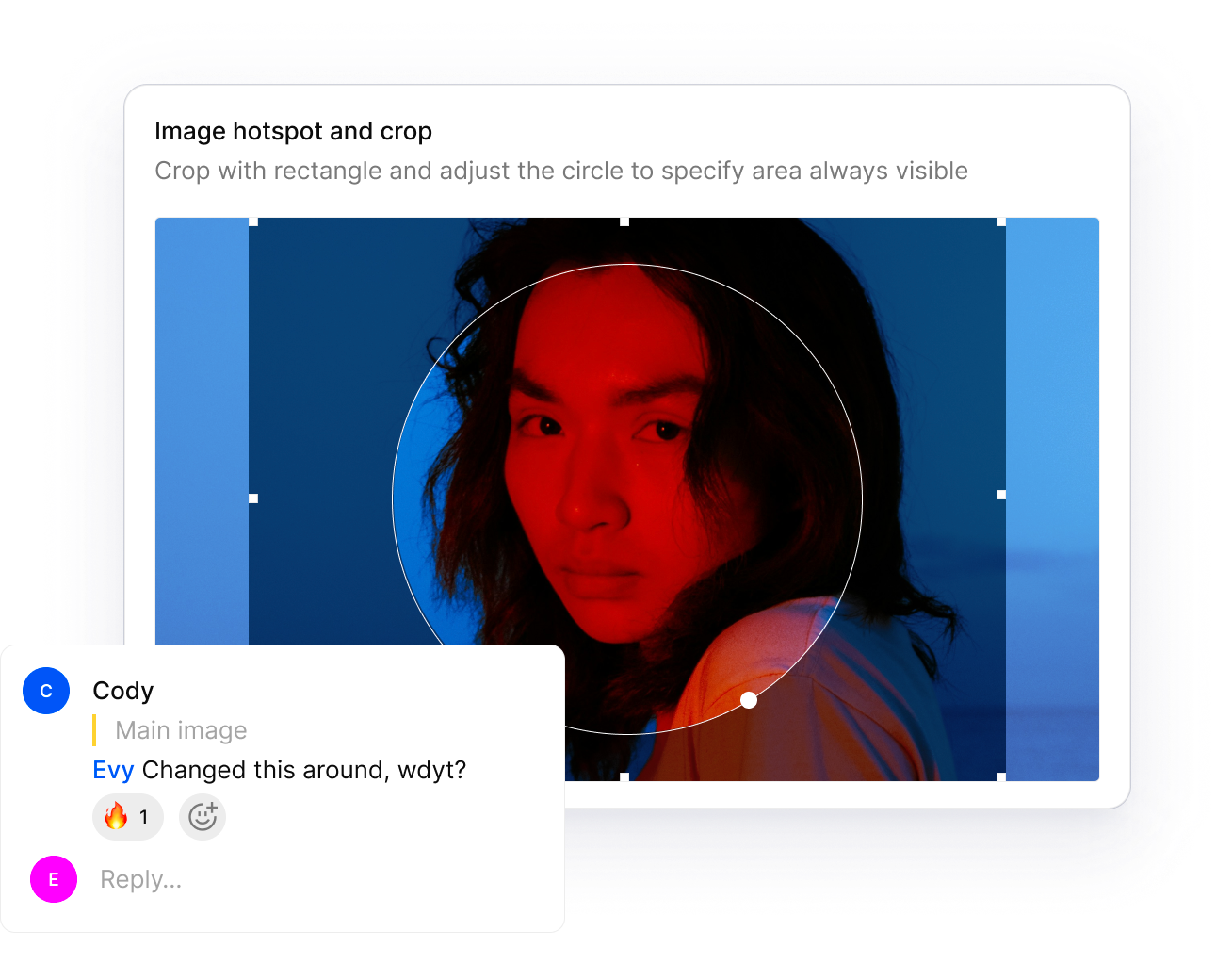
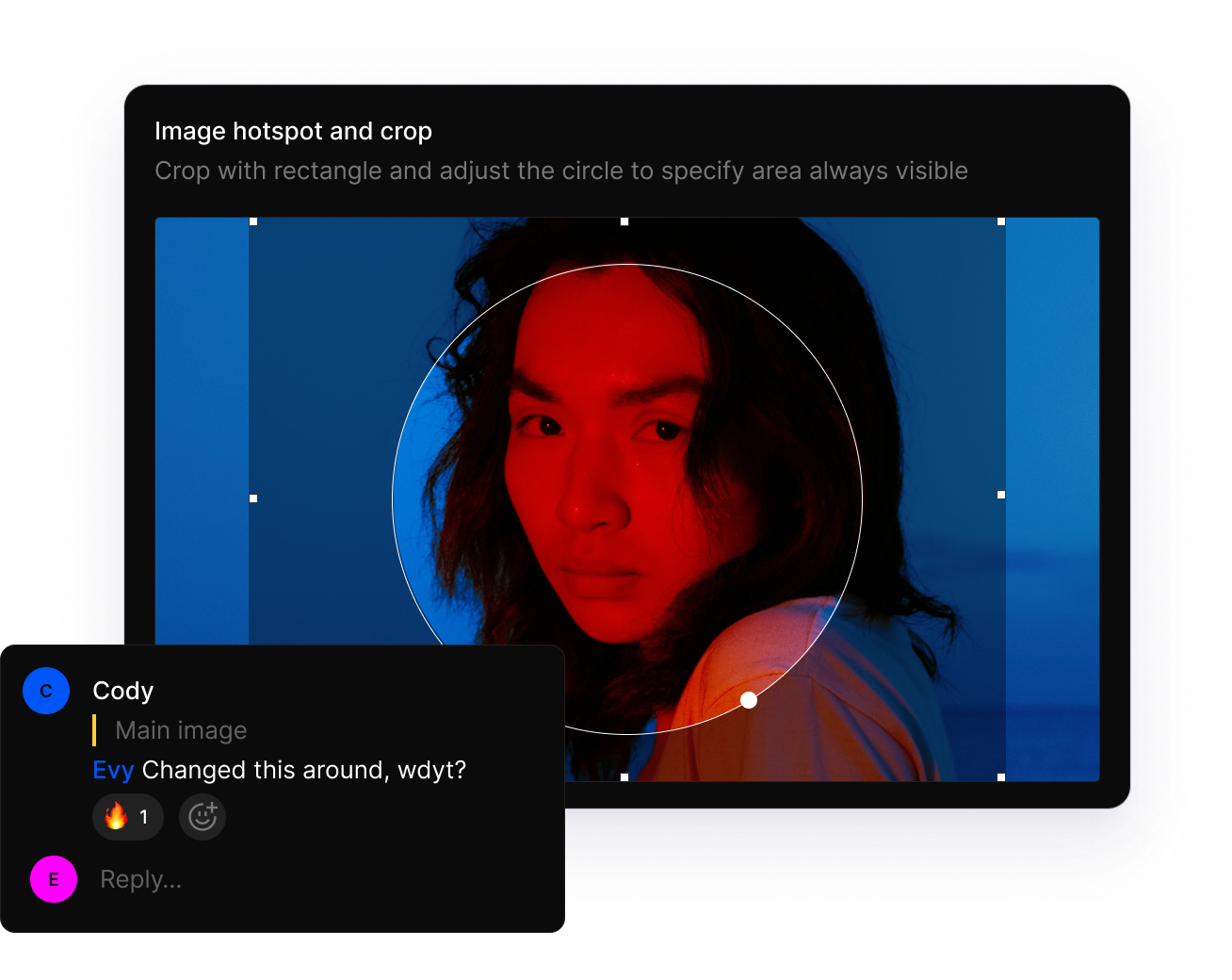
  • Image cropping interface with a person's red and blue-lit face, and a comment asking for feedback.

    Inline comments on any field. Review images, leave feedback, and resolve without leaving Studio.

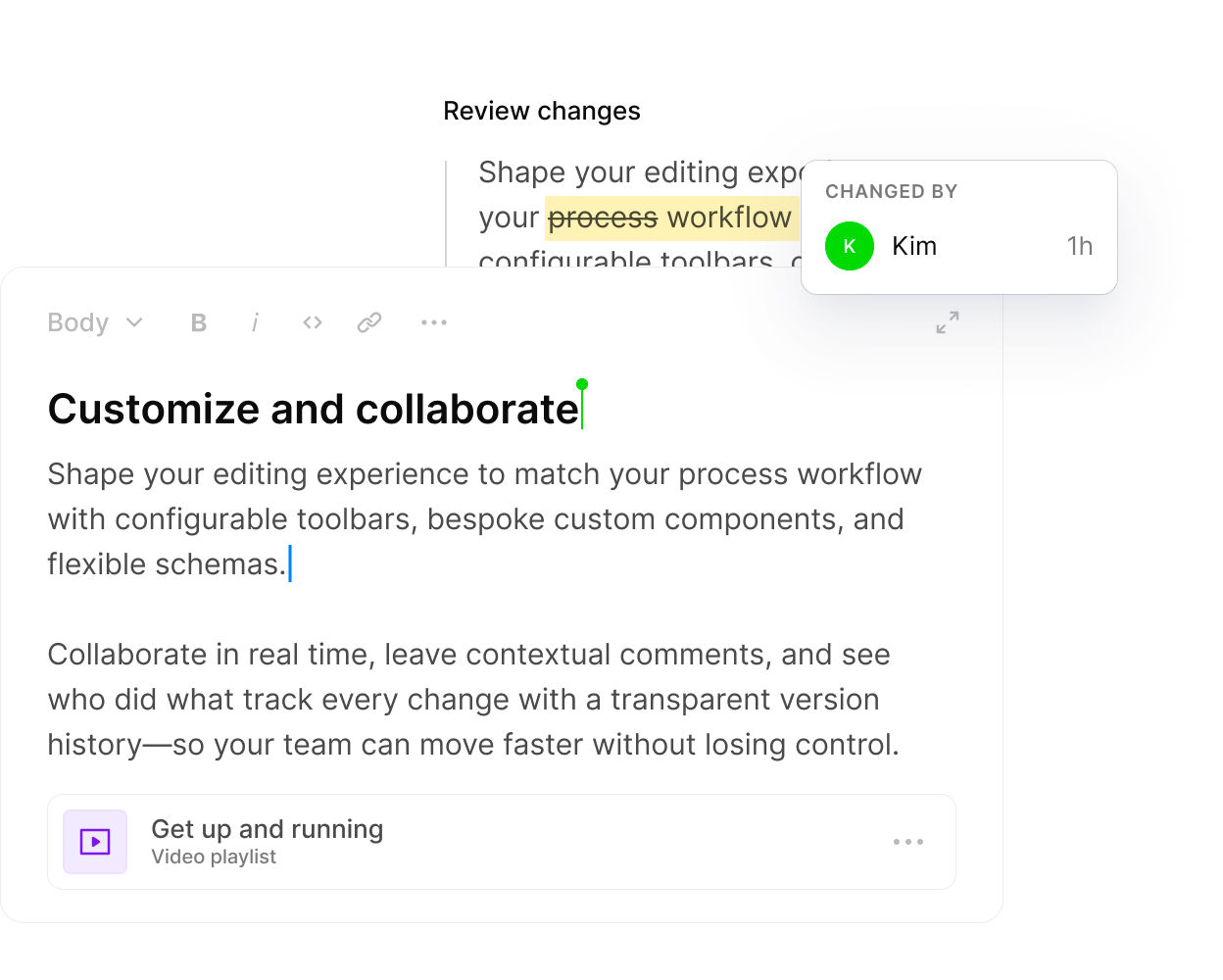
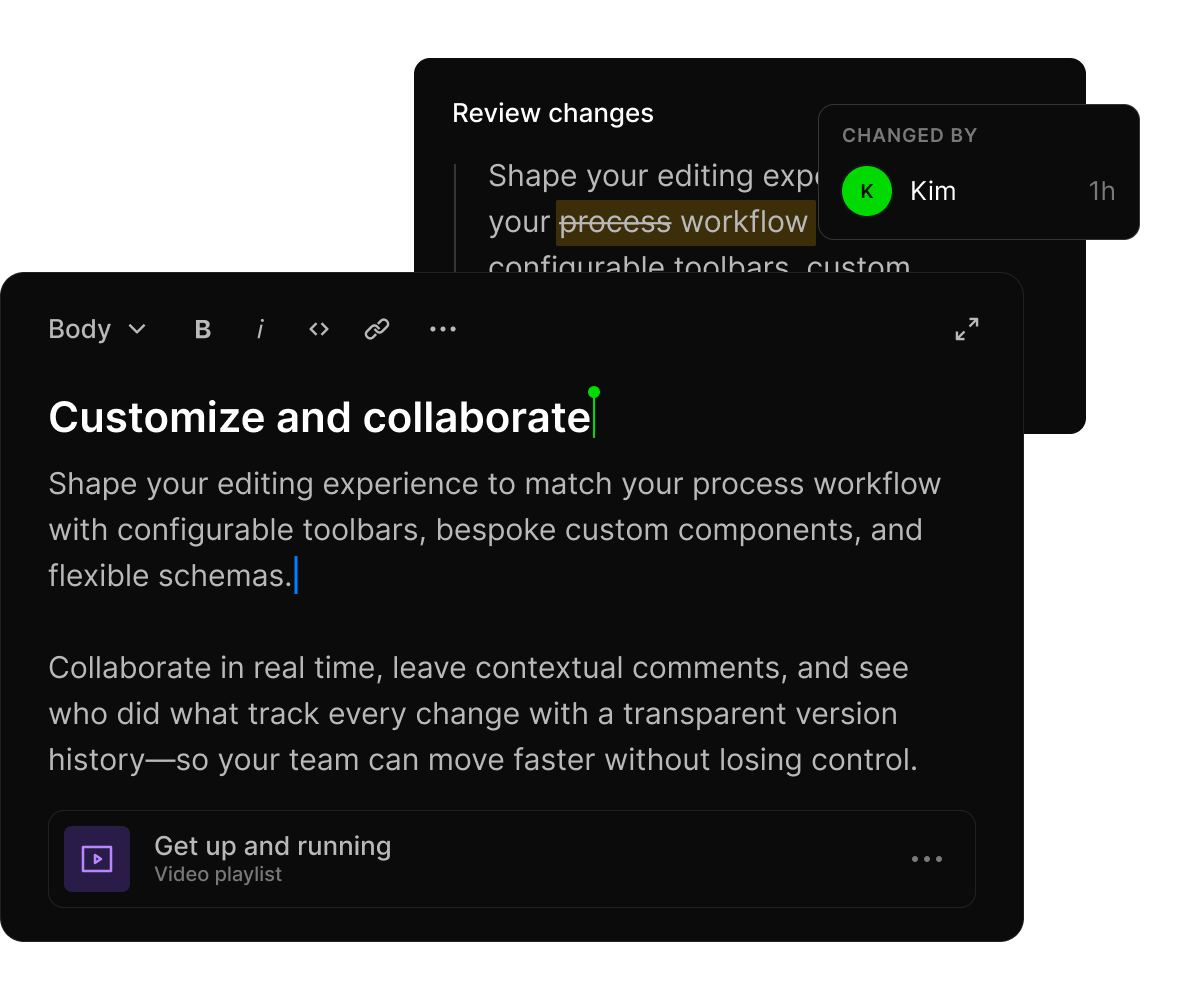
  • A digital document editor displaying features for customizing workflows and real-time collaboration, with a "CHANGED BY Kim" notification.

    Real-time multiplayer editing. See who's changing what, field by field, as it happens.

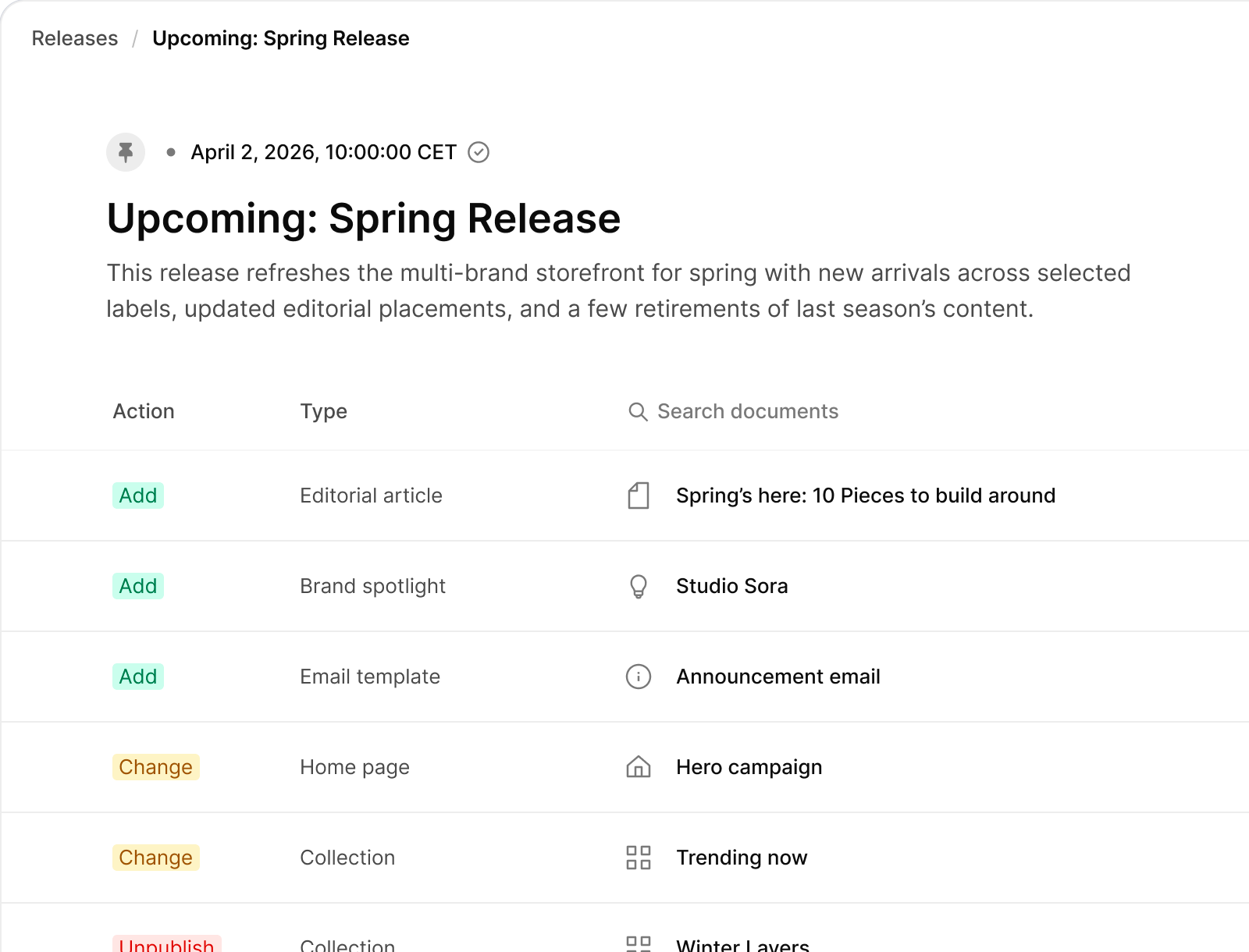
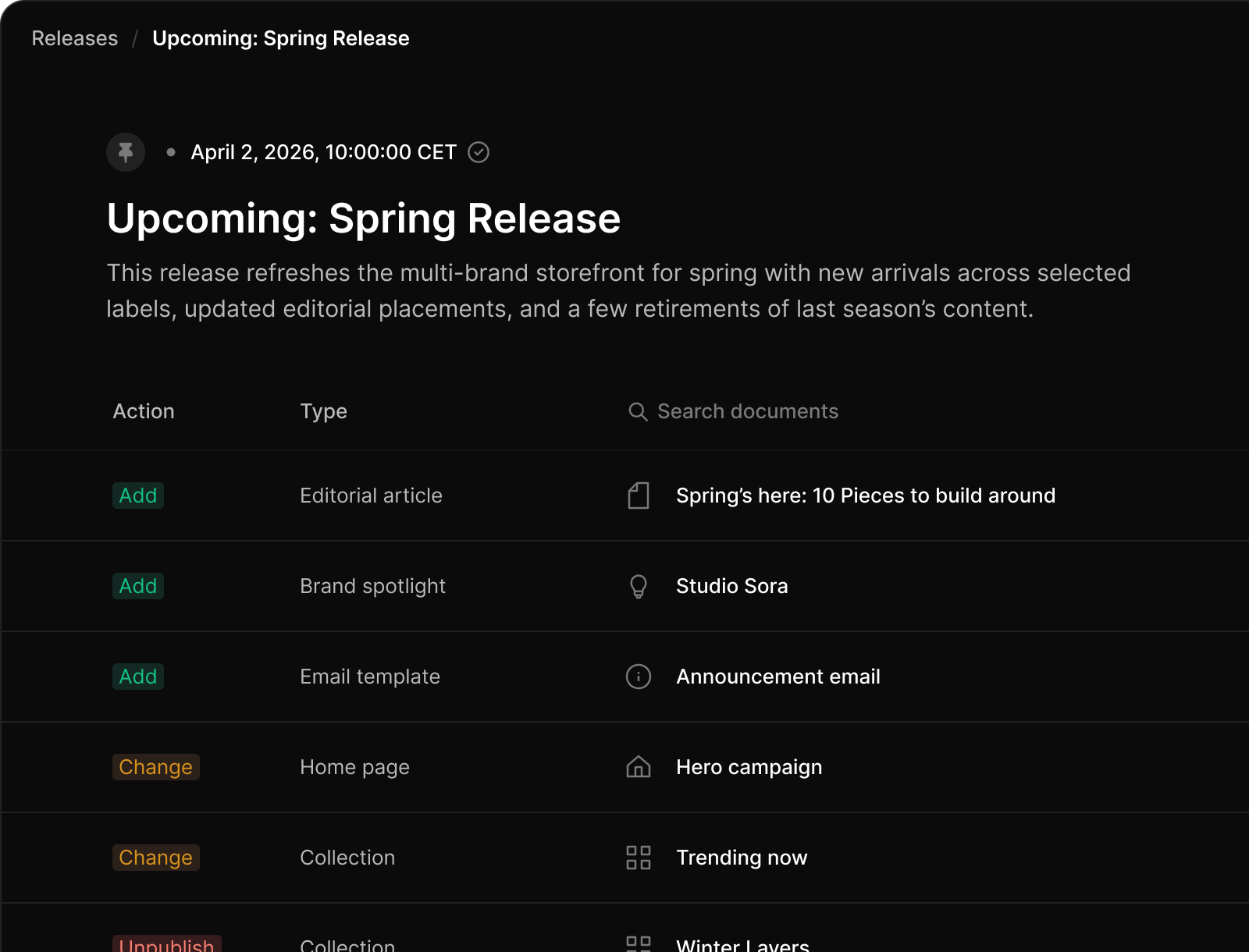
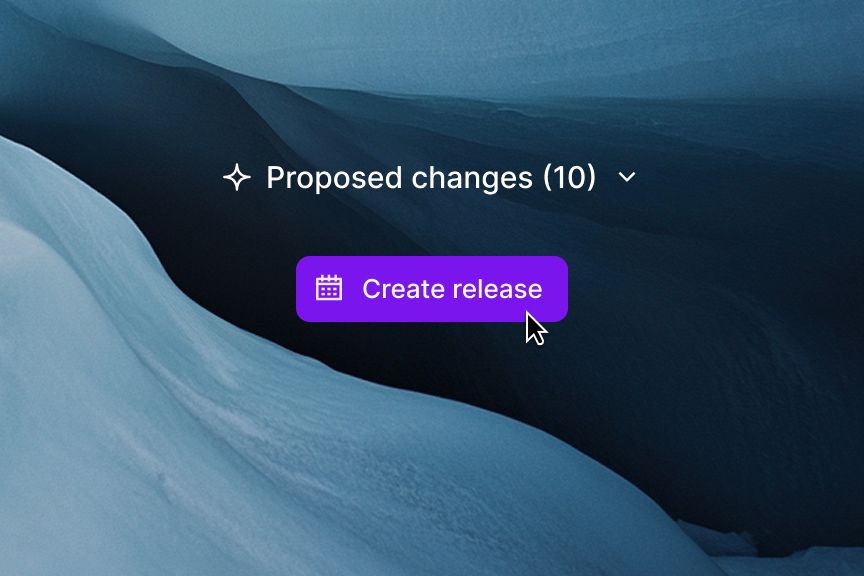
  • A content management interface showing an "Upcoming: Spring Release" with actions like Add, Change, and Unpublish for various content types.

    Content Releases: bundle changes across documents. Preview together, publish on schedule.

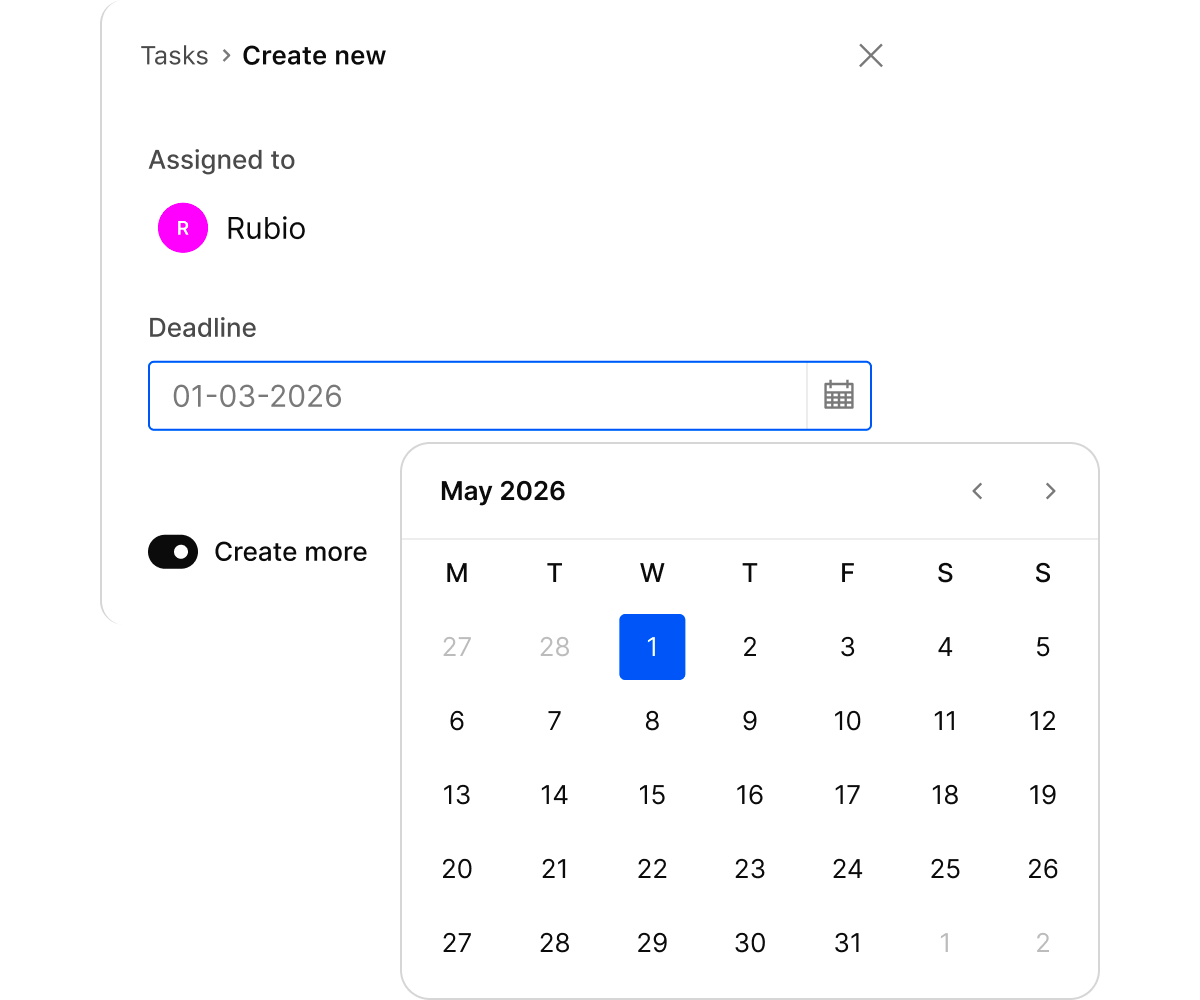
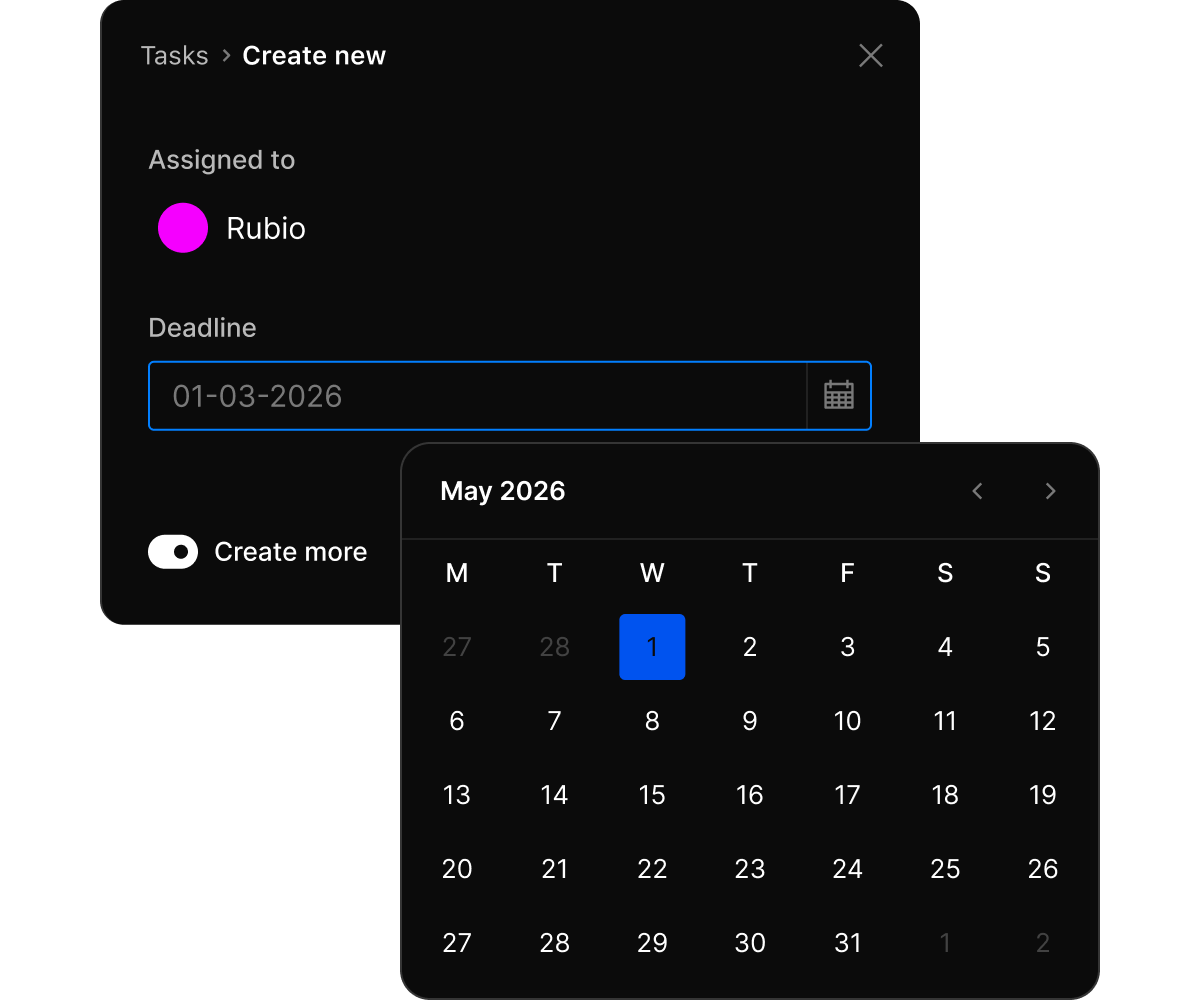
  • Task creation form with 'Assigned to Rubio', a deadline of '01-03-2026', and an open calendar for May 2026 highlighting the 1st.

    Tasks with deadlines and assignments. Track review work where the content lives.

  • Multiplayer editing

    Same document, multiple editors, character-level sync. No locking, no merge conflicts, no "someone else is editing this."

  • Comments and tasks

    Assign reviews, give feedback, and resolve inline. The conversation happens where the content lives.

  • Version history

    Every change tracked. Compare any two versions. Restore anything. Same safety net your code has.

  • Content Releases

    Bundle changes across documents. Preview together. Publish on schedule or on demand.

AI included

AI that actually knows your content

|

Context: Marketing site
  • Content Agent

    Ask questions, draft copy, translate, audit, bulk edit. Schema-aware, so it works with your structure, not around it.

  • AI field assistance

    Generate, translate, or improve content with context from related documents. Right in the editor.

  • Web research

    Content Agent searches the web to fact-check or gather information while drafting. Less tab-switching.

  • Your governance

    AI respects your permissions. Edits go through your approval workflow. Nothing publishes without sign-off.

Developer Experience

Built for devs who've seen too many CMS migrations

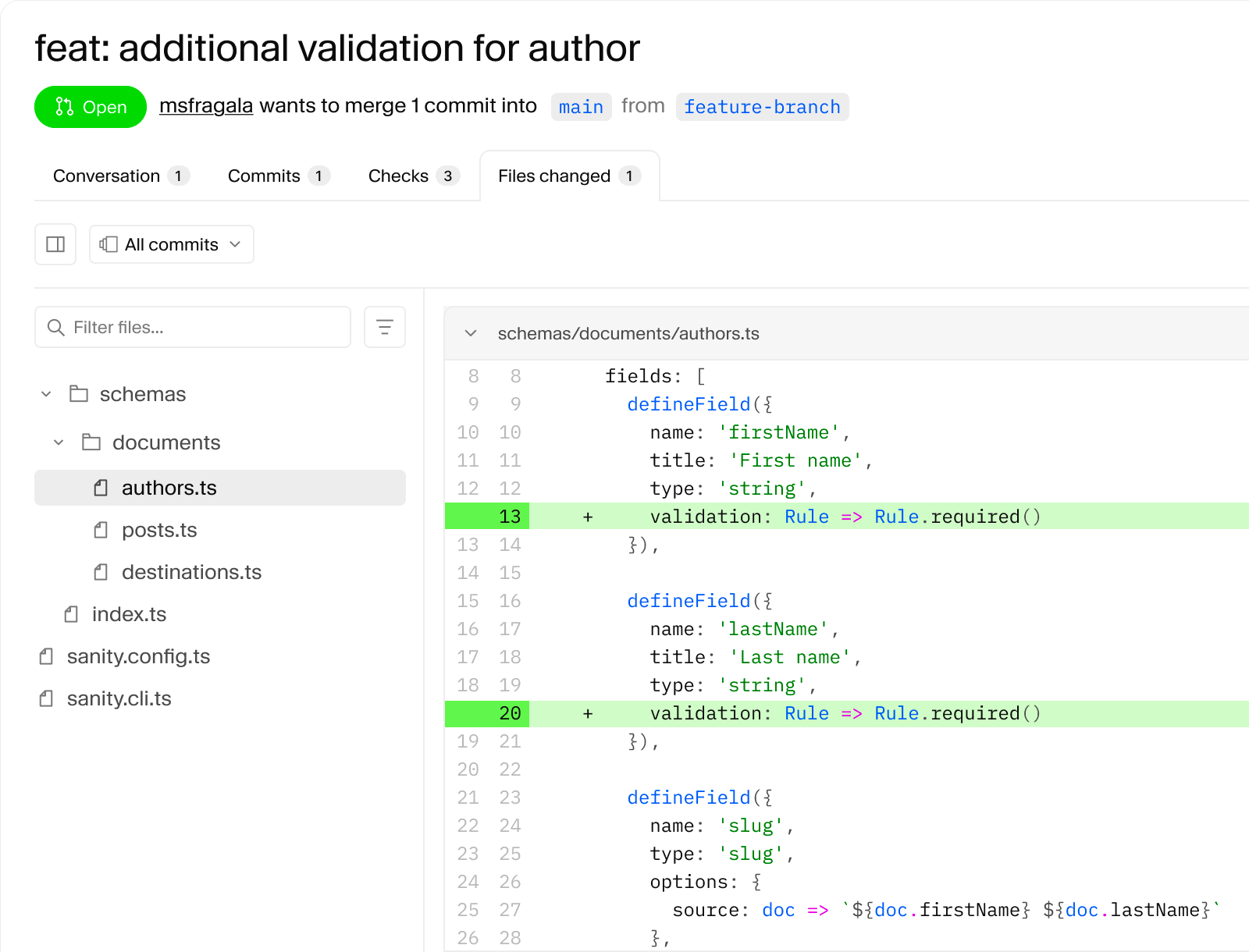
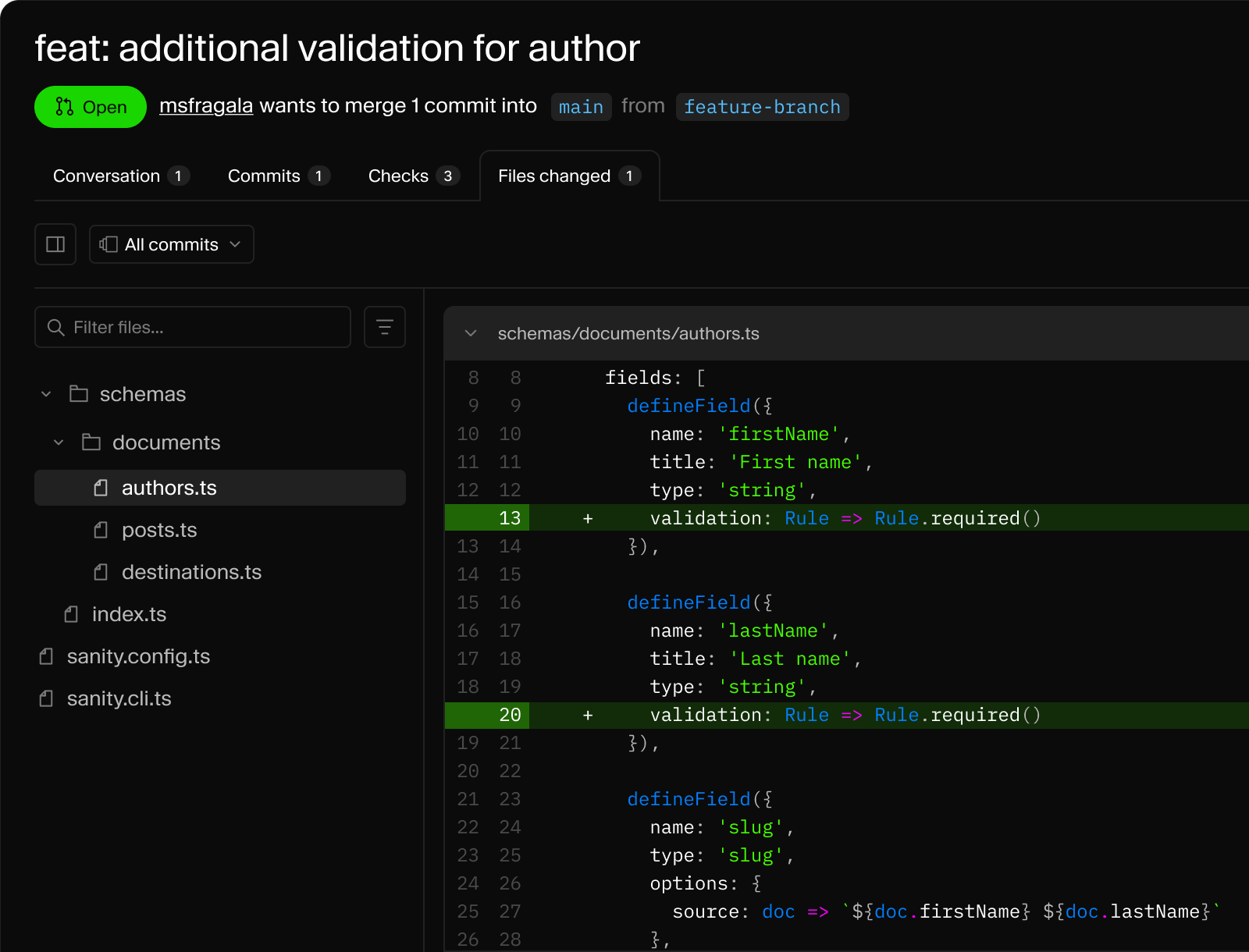
  • GitHub pull request showing code additions for 'required' validation rules in the `authors.ts` file.

    Schema as code: validation rules in TypeScript, reviewed in a pull request like any other code.

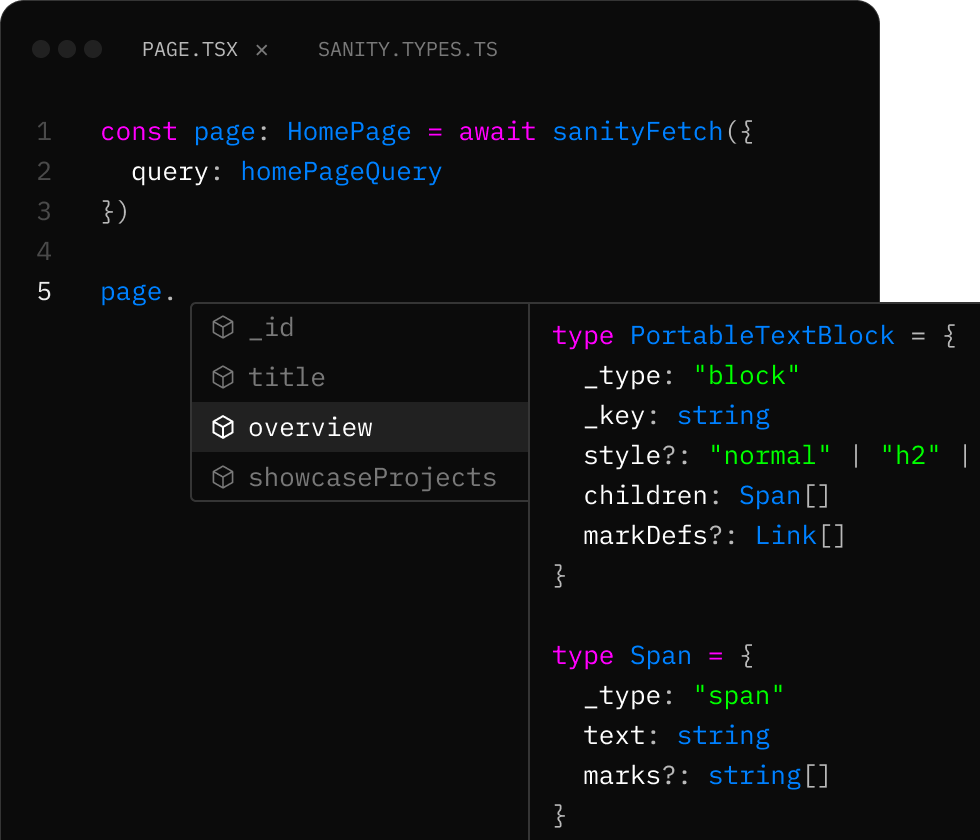
  • A code editor displaying TypeScript code, an autocomplete menu suggesting 'overview' for 'page.', and a type definition tooltip for 'PortableTextBlock'.

    TypeGen: full type safety for your content. Autocomplete and type checking in your editor.

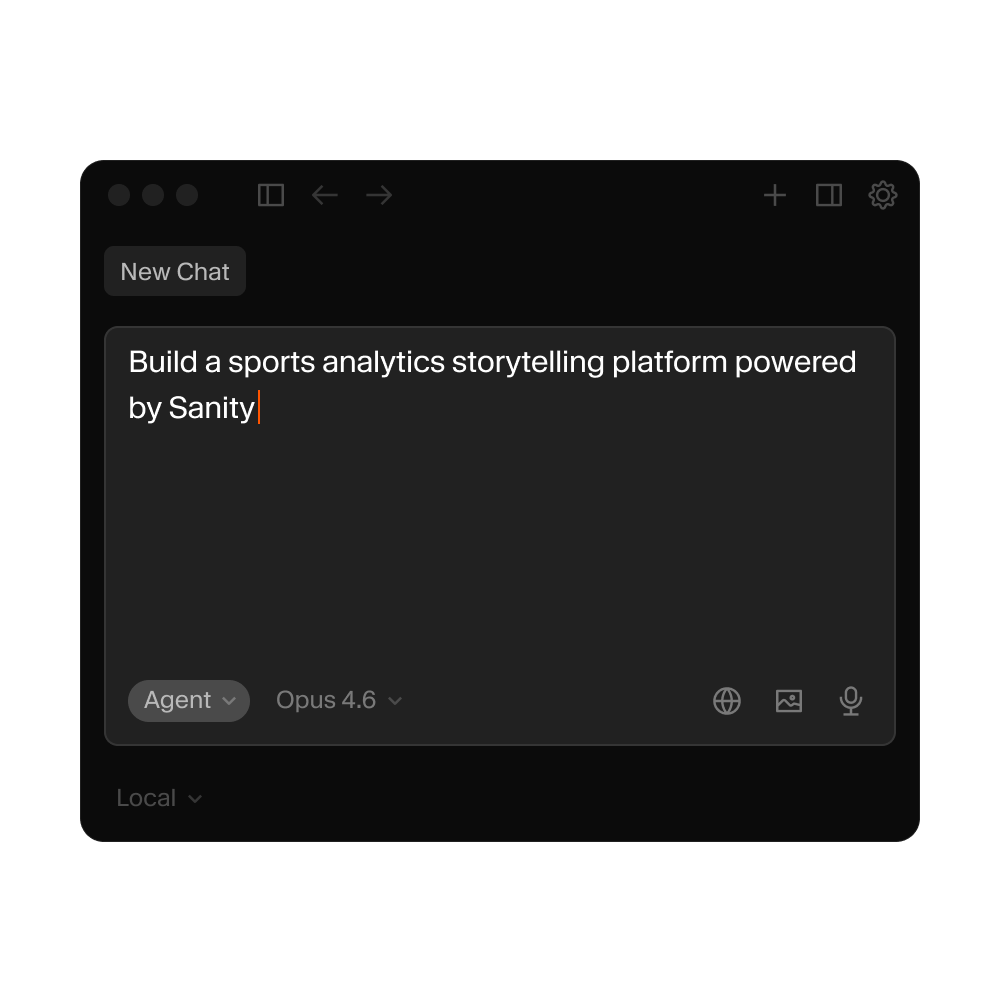
  • A dark mode chat interface with the text "Build a sports analytics storytelling platform powered by Sanity" typed in the input field.

    AI-powered project scaffolding. Describe what you want to build, get a working starter.

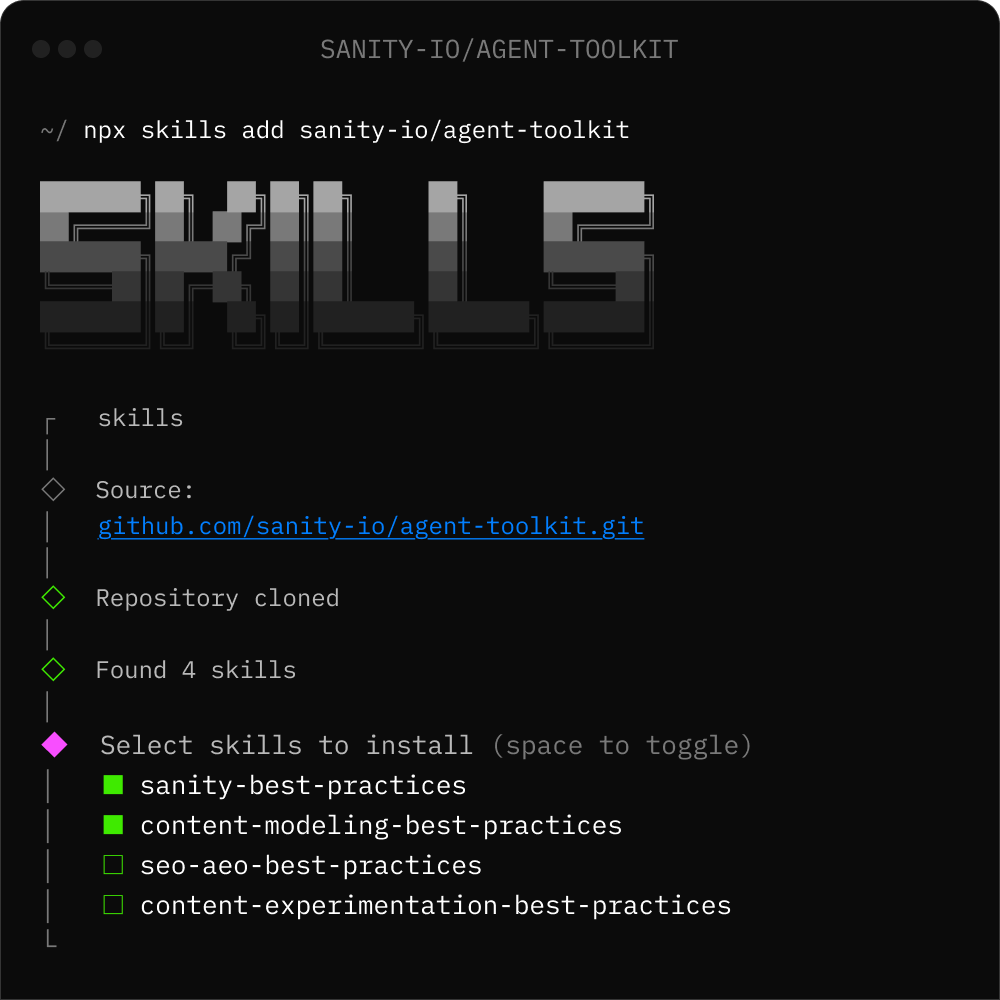
  • A dark terminal shows the `npx skills add sanity-io/agent-toolkit` command, displaying a list of four skills available for installation, with two selected.

    Agent Skills: install AI context packages for Claude, Cursor, and Copilot in one command.

  • Git-native workflow

    Schema in your repo. Content model changes go through PRs. Roll back like any code.

  • TypeScript all the way

    Schema types, GROQ query types, component props. Catch errors before production, not after.

  • Portable Text

    Rich content as structured data. Render anywhere. Customize the editor and the output independently.

  • Instant setup

    npm create sanity@latest to a working Studio. Not hours of config. Minutes.

What you get

All of this, out of the box

Authoring and editing

  • Visual Editing

    AE01

    Visual Editing

    Click to edit on your live site. Works with Next.js, Nuxt, Svelte, Remix, and Astro.

  • Media Library

    AE02

    Media Library

    Upload, organize, and transform images and files. Persistent URLs, signed URLs, video streaming, AI alt text.

  • Canvas

    AE03

    Canvas

    AI writing tool with contextual notes. Ground suggestions in your research, style guides, and facts. Map to structured Studio fields.

  • Portable Text Editor

    AE04

    Portable Text Editor

    Rich text as structured data. Customizable blocks, annotations, inline objects. Render to any format.

  • Copy and paste

    AE05

    Copy and paste

    Duplicate content between documents. Complex structures, references, images. Keyboard shortcuts.

  • Localization

    AE06

    Localization

    Field-level or document-level. Your choice of pattern. Works with AI translation.

  • Localized UI

    AE07

    Localized UI

    Editorial UI in your team's own languages. More than 50+ language supported. Fully customizable.

Schema and Customization

  • Schema-as-code

    SC01

    Schema-as-code

    Content types in TypeScript. Version controlled. Type-safe. Deploys with your CI/CD.

  • Custom input components

    SC02

    Custom input components

    Replace any field with your own React component. From simple tweaks to full integrations.

  • Structure builder

    SC03

    Structure builder

    Control sidebar navigation, document lists, filtered views. Organize by workflow or programmatically by content.

  • Validation rules

    SC04

    Validation rules

    Required fields, min/max, regex, custom logic. Enforce content quality at the schema level.

  • Image hotspot and crop

    SC05

    Image hotspot and crop

    Set focal points and crop regions per image. Responsive output. Works with any frontend framework.

  • Localization

    SC06

    Localization

    Field-level or document-level. Your choice of pattern. Works with AI translation.

  • Document actions

    SC07

    Document actions

    Customize the publish button. Add custom workflows, approval steps, or integrations. Triggered on any document action.

Collaboration and Publishing

  • Multiplayer editing

    CO01

    Multiplayer editing

    Same document, multiple editors, character-level sync. No locking. No merge conflicts.

  • Comments and tasks

    CO02

    Comments and tasks

    Assign reviews, give feedback, resolve inline. Collaboration where the content lives.

  • Version history

    CO03

    Version history

    Every change tracked. Compare versions side by side. Restore anything.

  • Scheduled Drafts

    CO04

    Scheduled Drafts

    Schedule individual documents for future publication. Pauses automatically when edited.

  • Content Releases

    CO05

    Content Releases

    Bundle changes across documents. Preview together. Publish on schedule or on demand.

  • Roles and permissions

    CO06

    Roles and permissions

    Control who can read, edit, or publish. Custom roles. Field-level access control.

  • Review Changes

    CO07

    Review Changes

    See exactly what changed before publishing. Field-by-field diff view. Catch mistakes before they go live.

AI and Agentic Workflows

  • Content Agent

    AI01

    Content Agent

    Find, audit, translate, bulk edit content in conversation. Schema-aware. Human approval required.

  • AI Assist

    AI02

    AI Assist

    Inline AI at the field level. Generate, translate, improve content with custom instructions.

  • Agent Actions

    AI03

    Agent Actions

    Developer APIs for AI operations. Generate, Transform, Translate, Patch. Run from anywhere.

  • Image generation

    AI04

    Image generation

    Generate and transform images with AI directly inside your documents.

  • Canvas

    AI05

    Canvas

    Draft in freeform, then map to structured fields. AI-assisted writing with contextual notes, grounded in your research and style guides.

  • Agent Context

    AI06

    Agent Context

    Connect Claude, Cursor, and any MCP-compatible AI tool directly to your content. Schema-aware. Read and write from any AI environment.

  • Agent Skills

    AI07

    Agent Skills

    Teach any AI tool how to work with Sanity. Installable context packages for Claude, Cursor, Copilot, and more.