Generate TypeScript Types
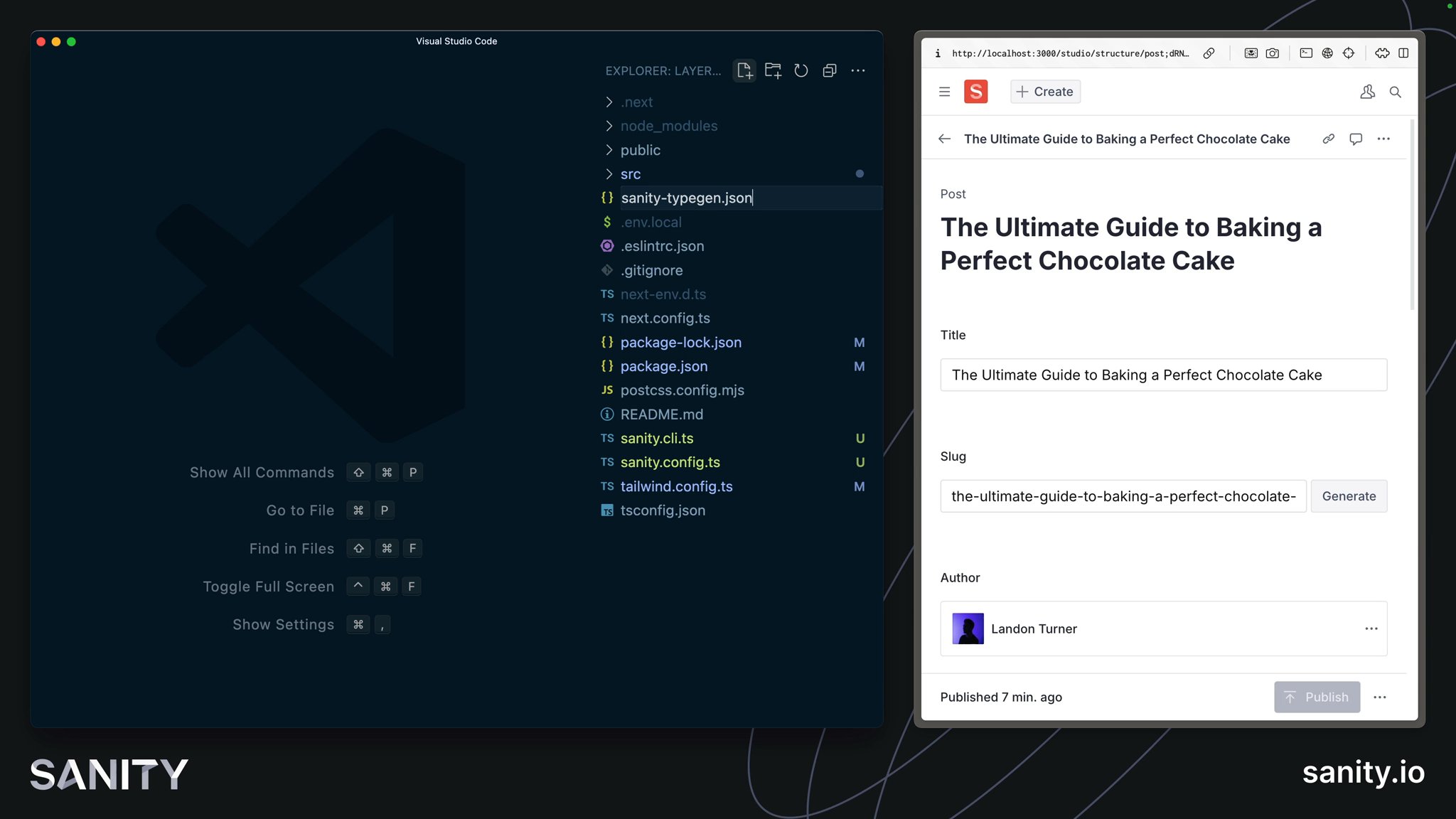
In the case of working with Sanity TypeGen, it can create Types for Sanity Studio schema types and GROQ query results. So, as you build out your front end, you only access values within documents that exist, as well as defensively code against values that could be null.
sanity typegen command.Sanity TypeGen will create Types for queries that are assigned to a variable and use the defineQuery function.
You're able to use the Sanity CLI from inside the Next.js application because of the sanity.cli.ts file at the root of your project.
npx sanity@latest schema extract --path=./src/sanity/extract.jsonThe --path argument is provided so the schema file is written to the same folder as all our other Sanity utilities.
You should see a response like the one below and a newly generated extract.json file in your src/sanity directory
✅ Extracted schemaThis file contains all the details about your Sanity Studio schema types, which TypeGen will need to create types from.
By default, TypeGen will create a file for types at the project's root. To keep Sanity-specific files colocated, you'll configure TypeGen in your sanity.cli.ts file to keep the project root tidy.
schema.json file instead of the extract.json file we have created.sanity.cli.ts file at the root of your projectimport {defineCliConfig} from 'sanity/cli'
export default defineCliConfig({ api: { projectId: 'your-project-id', dataset: 'your-dataset', }, typegen: { path: './src/**/*.{ts,tsx,js,jsx}', schema: './src/sanity/extract.json', generates: './src/sanity/types.ts' },})The typegen configuration will:
- Scan the
srcdirectory for GROQ queries to create Types. - Additionally, use the
extract.jsonfile created during the previous task. - Write a new
types.tsfile with our other Sanity utilities.
npx sanity@latest typegen generateYou should see a response like the one below and a newly created src/sanity/types.ts file in your project.
✅ Generated TypeScript types for 15 schema types and 2 GROQ queries in 1 files into: ./src/sanity/types.tsSuccess! You now have Types for your Sanity Studio schema types and GROQ queries.
The extract.json file will need to be updated every time you update your Sanity Studio schema types and TypeGen every time you do or update your GROQ queries.
Instead of doing these steps separately, you can include scripts in your package.json file to make running these automatic and more convenient.
package.json scripts"scripts": { // ...all your other scripts "predev": "pnpm run typegen", "prebuild": "pnpm run typegen", "typegen": "sanity schema extract --enforce-required-fields --path=./src/sanity/extract.json && sanity typegen generate"},You can now run both the schema extraction and TypeGen commands with one line:
npm run typegenYou now have all the tools and configurations to author and query Sanity content with a Type-safe, excellent developer experience. Now it's finally time to query and display Sanity content.
Sanity TypeGen contains a feature to map GROQ queries against their types automatically. However, this is done by extending the Sanity Client package, as you will see at the bottom of the automatically generated types file.
// Query TypeMapimport "@sanity/client";declare module "@sanity/client" {Since we are using the next Sanity package and have not installed Sanity Client directly, this automatic type inference may not work.
Install Sanity Client as a dependency to solve this before the next lesson.
npm install @sanity/client