Improved UX for selecting assets from collections and upload sessions, refined asset metadata UI, bulk edit improvements, asset sorting
Published: January 29, 2026
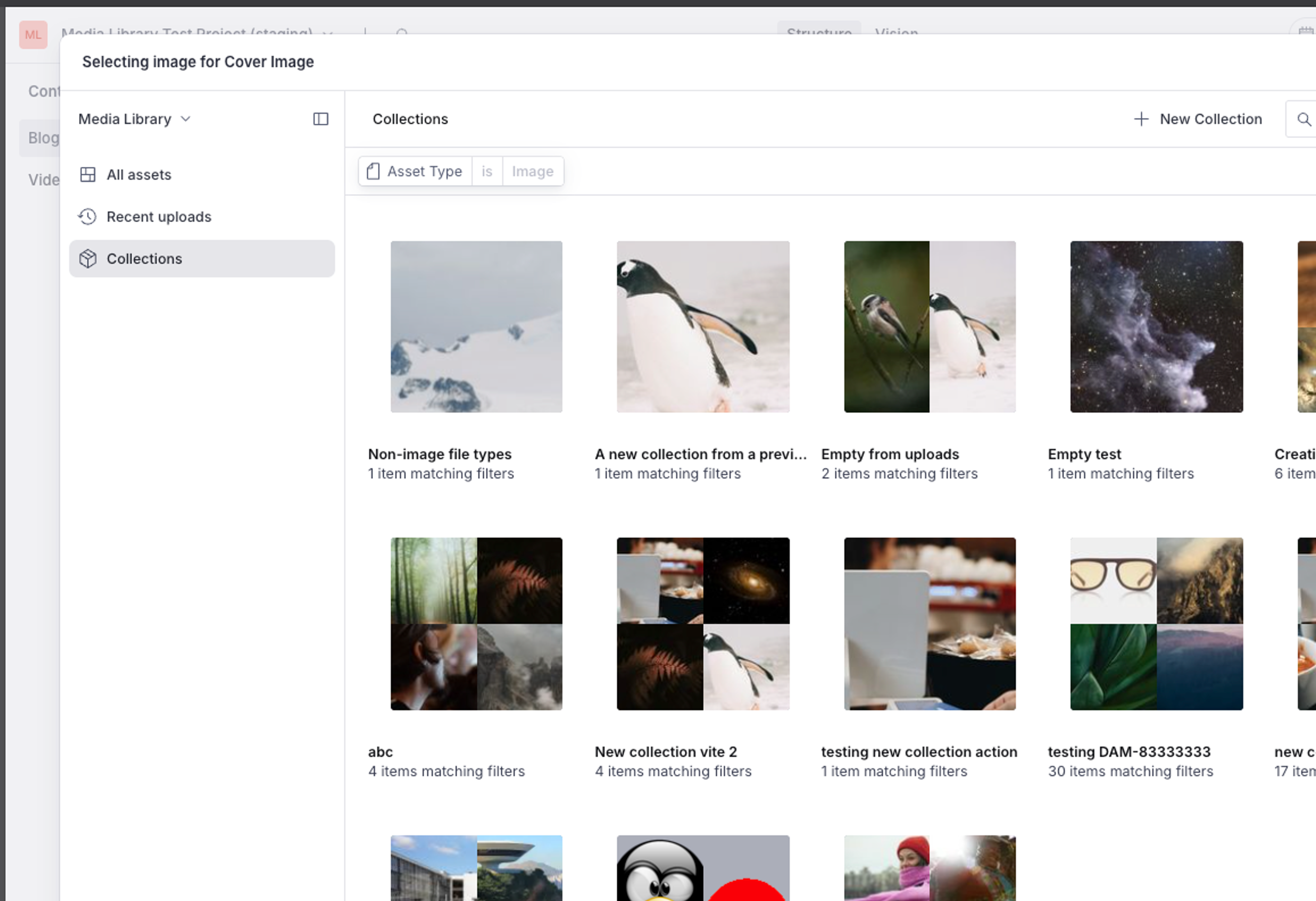
This update ensures Studio field filters are now applied to collections and recent upload sessions when picking an asset, and refines the asset metadata UI to make it easier to read long values and large lists of metadata.
It also introduces the ability to bulk edit array fields, sort assets in the asset grid, and includes a selection of bugfixes around asset visibility/private assets.
Studio field filters for collections and upload sessions
Studio field filters are now applied to collections and recent upload sessions when picking an asset, to hide irrelevant collections and upload sessions if they don't contain assets suitable for the field.
Bulk edit array fields
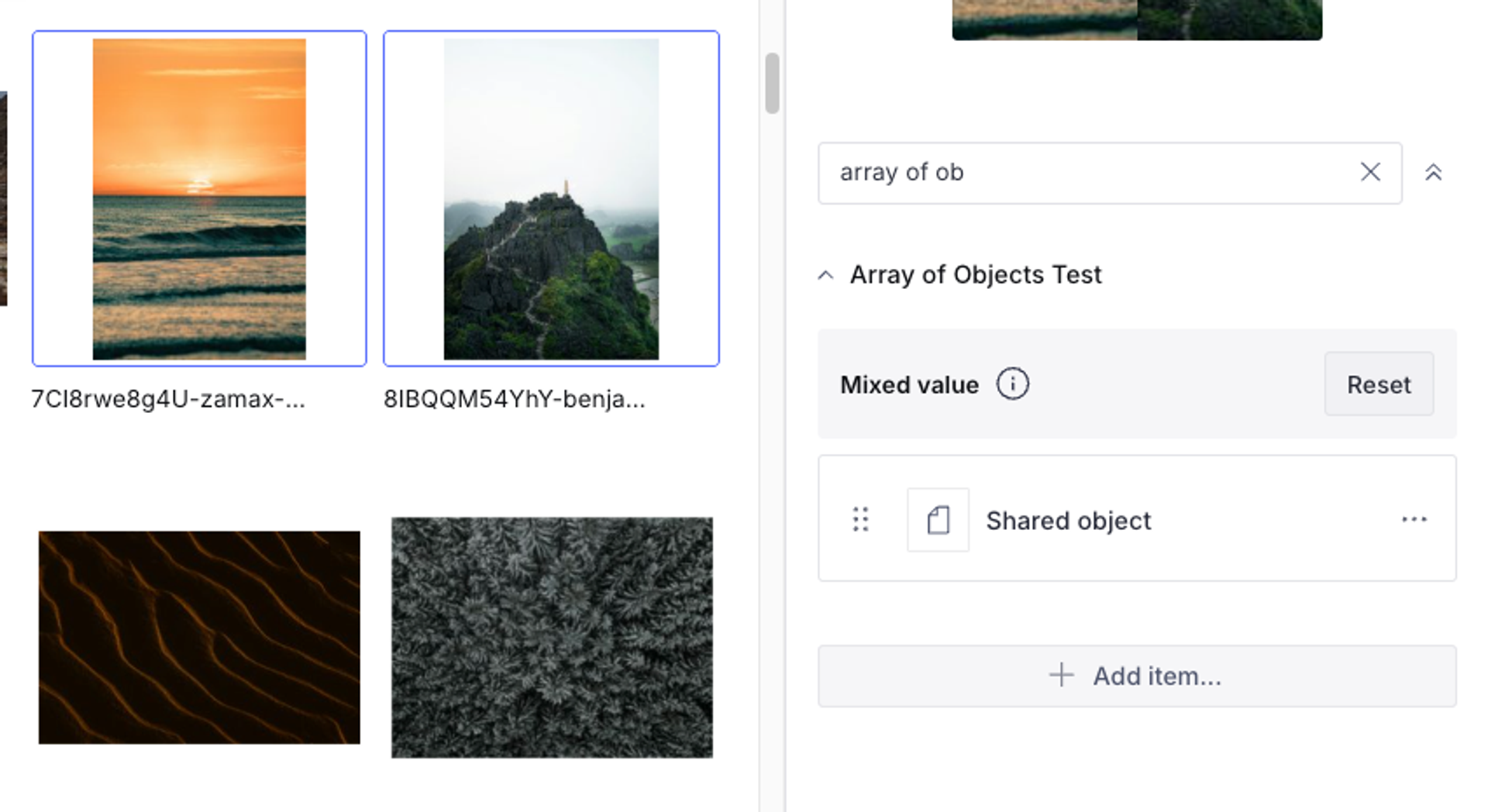
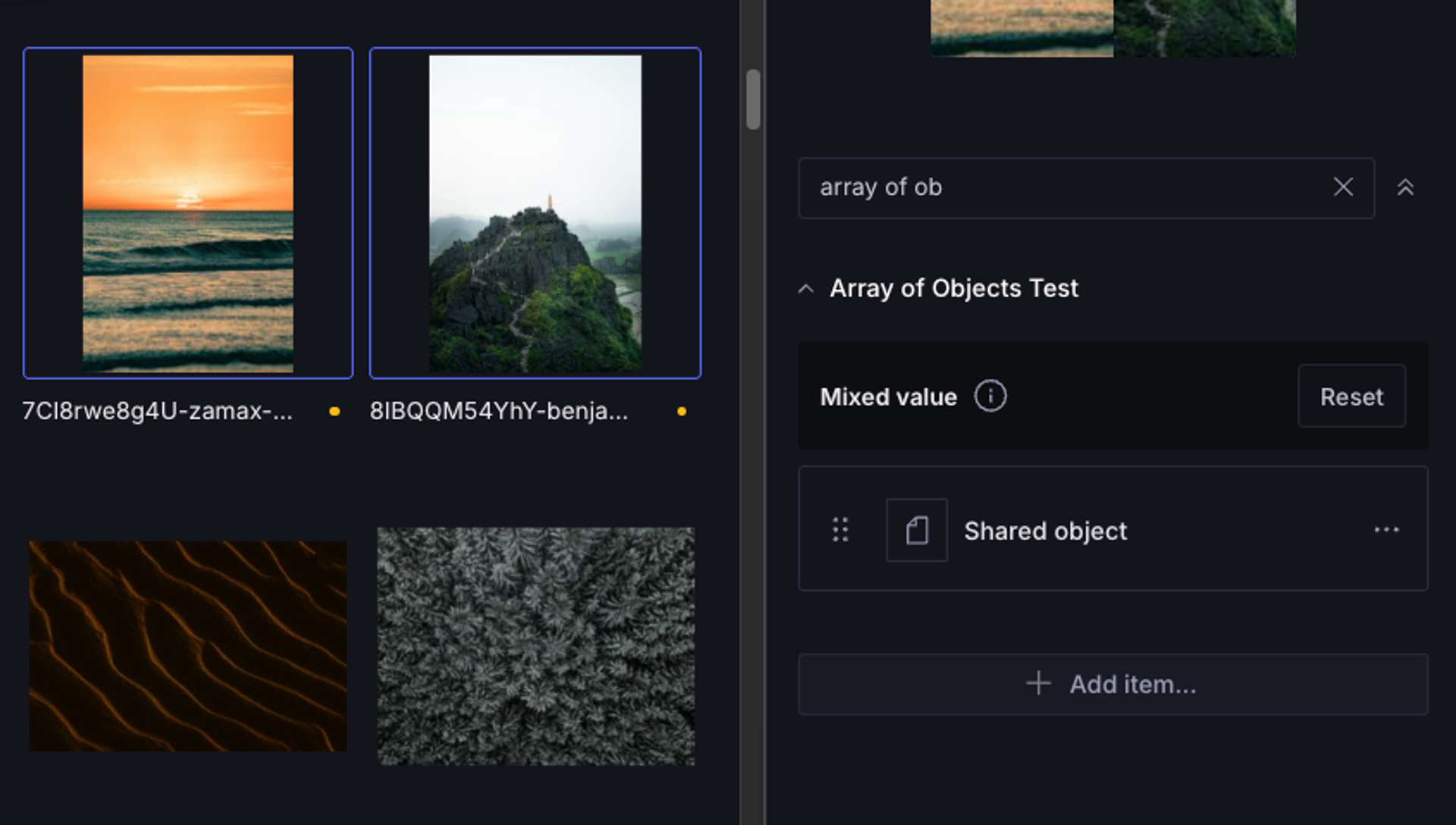
When bulk editing multiple assets, you can now edit array fields. The form displays only items that are common across all selected assets. Items unique to individual assets won't appear, but you'll see a prompt to reset the field across all assets if needed.
From there you can:
- Add items: New items are appended to all selected assets
- Remove items: Items are removed only from assets that contain them
- Edit existing items: Changes apply to matching items across all assets
Improved asset metadata UI
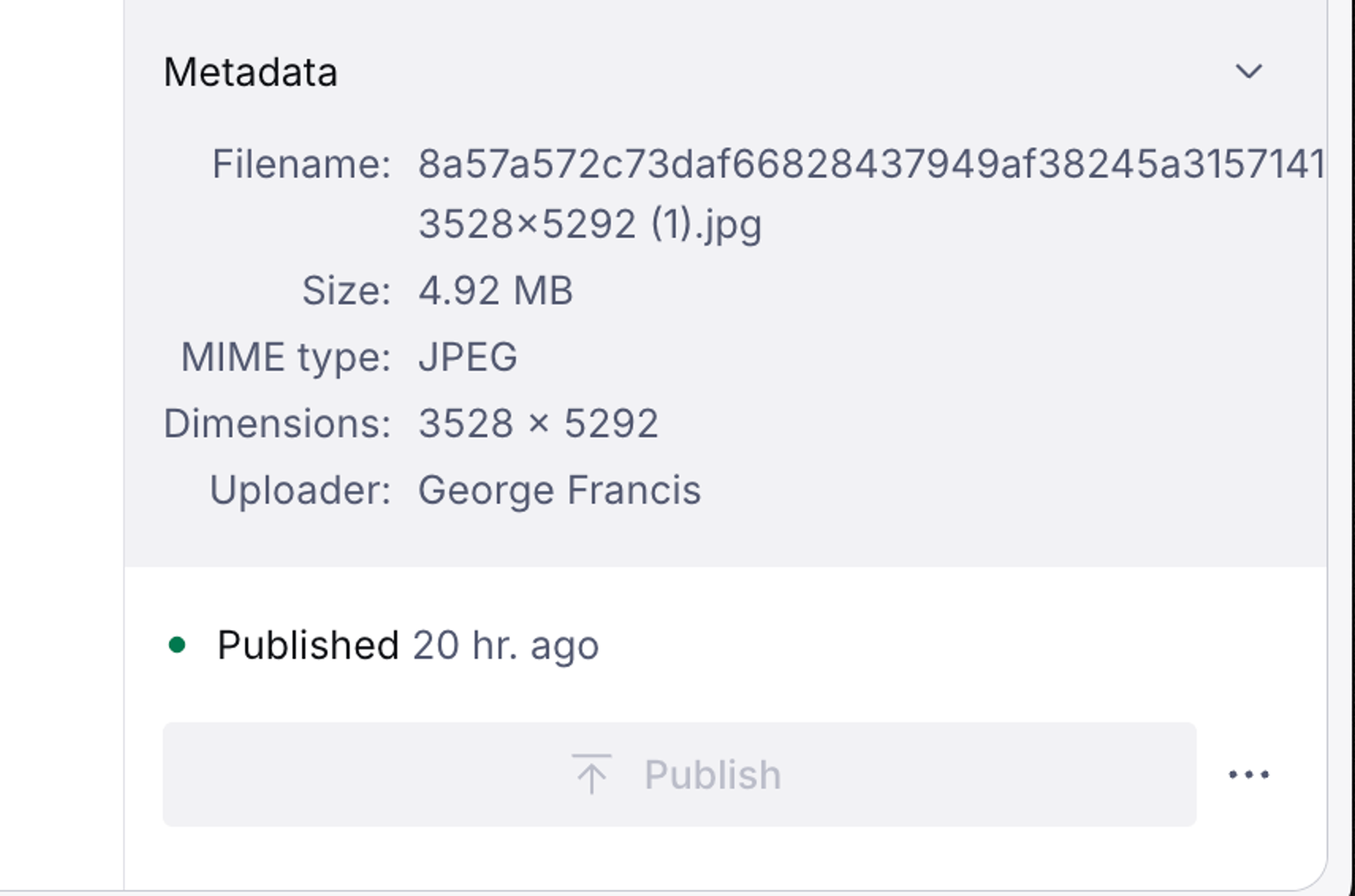
The asset metadata UI is now left-aligned and allows long values to wrap:
Asset sorting
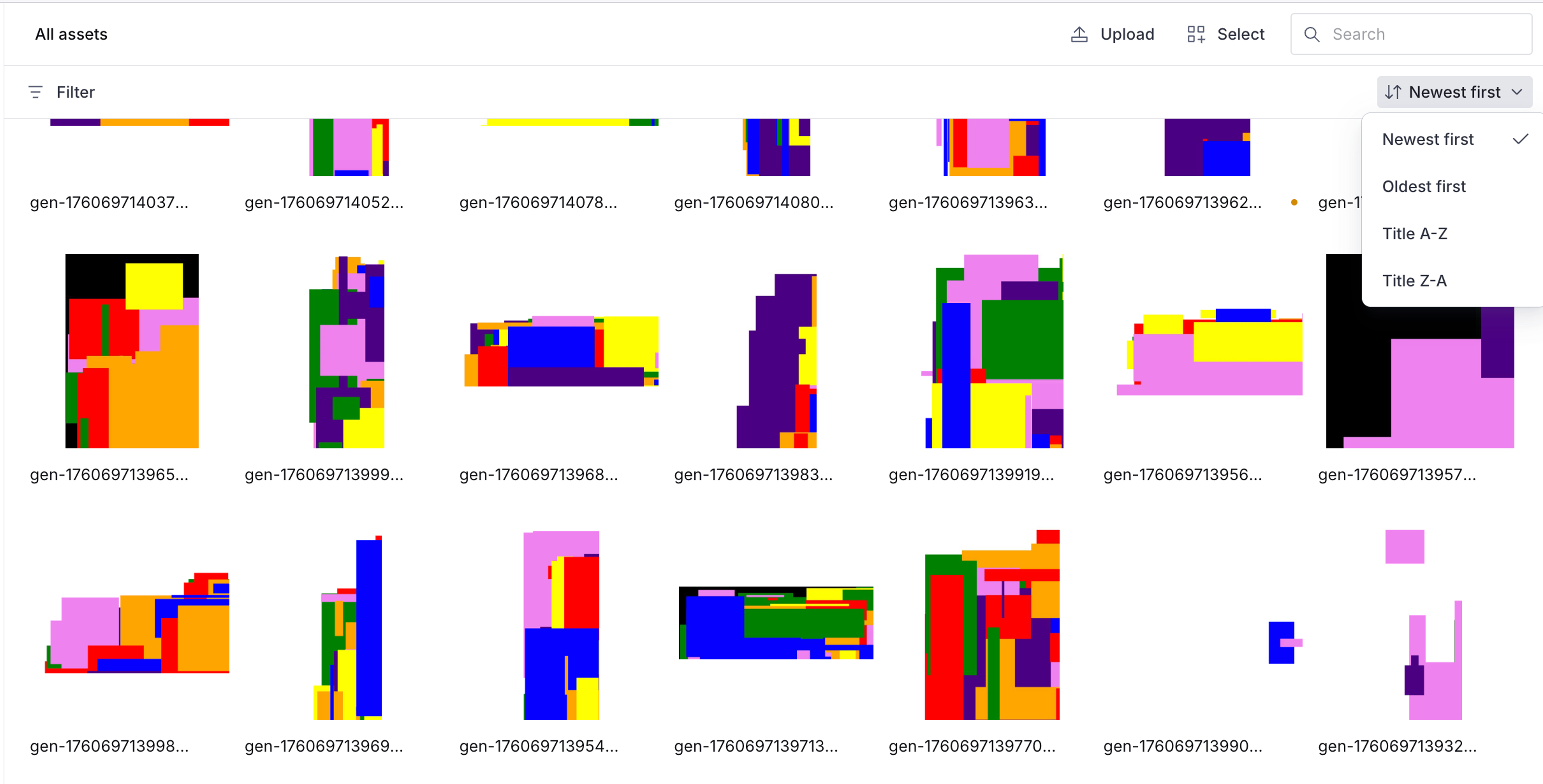
Assets can now be sorted by:
- Newest first
- Oldest first
- Title A-Z
- Title Z-A
Note: sorting for search results is not currently supported.
🐛 Notable bugfixes
- Restrict signing key management to Media Library plans that support private assets.
- Improve wording of private visibility description to accurately reflect new features.