New visual editing docs, astro guides, and documentation platform improvements
Published: April 30, 2026
This month, the documentation brings improvements to some of our framework-specific guides, a big overhaul of the core visual editing documentation, and an assortment of platform updates to improve the user experience.
New and updated docs
Visual editing overhaul
We’ve rewritten our core visual editing guides. For anyone using a supported framework like Next.js, this won’t change much. If, however, your aim is to set up visual editing on an unsupported framework, or just learn more about the underlying mechanisms, these new docs should help. There are now code-heavy guides on all major parts of the system, as well as an end-to-end example in Node.js and TypeScript.
A dedicated section for Astro
Our existing Astro content now lives in the docs. You can find the new Astro section here, as well as a new visual editing guide.
Documentation platform
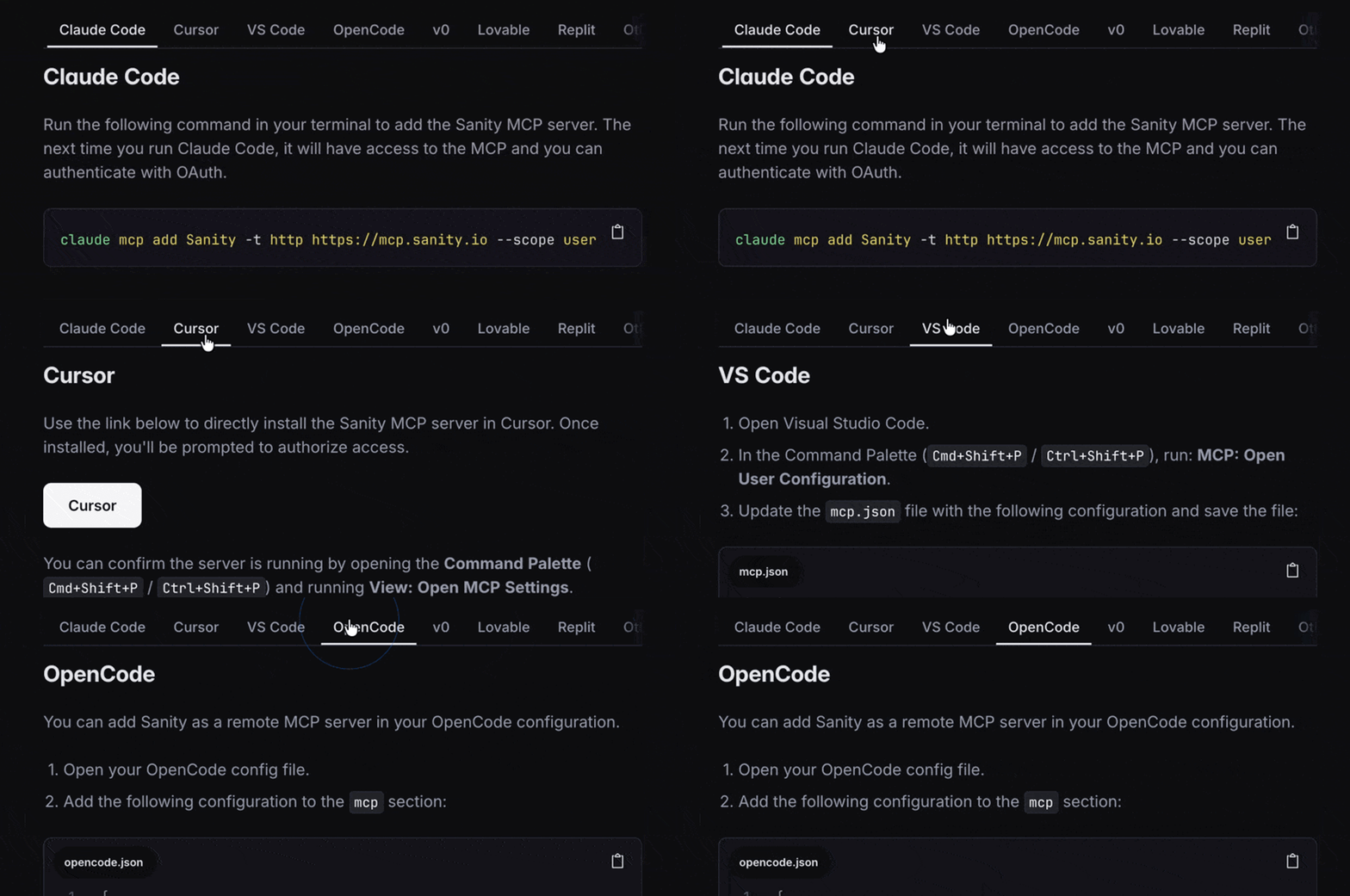
Tabbed content blocks
Articles can now include tabbed content groups, letting you compare alternatives side-by-side and switch between them in place. Each tab supports rich text, code blocks, callouts, and images.
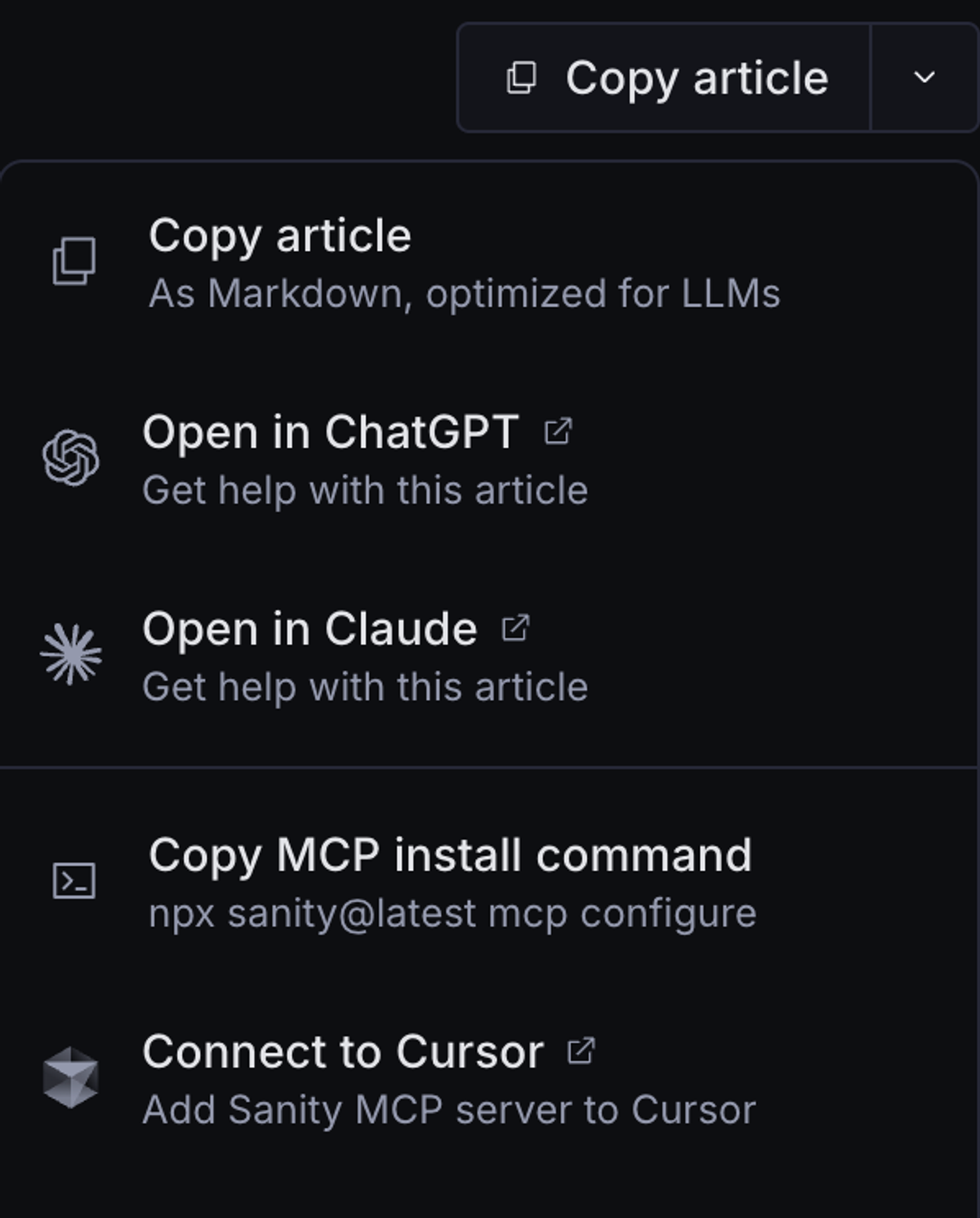
Advanced copy & AI shortcuts on every article
A new actions dropdown next to every article gives you one-click options to copy the article as Markdown, open it in ChatGPT or Claude for follow-up questions, and install the Sanity MCP server directly in Cursor or VS Code.
Richer property-table descriptions
Property descriptions in API and reference tables now render through the modern Portable Text pipeline, fixing an assortment of rendering bugs in older table content.
Auto-published reference documentation
A new Sanity Function automatically publishes generated reference documentation for many of our libraries, keeping API reference pages in sync with library releases without manual republish steps.