Folders arrive in Media Library
Published: May 6, 2026
Media Library now supports folders, a nested hierarchy for organizing your assets, and shortcuts that let a single asset appear in more than one folder. Folders are powered by a new beta hierarchy primitive in Content Lake that you can also use programmatically via the API.
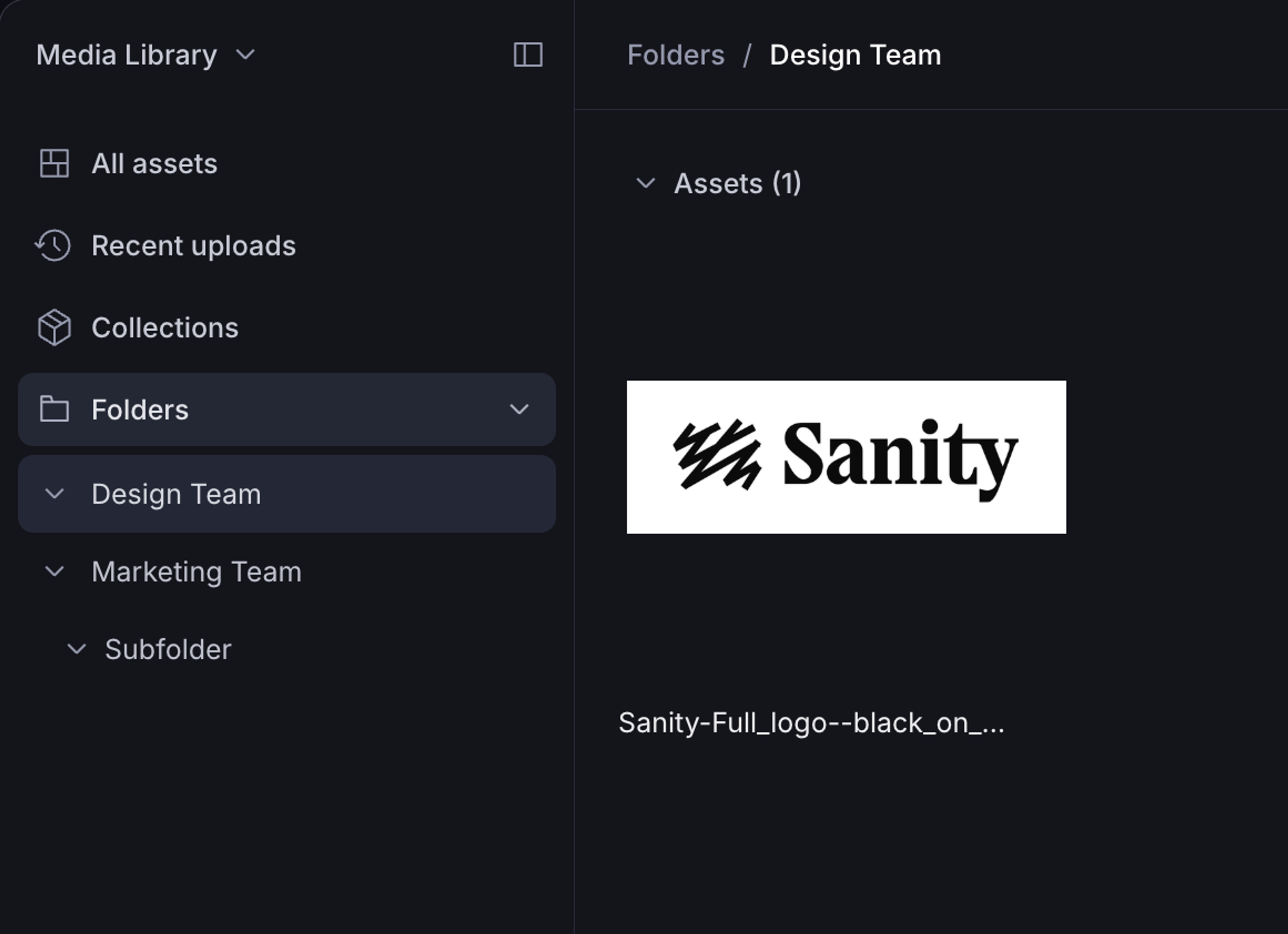
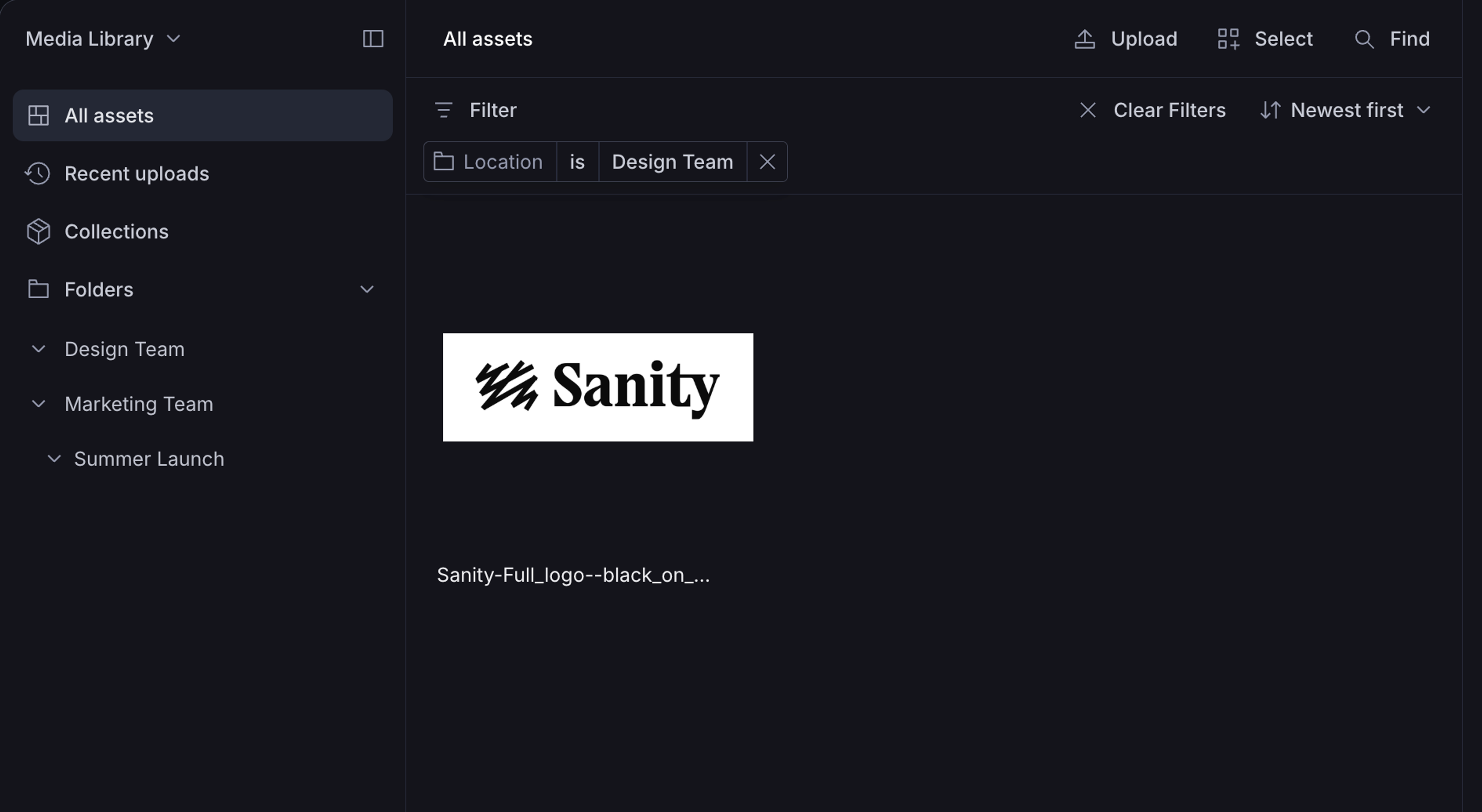
Organize assets into folders
Create, update, and navigate folders using a familiar file-system UI. Multi-user updates are real-time: when a teammate creates, renames, or moves a folder, you see the change immediately.
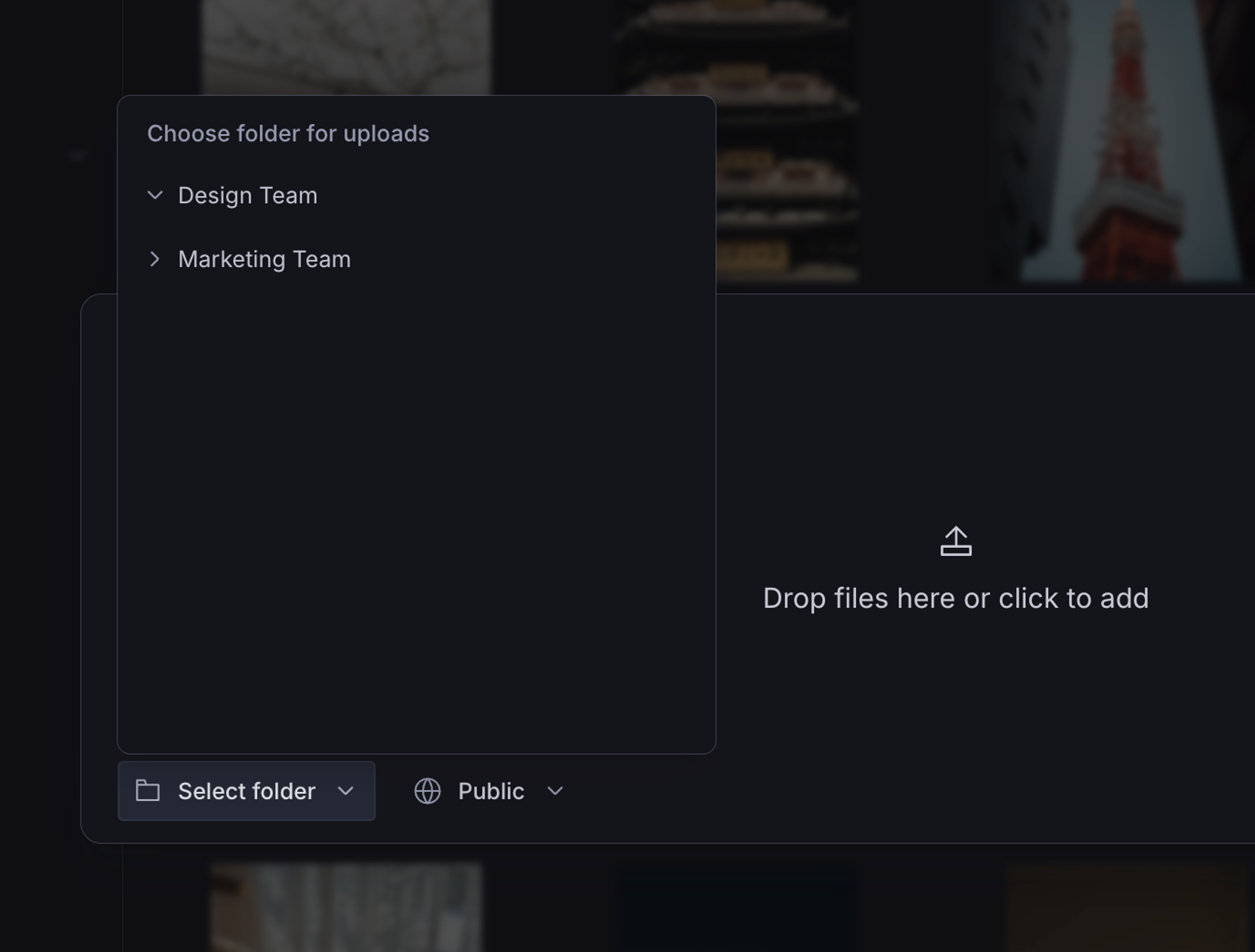
Upload directly into a folder
The upload modal now offers a folder picker so you can choose where files land before they’re uploaded. The same option is available programmatically through a new parent query parameter on the upload endpoint.
You can also drag files from your operating system directly onto the Media Library window, the upload starts immediately and lands in the folder you’re currently viewing.
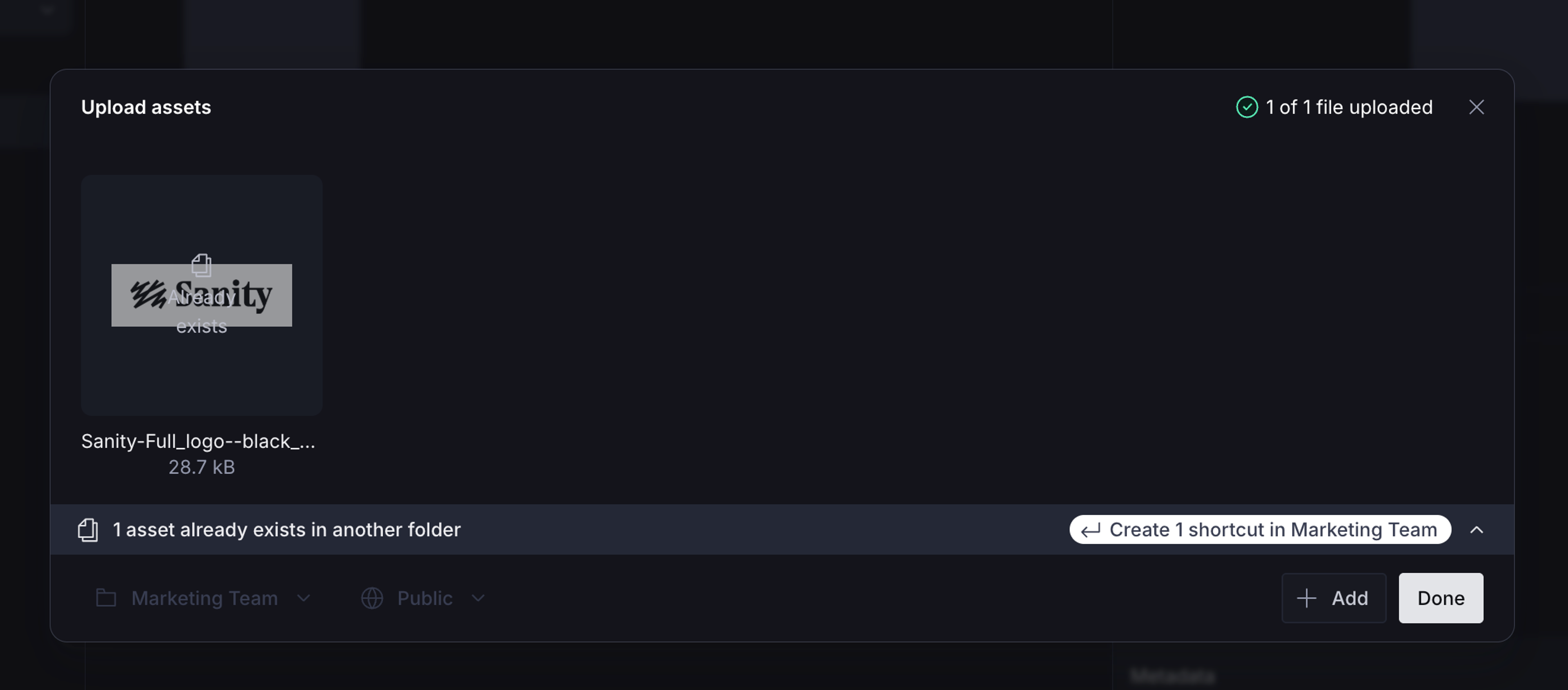
When you upload a file that already exists in the library, the modal flags the duplicate and offers a one-click action, either create a shortcut into your current folder if the asset lives elsewhere, or add the existing asset to your current folder if it isn’t filed yet.
Shortcuts: one asset, many folders
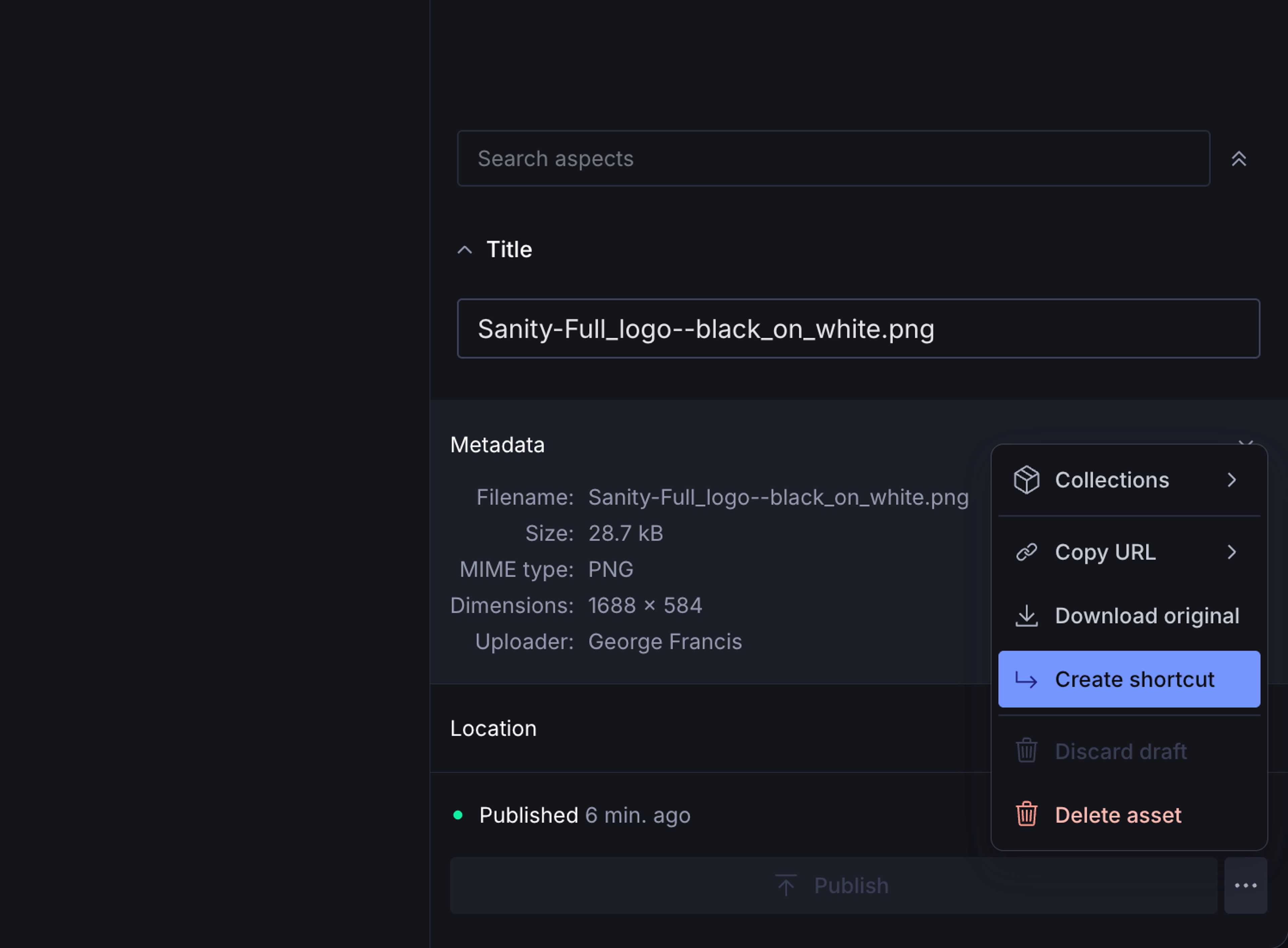
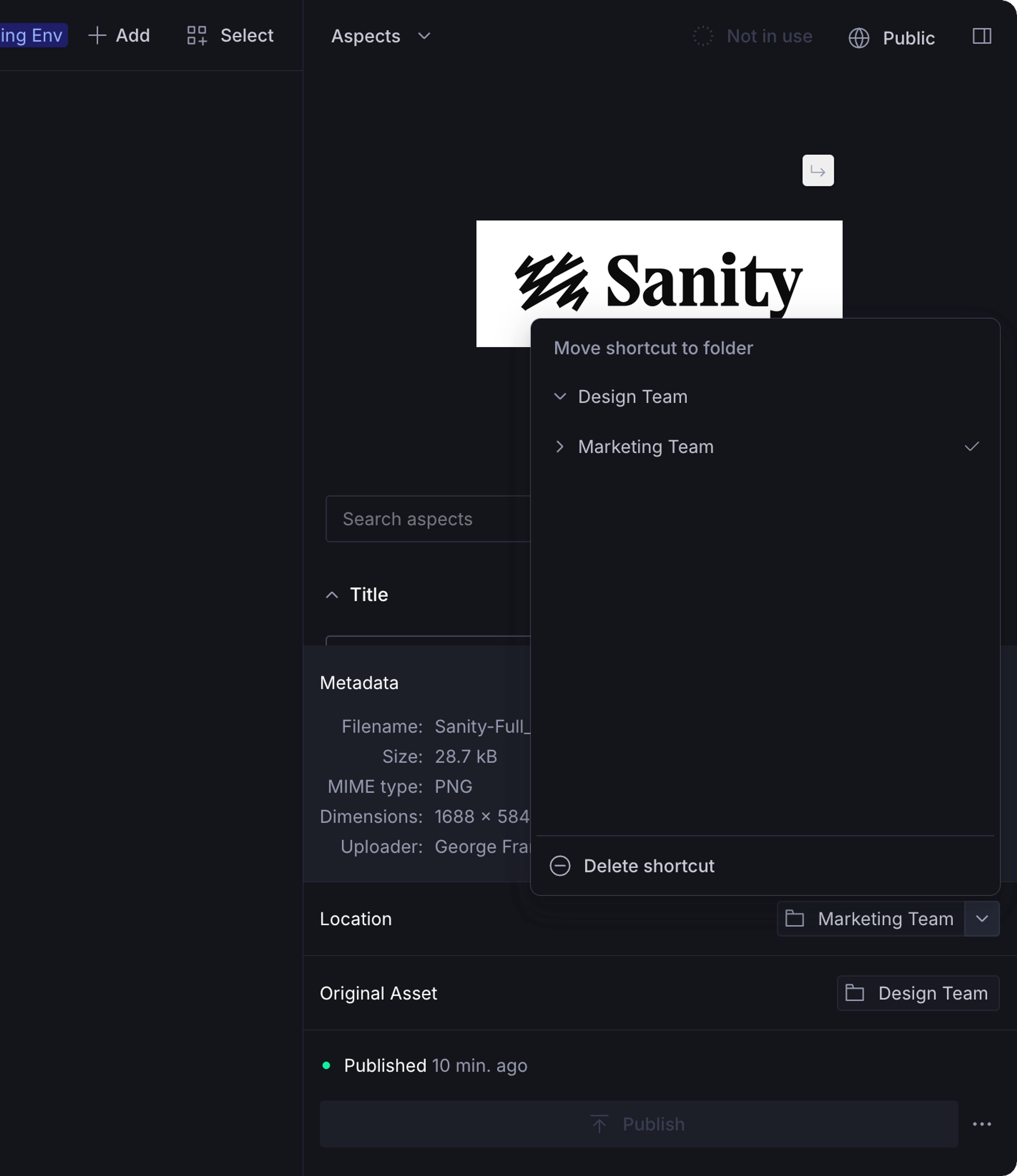
Sometimes the same asset belongs in more than one place. Create a shortcut from the asset menu and the asset appears in the destination folder with a small badge to indicate it’s a shortcut.
You can also move an existing shortcut to a different folder from the asset sidebar. The original asset is unaffected, and only the shortcut’s home folder changes.
If you delete an asset or remove it from a folder in the app, the Media Library cleans up every shortcut to it automatically. Moving an asset between folders preserves its shortcuts.
Move, rename, and delete with confidence
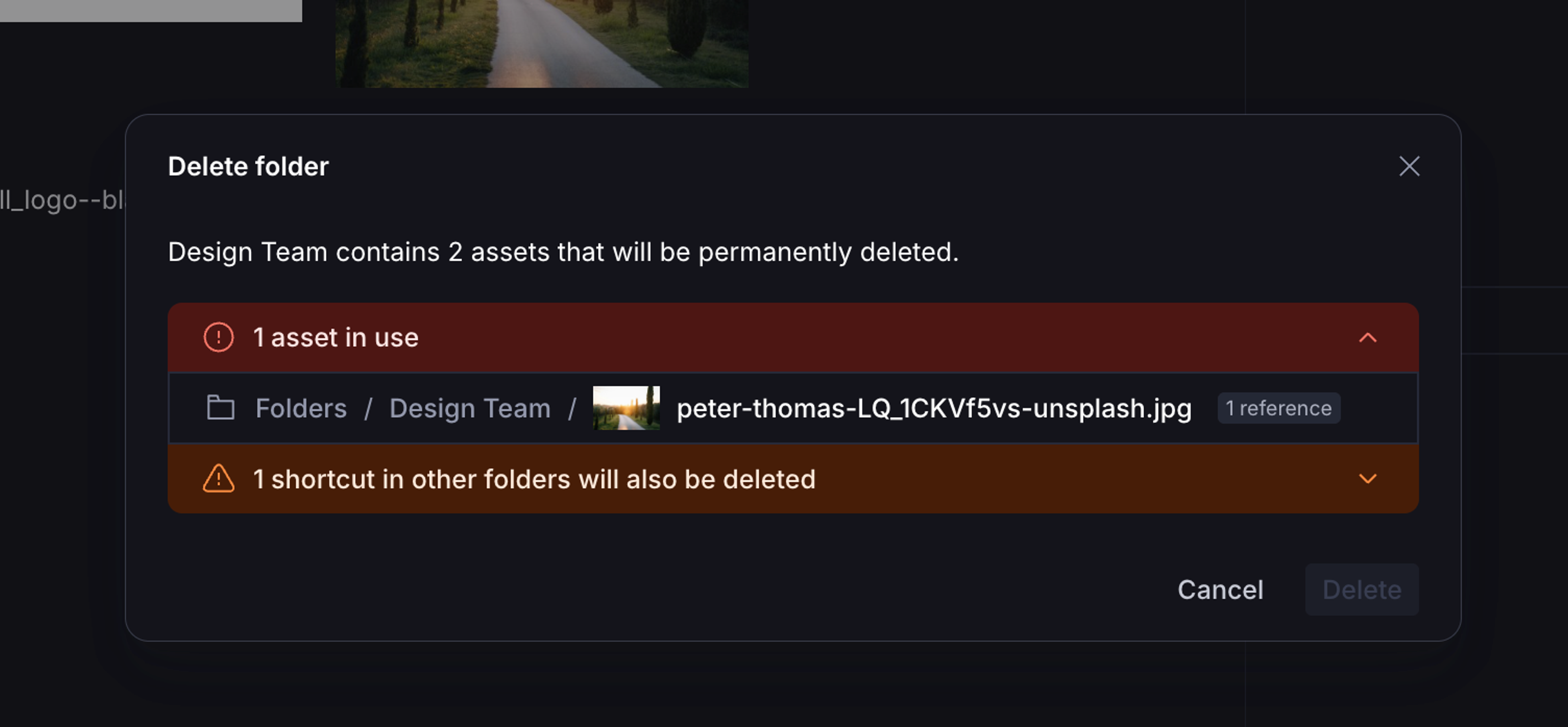
Move and rename folders from the sidebar’s folder actions menu. Delete dialogs warn of any assets in use or when removing an asset will also clean up shortcuts in other folders.
Filter and search by folder
Search has a new Location facet with folder operators, so you can scope a search to a specific folder, its descendants, or the entire library.
Studio plugin remembers your location
When you open the Media Library asset picker from a Sanity Studio, it now returns to the folder you were last in, no more re-navigating from the root every time.
Use folders programmatically
Folders are built on a new hierarchy primitive in Content Lake, sanity.tree, sanity.directory, and sanity.symlink that you can drive from the standard /mutate and /query endpoints. See the folders guide for the full setup.
Filter assets by draft status
A new Status facet in the filter menu lets you filter assets by whether they have a draft. Combine it with the Location filter to scope a search to drafted assets within a specific folder, or use it on its own across the whole library.