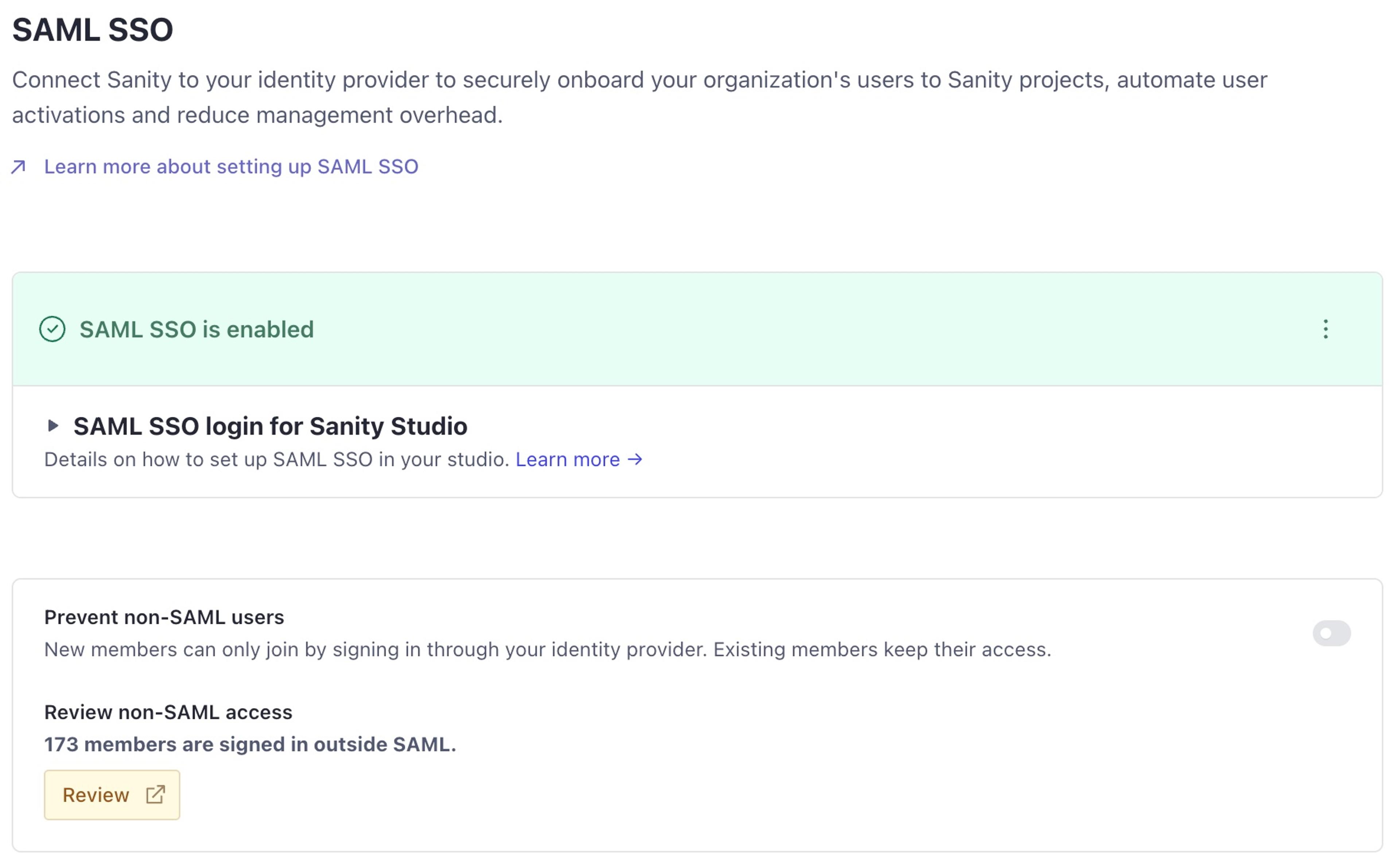
Prevent non-SAML users from joining your organization
Published: September 25, 2026
v2026-09-03
Organization administrators can now prevent non-SAML users in the SAML SSO settings in Manage. The setting appears once SAML SSO is enabled, and is available on Enterprise plans.
Loading...
When you turn on the setting, only a SAML identity from your organization can accept an invitation or request access. The setting is off by default.
It does not remove existing non-SAML users. To enforce SAML for all members, you must also remove these users. See the guide for further details.
Sanity does not merge duplicate accounts, so first make sure that each SAML identity has the correct roles. Contact your Sanity account team for help with this step.