File uploads, custom instructions, and additional improvements
Published: March 24, 2026
This update adds file uploads to the agent chat, persistent custom instructions, and the option to merge proposed changes into an existing release. Plus better context handling in long conversations and several bug fixes.
File uploads
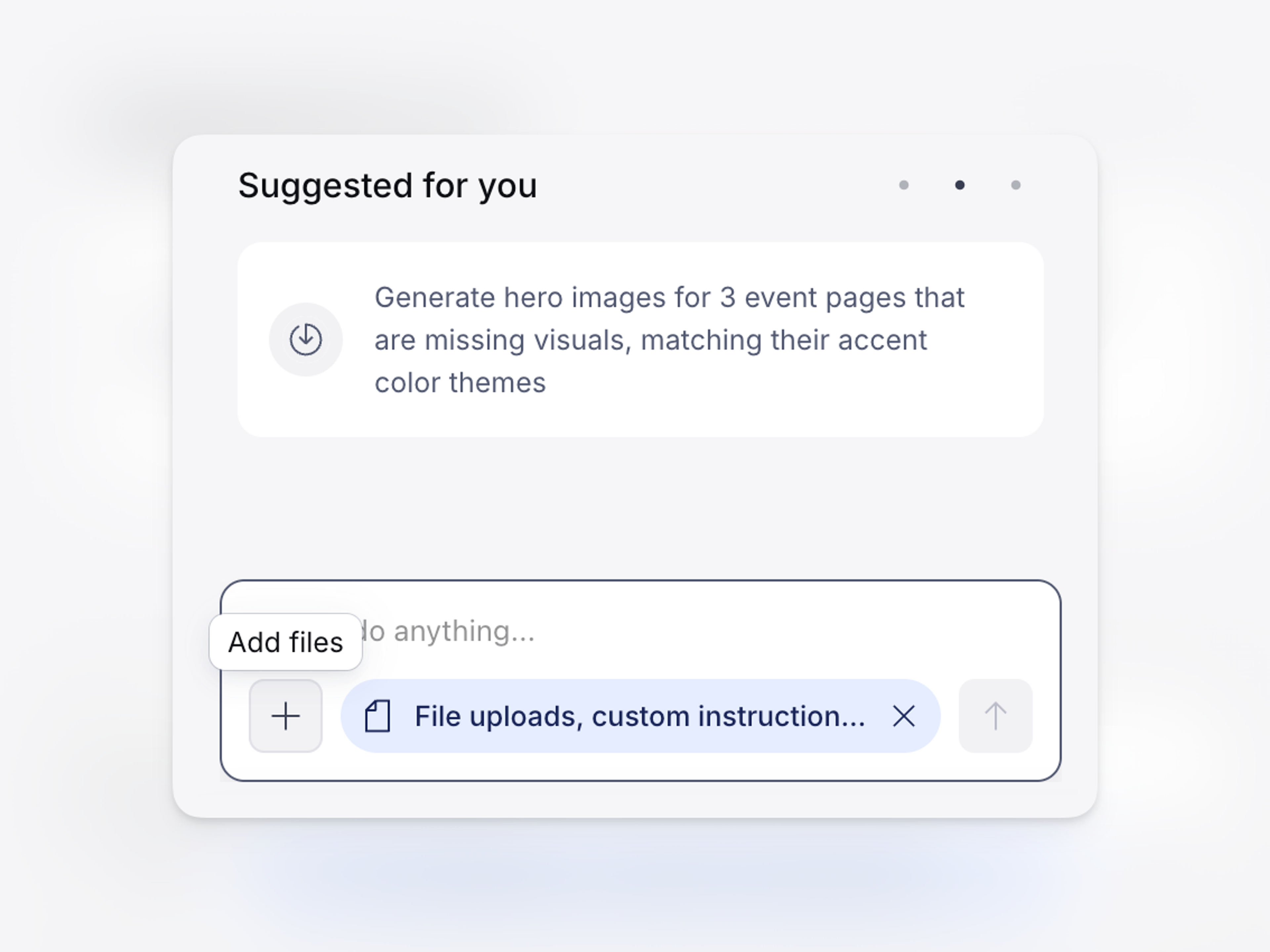
You can now upload images and files directly in the agent chat. Attach a file to the conversation and the agent can reference it when creating or updating content. Uploaded images display as thumbnails in the chat thread. Supported file types: PDF, TXT, JPEG, PNG, GIF, and WebP. The maximum file size is 32 MB.
Custom instructions
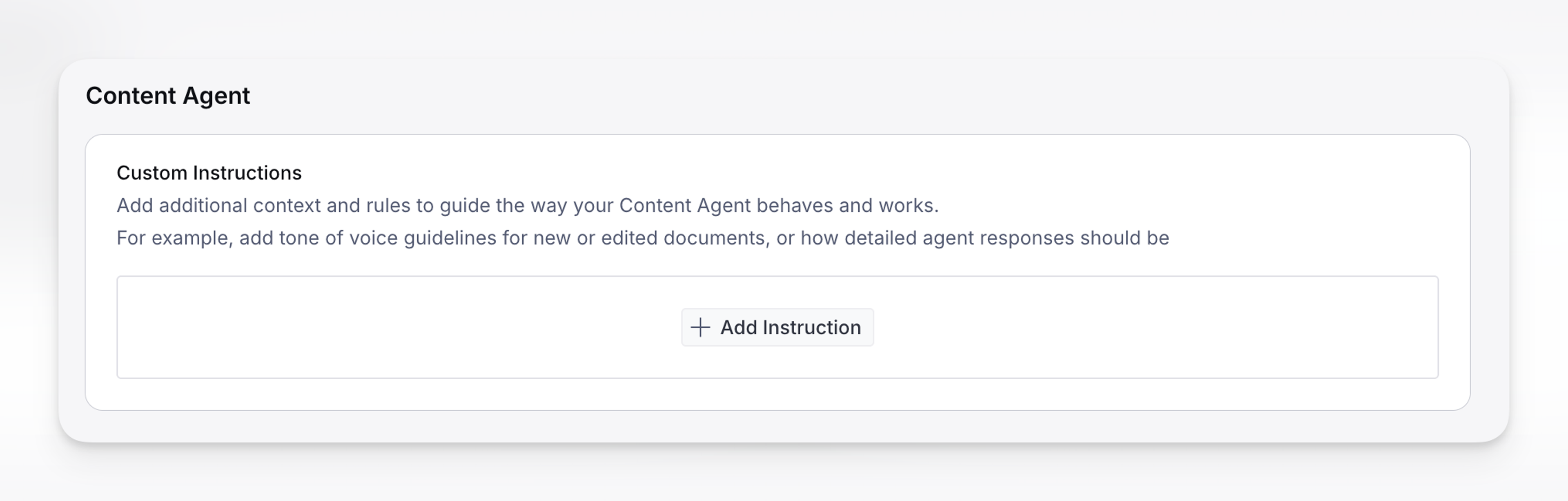
Set persistent guidelines for how the agent writes and responds. Configure tone, language, style preferences, or any other instructions you want applied to every conversation.
Custom instructions are available at two levels:
- Organization: Manage > Organization > Settings > Content Agent
- User: Dashboard > Account settings > Content Agent
Organization-level instructions apply to all users in the organization. User-level instructions apply to your conversations only.
Merge proposed changes into an existing release
When the agent proposes content changes, you can now merge them into an existing release instead of creating a new one. This makes it easier to group related changes together before publishing.
Content Agent API and Slack integration
In case you missed it, we now offer a ways to interact with Content Agent through and HTTP API and a Slack integration. Check out the blog post for details on the Slack integration.
Additional features
- Better context in long conversations: The agent no longer loses track of earlier messages during extended sessions. Context from earlier in the thread is preserved automatically, even in long conversations.
- Smoother response streaming: Agent responses now stream smoothly as they arrive.
Notable bug fixes
- Fixed an issue where the agent could get stuck in a loop, repeating itself or producing inaccurate results during multi-step tasks.
- Chat input now clears correctly after sending a message from the widget or welcome screen.
- Fixed a connection error that could prevent proposed changes from loading in self-hosted Studios.