User Guides
Practical, easy-to-follow guides that help content teams work efficiently across official Sanity applications.
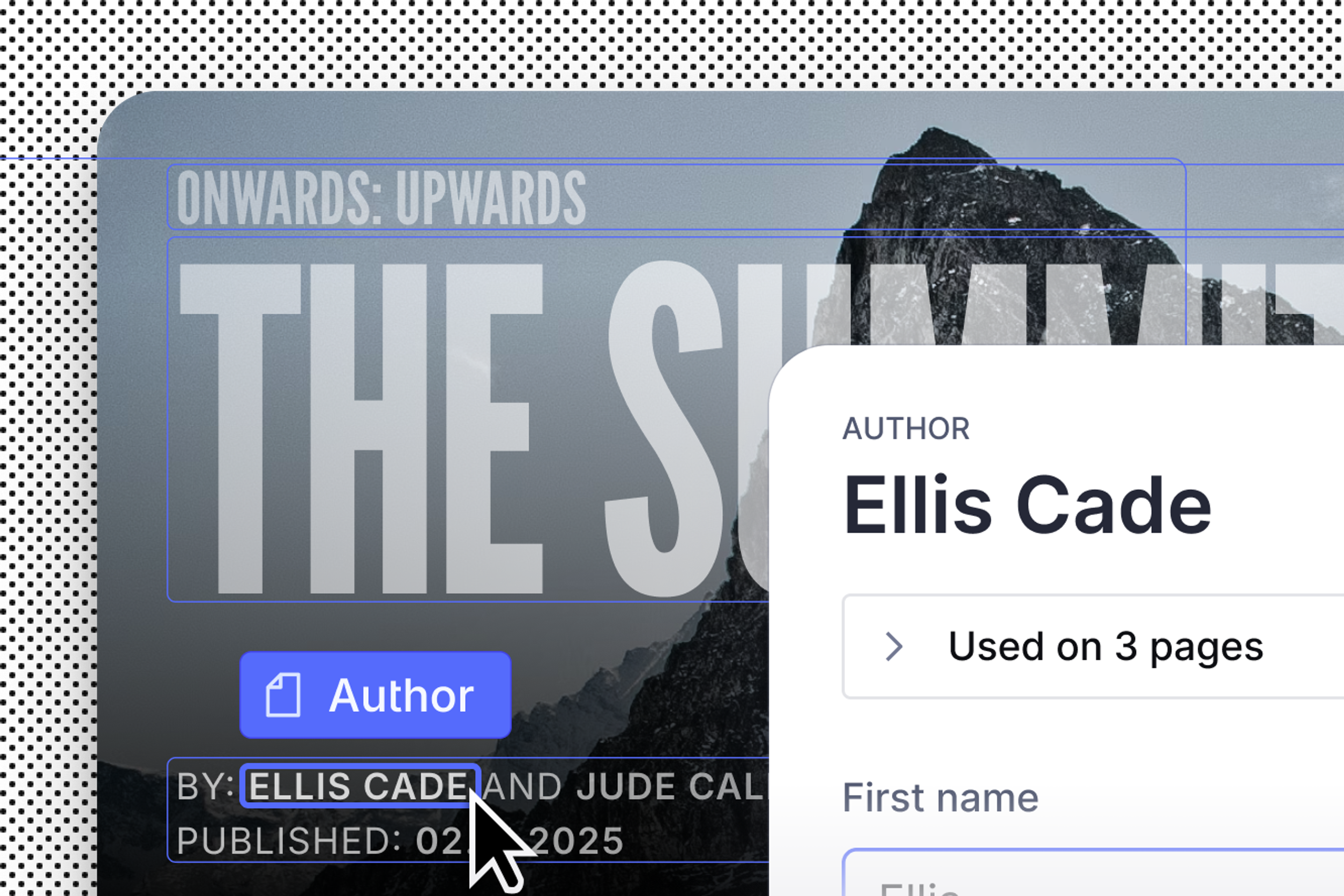
Content operators quick start guide
Practical tips and instructions for managing your content within the Sanity ecosystem.
Media Library quick start guide
Practical tips and instructions for managing your media assets within the Sanity ecosystem.
Content Agent quick start guide
Practical tips and instructions for managing content with the Content Agent
Dashboard
Get to know Sanity's home for all of your apps and studios.
Canvas
The AI-powered, free-form writing experience that understands your content.
Tasks for Sanity Studio
Learn to use Sanity Studio's tasks for collaboration, assign tasks, comment on tasks, and resolve tasks for efficient content creation.
Comments for Sanity Studio
Learn to use Comments in Sanity Studio for effective collaboration, including leaving comments, @mentions, and resolving comments.
Content releases
Learn to use Content Releases to organize and schedule updates across multiple documents.
Compare document versions
The document comparison view in Sanity Studio provides a side-by-side view of different document versions.
Copy and paste fields
How to copy and paste fields and documents within your Sanity Studio.