








Sanity Studio
Manage assets in your editorial workspace
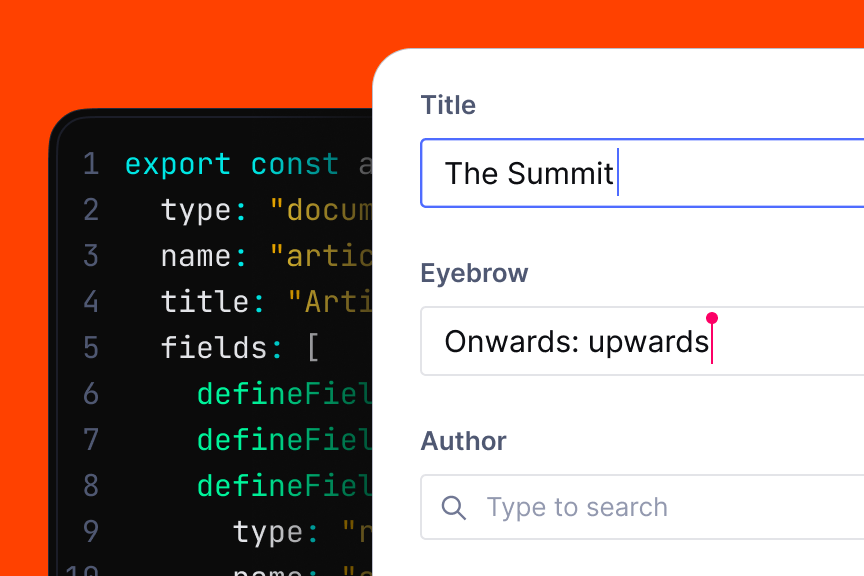
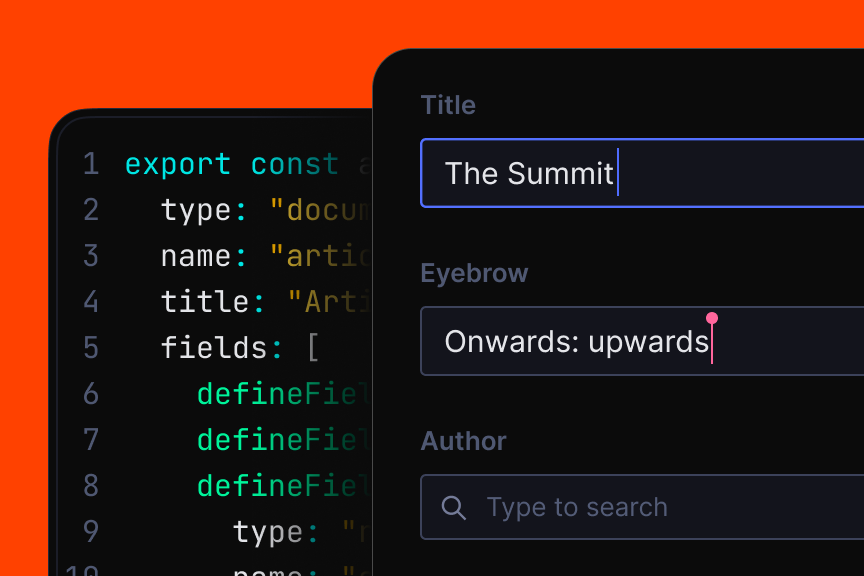
An all-code content workspace configured by you, where editors collaborate in real time and preview changes live before publishing.
Treat your assets like structured content, not files
Structured, queryable, and versioned media that live alongside your content and serves your whole organization.


Structured, queryable, and versioned media that live alongside your content and serves your whole organization.
Media Library 101Media Library 101

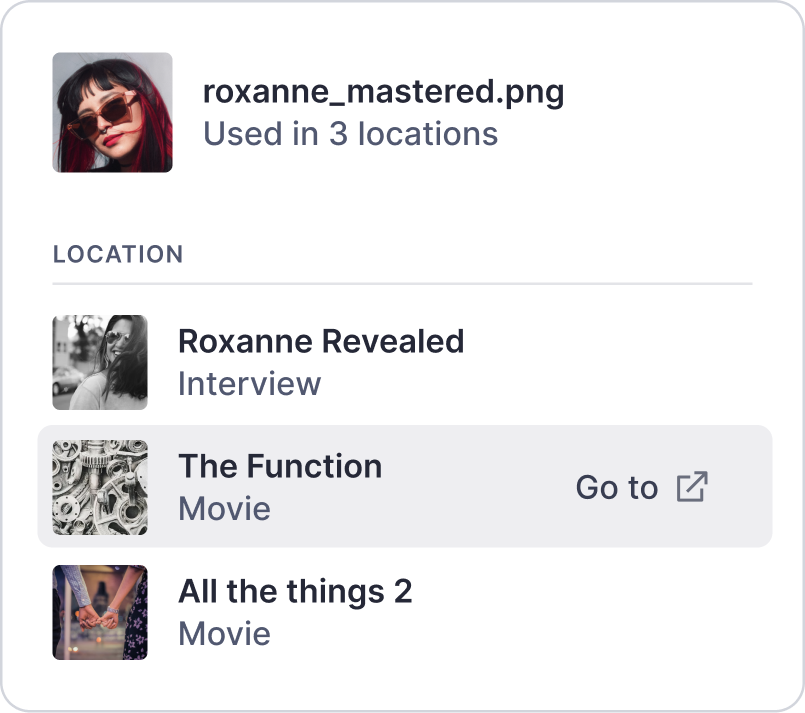
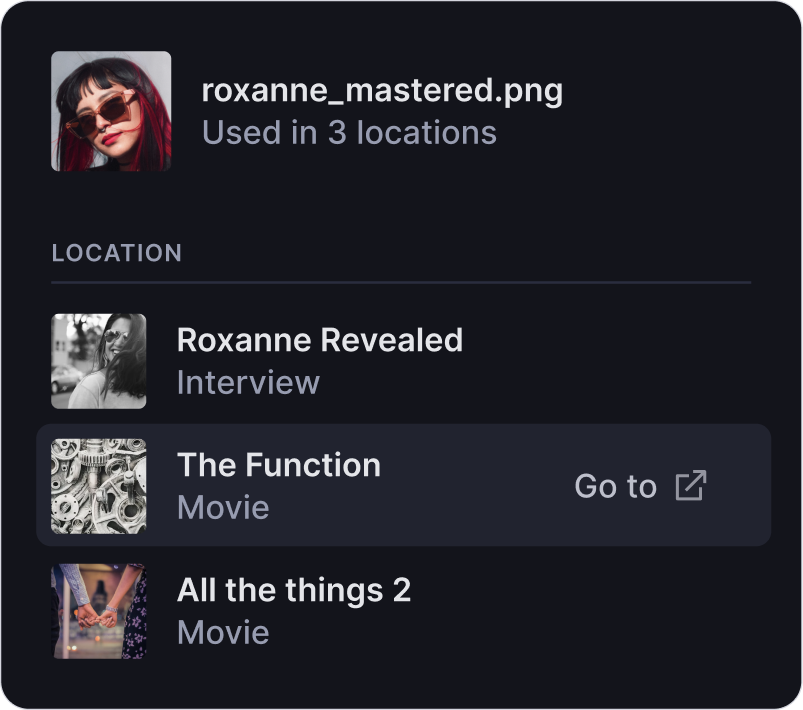
One logo, 8 projects. Upload once, reference everywhere. No reuploading the same file over and over.
Every video and image maintains its unmodified source alongside the delivery-optimized versions.
AI reads what's in your images. You add the business context, like license type and campaign.
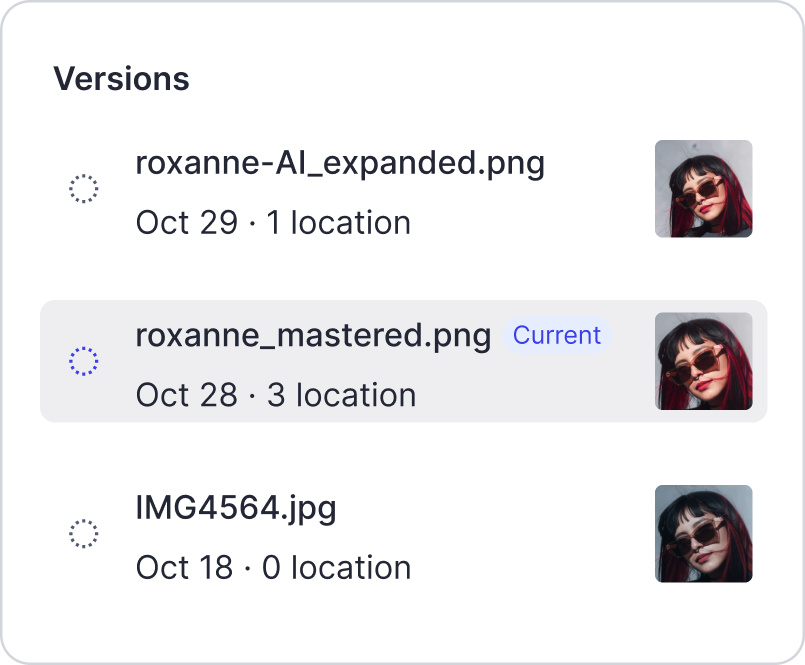
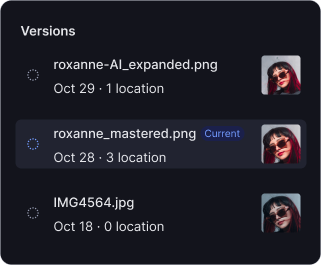
Upload a better version. See where it's used. Set it live everywhere. Revert anytime.
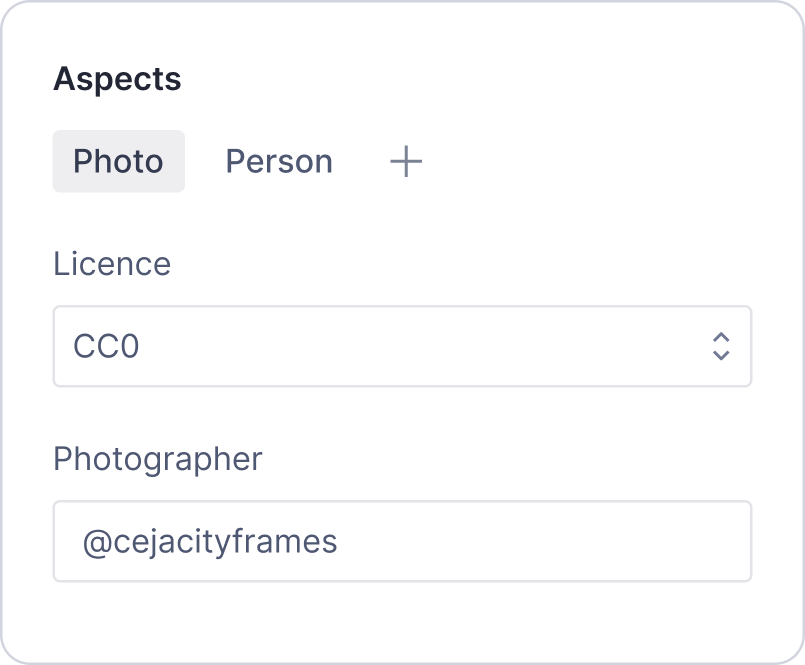
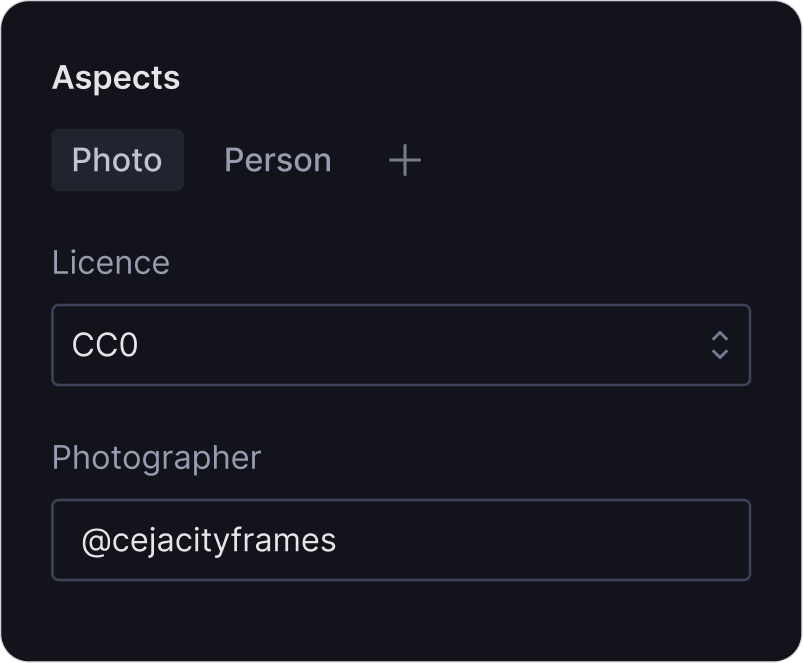
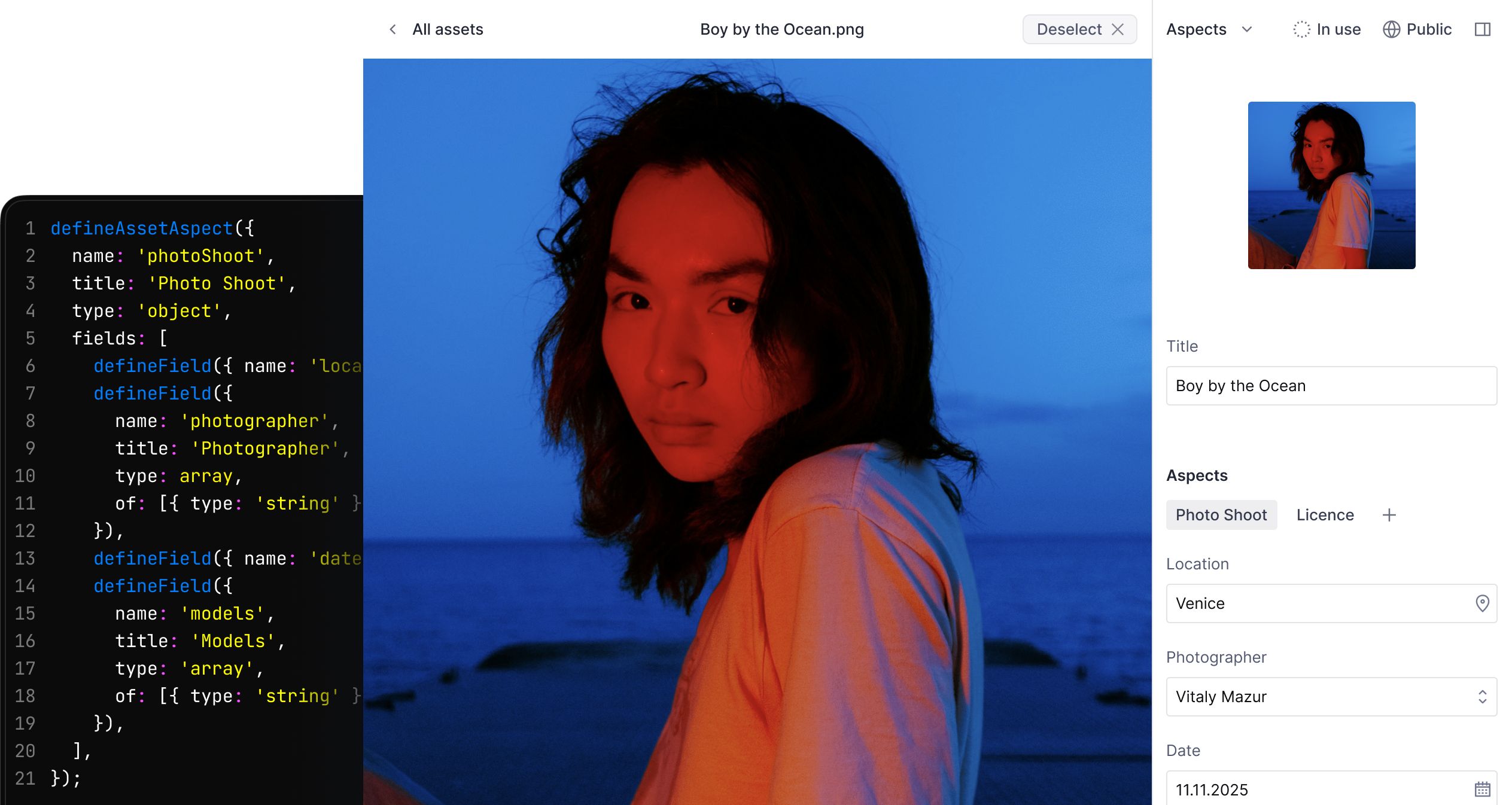
License terms, expiration dates, and approved territories right on the asset. No Slack threads.

AI extracts subjects, scenes, colors, and concepts automatically.
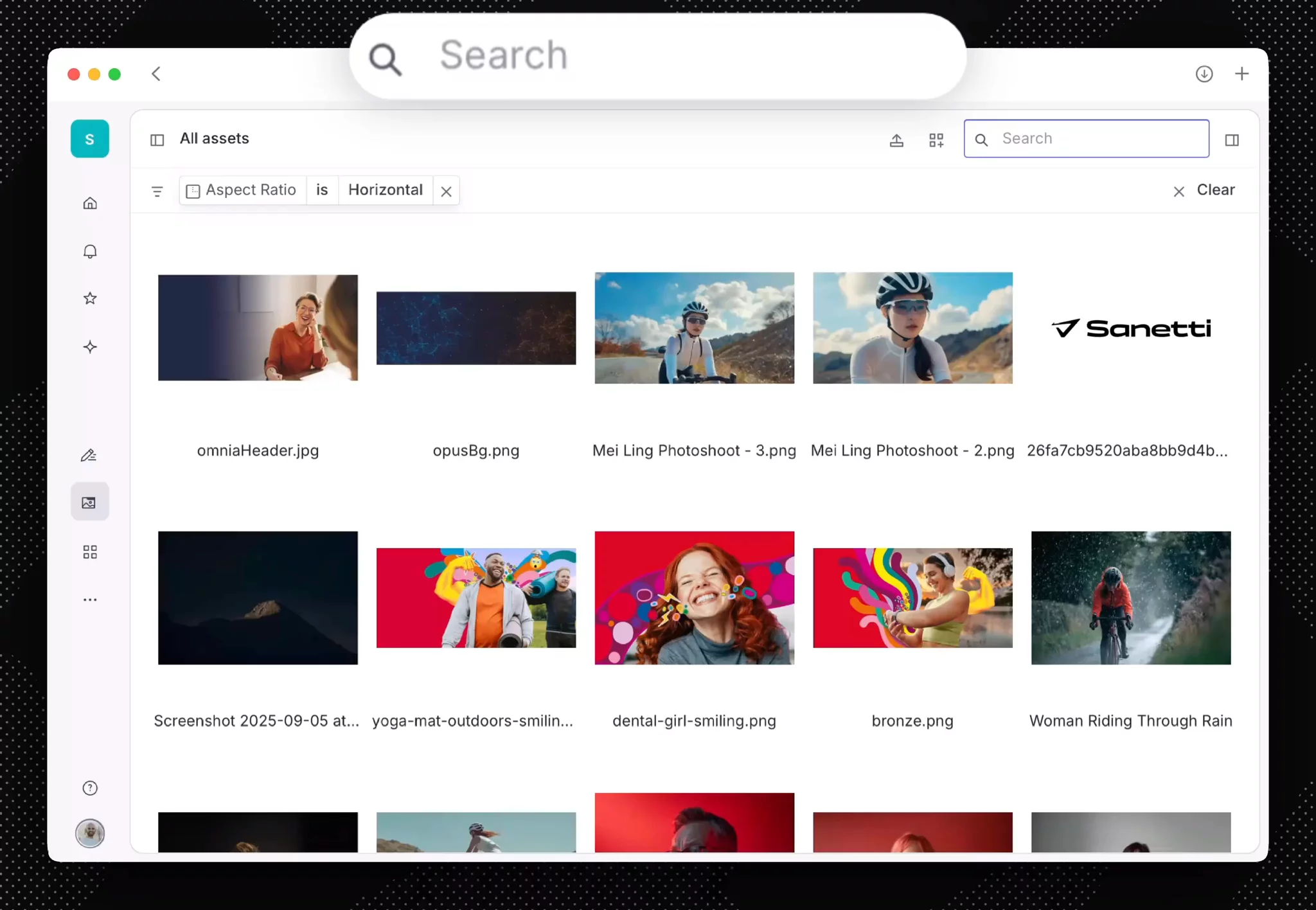
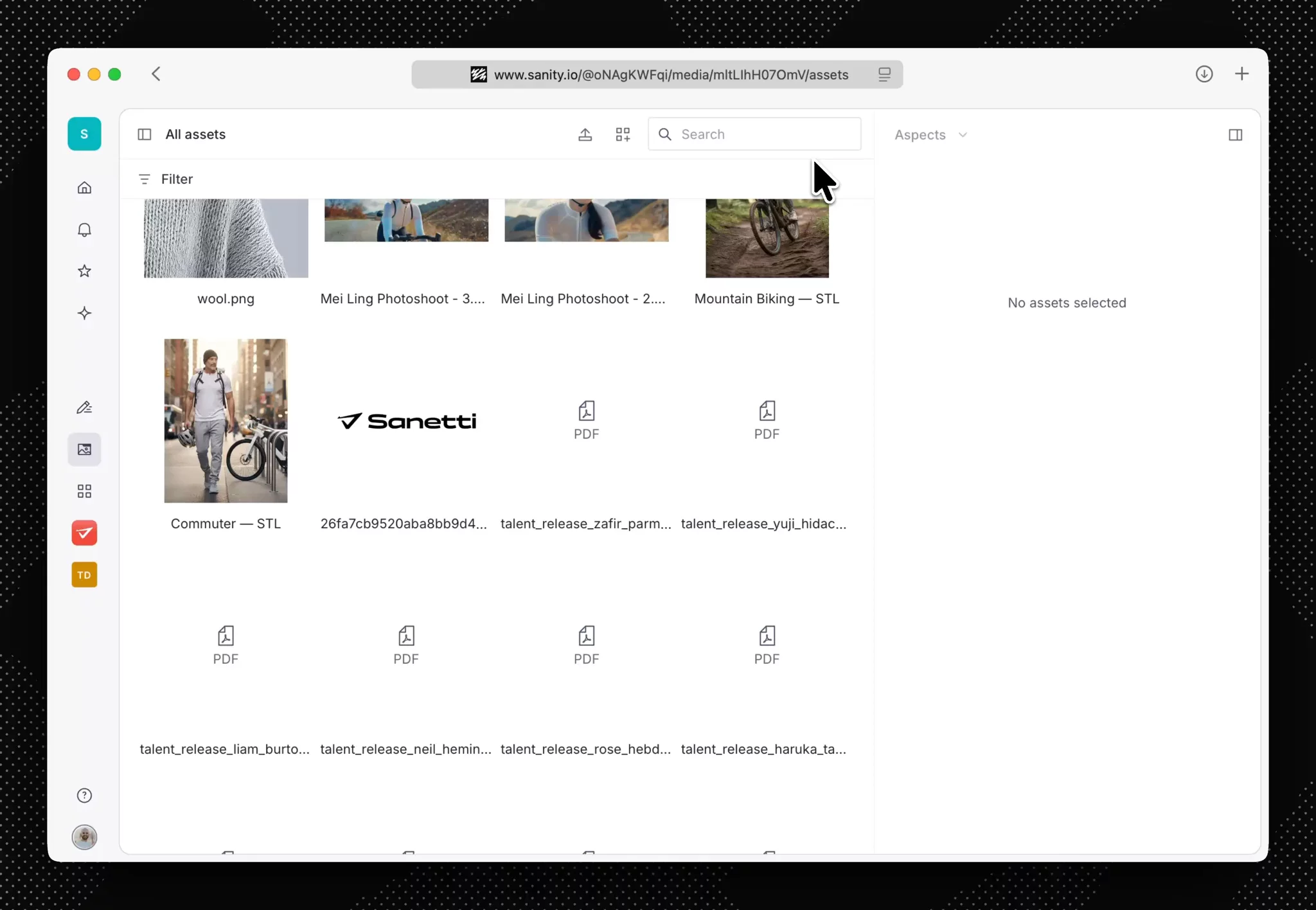
Upload an image of a woman riding a bike by a mountain, and Media Library understands what's in it, not just that it's called DSC_0847.jpg. AI extracts subjects, scenes, colors, and concepts automatically.
Find assets in active use, specific aspect ratios, approval status, referenced products, license, or by any other field.
Select assets like you'd select files on your desktop. Shift-click a range, cmd-click specific ones, then bulk-update copyright info or move to a new collection.
Identify what's actually referenced. Spot orphaned files. Delete with confidence, not guesswork.

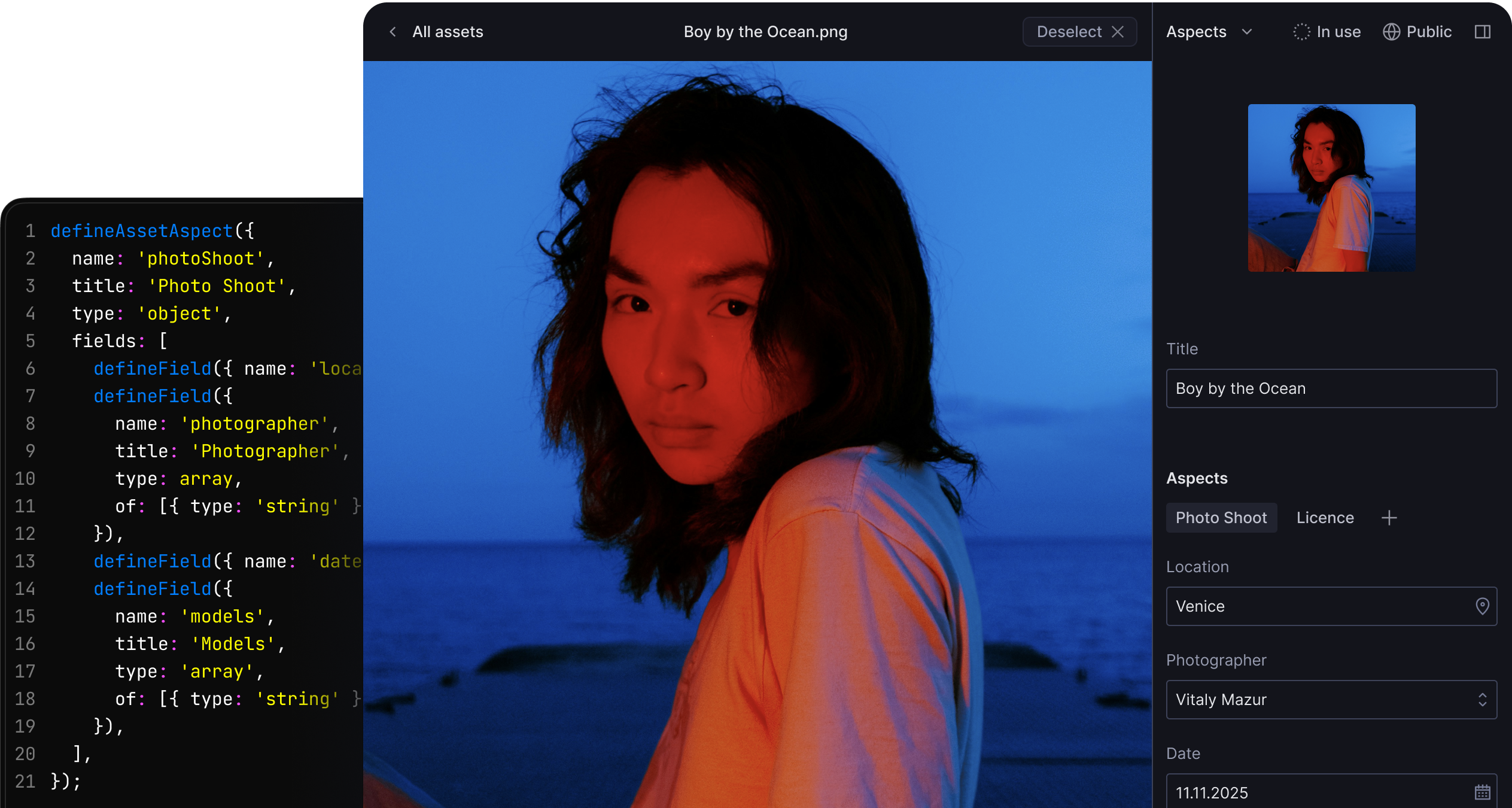
defineAssetAspect({
  name: 'rights',
  title: 'Rights',
  type: 'object',
  fields: [
    defineField({
      name: 'licence',
      title: 'Licence',
      type: 'array',
      of: [{ type: 'string' }],
    }),
    defineField({
      name: 'photographer',
      title: 'Photographer',
      type: 'string',
    })
  ]
})
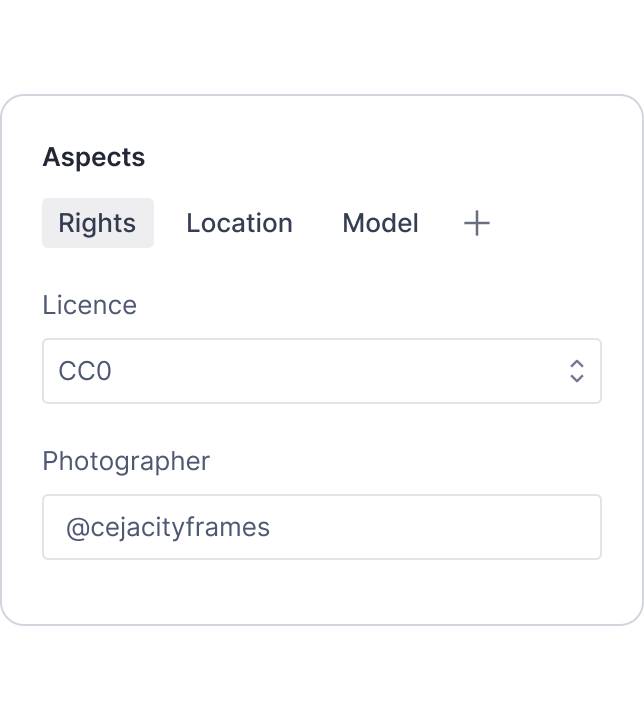
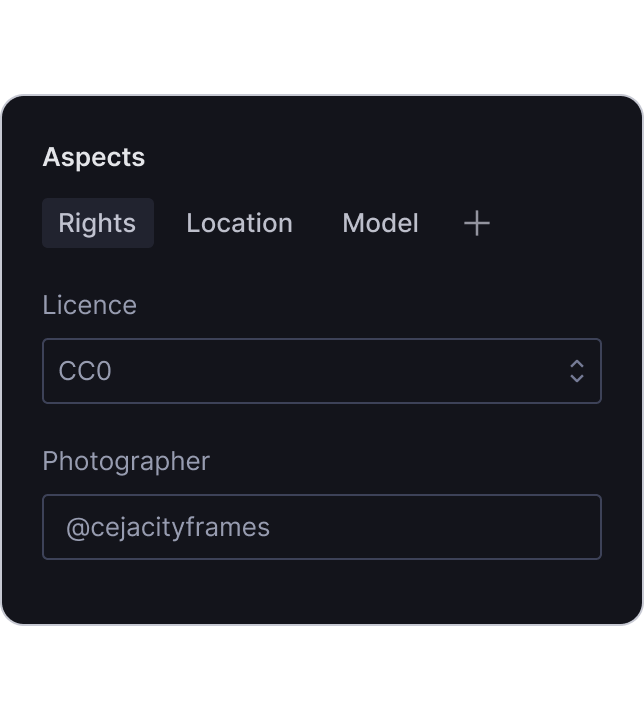
Define fields and references in code. Query assets for front-end display and filter to enforce governance, like surfacing license status.
Sanity MCP shows agents which documents use an asset and validates edits against the library's schema. Ask before swapping a hero image.
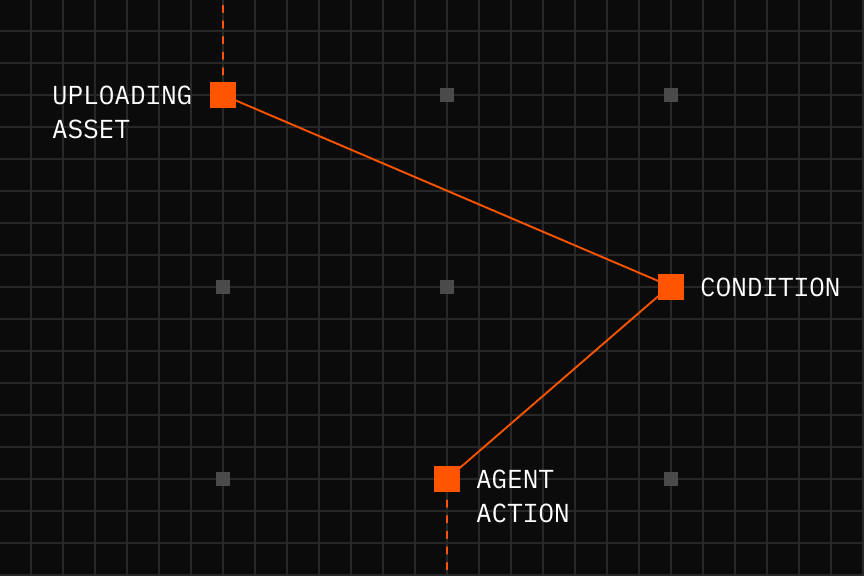
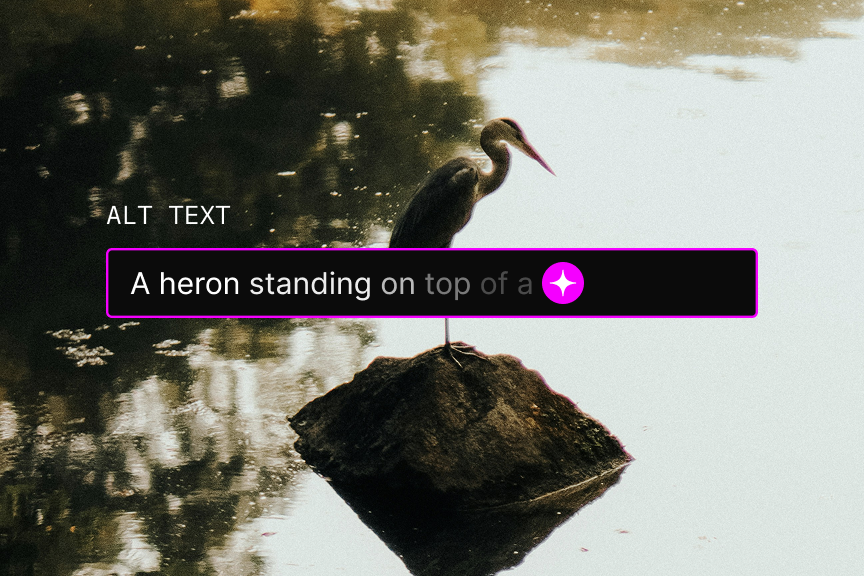
Run code when assets are uploaded, updated, or deleted. Automatically generate alt text or video captions.
Request a demoStore high-resolution originals in Media Library. Sanity's image CDN delivers optimized versions on-demand: WebP/AVIF formats, responsive sizes, quality adjustments, focal-point cropping.
Transform assets
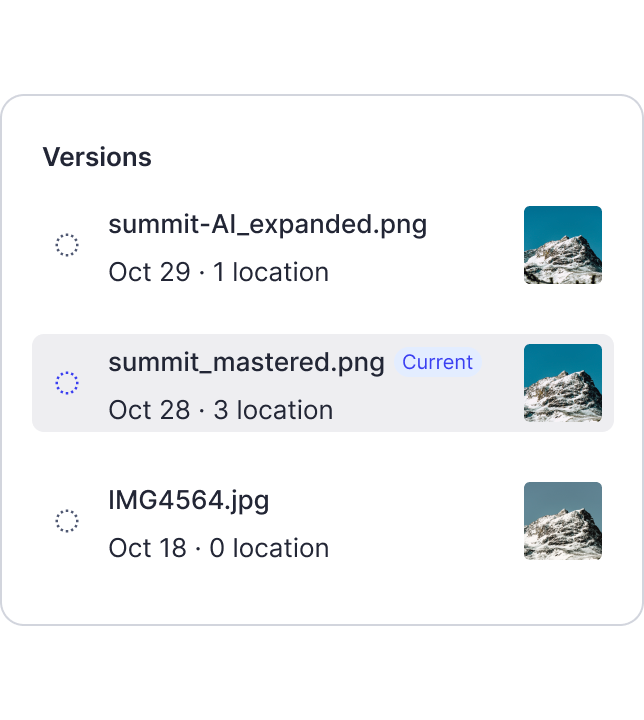
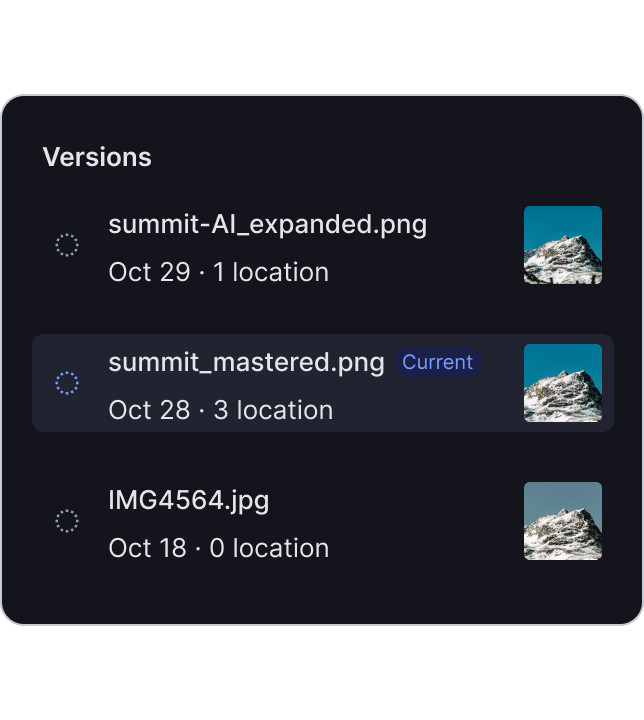
Every asset version is preserved. Upload updated product shots and push them live across all channels in one action. Need to revert? Select any previous version and make it active.
Control access to confidential or time-sensitive assets with authenticated delivery and role-based permissions. Prevent accidental reuse and early leaks.
Mark fields like alt text as public for fast, unauthenticated queries. Everything else stays private by default.
Request a demoRequest a demo for a tailored walkthrough of Media Library