Sanity Studio
Manage your releases→
Stop publishing page by page
Group changes. Preview together. Publish at the right moment. One click.

Content Releases 101Content Releases 101
0. The highlights0. The highlights

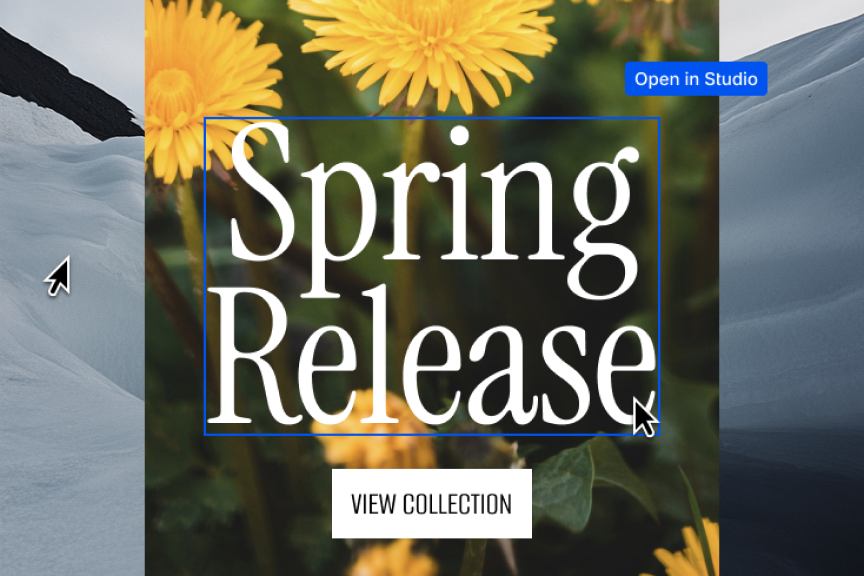
Launch everything at once

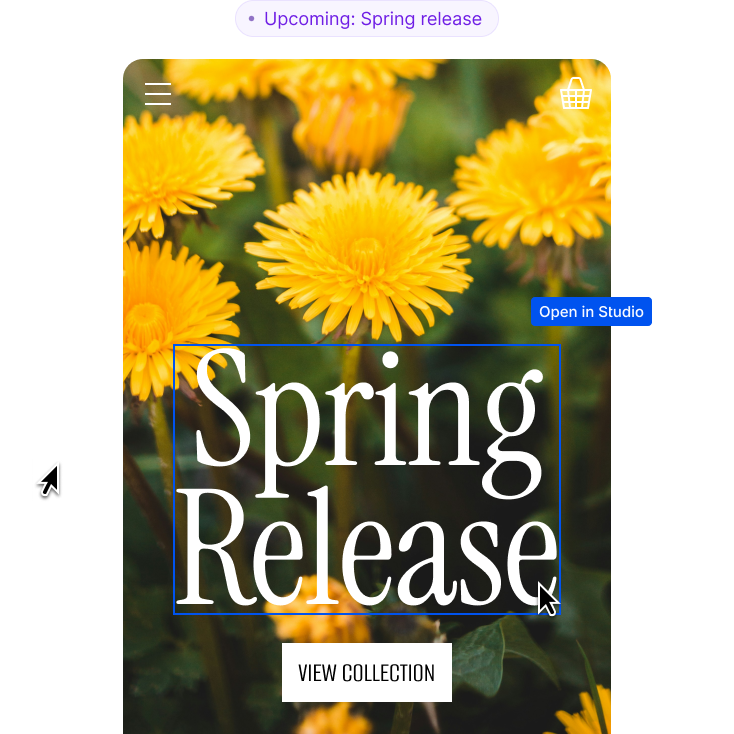
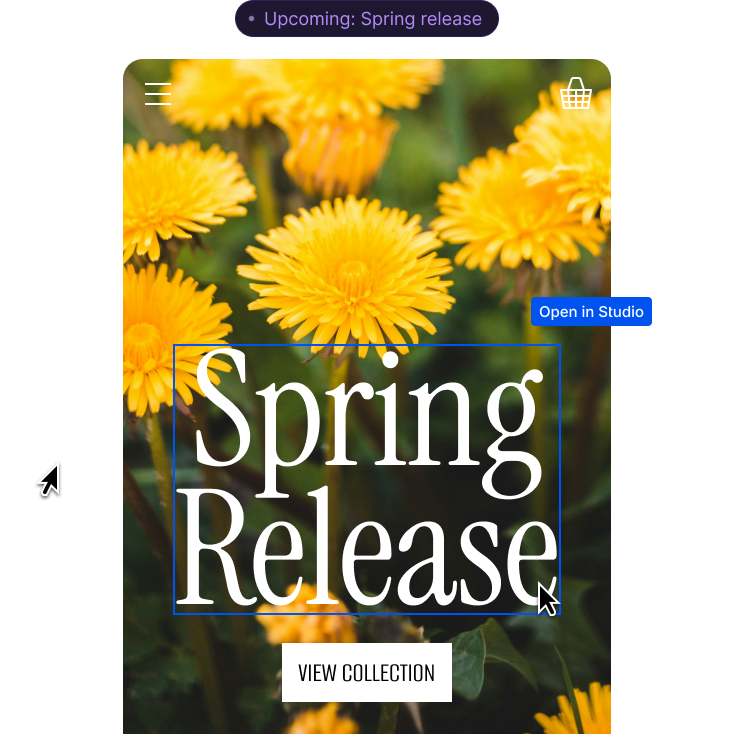
Preview before publishing

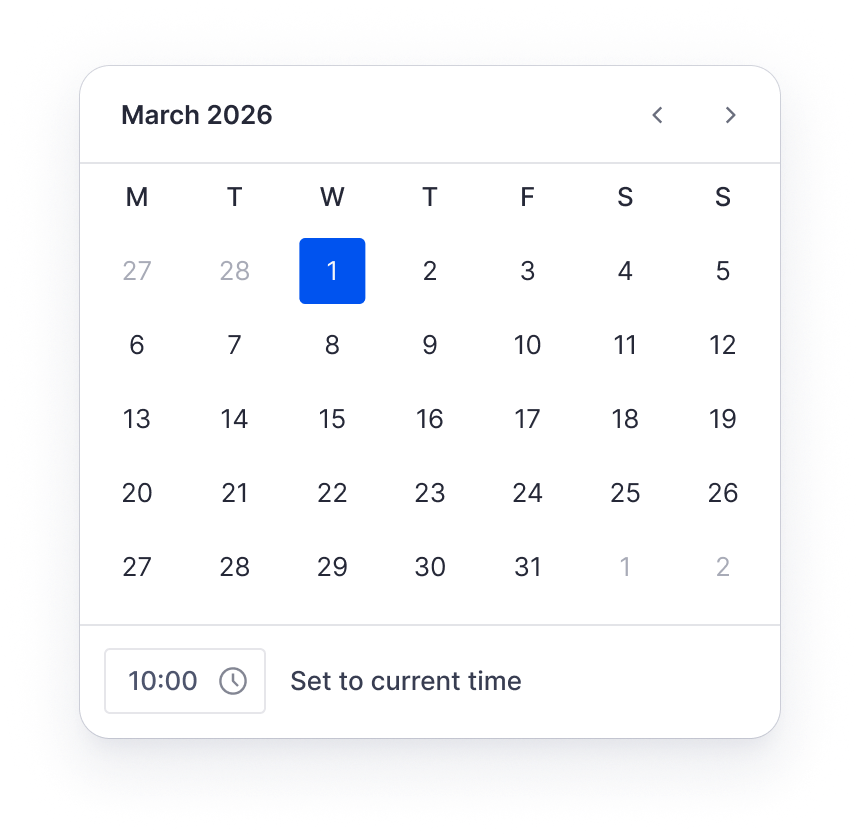
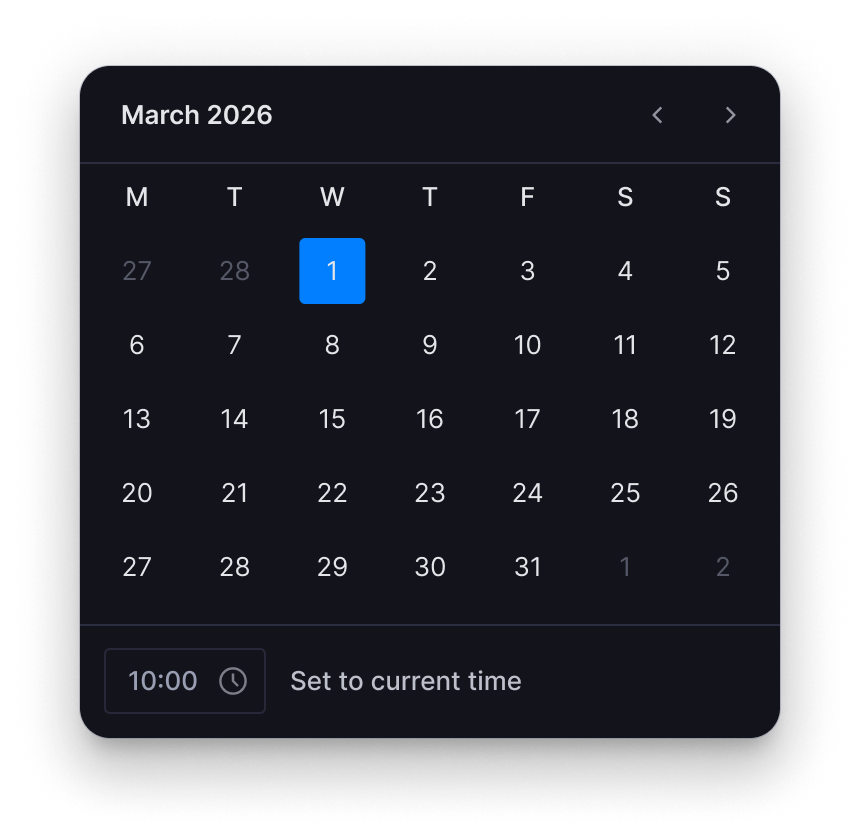
Schedule or ship when ready

Stack releases without conflicts
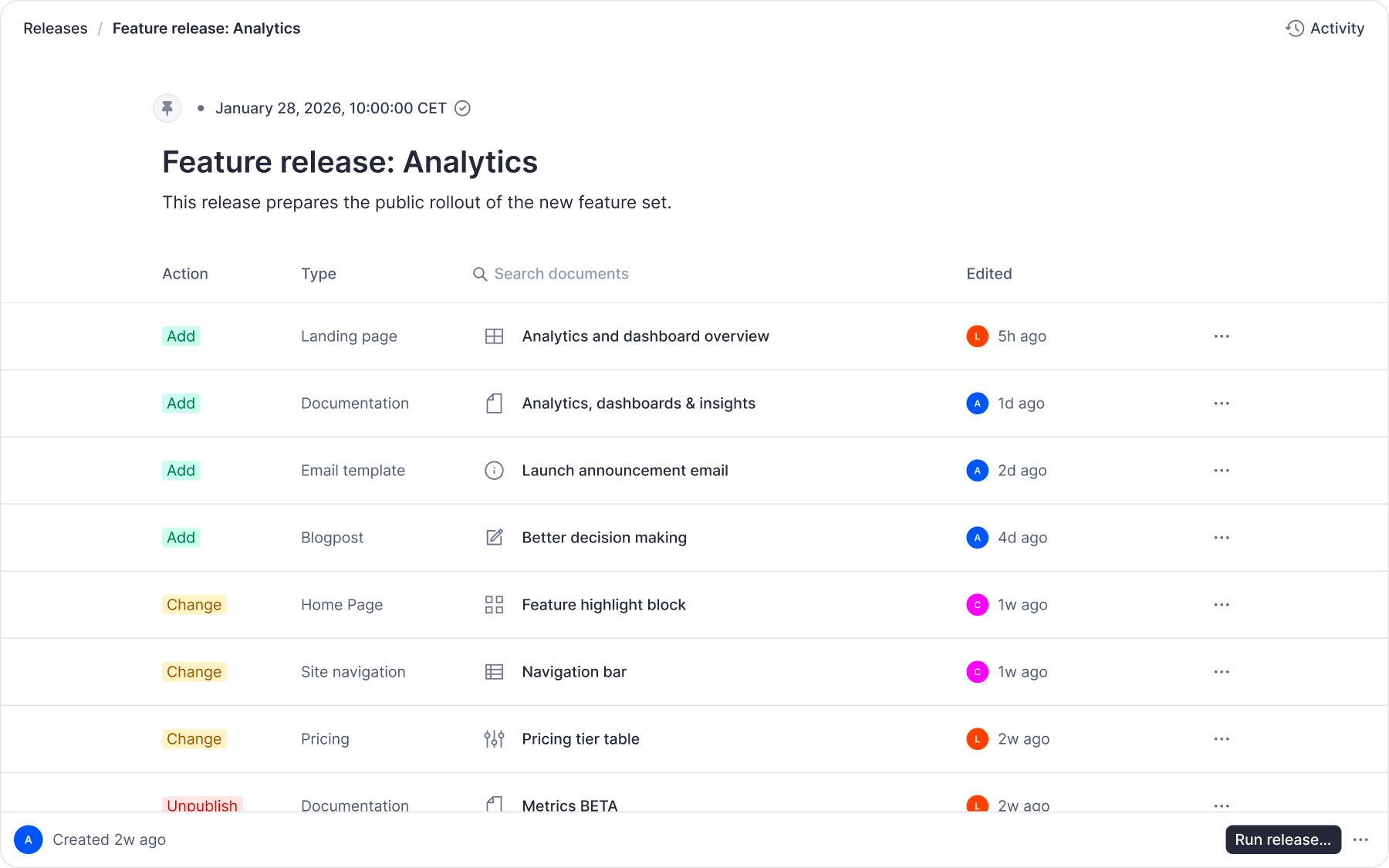
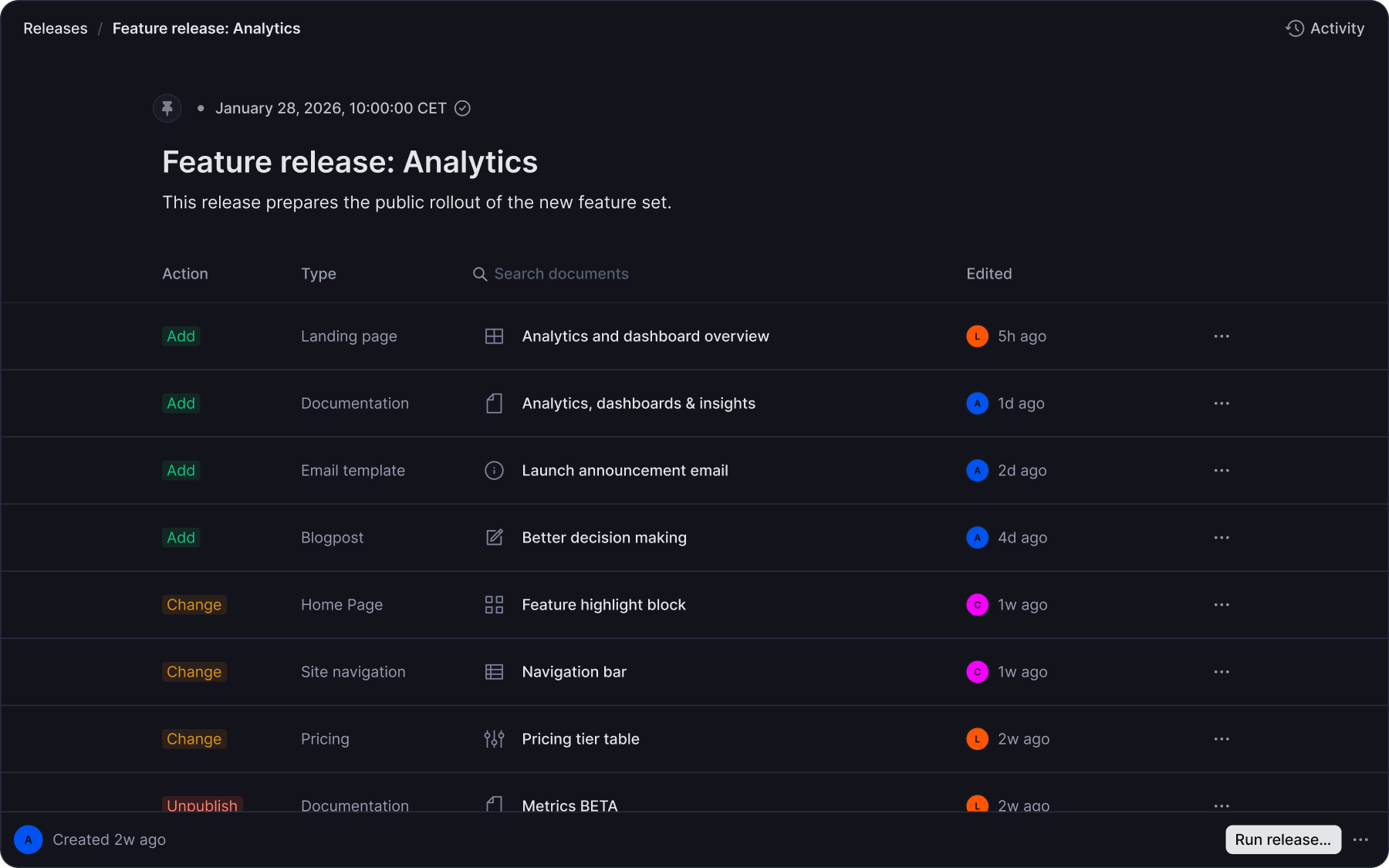
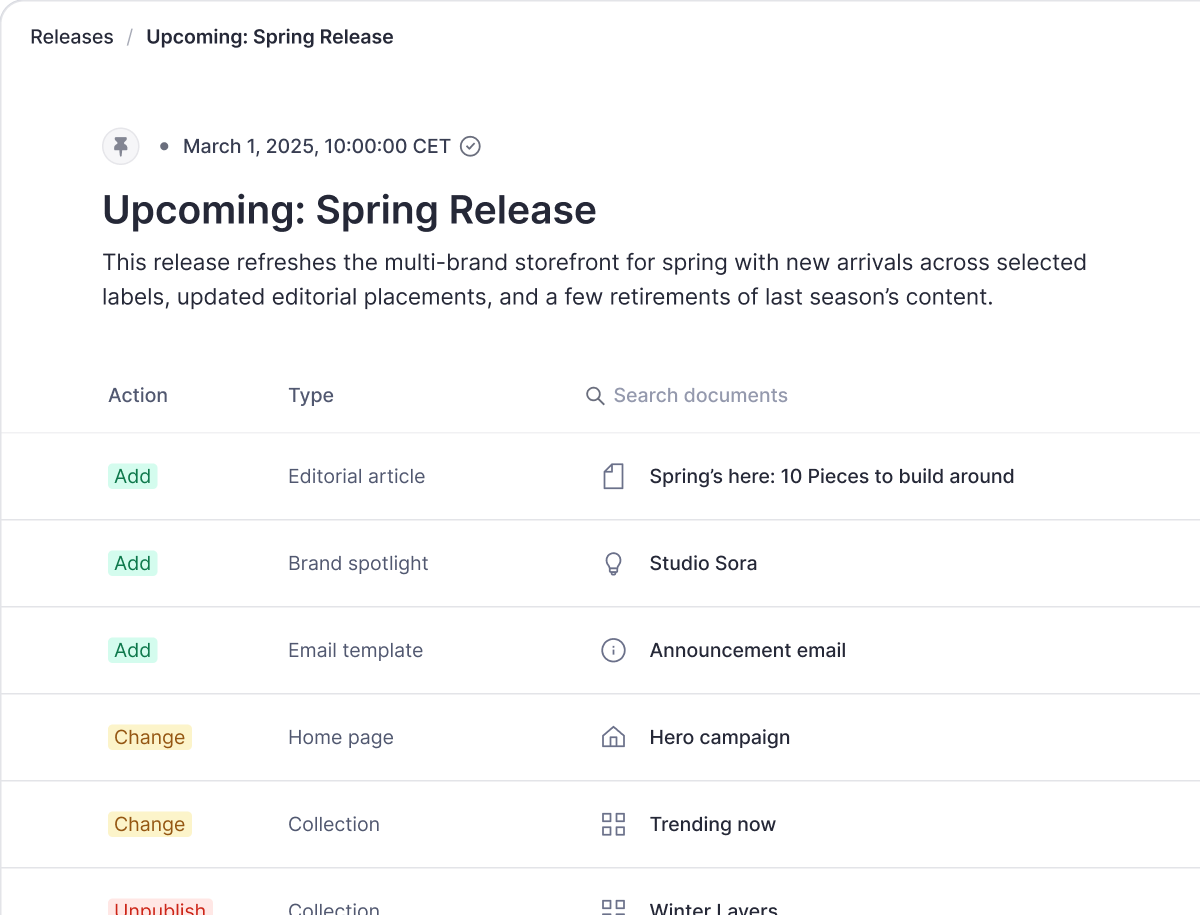
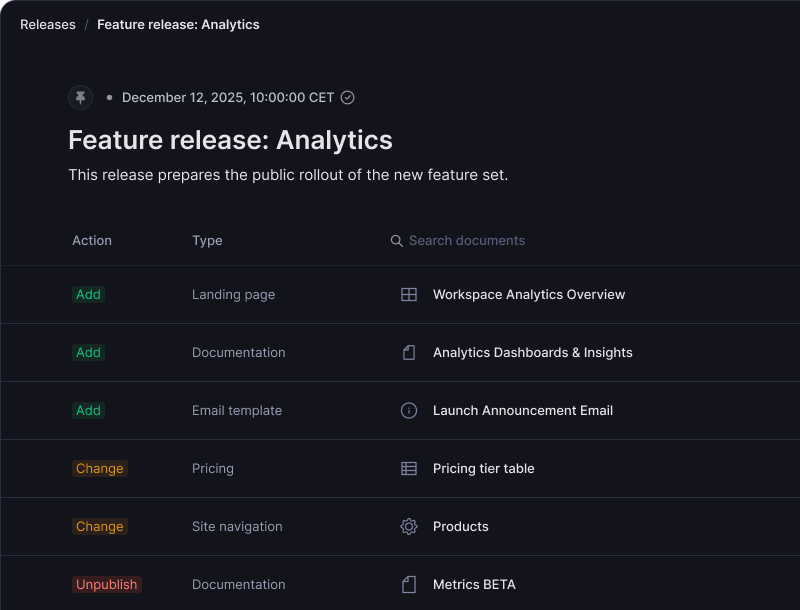
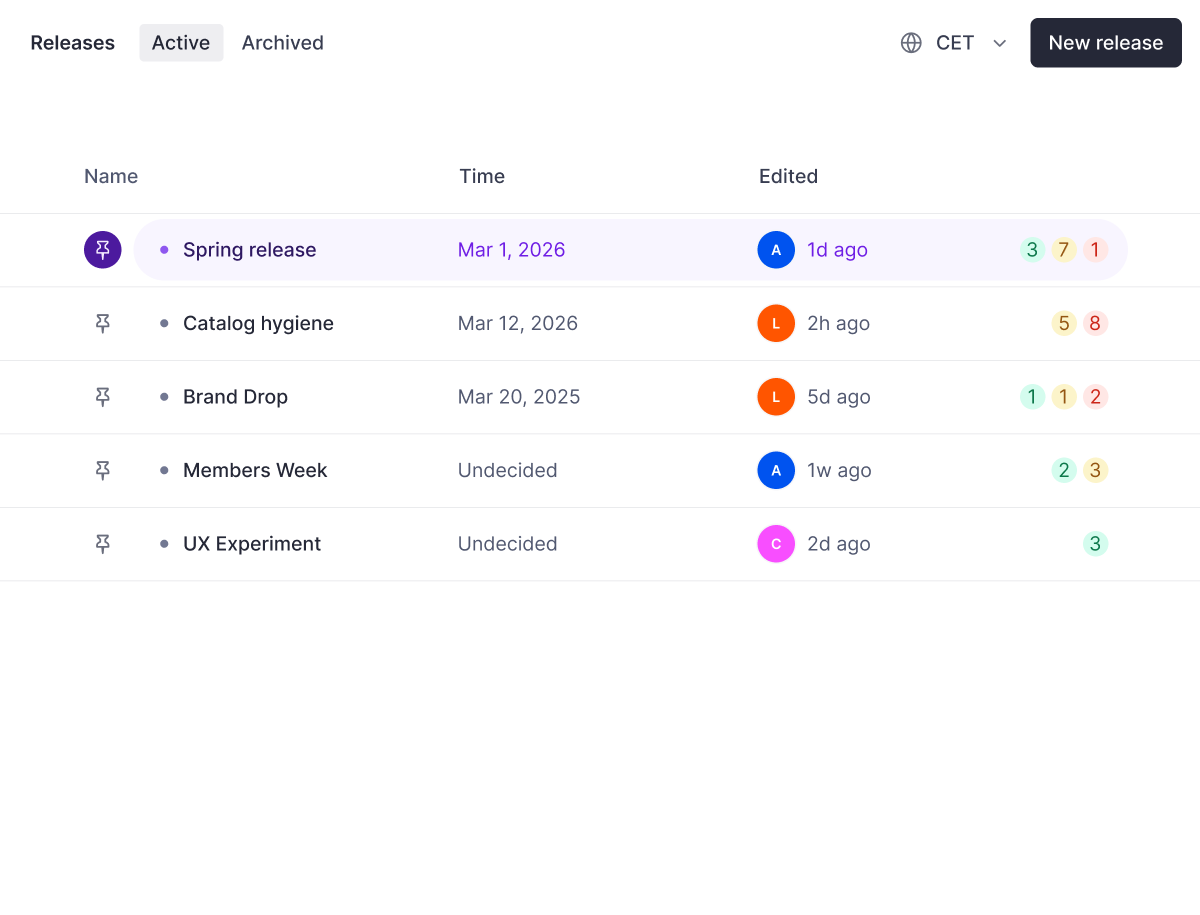
Bundle related changes into a single release so everything goes live together at the right time and without issues.
See exactly how all your changes look together before going live so you can catch issues in a safe environment.
Set specific dates and times for automated publishing or mark releases as ready to ship whenever the moment is right.
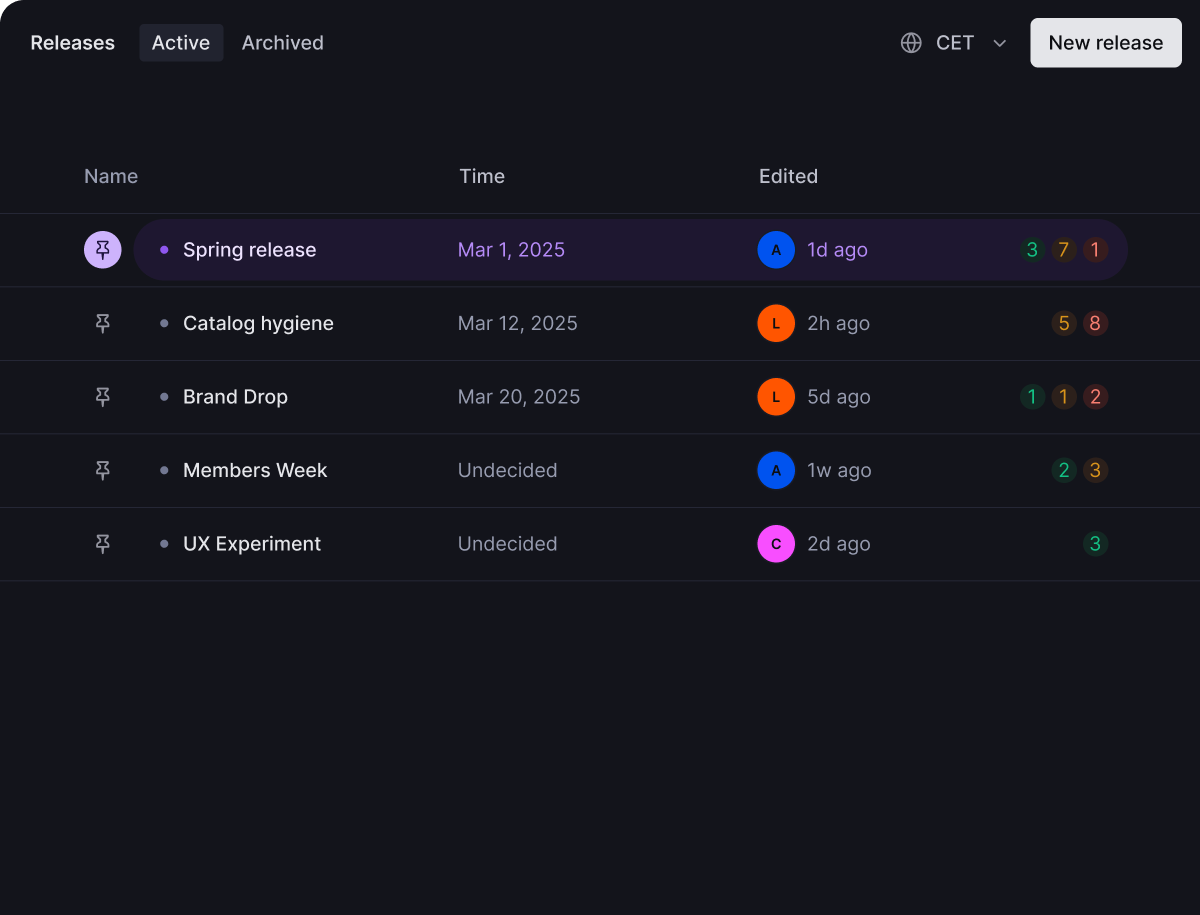
Prepare holiday content while summer campaigns are still pending as the system automatically handles overlapping changes.
1. Create a new release1. Create a new release

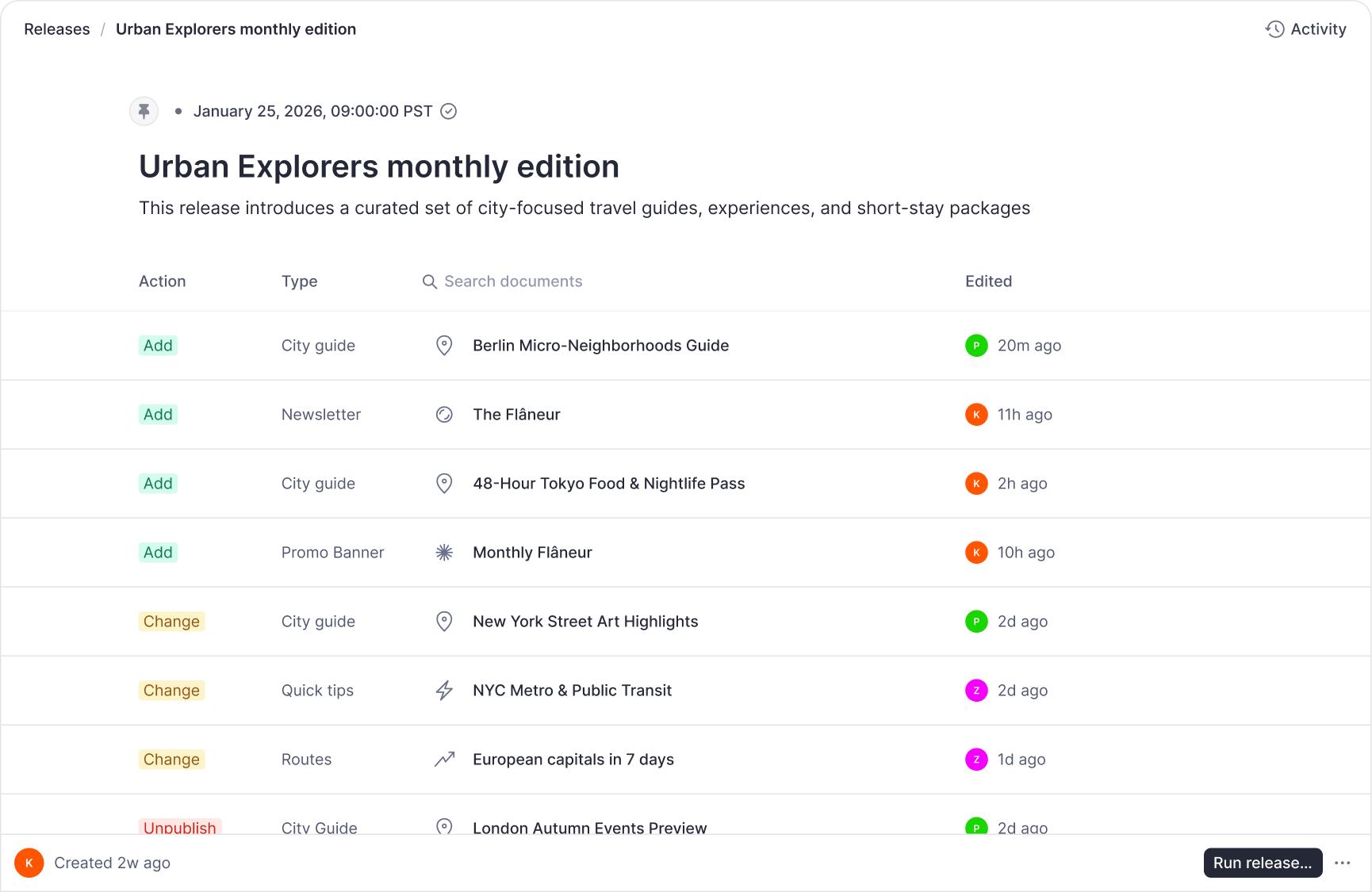
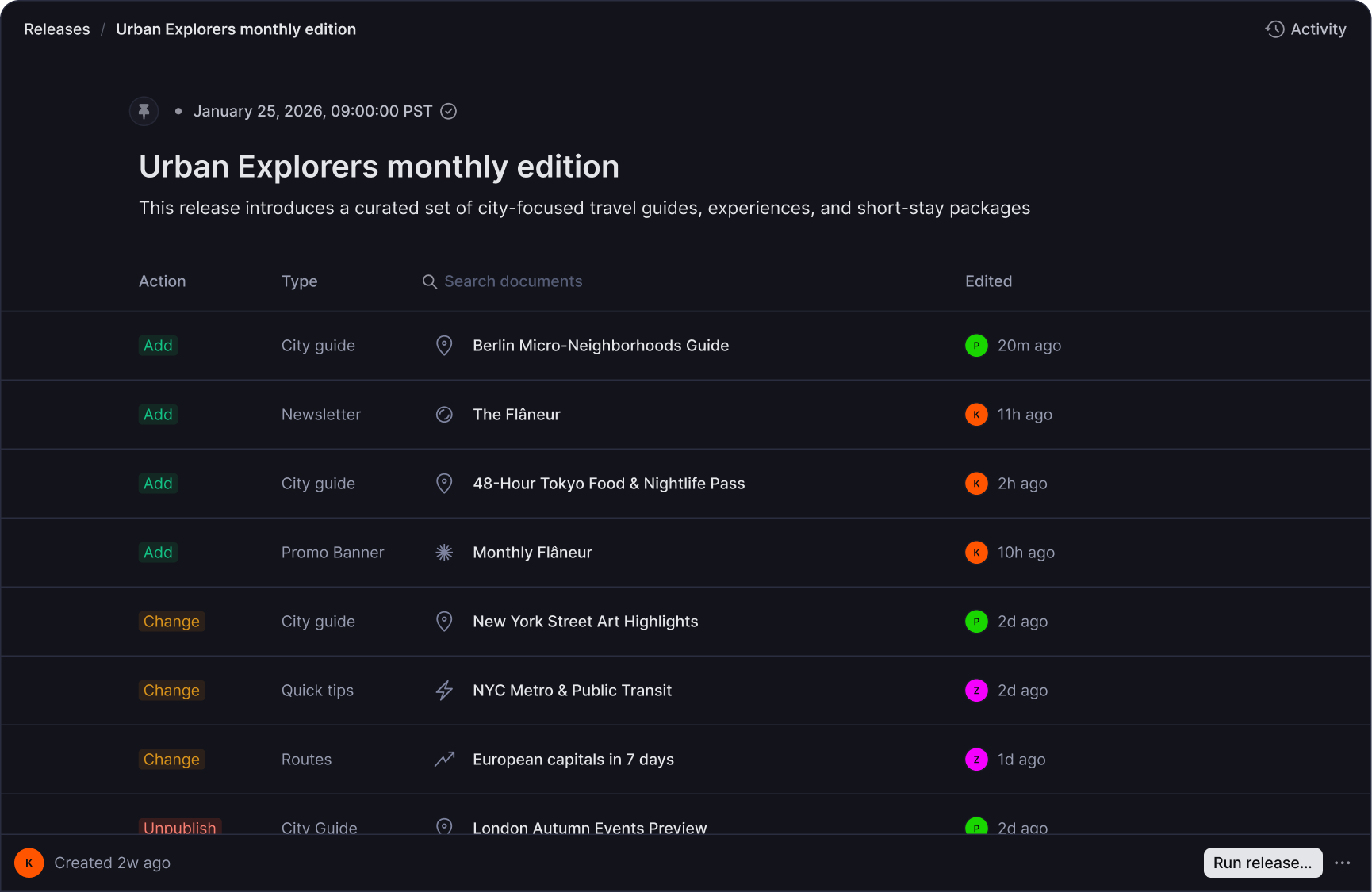
Launch homepage, product pages, and navigation together without manual tracking or forgotten pieces.
Remove content as part of a release for time-sensitive campaigns or expired promotions.
Prepare launch content in isolated releases while regular updates continue in drafts.
Request a demo2. Preview and validate2. Preview and validate

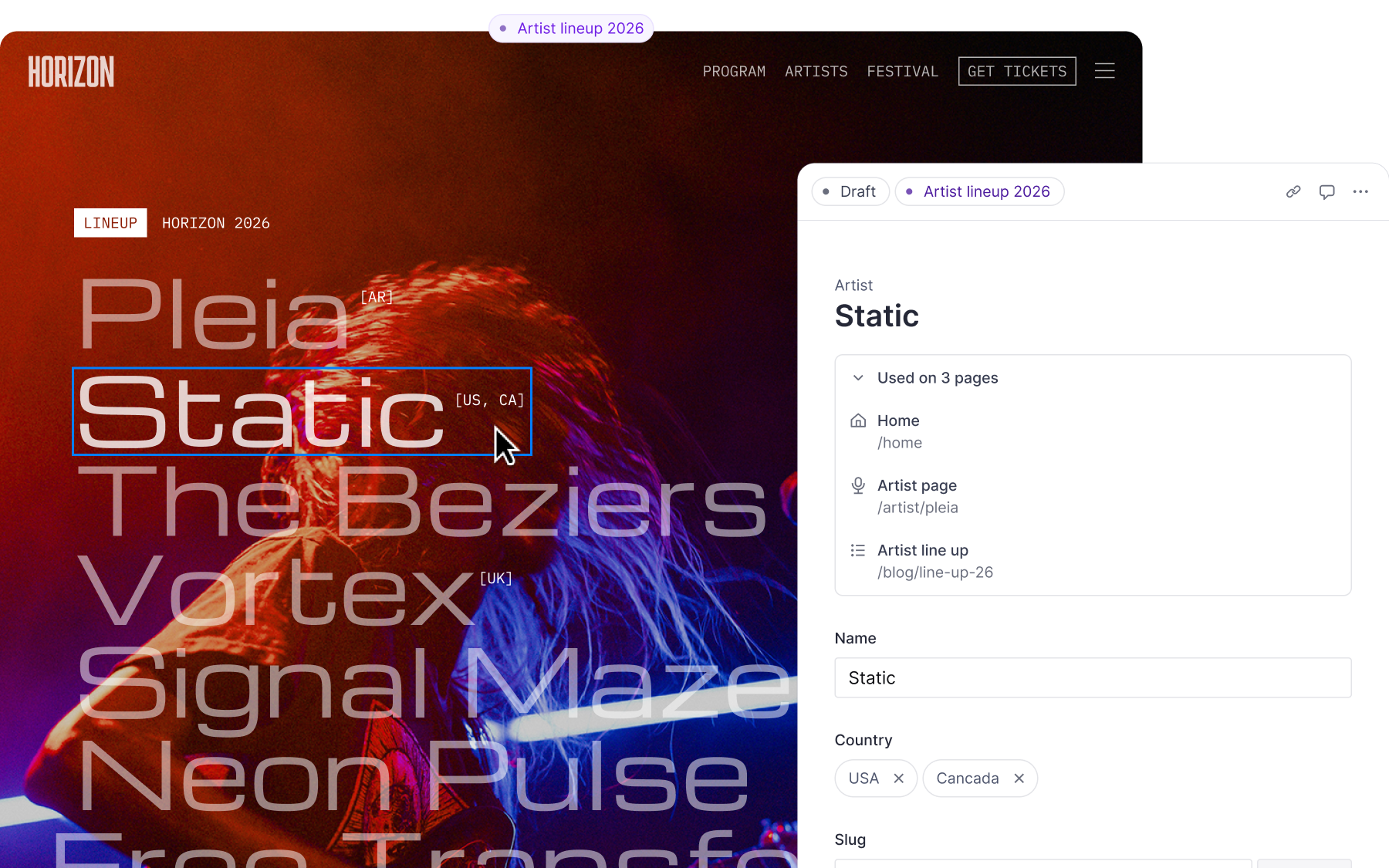
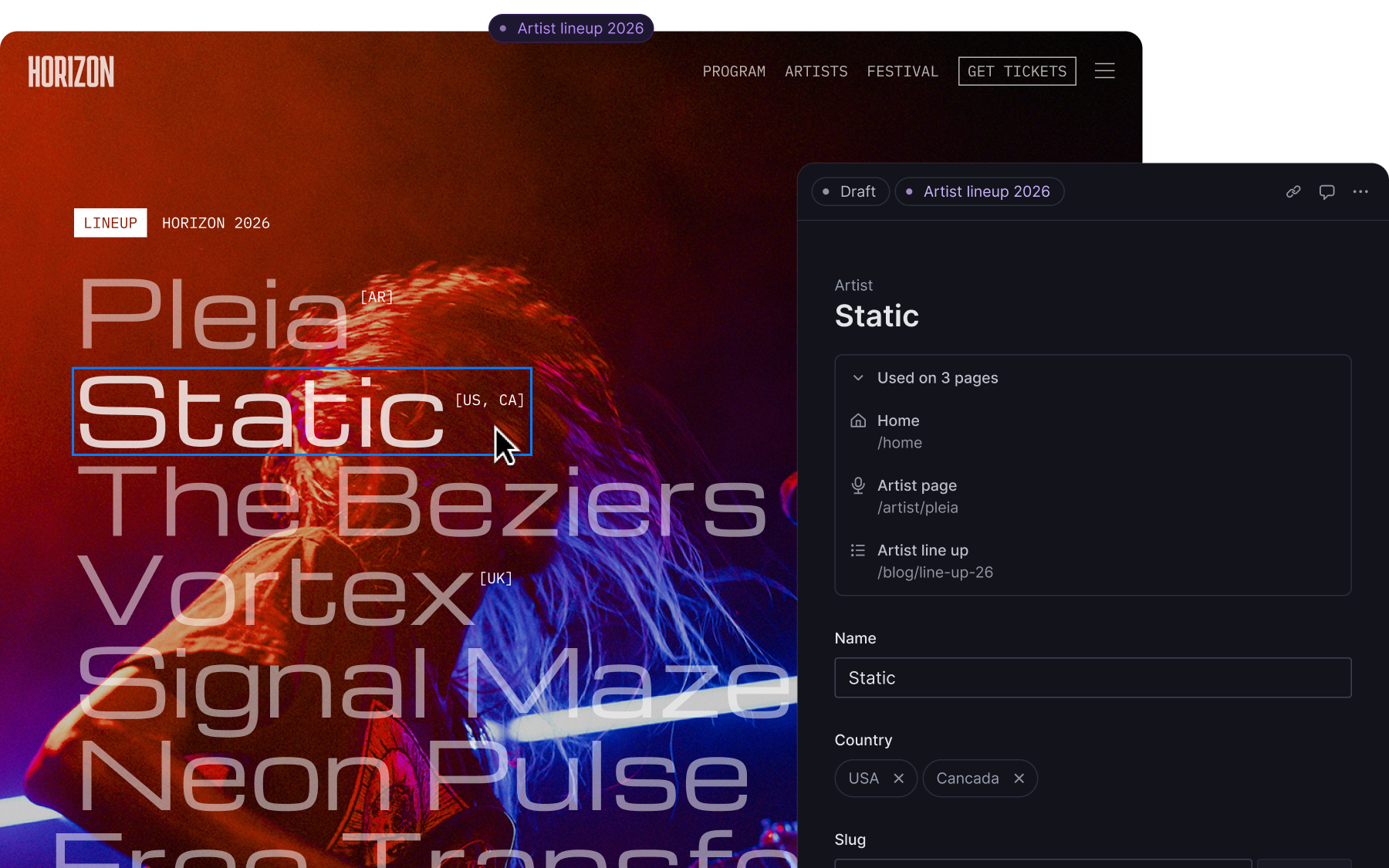
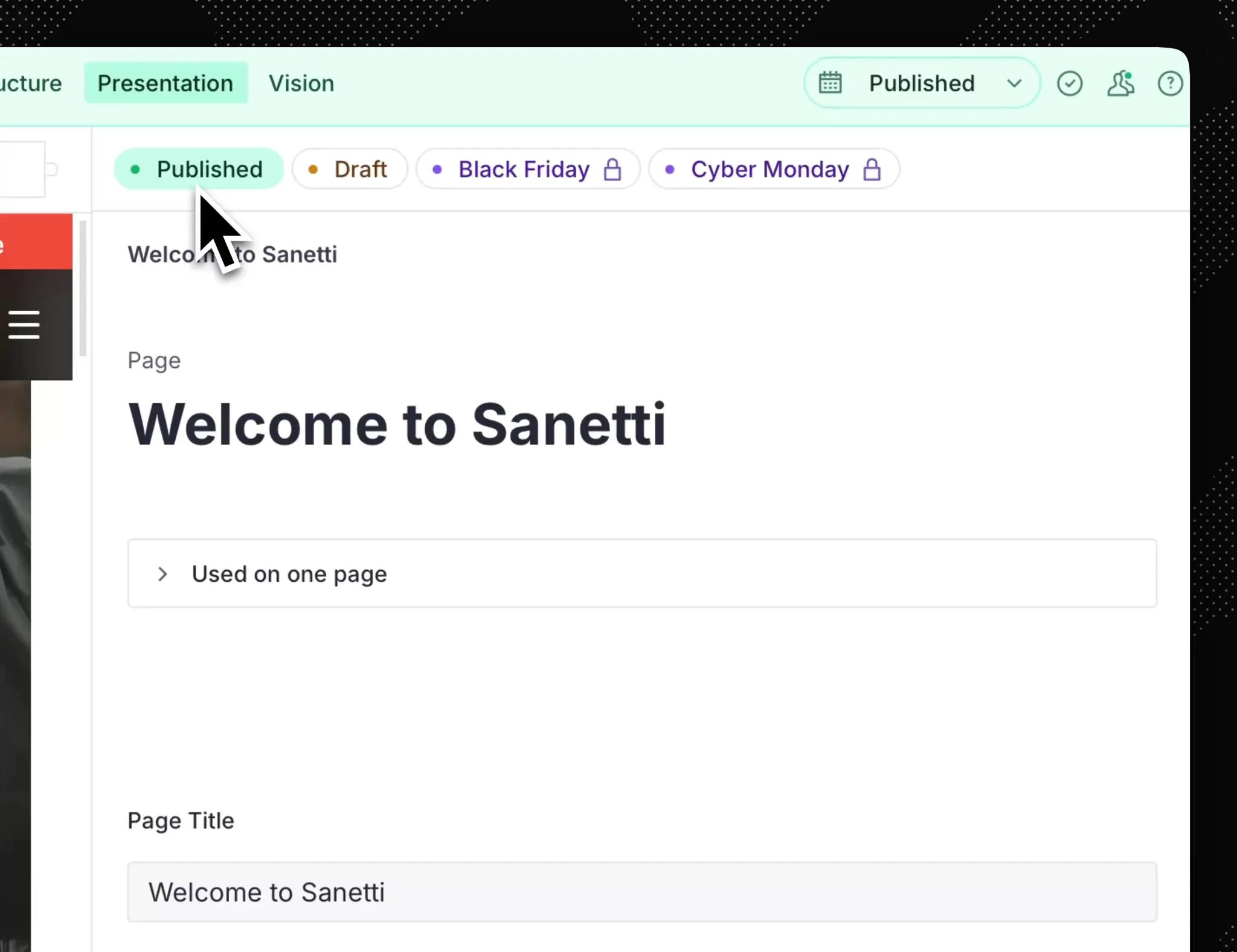
Releases make it easy for you to fix validation errors and prevent you from publishing broken content.
Preview release impact across your entire site with visual editing, not just individual pages.
Turn releases on and off to preview how your site looks as campaigns layer together, showing which changes take priority.
3. Schedule release3. Schedule release

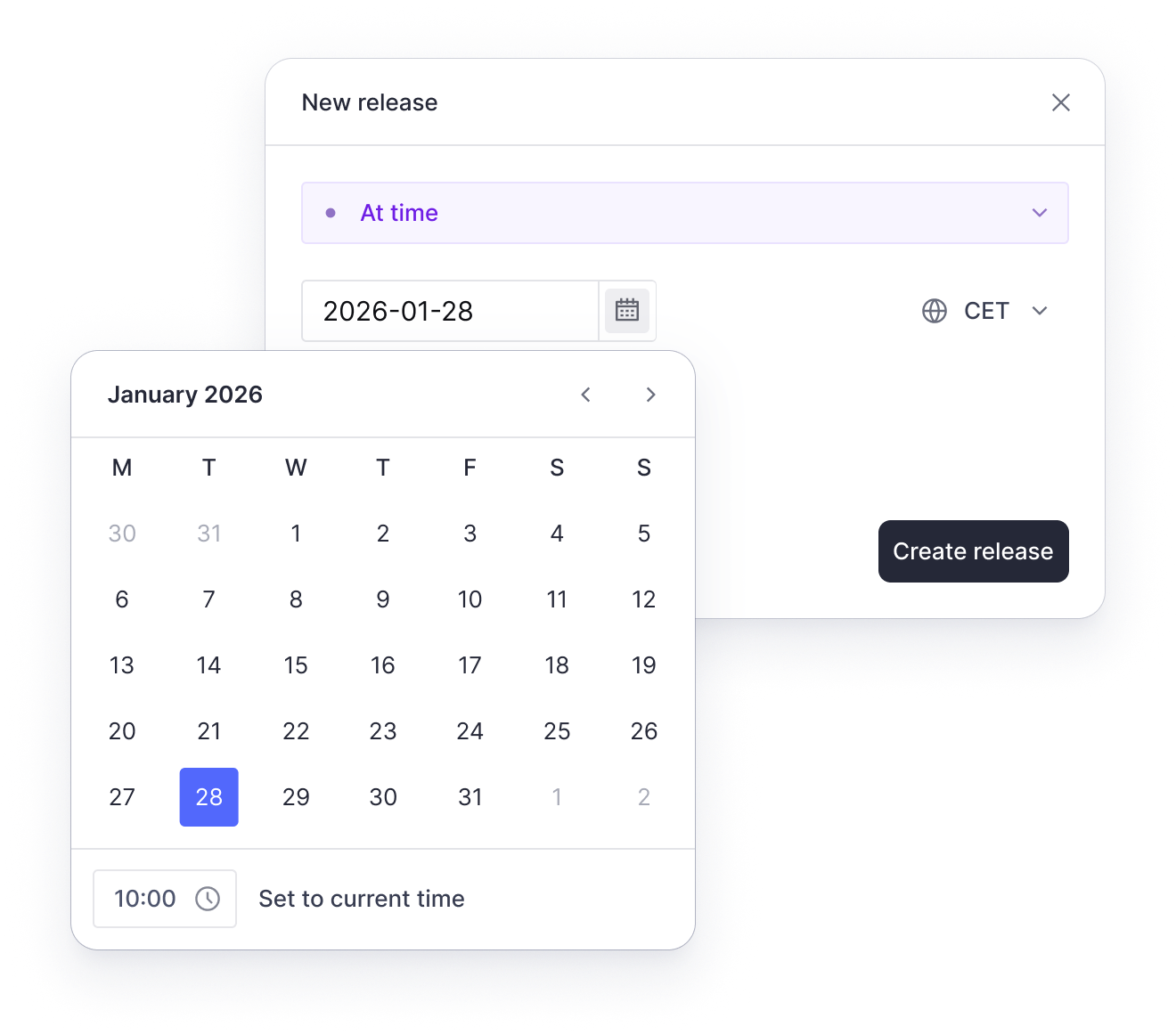
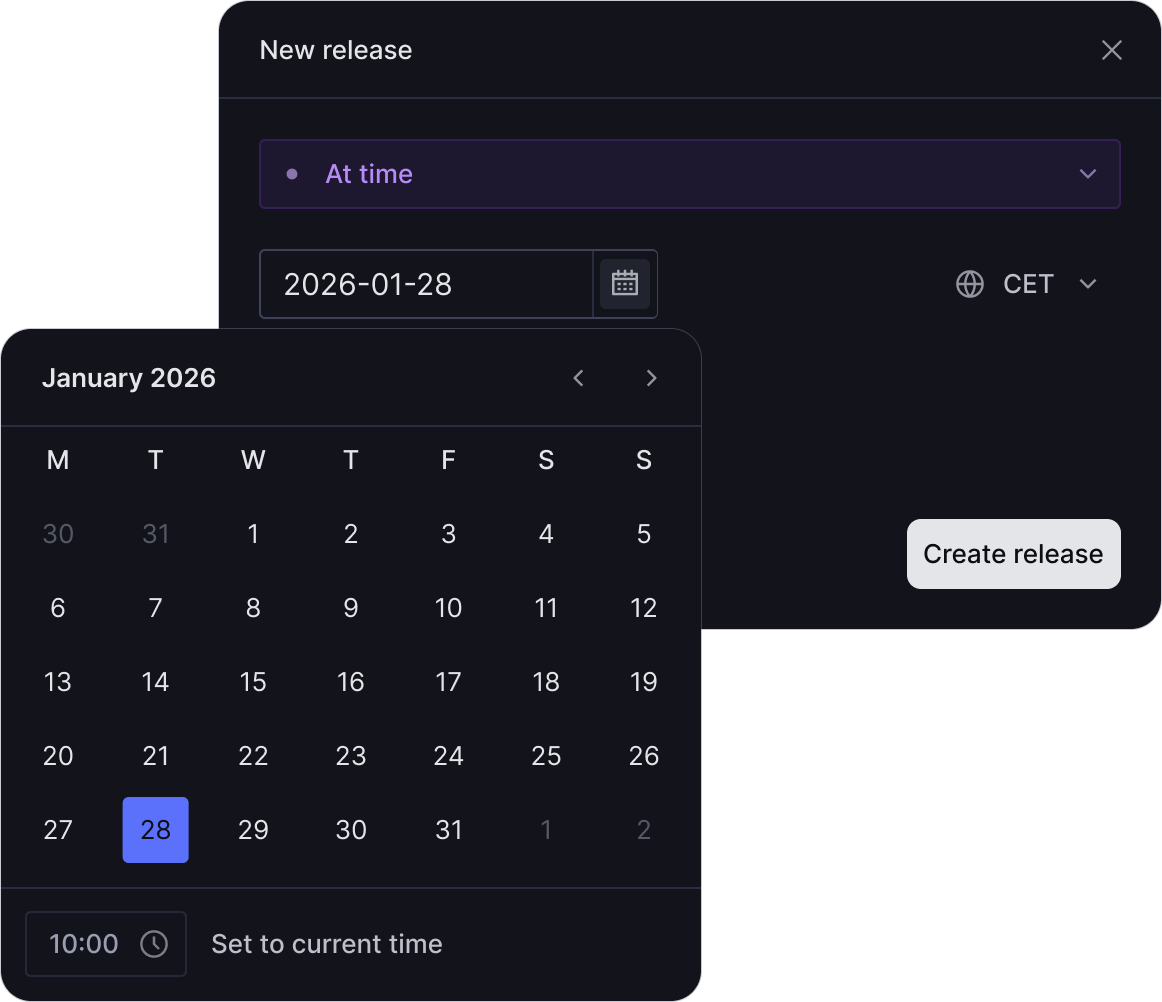
Set precise publish times for coordinated launches, even at 3 AM or during peak traffic.
Mark releases as ASAP and publish when you're ready instead of setting a scheduled time.
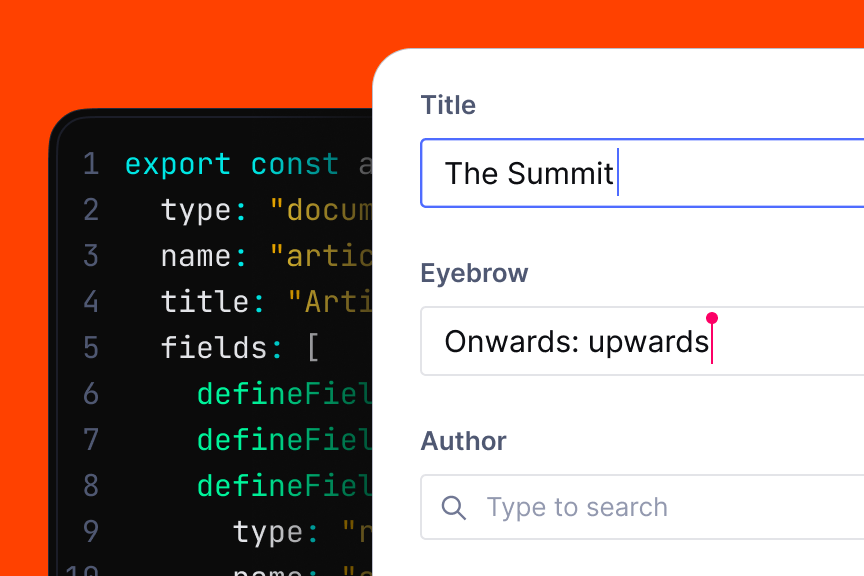
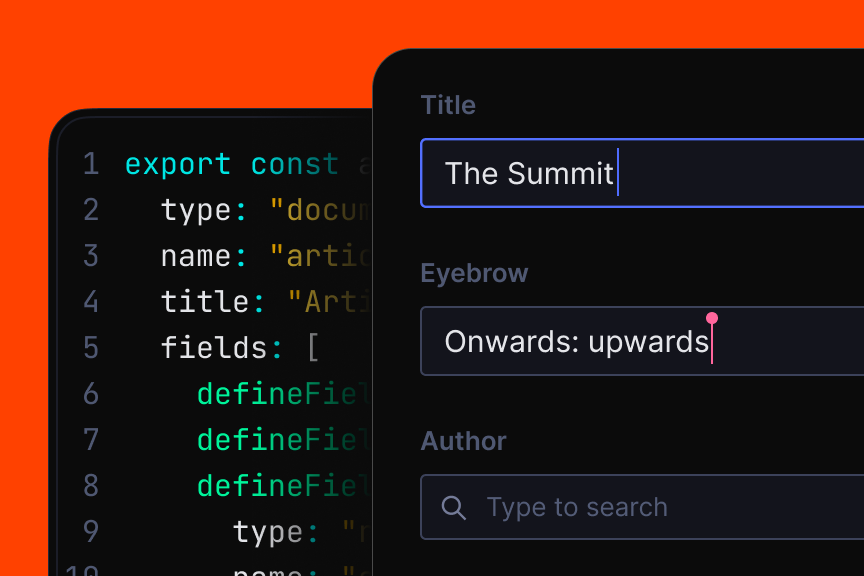
Use the API to create, manage, and publish releases from your CI/CD pipeline or trigger based on external events.
const {releaseId} = await client.releases.create({
  metadata: {
    title: 'New bike release',
    releaseType: 'asap'
  }
})4. Stack releases4. Stack releases

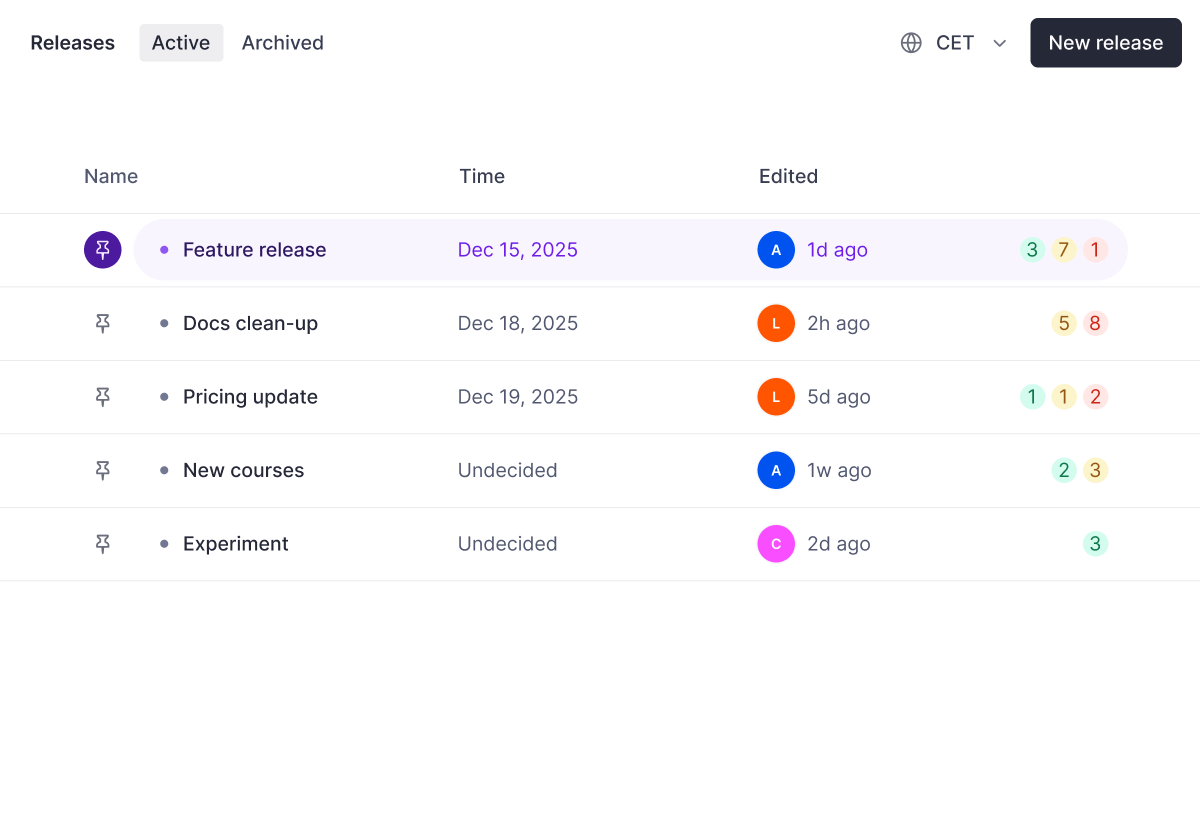
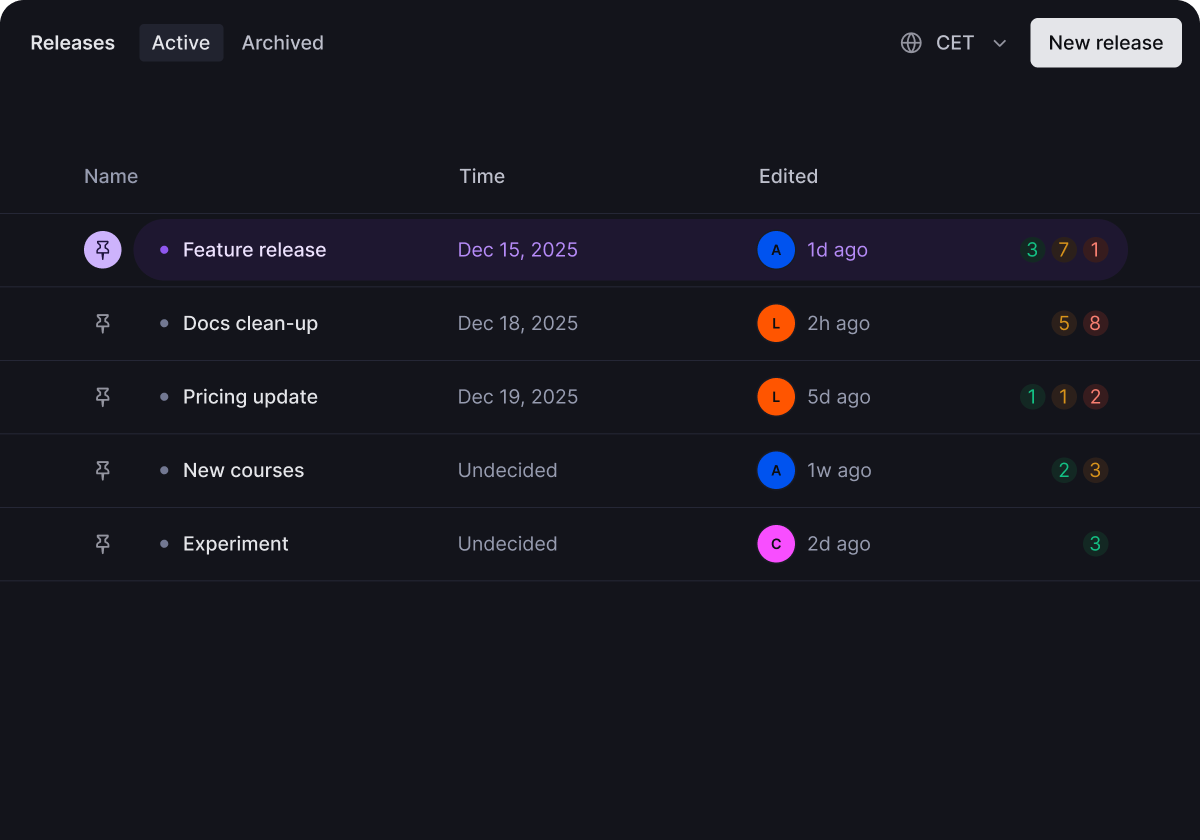
Complete audit trail shows who modified what and when.
Queue up Black Friday and Cyber Monday campaigns ahead of time so both go live at the right moment without manual intervention.
Roll back published releases to restore a previous state.
Copy document versions across releases without starting from scratch.
Use Content Lake Perspectives to programmatically access content as it exists in drafts, published, or any release layer.
import {createClient} from '@sanity/client'

const client = createClient({
  ...config,
  perspective: 'release-id1',
})Book a demo to see how the world's largest companies handle complex content launches.