How I used Agent API to generate photos for my family’s recipes
Learn how to use Sanity's Agent API to generate images from your content - no schema changes, just a patch and a generate call.

Jarod Reyes
Head of Developer Experience & Community at Sanity
Published
Hi folks, Jarod here. I recently joined Sanity as Head of Developer Experience and Community and as part of my onboarding I wanted to play around with some of the newer AI features released inside of Sanity. This post came from that exploration.
I’ve been on a meal plan since earlier this winter, created by my nutritional coach. It’s been great, I’ve lost 25 lbs, but it’s also been complex because I’m the one who cooks and it can be hard to shape a strict meal plan for a family. I wanted an app that could take the PDFs my coach sends, turn them into
One thing was missing: pictures. When my family picked dinner or the kids chose a weekend breakfast, there was nothing to look at. So when I learned that Sanity shipped an Agent API action for generating images, one that reads your schema and uses your actual content to drive the prompt, I decided I needed to give it a spin. It did a phenomenal job. Here’s how to do it on an existing schema, with code and a couple of gotchas.
- A Sanity project (which you can spin up here) with a document type that has an image (or image array) field.
Note on cost: Each generate call uses about 2 AI credits. Every Sanity org gets 100 free credits per month, so a batch of 50 recipes will use most of your free allotment. Check usage in Manage → Settings.
Here's the complete script, ready to copy and run. It uses getCliClient(), which pulls your project config from sanity.cli.ts and your local authenticated session so there's no manual token management or hardcoded project IDs. To run it:
A few things worth knowing before you run it:
- It targets drafts only. The Agent API writes to the draft version of a document. You'll need to publish after (more on that below).
- It uses
async: true, which means the script queues the generation and returns immediately — it doesn't wait for the image to be ready. Check Studio after a minute or two to see results. - It's safe to re-run. The GROQ filter
images == nullmeans it only processes recipes without images, so running it again won't duplicate or overwrite anything.
// scripts/generate-recipe-images.ts
// Run: npx sanity exec scripts/generate-recipe-images.ts --with-user-token

import { getCliClient } from "sanity/cli";

const client = getCliClient();

// Fetch recipes that don't have a generated image yet
const recipes = await client.fetch(
  `*[_type == "recipe" && images == null]{_id, title}`
);

console.log(`Found ${recipes.length} recipes without images`);

for (const recipe of recipes) {
  try {
    // Ensure the images array exists, then add an empty image slot
    const patched = await client
      .patch(recipe._id)
      .setIfMissing({ images: [] })
      .append("images", [{ _type: "image" }])
      .commit({autoGenerateArrayKeys: true});

    // Grab the key the Content Lake assigned
    const lastImage = patched.images.at(-1);

    // Generate into that slot — async returns immediately
    await client
      .withConfig({ apiVersion: "vX" })
      .agent.action.generate({
        schemaId: "_.schemas.default",
        documentId: recipe._id,
        instruction: `Generate one appetizing, professional food photograph
          of the dish "$title". Show the finished dish plated and ready to
          serve. No text or logos.`,
        instructionParams: {
          title: { type: "constant", value: recipe.title },
        },
        target: {
          path: ["images", { _key: lastImage._key }, "asset"],
          operation: "set",
        },
        async: true, // Don't wait for the image — returns immediately
      });

    console.log(`✓ Queued: ${recipe.title}`);
  } catch (err) {
    console.error(`✗ Failed: ${recipe.title}:`, err.message);
  }
}

console.log("Done. Images generate in the background — check Studio.");
Generated images land in drafts so they won't appear on your site until the document is published. This is intentional: Sanity keeps AI-generated content in draft so a human can review before anything goes live. For a personal meal planner, that's probably fine - just open Studio, eyeball the pancakes, and hit publish.
If you'd rather skip the review step entirely and publish programmatically, you can fire a publish action from the client right after generation:
await client
  .action({
    actionType: "sanity.action.document.publish",
    draftId: `drafts.${recipe._id}`,
    publishedId: recipe._id,
  });
Add that after the generate call (drop async: true, or wait a beat for the image to be ready) and the whole pipeline runs end to end without touching Studio.
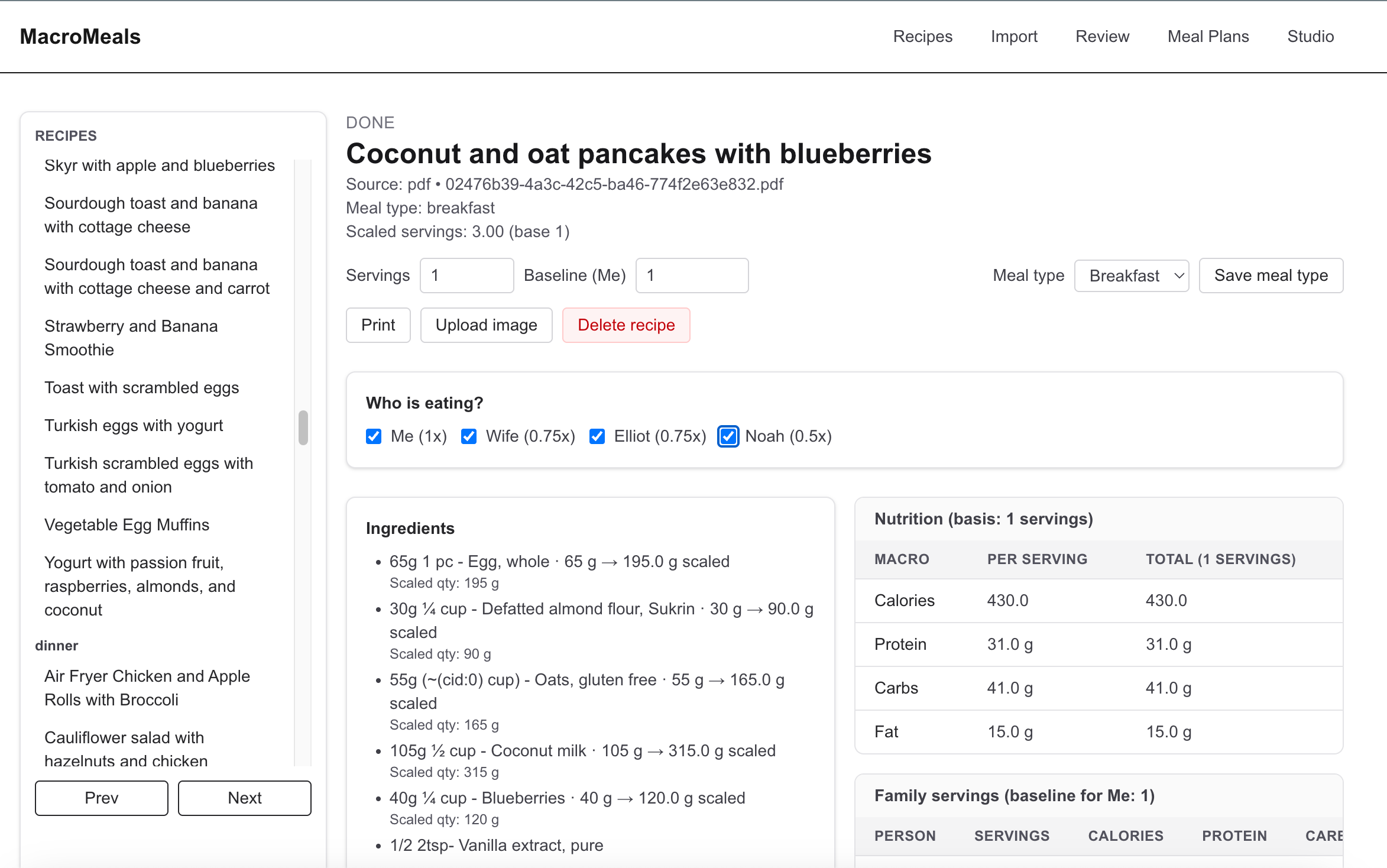
Without real photos, even the tastiest recipes didn’t look nearly as appealing, and it was tough for family members (especially the kids) to pick what they wanted.
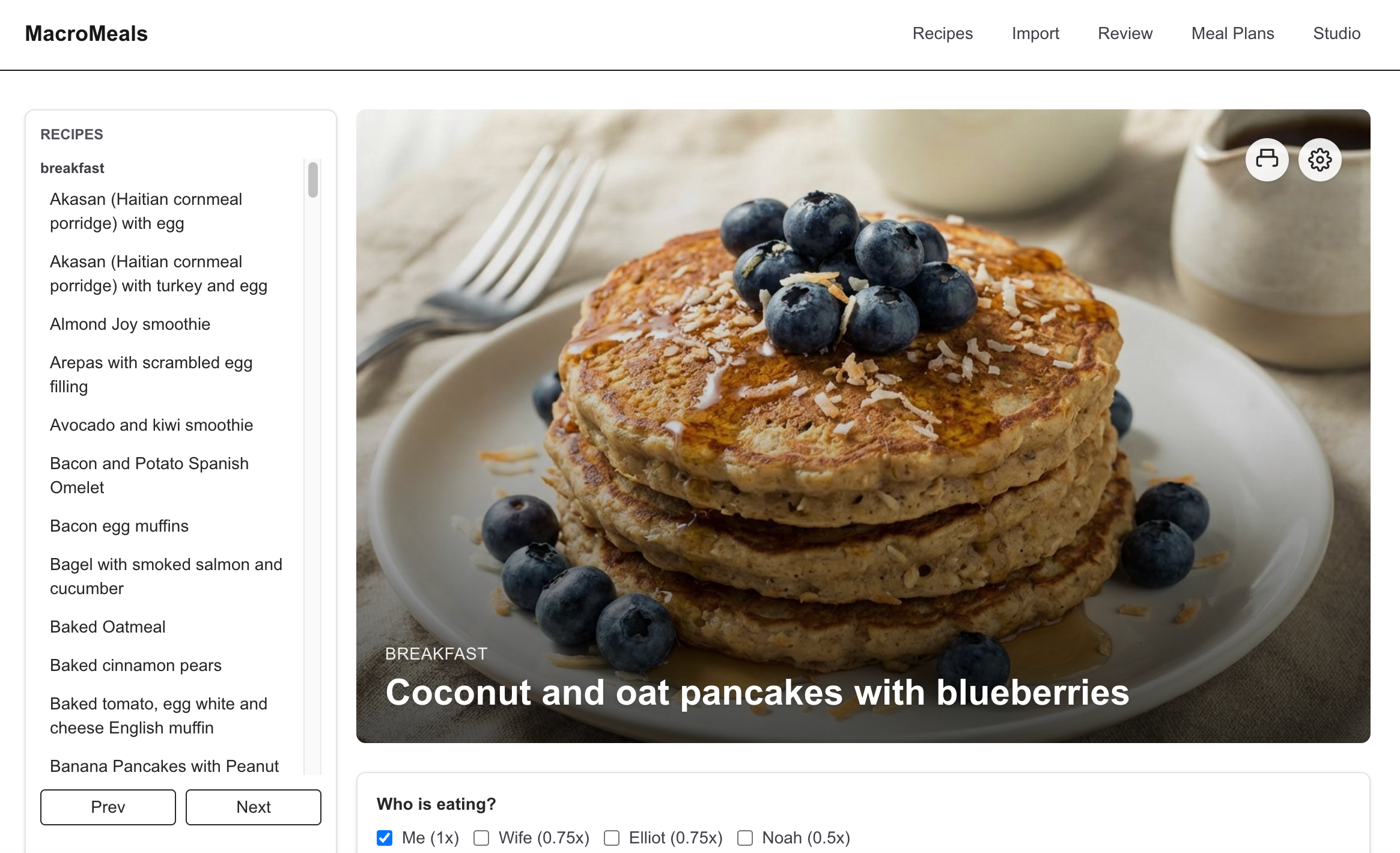
“Wow, I want pancakes!”
So that’s how I wired up AI-generated recipe images in my Sanity meal planner, no schema changes needed, just a patch to pop in the image slot and then Generate does its thing, using the recipe’s title to make sure every photo matches the dish.
Generating appetizing images instantly made the whole meal planner feel polished and so much more fun to use. It’s a great example of how integrating AI into your
Now, when my kids flip through the recipes, they can actually see the coconut pancakes (and everything else) before they put in their “order.” Way more appetizing for everyone- especially the picky eaters!
If you're doing something like this in a professional context and backfilling images across thousands of documents in a production dataset, you'd want to reach for Sanity's content migration tooling rather than a one-off script. The CLI migration runner handles batching, dry runs, and rollback-safe execution out of the box, which matters a lot when you're touching production content at scale. The Handling schema changes confidently course on Sanity Learn is a solid place to start if you want to get comfortable with that workflow.
If you want to take a spin through the meal-planning app you can check it out on Github. If you build something with the Agent API, we'd love to see it. Come share it on Discord in the #showcase channel.
This is how you generate alt text for those generated images as well. The only caveat is that you can’t stick them into the script with async: true since the image might not exist when this code runs. It will work if you async: false but then each iteration of the loop will wait for the image gen to be done. Also requires there to be an alt text field on the image.
Now we will use agent.transform to perform an AI operation on the document with a set of instructions on how to transform it.
// Generate alt text from the image (runs after image is ready)
await client
  .withConfig({ apiVersion: "vX" })
  .agent.action.transform({
    schemaId: "_.schemas.default",
    documentId: recipe._id,
    instruction: "Write a concise, descriptive alt text for this food photo.",
    target: {
      path: ["images", { _key: lastImage._key }, "alt"],
      operation: { type: "image-description" },
    },
  });