Canonical URL definition
Canonical URL is the preferred version of a page that search engines index, reducing duplicate content, consolidating link equity, and ensuring page appears in results.
A canonical URL is the single, preferred web address you want search engines to treat as the main version of a page. It’s helpful when the same content appears at multiple URLs (for example: with tracking parameters, HTTP vs. HTTPS, or www vs. non‑www). Declaring a canonical URL helps prevent duplicate content issues, keeps search results tidy, and consolidates ranking signals like links.
You typically indicate this with a rel="canonical" link in the page’s header. You can also reinforce your choice via sitemaps and appropriate redirects. Keep in mind it’s a strong hint, not a hard rule, so consistent signals matter. A simple best practice is using a self‑referencing canonical on each important page.
For SEO, canonical URLs consolidate signals (links, shares, and relevance) to one page instead of splitting them across duplicates. This reduces keyword cannibalization and helps search engines pick the right page to index and rank. Google often crawls the canonical page more frequently, which improves freshness and performance tracking while saving crawl budget on less useful duplicates.
For users, canonicals promote a single, consistent URL—typically the secure HTTPS version—so people land on the page you intended, not a parameter-laden or outdated variant. This leads to cleaner analytics, fewer confusing duplicates in search results, and a reliable link to share. When content appears in multiple places, clear canonical signals help keep credit and visibility with the primary page.
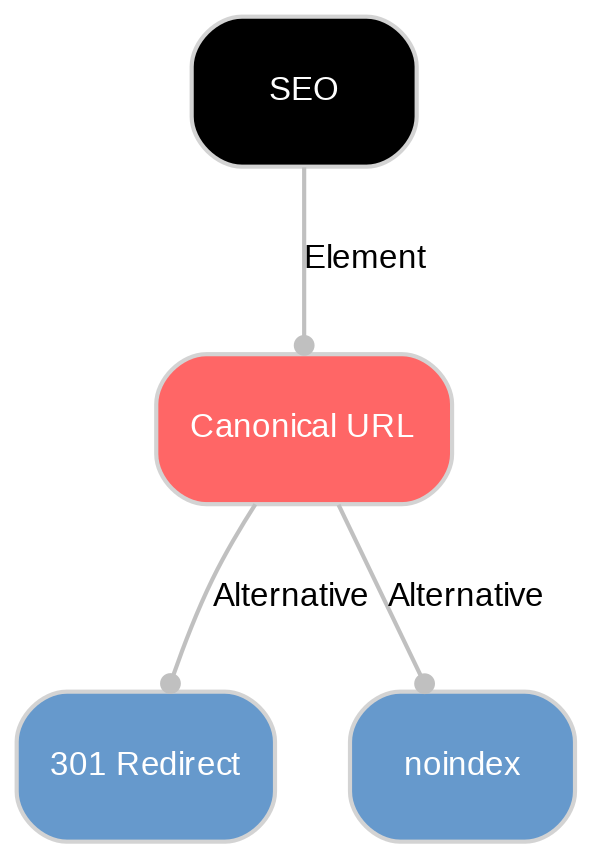
Do this: keep one canonical per page in the HTML head, use absolute, HTTPS URLs, and point to the clean version (no UTM or tracking parameters). Make it self‑referencing on every indexable page (especially your homepage). Reinforce your choice with 301 redirects and your XML sitemap. In headless setups like Sanity, add canonicals in your templates and ensure your sitemap lists the preferred URLs.
Avoid this: don’t canonicalize to a redirected, 404, or noindexed page, and don’t use relative URLs. Prevent conflicting signals with hreflang—each language/region page should self‑canonical and reference peers via hreflang. Be careful with HTTP/HTTPS or www/non‑www mismatches. Don’t rely on canonicals to fix syndicated content; prefer blocking duplicates from indexing on the republishing site.
Explore Sanity Today
With Canonical URL under your belt, it's time to see what Sanity can do for you. Explore our features and tools to take your content to the next level.
Last updated: