Component library definition
A Component Library is a collection of pre-designed user interface elements that standardize development, enhance efficiency, and improve design consistency in digital products.
A Component Library is an organized collection of pre-designed and pre-built user interface (UI) elements that can be reused across various projects. These elements often include items like buttons, fonts, accordions, or even larger segments such as headers or footers.
The primary aim of a component library is to standardize development, minimize code duplication, and drive scalability within digital products. By providing reusable code components, it not only fosters design consistency but also promotes faster development and growth. Moreover, it serves as a
Component libraries play an integral role in design, significantly contributing to the creation of successful products and services. Implementing a component library can lead to saving time and resources, as it eliminates the need for developers to consistently recreate common elements. This improves overall efficiency, allowing teams to focus more on functionality rather than design implementation.
Beyond efficiency, component libraries also lay the groundwork for coherency and consistency. By utilizing reusable components, brands ensure that their digital presence maintains a uniform look and feel across different platforms or devices. This consistency aids in reinforcing brand identity while providing users with a seamless experience.
A well-curated component library can also serve as an effective tool for fostering collaboration within teams. It acts as a shared resource where designers can contribute new ideas or components, ensuring everyone is aligned towards one vision. In turn, this makes communication smoother among designers and engineers alike.
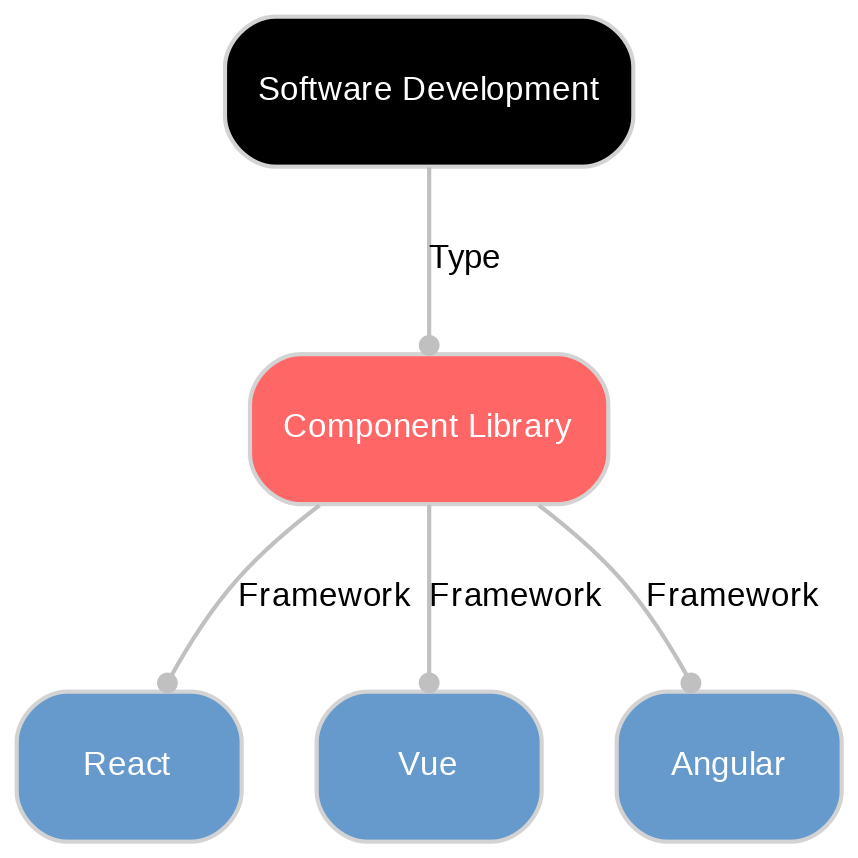
In essence, while component libraries may be challenging initially to establish, their long-term benefits far outweigh these challenges - transforming how organizations approach digital design.
Building a component library requires careful planning, attention to detail, and strategic utilization of tools. The initial step is an interface audit, where you identify inconsistencies in your current design elements. This audit provides a clear understanding of what needs to be included in your component library.
The next step involves the actual creation of the components using development tools such as Storybook or UXPin Merge. These platforms simplify the process, enabling engineers to develop and manage reusable components more efficiently.
Last but not least is documentation. It's essential for collaboration within teams and for future reference when updating or adding new elements into your library.
Building a component library is not a one-time task but an ongoing process that requires careful planning, regular updates, and continuous optimization. Here are some best practices to follow for effective management of your component libraries:
Bundling Components: When creating your component library, consider how you bundle your components. You can choose to create a single bundled file or individual files for each component. The goal here is to minimize unnecessary code downloads by users and improve overall performance. A third distribution model sits alongside those two: a registry that copies component source into the consuming repository instead of installing a versioned package. shadcn CLI 3.0, released in August 2025, made registries namespaced and privately hosted, so a team can serve its own components from an authenticated endpoint and have the source land in the consumer's repo, with dependencies resolved across several registries at once.
Use Tools Efficiently: Utilize tools for sharing and reusing components seamlessly across projects without the need for additional configurations. These tools not only speed up development but also ensure consistency in the design. Registries are also how AI coding assistants reach a component library. The shadcn CLI ships an MCP server that lets an assistant search, view, and install items from any registry configured in the project, and Figma's MCP server exposes
Regular Testing: To ensure reliability, regularly test components in different environments before deploying them into your library.
Maintain Documentation: Keeping detailed documentation about each component helps maintain clarity among team members regarding its function, usage guidelines, and any potential dependencies.
Unlock New Possibilities with Sanity
Understanding Component library is just the beginning. Take the next step and discover how Sanity can enhance your content management and delivery.
Last updated: