Content migration definition
Content migration moves digital content between platforms or CMSs via planning, taxonomy and metadata updates, cleanup, testing, and governance to protect accuracy, SEO, and continuity.
Content migration is the planned process of moving digital content from one system to another—often during a website redesign, CMS change, or platform consolidation. It includes text, images, video, files, and metadata such as tags, authors, and publish dates, not just the visible pages.
Done well, it involves an upfront content inventory, updates to taxonomy and naming, cleanup of outdated or duplicate items, careful mapping of URLs and permissions, and thorough testing and validation to confirm everything works as expected. Parts can be automated with tools, but human review is key to preserve SEO, accuracy, and user experience. After launch, a simple governance plan keeps content organized and consistent.
Start by aligning on goals, scope, stakeholders, and success metrics. Choose your approach: lift-and-shift for speed, or restructure/rewrite/retire to improve quality. Build a realistic plan with timeline, budget, and a content freeze window. Run a pilot on a sample set to estimate effort, refine mappings, and surface surprises before you scale up.
Before moving anything, create full backups, a 301 redirect plan, and clear QA checklists (links, media, metadata, accessibility, and SEO). Use automation where safe, but keep human review for accuracy and tone. Migrate in phases, validate after each batch, and monitor errors in real time. If your CMS supports scripted migrations (e.g., Sanity), run dry runs and validations first. After cutover, test redirects, watch analytics and search console, and train editors.
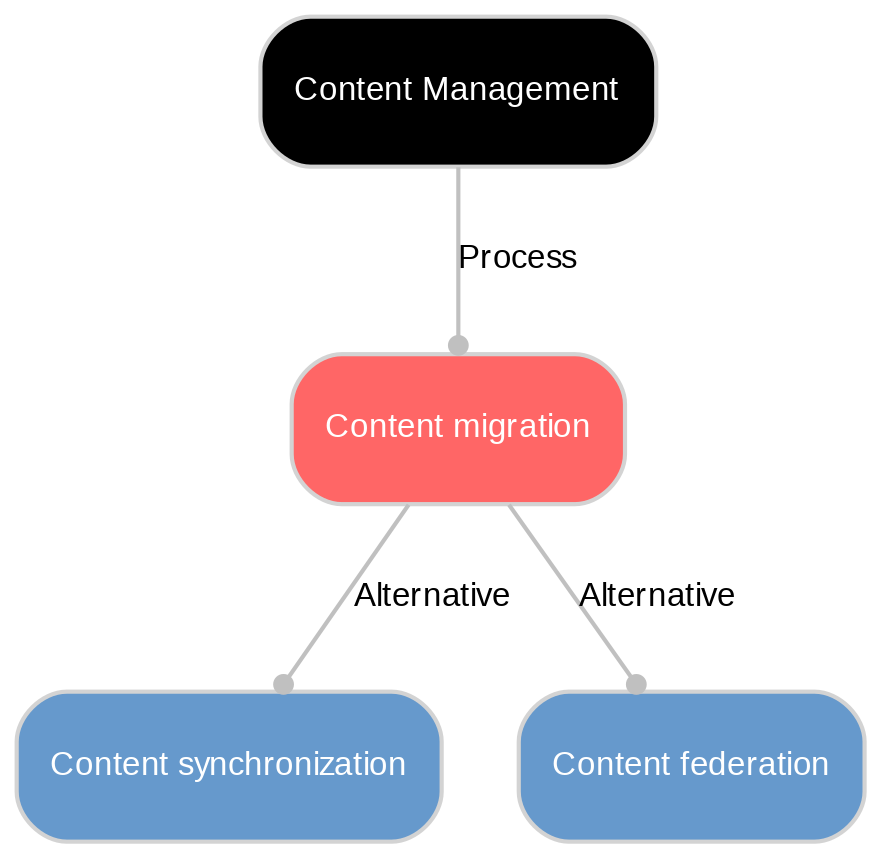
Define clear KPIs before go‑live and track them at 7/30/60/90 days: organic traffic and rankings, crawl/index coverage, 404 and redirect hit rates, page speed, form/conversion rate, and content accuracy/completeness. Add editorial KPIs such as time-to-publish, error rate, and rework. Use analytics, Search Console, and automated link/media checks to spot issues early, and compare against pre‑migration baselines.
Sustain quality with a simple governance model: defined roles and permissions, approval workflows, and a content lifecycle (owners, review dates, archival rules). Maintain taxonomy and metadata standards, keep an editor playbook, and schedule quarterly audits. In tools like Sanity, enforce schema validations, required fields, and CI checks for scripted changes. Provide ongoing training and publish a change log to keep teams aligned.
Unlock New Possibilities with Sanity
With Content migration under your belt, it's time to see what Sanity can do for you. Explore our features and tools to take your content to the next level.
Last updated: