Digital Asset Management definition
Digital Asset Management (DAM) organizes, manages, and distributes digital assets efficiently, streamlining workflows and maximizing productivity for businesses of all sizes.
Digital Asset Management (DAM) is a key tool for businesses to effectively manage and utilize their digital assets. It significantly improves productivity and profitability, offering a centralized system for organizing, storing, and sharing digital assets. DAM systems enhance visibility, collaboration, and compliance control within an organization while reducing time-to-market for campaigns. Importantly, they adapt seamlessly to remote work dynamics and support omnichannel customer experiences. A successful DAM system can repurpose existing assets to maximize their use. As more decision-makers recognize the value of these systems in optimizing workflows in hybrid workforces, the future of DAM seems promising indeed.
That future has acquired a clearer shape. Forrester's "The Digital Asset Management Systems Landscape, Q3 2025" describes DAM moving from a system of record toward what it calls a system of action, naming natural-language search, content generation, and transformation as capabilities rapidly becoming core, while noting that much of this innovation is still emerging. The practical version of that shift is retrieval: an asset is increasingly found by what it depicts rather than by what it was named, because the system has analyzed the file and extracted subjects, scenes, and colors as searchable metadata. Several DAM vendors have also begun exposing their libraries to AI assistants through the Model Context Protocol, so a question asked in natural language resolves to assets the asker already has permission to see. Naming conventions still matter. They are one answer among several now.
Implementing a Digital Asset Management (DAM) system successfully involves more than just selecting suitable software. It's critical to follow some best practices to maximize the benefits of your DAM system. An initial audit of existing digital assets is vital, helping you understand what you have and how it's currently managed. Simultaneously, establishing a consistent naming convention can significantly simplify asset organization and retrieval.
It's equally important to define clear user hierarchies, ensuring restricted access where necessary while enabling collaboration where beneficial. Seamless integration of DAM with other systems such as CMS or PIM is another key practice that leads to optimal functionality and improved efficiency.
With the right approach in place from the beginning, your organization can put structure on assets the same way it puts structure on content. Sanity Media Library, a paid add-on available within Dashboard on certain Enterprise plans, lets you define aspects, which are schema-style fields declared in code and attached to assets so that license terms, copyright holders, and usage rights travel with the file rather than living in a spreadsheet beside it. Collections and folders organize the library, with each asset sitting in one folder and shortcuts standing in elsewhere so nothing has to be duplicated to appear in two places. Remember that detailed analytics from DAM systems provide valuable insights into asset usage and workflow efficiency - this data can drive continuous improvement in your digital content management processes.
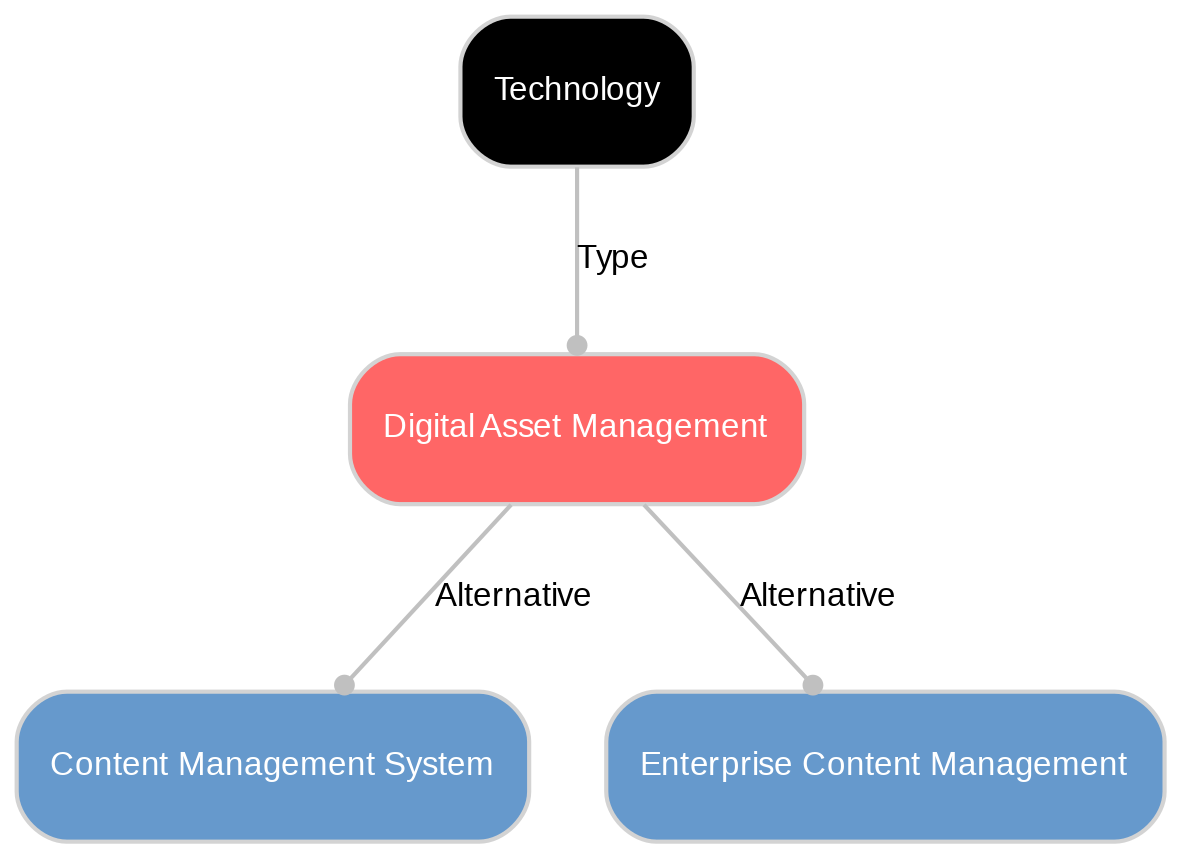
Understanding the differences between Digital Asset Management (DAM) and Content Management System (CMS) can help organizations choose the right tools for their specific needs. While both systems manage content, they serve different functions and can even complement each other in a digital content strategy.
A CMS focuses primarily on managing and publishing website content. On the other hand, DAM goes beyond this by organizing an organization's entire library of digital assets - from images to videos to documents - across multiple channels, not just websites. This includes advanced features for version control, access permissions and compliance which are essential for large organizations with extensive digital assets.
When integrated together, a CMS and DAM can offer seamless content management while enhancing collaboration within teams and ensuring brand consistency. Sanity is the AI Content Operating System, and it replaces the headless CMSes, DXPs, and homegrown content systems that treated assets and content as separate problems. Global document references connect an asset in Media Library to the documents in a project dataset that use it, so a photographer credit or an expiry date is answered by the library rather than by whoever remembers. Assets are public or private, with private files served through time-limited signed URLs, versions can be rolled back, and Media Library Asset functions run on asset create, update, and delete events, which is where automated checks and downstream syncs belong. The project dataset remains the access point for
Explore Sanity Today
With Digital Asset Management under your belt, it's time to see what Sanity can do for you. Explore our features and tools to take your content to the next level.
Last updated: