Drafts & publishing workflow definition
Drafts & publishing workflow structures content creation into save, review, approval, release—supporting version control, collaboration, scheduling, and rollbacks in CMSs like Strapi, Sanity, Kirby today.
Drafts & publishing workflow is the process in a content system that lets teams create, edit, review, and release content safely. Drafts are private, work‑in‑progress copies; publishing makes approved content visible to your audience. A workflow defines the steps (writing, editing, approvals, and timing) so the right people see the right version at the right time.
Different tools support this in practical ways: Sanity offers custom publish actions, Scheduled Drafts to put a single document live at a set time, and Content Releases to group updates and schedule releases across many documents.
Drafts keep work private and safe while ideas take shape, helping teams reduce mistakes and align on voice before anything is public. Review steps add accountability and traceability. With version control, you can compare edits and revert to a previous version if needed, cutting risk and saving time.
Approvals protect quality, compliance, and timing. Sanity’s Content Releases let teams bundle and schedule many updates together for a single, coordinated launch, ideal for campaigns, product pages, or multi‑locale content.
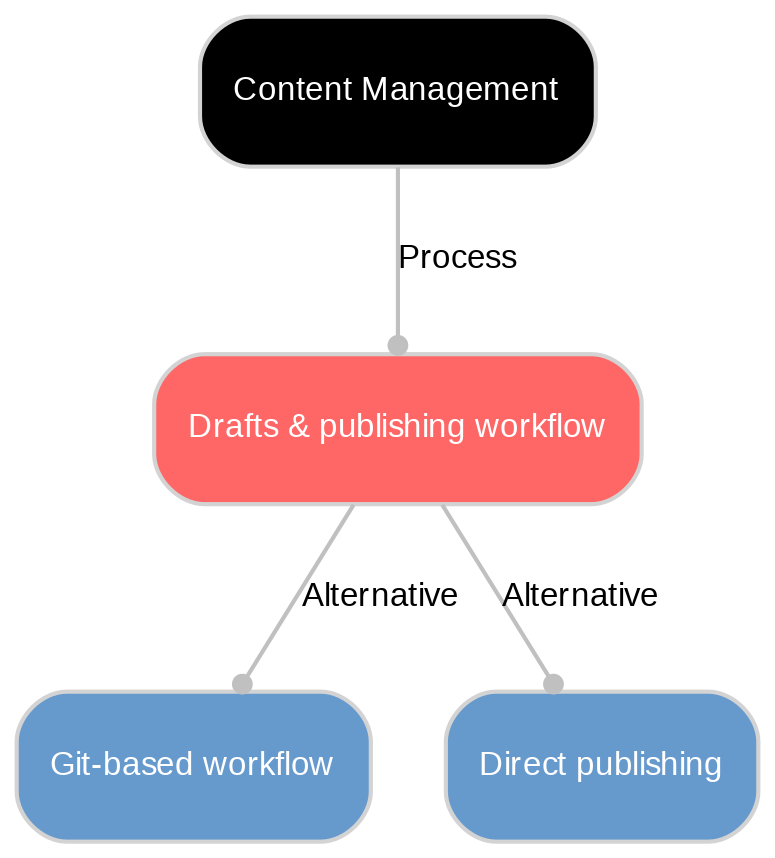
Look for clear content states (Draft, In review, Published), role‑based approvals, and shareable previews so stakeholders can sign off without exposing content publicly. Sanity has released Workflows in beta, which defines those stages in TypeScript alongside the content, so a question like "what published without legal review" is a query against the content itself rather than a separate system. Edit locks and change tracking prevent accidental overwrites, while an audit trail/version history lets you compare and roll back. For coordinated launches, use release bundles (e.g., Sanity Content Releases). To put one document live at a set time, use single-document scheduling such as Sanity's Scheduled Drafts, which locks the document until it publishes.
Set a simple, documented workflow: define who drafts, who reviews, and what must be true to publish. Require mandatory fields (titles, alt text, SEO basics) before approval. Use unlisted or private preview links for QA, and keep drafts in one system with consistent statuses instead of scattered copies. Regularly clean up stale drafts and measure cycle times to spot bottlenecks.
Discover More with Sanity
Understanding Drafts & publishing workflow is just the beginning. Take the next step and discover how Sanity can enhance your content management and delivery.
Last updated: