Redirects definition
Redirects send visitors from an old URL to a new one, preserving SEO, preventing 404s, and improving experience. Common types include 301 (permanent) and 302.
Redirects are simple instructions that send people and search engines from one web address (URL) to another. They keep visitors from hitting dead ends like 404 errors when a page moves, is renamed, or a site switches domains or to HTTPS. The result is a smoother experience and preserved visibility in search.
The two most common types are 301 (permanent), used when a page has moved for good, and 302 (temporary), used for short‑term changes. Proper redirects can pass most reputation (link equity) to the new page and prevent duplicate content. Keep redirects tidy—avoid long chains or loops—as each extra hop can slow things down.
Use a redirect when a URL changes due to a site restructure (e.g., moving /blog/post to /articles/post), when you rename or merge content, or when you retire a page. For discontinued items, send visitors to the closest relevant page—a successor product or the parent category—so they don’t hit a dead end.
Redirects are also essential during domain changes or rebrands, consolidating www/non‑www versions, and shifting from HTTP to HTTPS. Apply them at the domain and path level to cover every old URL.
For short-term needs—maintenance, limited-time campaigns, or A/B tests—use a temporary redirect. Teams using Sanity can let editors manage standard redirect rules in Studio with appropriate permissions.
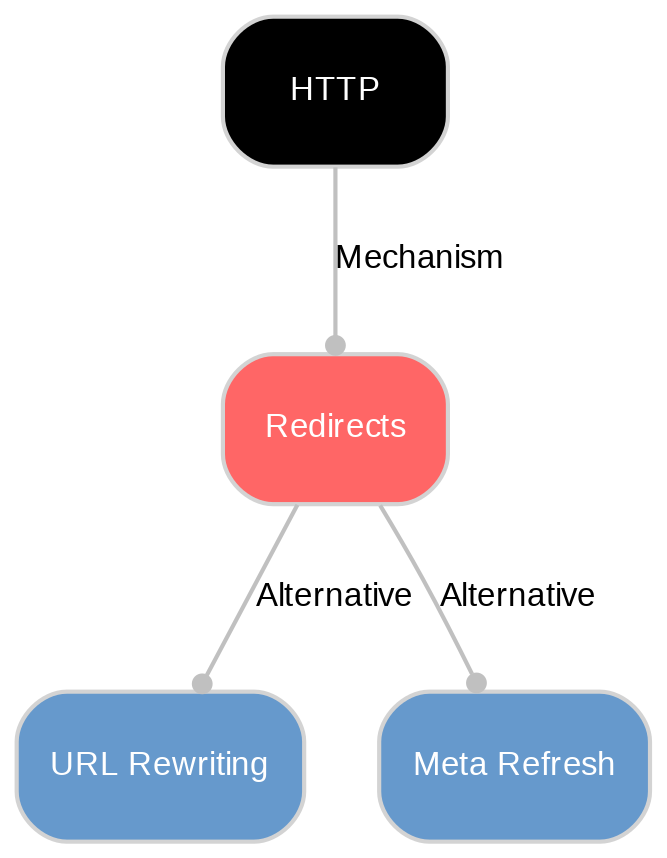
Use the correct status: 301 for permanent moves, 302/307 for short‑term. Point each old URL to the closest relevant page (not the homepage). Keep it to a single hop and avoid chains or loops, which slow pages and waste crawl budget. Prefer server‑side HTTP redirects over meta refresh or JavaScript, which are less reliable for SEO.
After redirecting, update internal links, navigation, sitemaps, and canonical tags to the new URL so users and bots don’t hit internal redirects. Enforce one canonical host (www vs non‑www) and HTTP→HTTPS. Preserve query strings and expected trailing slashes. Keep important 301s in place long term after migrations. Audit and test with a crawler or Search Console, and verify in a fresh browser session (301s are often cached). In Sanity, add validation to prevent duplicate or conflicting rules.
Explore Sanity Today
Now that you've learned about Redirects, why not start exploring what Sanity has to offer? Dive into our platform and see how it can support your content needs.
Last updated: