From studio to inbox: How Kevin Green eliminated email campaign friction
Draft, preview, and send emails where your content already lives. No copy-paste. Always the latest data.

John Siciliano
Senior Technical Product Marketing Manager
Published
Why not draft and send email campaigns from the same place your other editorial work lives?
Write a blog, create a landing page, and draft an email in one system. Then release them simultaneously.
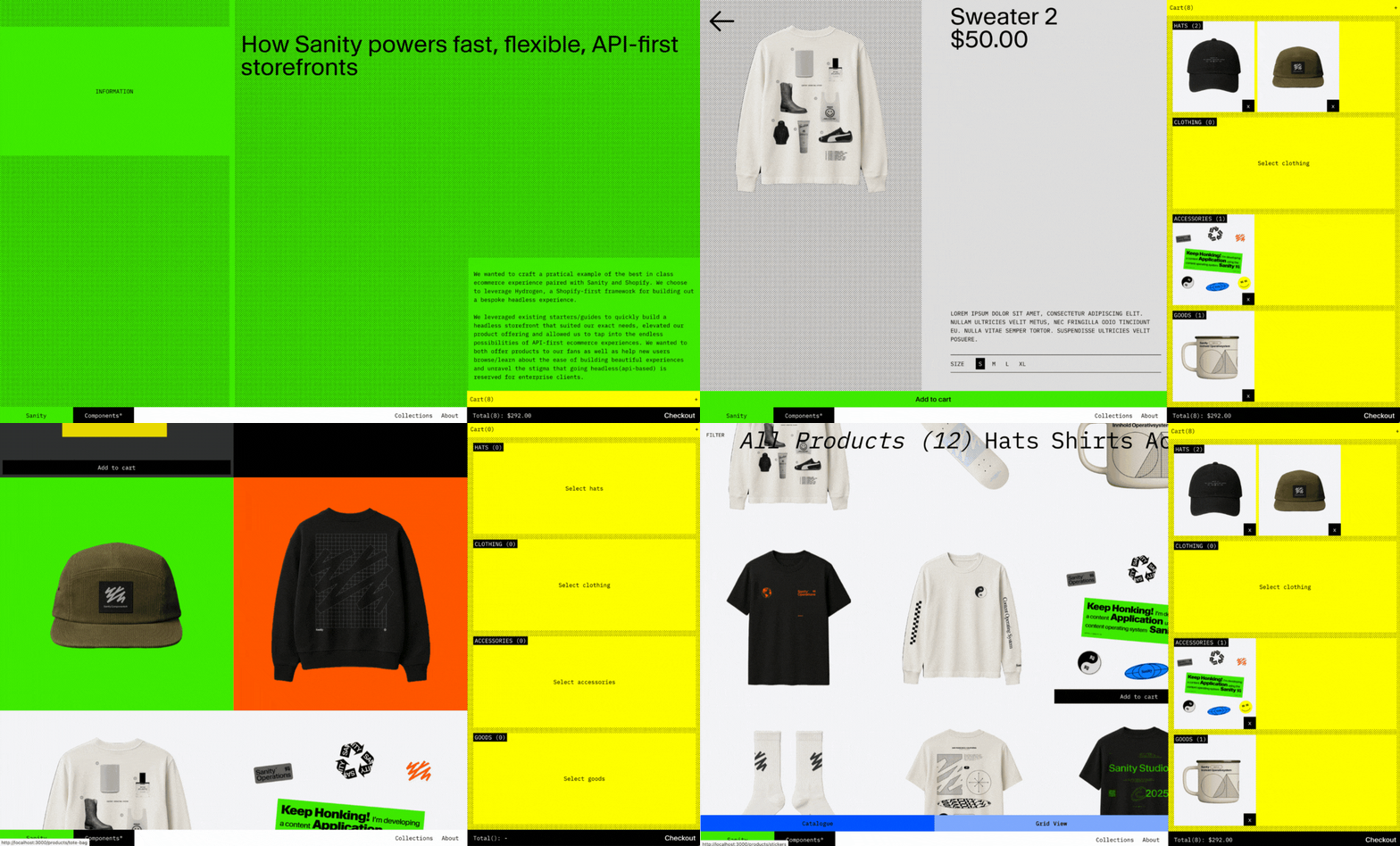
This is the reality Kevin Green built for the Sanity swag store. Here is why and how he built it.
Here's what most teams deal with:
Content lives everywhere except where you need it. Sanity handles content. Klaviyo delivers emails. The only thing missing? A bridge that lets them work together without you copy-pasting between them.
Content people end up playing the role of designers. They just want to write compelling copy, but now they're picking templates and adjusting layouts in yet another dashboard.
For teams without a dedicated email specialist, this friction turns what should be a simple task into hours of coordination. One campaign? Annoying. Weekly campaigns? That's a part-time job spent copying and pasting instead of creating.
"If you have someone who lives in Klaviyo all day, they're probably loving all its advanced features," Kevin explains. "But if you're a content person who also handles marketing? You need tools where you already work, not another dashboard to learn."
Kevin treats email campaigns like what they actually are: documents that happen to get sent to inboxes. No copy-pasting. No exporting. Just hit publish in studio and watch the campaign go live through Klaviyo's powerful delivery infrastructure.
The beauty is that you get the best of both worlds: Klaviyo's proven email delivery and analytics infrastructure combined with Sanity's Content Operating System. Your content team works where they're comfortable, while your campaigns still leverage Klaviyo's email expertise.
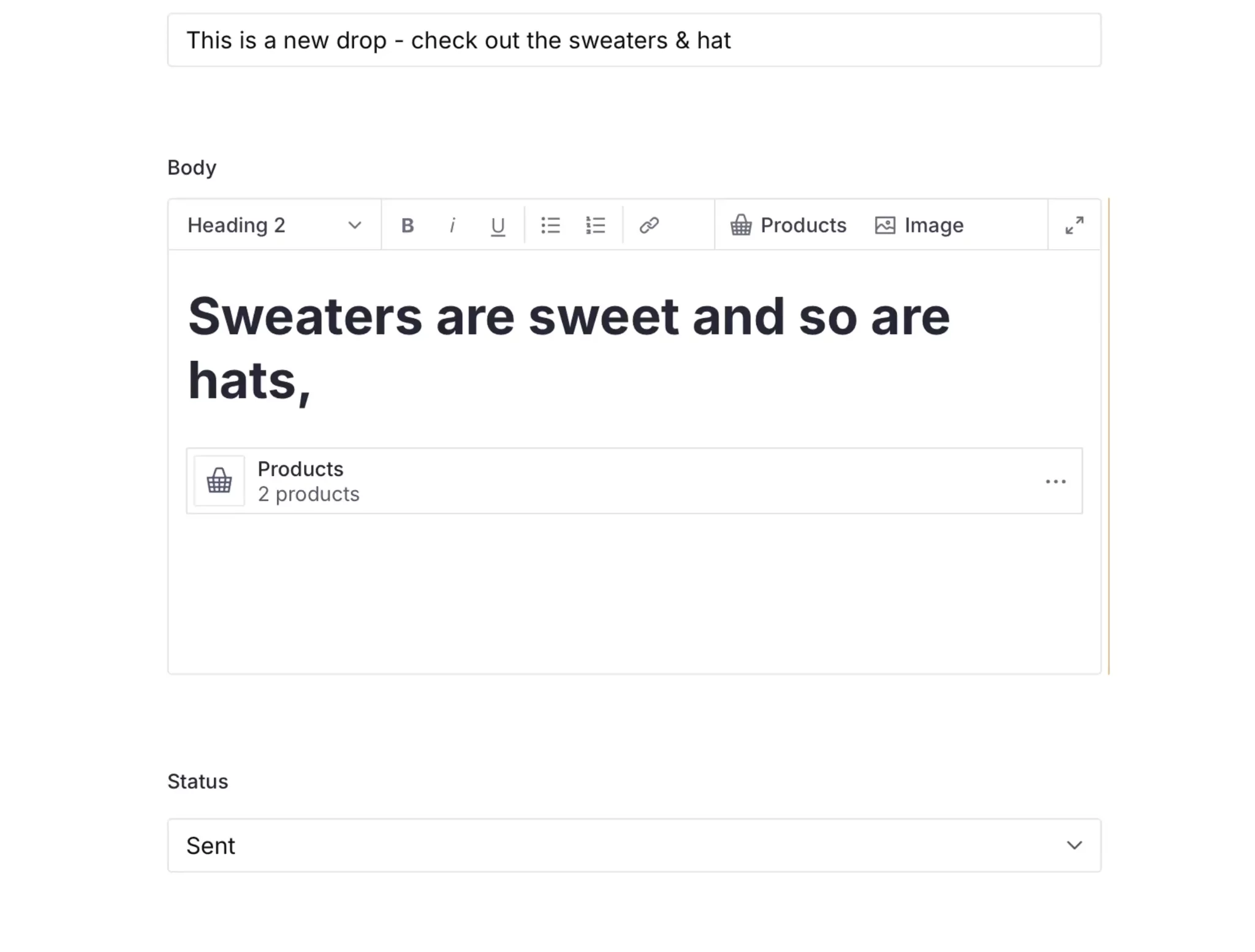
The setup is beautiful:
- Email campaigns are documents (because why shouldn't they be?)
- Editors preview the email using a custom preview pane
- Sanity Function triggers on publish → syncs to Klaviyo automatically
"There's no guessing. I know for sure this is the exact email that will show in your inbox."
Let's explore the building blocks that brought this to life.
Since Sanity Studio is a React app, you can extend it to render anything. Kevin added a preview pane that shows the exact HTML that gets sent to subscribers.
Using the Structure Builder API, he renders his custom preview alongside the default editing pane:
S.document()
  .documentId(documentId)
  .schemaType('post')
  .views([
    S.view.form().title('Form'),
    S.view
      .component(PostPreviewPane)
      .title('Preview')
      .options({
        document: {_id: documentId}
      })
  ])
The PostPreviewPane component renders the HTML string:
// Minimal example for demo purposes
export function PostPreviewPane({ document }: PostPreviewPaneProps) {
  const body = document?.displayed?.body

  if (!body || body.length === 0) {
    return (
      <div style={{ padding: 24, textAlign: 'center' }}>
        No content yet
      </div>
    )
  }

  return (
    <div style={{ maxWidth: 600, margin: '0 auto', fontFamily: 'sans-serif' }}>
      {/* Render body as HTML */}
      <div
        dangerouslySetInnerHTML={{
          __html: toHTML(body, {
            components: {
              types: {
                image: ({ value }) =>
                  value?.asset?.url
                    ? `<img src="${value.asset.url}" alt="" />`
                    : '',
                products: () => `...render products here...`,
              },
              block: {
                h1: ({ children }) => `<h1>${children}</h1>`,
                normal: ({ children }) => `<p>${children}</p>`,
              },
              marks: {
                strong: ({ children }) => `<strong>${children}</strong>`,
              },
            },
          }),
        }}
      />

      <p style={{ textAlign: 'center', marginTop: 24 }}>
        <a href="...">Call to Action</a>
      </p>

      <footer
        style={{
          marginTop: 32,
          fontSize: 12,
          textAlign: 'center',
        }}
      >
        © {new Date().getFullYear()} My Store ·{' '}
        <a href="...">Unsubscribe</a>
      </footer>
    </div>
  )
}
This same logic generates the HTML sent to Klaviyo, ensuring preview and email are always identical.
When an editor hits publish, Sanity Functions automatically handles the entire Klaviyo integration. But here's the clever part: Kevin split this into two separate functions to match the natural workflow.
This fires whenever content changes, setting up everything in Klaviyo but not sending it yet. Think of it as a safety net so editors can review, tweak, and perfect everything before it goes out.
// functions/marketing-campaign-create/index.ts
export const handler = documentEventHandler(async ({ context, event }) => {
  const { _id, title, body, operation } = event.data

  if (operation === 'create') {
    // Generate the exact same HTML as the preview
    const htmlContent = await generateEmailTemplate(title, slug, body)

    // Create Klaviyo template
    const template = await createKlaviyoTemplate({
      name: `${title} - Template`,
      html: htmlContent
    })

    // Create Klaviyo campaign
    const campaign = await createKlaviyoCampaign({
      name: `${title} - Campaign`,
      templateId: template.id,
      listId: klaviyoListId
    })

    // Store the relationship in Sanity
    await client.create({
      _type: 'marketingCampaign',
      klaviyoCampaignId: campaign.id,
      klaviyoTemplateId: template.id,
      post: { _ref: _id }
    })
  }
})
The beauty is in the Blueprint configuration. By using delta GROQ, this function only triggers when the status isn't "sent", which prevents accidental re-sends:
// sanity.blueprint.ts
defineDocumentFunction({
  name: 'marketing-campaign-create',
  src: 'functions/marketing-campaign-create',
  event: {
    on: ['create', 'update'],
    filter: '_type == "post" && status != "sent"',
    projection: '{_id, _type, title, slug, body, marketingCampaign, klaviyoListId, "operation": delta::operation()}',
  },
  env: {
    KLAVIYO_API_KEY,
    KLAVIYO_LIST_ID,
  }
})
This is where the two-function approach pays off. When an editor changes the status to "ready," a separate function handles the actual send. This separation means:
- No accidental sends while drafting
- Clear audit trail of who triggered the send and when
- Ability to schedule sends by setting the status at a specific time
defineDocumentFunction({
  name: 'marketing-campaign-send',
  src: 'functions/marketing-campaign-send',
  event: {
    on: ['create', 'update'],
    filter: '_type == "marketingCampaign" && status == "ready"',
    projection: '{_id, _type, title, post, klaviyoCampaignId}',
  },
  env: {
    KLAVIYO_API_KEY,
    KLAVIYO_LIST_ID,
  }
})
The send function calls Klaviyo's API and contains the campaign ID we stored earlier. The first function already did all the heavy lifting (HTML generation, template creation), so this one just pulls the trigger.
What makes this approach resilient is that you can't accidentally break things. Edit the content? The first function updates the Klaviyo template. Change your mind about sending? Just leave the status alone. Ready to go? Flip to "ready" and it's sent. No manual steps, no room for error.
You have a new product drop that requires a blog post, landing page, and email campaign.
How do you coordinate their release?
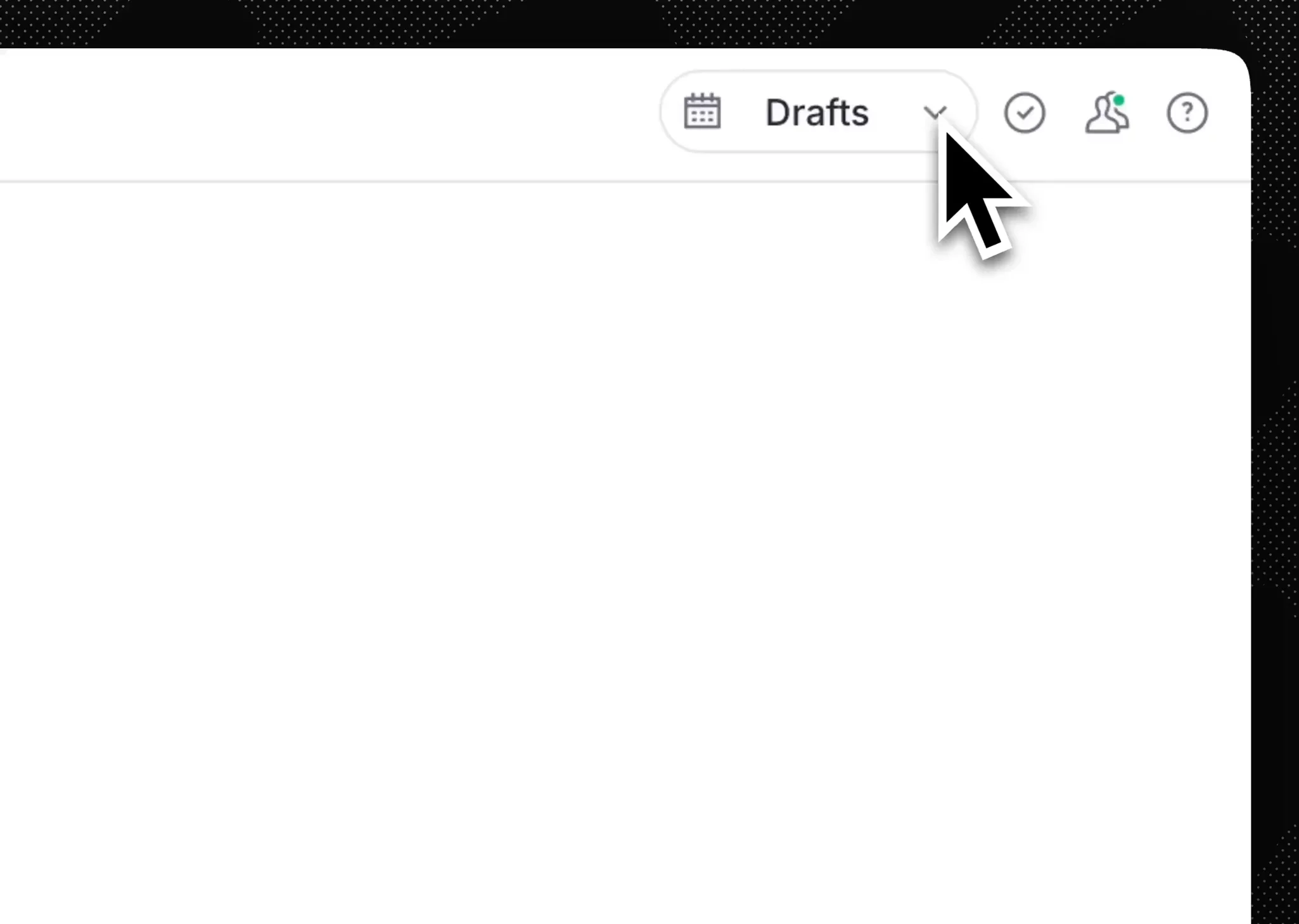
Answer: Content Releases. Group content changes together and publish them simultaneously, either instantly or scheduled. Your blog post, landing page, and email all go live in perfect sync. No more "wait, did anyone publish the email yet?" panic moments.
The immediate payoff: 20 minutes saved per campaign. But the real transformation happens at scale:
Content reusability actually works. That product module from the website? Now it's an email component too. Write once, publish everywhere.
Consistency happens naturally. When emails pull from the same content source as the website, messaging stays aligned without style guide enforcement meetings.
Onboarding is simple. New team members? If they know Sanity Studio, they're ready to send campaigns. No separate training is required.
This approach shines when:
- Your content team also handles email marketing
- You want genuine
content reuse - Email is part of your content strategy, not a separate silo
- You're sending content-driven campaigns (not purely transactional)
You might work directly in Klaviyo if:
- You have dedicated email marketers who live in Klaviyo
- Your emails are heavily behavior-triggered rather than content-driven
- You need complex segmentation logic that's native to email platforms
- You're running sophisticated A/B tests that need specialized analytics
Kevin isn’t trying to replace Klaviyo. Rather, he is interfacing with it in a way that is more native to his