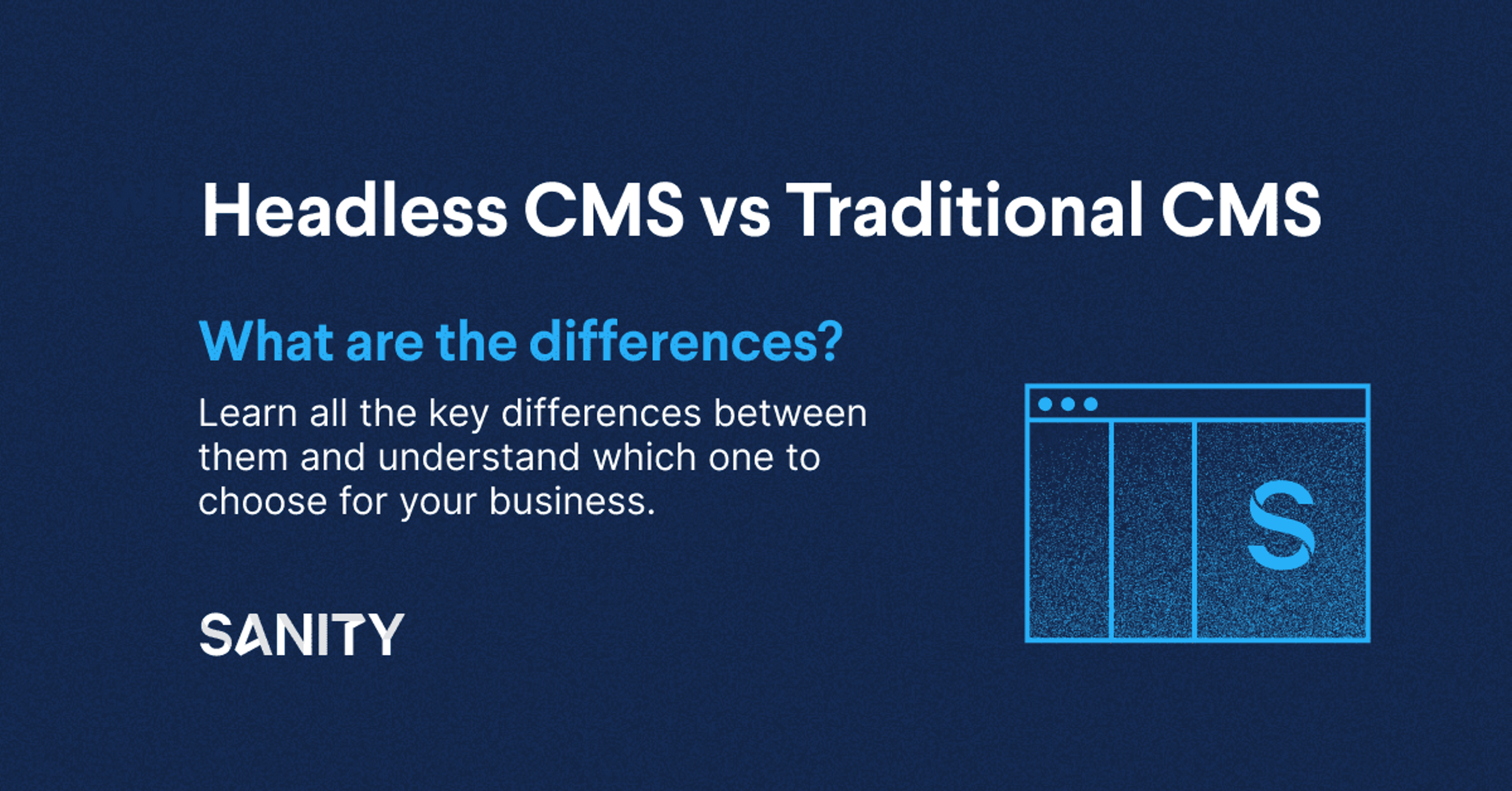
Headless CMS vs. Traditional CMS
Learn how to choose an enterprise CMS in 2026. Compare features, evaluate vendors, and discover why leading brands choose Sanity's Content Operating System.

Evan Roxanna Ramzipoor
Evan is a contributing writer for Sanity.
Last Edited:
Content is critical for all businesses, but the stakes are even higher for the enterprise. Choosing the right content management system (CMS) is a crucial step for ensuring your content is reaching the right people and telling a consistent, personalized story.
A CMS is a platform that enables teams to manage and deliver digital content across an entire web ecosystem. An enterprise-ready CMS must be able to manage multiple websites and massive volumes of content through one interface and a single sign-on (SSO).
The platform should help teams meet their strategic business goals by delivering cohesive, personalized omnichannel engagement. Teams must be able to move fast and deliver personalized, contextual experiences at scale—including powering AI agents and automating content operations.
But with so many options on the market, how do you choose the right one?
Large enterprise companies have unique needs. At minimum, an enterprise CMS should support the following:
Every enterprise manages a wide variety of content across myriad channels, including websites for different locations and personas, mobile, ecommerce, apps, AI agents, and IoT devices. An enterprise-ready CMS should be able to integrate with all these channels, empowering teams to deliver excellent omnichannel experiences wherever their customers might find them. The best systems treat content as data with semantic clarity, making it reusable and contextual for every surface.
For the enterprise, security is paramount. A CMS for the enterprise must allow teams to implement access controls so only authorized users can access sensitive information. It should come equipped with features such as SSO, audit logs, and role-based access control, as well as SOC2, GDPR, and CCPA compliance.
The platform should meet the demand of a growing business by enabling teams to push content at scale. The organization shouldn't have to do a lot of legwork every time it wants to explore a new market, audience, or geographic location. The ideal enterprise CMS should be flexible and adaptive, allowing the business to tailor the platform to evolving business needs and requirements. Teams need the ability to model content around how their business operates, not force their operations into rigid CMS structures.
An enterprise CMS should come equipped with capabilities that make work happen faster. Powerful workflow automation and integrated AI let teams focus on innovation instead of manual, repetitive tasks. The platform should help automate content enrichment, approvals, publishing, and distribution so teams can scale output without scaling headcount.
The right CMS enables developers and content teams to do their best work independently.
The CMS should include role-based access control, change tracking, and flexible content release management to define, manage, and automate all the steps of content creation.
The editorial team should be able to create, publish, and optimize content without tapping dev or IT teams for help, while also having the tools to collaborate effectively across brands, regions, and channels.
The traditional CMS is a monolithic platform, meaning it contains both the database for content and the presentation layer. WordPress and Drupal are popular examples. But many enterprise organizations are moving away from monolithic platforms, which struggle to support anything more than a simple website. A monolithic platform simply does not provide the flexibility needed to deliver content across an entire ecosystem, nor does it enable content teams to iterate and experiment without tapping vital developer resources.
Instead of a monolithic platform, enterprise businesses are choosing a headless CMS, which decouples the content from the presentation layer. The "head" is the presentation layer that the user sees and interacts with. The "body" is the admin user interface that enables teams to edit and publish content. The CMS is "headless" because the head is disconnected from the body.
The typical enterprise business is responsible for managing and updating a massive stream of content across any number of presentation layers, including websites, mobile apps, smart displays, and IoT devices. With a headless CMS, content teams can send the same content to any of these interfaces.
But enterprises need to go further than just headless. Modern organizations require a Content Operating System that treats content as data, not just pages. This approach enables:
A Content Operating System aligns content to how your business operates, adapts as requirements change, and powers experiences across websites, apps, agents, and any future channel—all while maintaining governance, security, and speed.
To evaluate the options on the market, start by taking a critical look at your current CMS. Take stock of what's working and what's not.
How much are you paying for your current solution? Are you looking to spend less? How well does your current platform support mission-critical functionalities such as translation, global content, brand consistency, and AI-ready structured content?
Then take stock of the third-party vendors you're using to perform services like SEO, and take a close look at how long it takes for developers to update the CMS. Enterprise companies need to move fast and can't afford to get bogged down in complicated development cycles or siloed content that's difficult to reuse and automate.
How easy is it for your teams to respond to business opportunities and set up quick campaigns and experiments? What does your content velocity look like, and what would you like it to look like?
Make a list of the features your ideal CMS might have.
Choosing a CMS is a strategic initiative with cross-functional ramifications. As a result, people from across the org should have a say in the process.
Create a task force with representatives who can evaluate CMS candidates from a variety of angles. For example, business leaders and project managers can evaluate a CMS based on its ability to support excellent customer experiences and enable AI-powered automation. Developers should be on hand to build a checklist of technical criteria, such as scalability and customization, architecture, programming languages, and APIs. Content teams, of course, can help figure out whether a CMS can support flexible, customizable content creation and can take a close look at the editorial experience and workflow capabilities.
Understandably, organizations might be eager to avoid putting too many cooks in the kitchen. However, it's important to get a cross-functional view of potential CMSes to avoid having to change platforms in the future—a costly, resource-intensive process.
Once you've gotten a clear picture of your current and ideal states, your cross-functional task force should make a list of your key business objectives. After all, a CMS is a strategic tool that should map directly onto the goals you're looking to achieve.
It might be helpful to start by examining your content strategy and updating it as necessary. With the strategy in hand, take some time to discuss each department's objectives, how they map onto overall business goals, and how an enterprise CMS might support what you're planning to do. Consider objectives around content velocity, automation potential, AI readiness, and omnichannel delivery. While you're having these conversations, you'll develop a clearer picture of the must-have and nice-to-have features of your new CMS.
The CMS is an important part of your tech stack. If it doesn't meet certain baseline requirements, then you can eliminate it from your list of options. Core requirements include:
Sanity is the Content Operating System for enterprises that need to operate content end-to-end—not just publish it. Here's why:
Model your business
Automate everything
Power anything
Additional enterprise capabilities:
Learn more about how Sanity can power your content operations