Sato Video Player
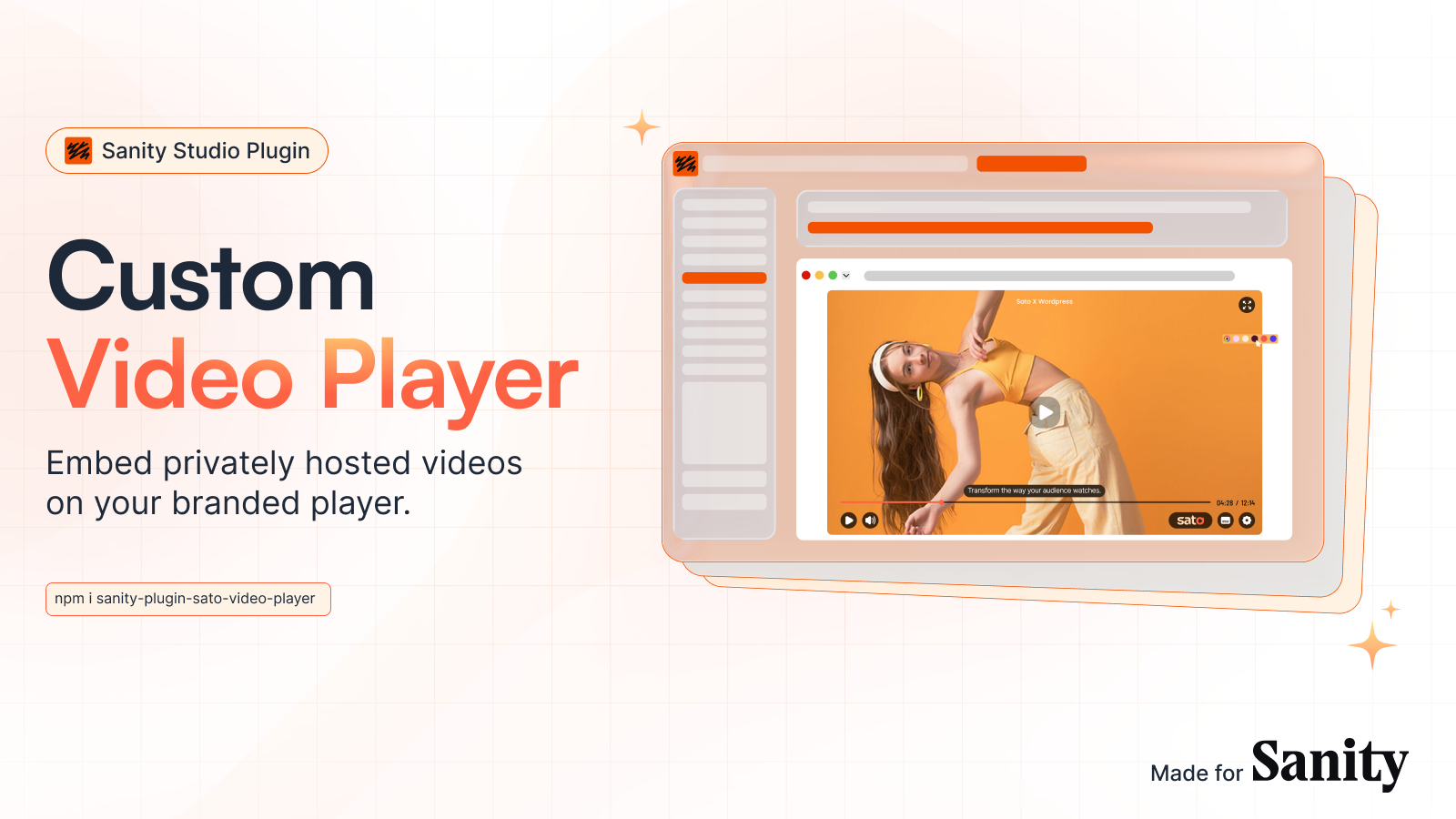
Build custom video players, privately host your videos and embed it within Sanity articles. Sato Player gives your audience a distraction-free, custom video playing experience. Let your videos do more with in-video call-to-actions, AI-generated Speech-to-Text captions and an engaging progress bar.
Install command
npm i sanity-plugin-sato-video-playerSanity Plugin Sato Video Player
Installation
npm install sanity-plugin-sato-video-playerUsage
Add it as a plugin in sanity.config.ts (or .js):
import { defineConfig } from "sanity";
import { satoVideoPlayer } from "sanity-plugin-sato-video-player";

export default defineConfig({
  //...
  plugins: [satoVideoPlayer({})],
});
Add it in schema of your studio project
// schemaTypes/postType.ts
import { defineField, defineType } from "sanity";

export const postType = defineType({
  name: "post",
  title: "Post",
  type: "document",
  fields: [
    defineField({
      name: "title",
      type: "string",
      validation: (rule) => rule.required(),
    }),
    defineField({
      name: "slug",
      type: "slug",
      options: { source: "title" },
      validation: (rule) => rule.required(),
    }),
    defineField({
      name: "publishedAt",
      type: "datetime",
      initialValue: () => new Date().toISOString(),
      validation: (rule) => rule.required(),
    }),
    defineField({
      name: "satoVideo",
      title: "Sato Player Video",
      type: "satoPlayerVideoUrl",
    }),
    defineField({
      name: "image",
      type: "image",
    }),
    defineField({
      name: "body",
      type: "array",
      of: [{ type: "block" }],
    }),
  ],
});
Next js Client project
import Link from "next/link";
import { type SanityDocument } from "next-sanity";
import { client } from "@/sanity/client";

const POSTS_QUERY = `*[
  _type == "post"
  && defined(slug.current)
]|order(publishedAt desc)[0...12]{
  _id,
  title,
  slug,
  publishedAt,
  satoVideo
}`;

const options = { next: { revalidate: 30 } };

// Extend your type definition to include the video ID field
interface Post extends SanityDocument {
  title: string;
  slug: { current: string };
  publishedAt: string;
  satoVideo?: string;
}

export default async function IndexPage() {
  const posts = await client.fetch<Post[]>(POSTS_QUERY, {}, options);

  return (
    <main className="container mx-auto min-h-screen max-w-3xl p-8">
      <h1 className="text-4xl font-bold mb-8">Posts</h1>
      <ul className="flex flex-col gap-y-8">
        {posts.map((post) => (
          <li className="border-b pb-6" key={post._id}>
            <Link href={`/${post.slug.current}`} className="hover:underline">
              <h2 className="text-xl font-semibold">{post.title}</h2>
              <p className="text-gray-500 text-sm mb-4">
                {new Date(post.publishedAt).toLocaleDateString()}
              </p>
            </Link>

            {/* Render Sato Player if video ID exists */}
            {post.satoVideo && (
              <div className="relative w-full overflow-hidden rounded-lg aspect-video">
                <iframe
                  src={post.satoVideo}
                  title={post.title}
                  className="absolute top-0 left-0 w-full h-full border-0"
                  allow="autoplay; fullscreen"
                  allowFullScreen={true}
                />
              </div>
            )}
          </li>
        ))}
      </ul>
    </main>
  );
}
License
MIT © Flixbox Solutions Private Limited
Develop & test
This plugin uses @sanity/plugin-kit with default configuration for build & watch scripts.
See Testing a plugin in Sanity Studio on how to run this plugin with hotreload in the studio.