Skip to content
The Sanity engineering blog is live. Deep dives from our engineers. →

Operate Sanity with agents

MCP Server

Connect Claude, Cursor, Lovable, and more to create projects and manage content.

Monochrome image of a room corner, diagonally split by light and shadow, showing wall texture and a ceiling vent.
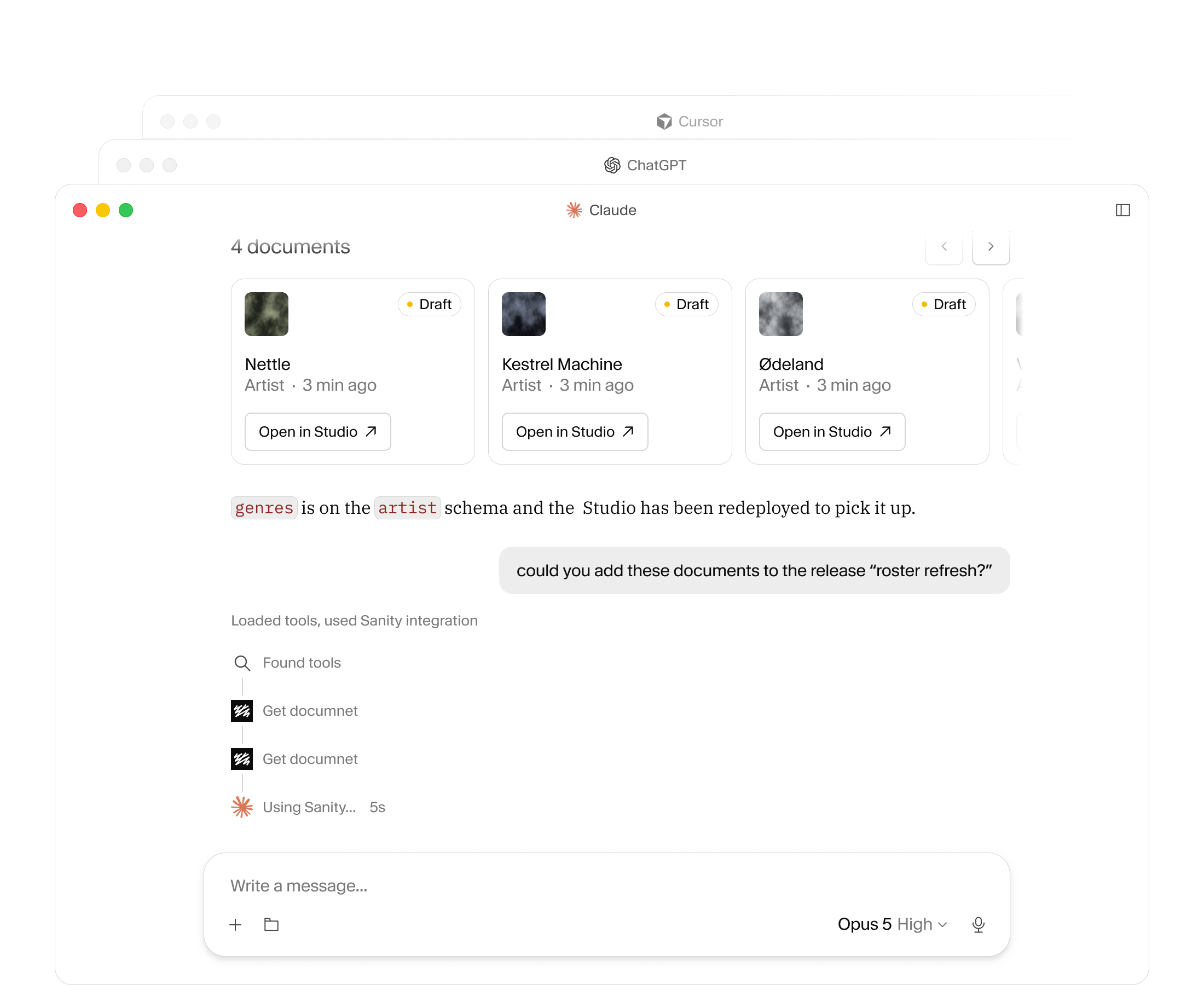
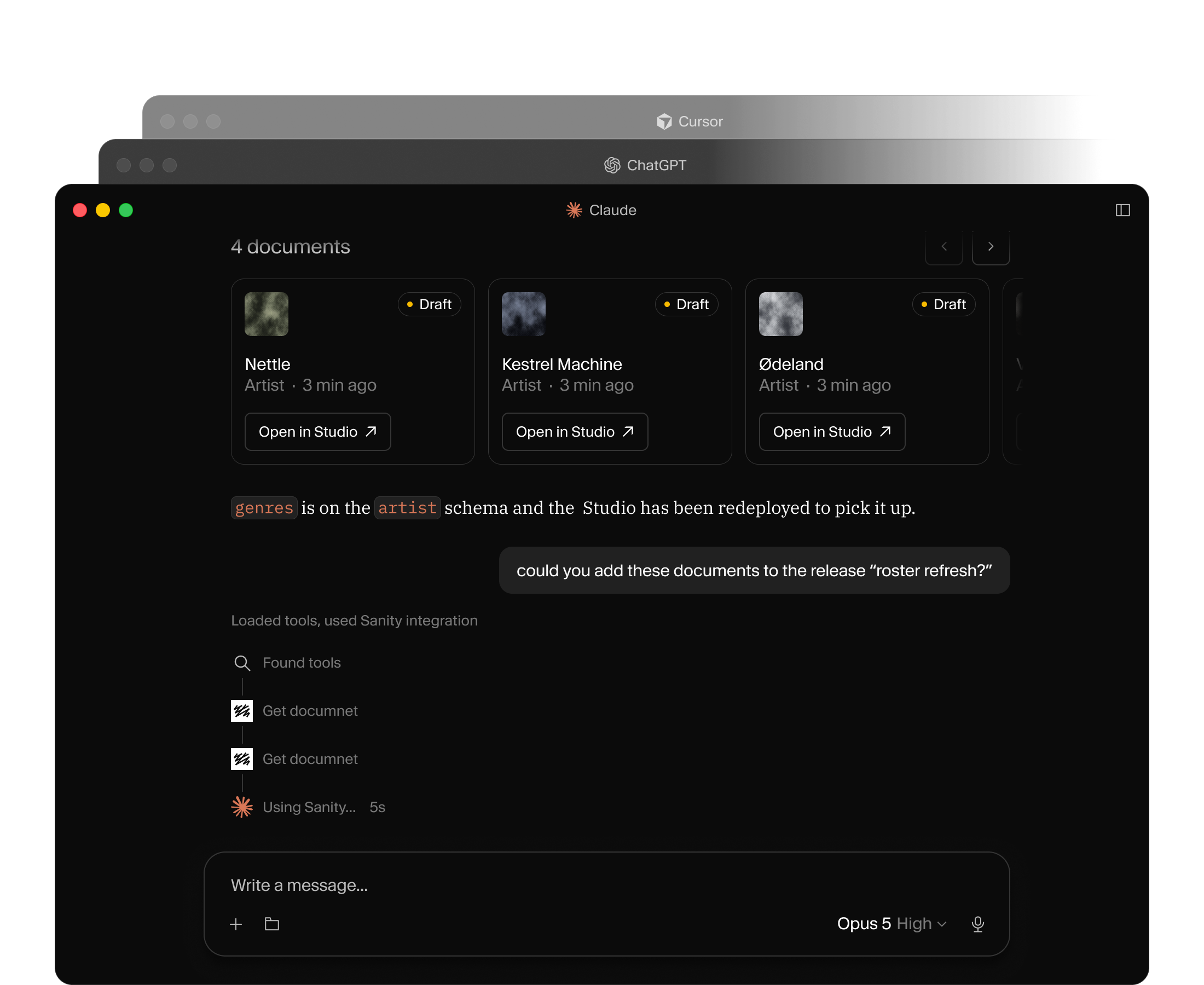
AI assistant (Claude) managing artist documents in a Sanity Studio interface, prompted to add them to a release.

Everything your agent needs to run content opsEverything your agent needs to run content ops

Terminal screen displaying a list of Sanity MCP server commands and operations in white text on a black background.
  • Spin up a new project

    Go from zero to a project, Studio, and content with a single prompt.

  • Migrate content to a new schema

    Reshape existing documents without writing throwaway scripts.

  • Bulk edits

    Find and patch hundreds of documents in a single pass.

  • Query your content in plain language

    "Which documents still reference the old author field?" Ask mid-refactor.

  • Migrate to Sanity

    Moving from another CMS? Bring your content over with the migration skill, built for full replatforms.

  • Group changes together

    Bundle a set of edits into a Content Release, then review the whole batch before anything goes live.

Content and project changes, from your favorite LLMContent and project changes, from your favorite LLM

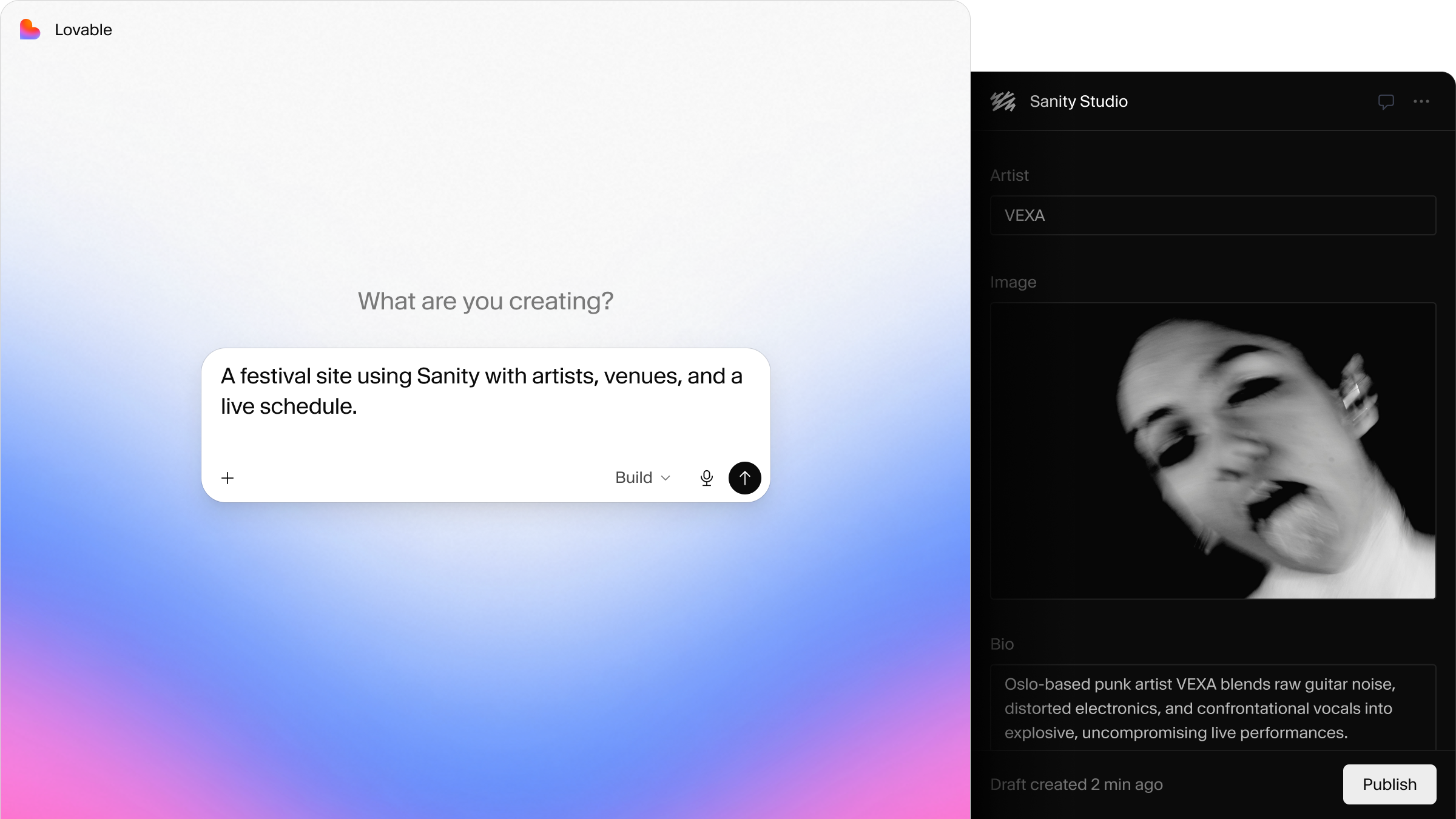
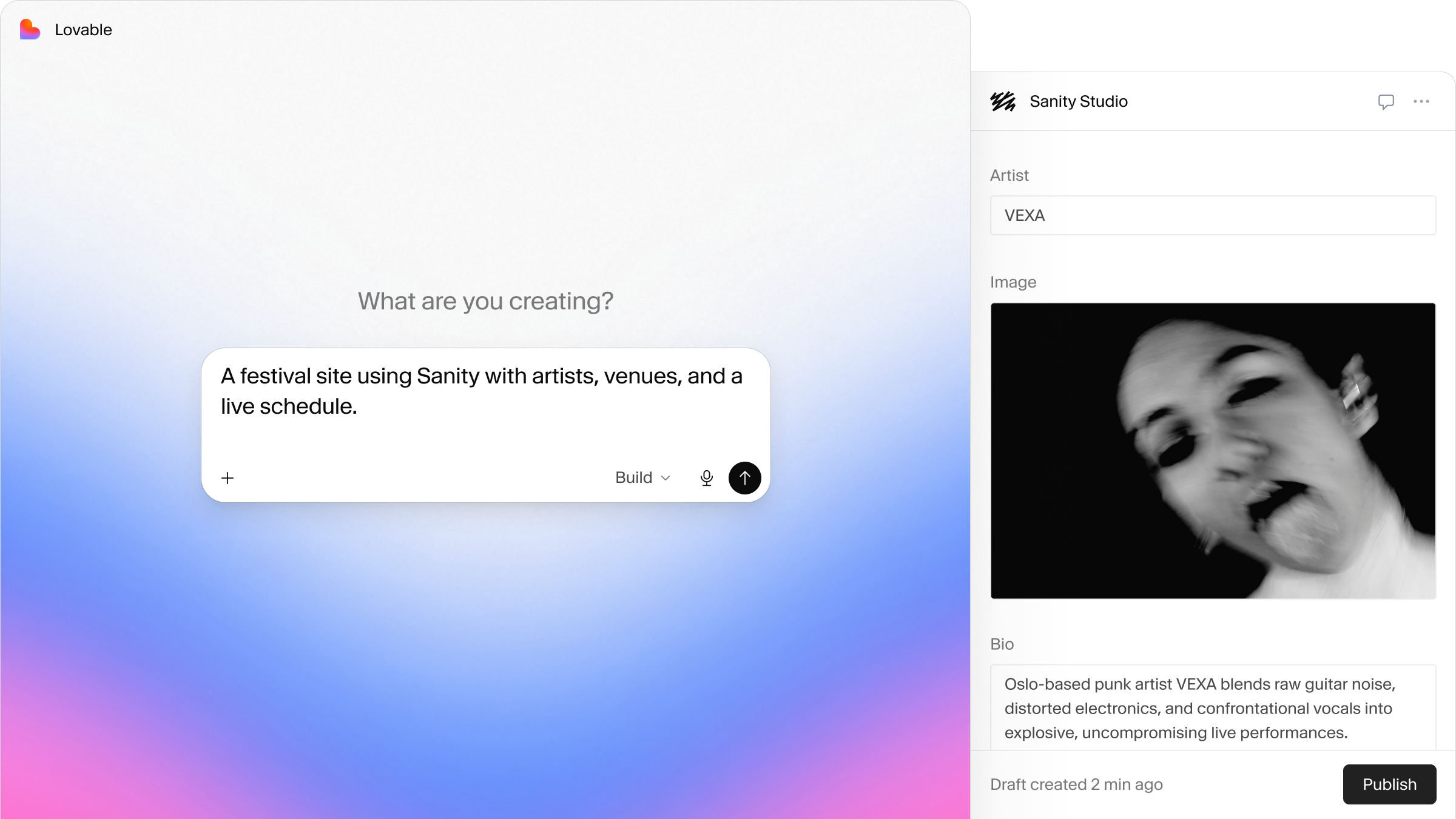
A screen showing an AI generating a festival site description using Sanity, next to a Sanity Studio profile for artist VEXA with a high-contrast black and white portrait.
  • Build without code

    Spin up a new project and make content changes with a prompt.

  • No tool switching

    Works wherever you already talk to your agent.

  • Make changes that fit

    Every edit respects your schema and reasons about your real content.

Built for your whole teamBuilt for your whole team

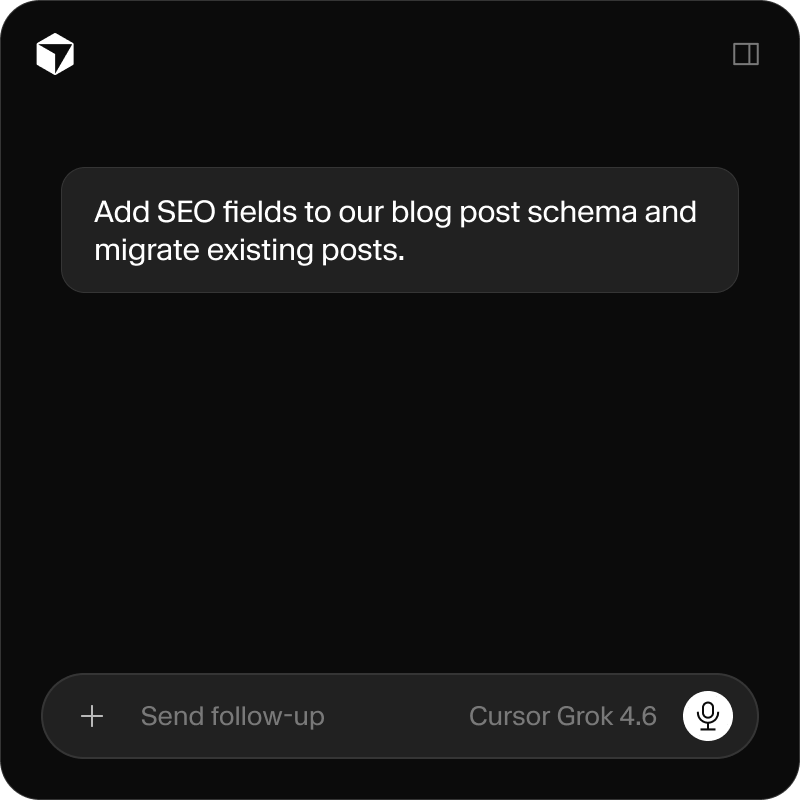
  • A generative AI screen with the prompt: 'Add SEO fields to our blog post schema and migrate existing posts.' The interface footer reads 'Cursor Grok 4.6'.
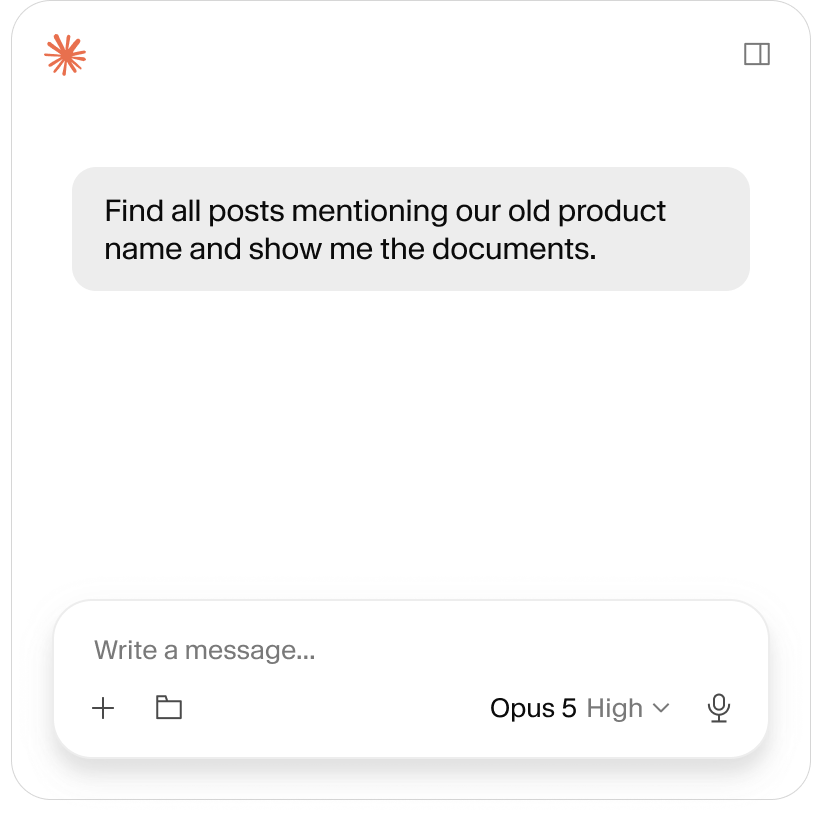
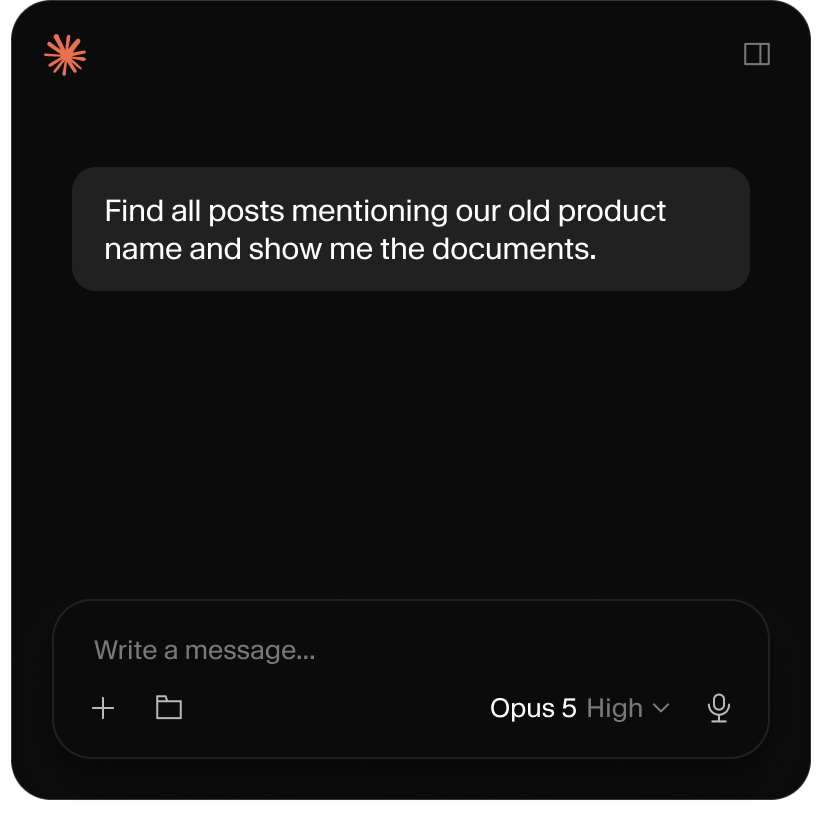
  • AI chat interface displaying a user query: "Find all posts mentioning our old product name and show me the documents."
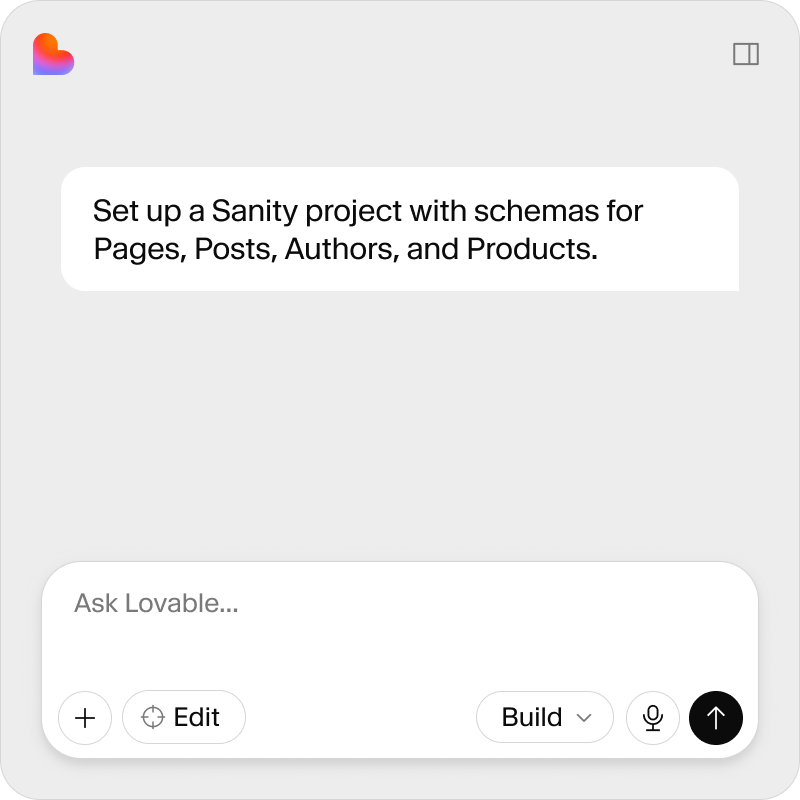
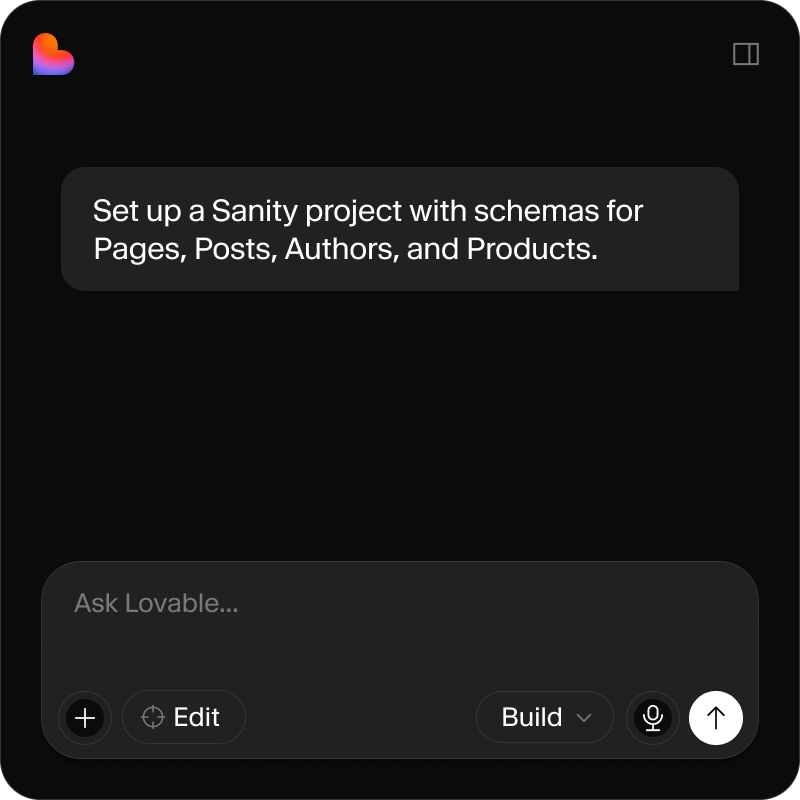
  • A prompt in an application interface reads: "Set up a Sanity project with schemas for Pages, Posts, Authors, and Products."
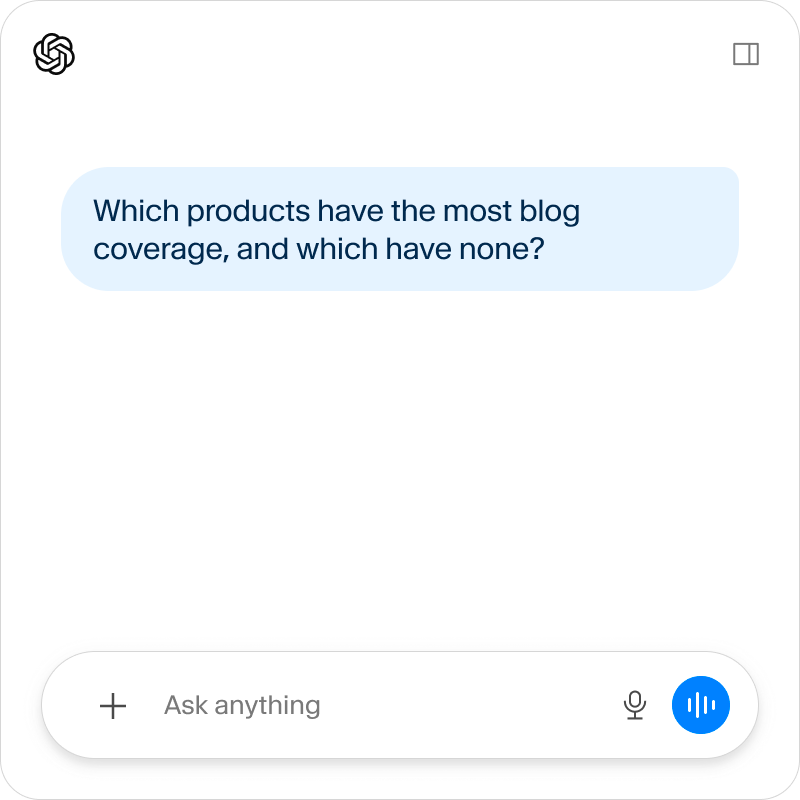
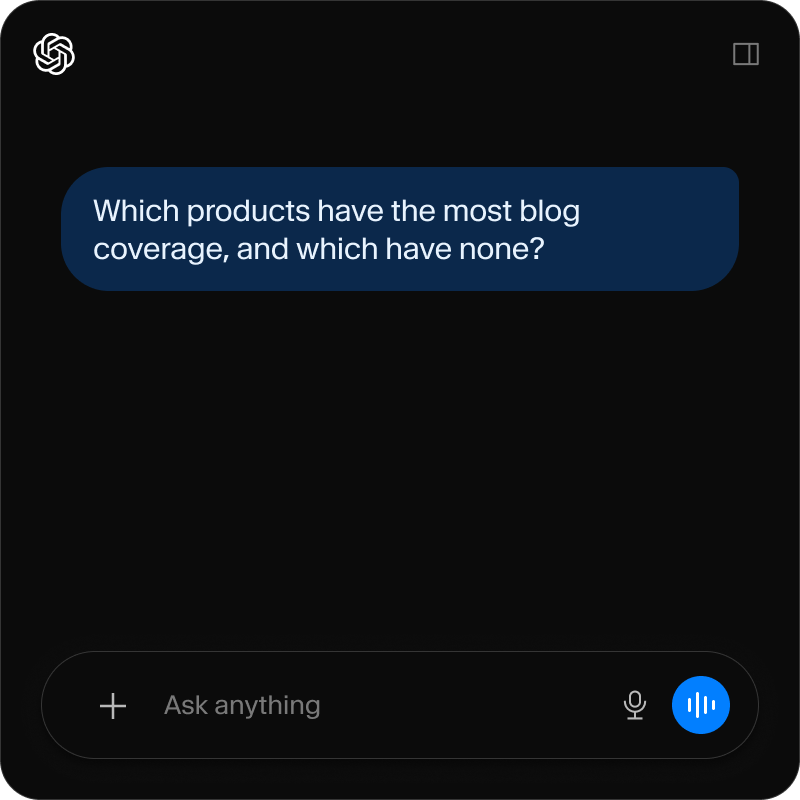
  • A screenshot of the ChatGPT interface displaying the query "Which products have the most blog coverage, and which have none?"
  • Engineers

    Run migrations, schema changes, and queries from your code editor, alongside the codebase you're already working in.

  • Builders

    Spin up a project, schema, and Studio from Lovable, v0, or any AI app builder.

  • For editors

    Chat about your Sanity content while working in Claude, ChatGPT, and more.

  • Leaders

    Ask questions about your content and get answers.

Works with your toolsWorks with your tools

Grid of white icons on dark squares, including an asterisk, OpenAI logo, heart, and VS Code logo.
  • Claude Code

  • Cursor

  • VS Code

  • OpenCode

  • Replit

  • any MCP-compatible client

MCP vs. Sanity ContextMCP vs. Sanity Context

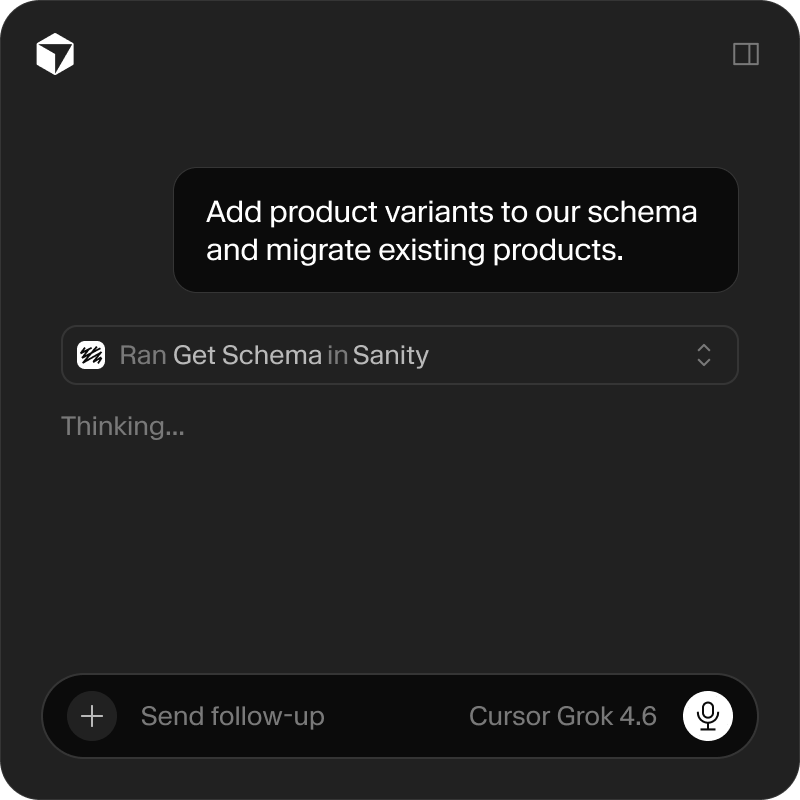
  • A dark-themed chat interface displays a user request to "Add product variants to our schema and migrate existing products," followed by "Ran Get Schema in Sanity" and "Thinking...". The AI model is "Cursor Grok 4.6".
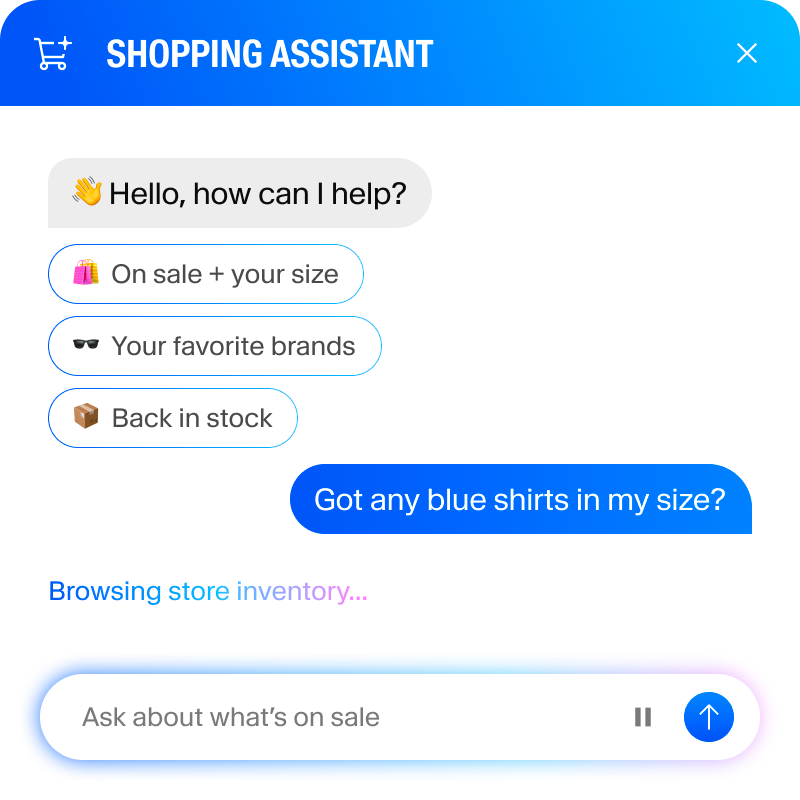
  • A shopping assistant chat interface showing a user asking for blue shirts and suggested search options.

Sanity MCP Server is how you operate Sanity.

It acts as you, scoped to your role, with read and write access to your project.

Sanity Context is how the agents you build read your content.

It's where your agent's knowledge, behavior, and governance live.