App SDK
Build custom AI-powered apps
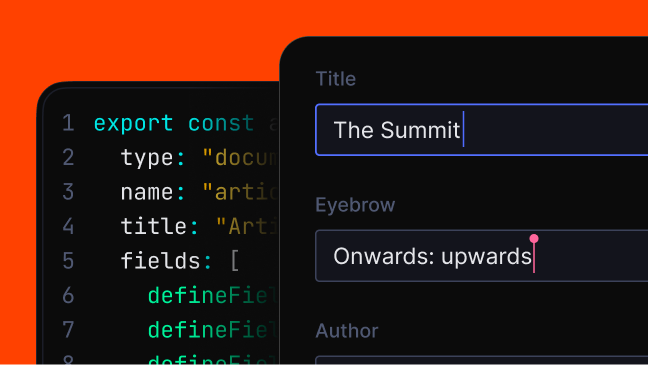
Build custom editorial applications for your team with built-in authentication and one-command deploy. All using React hooks.
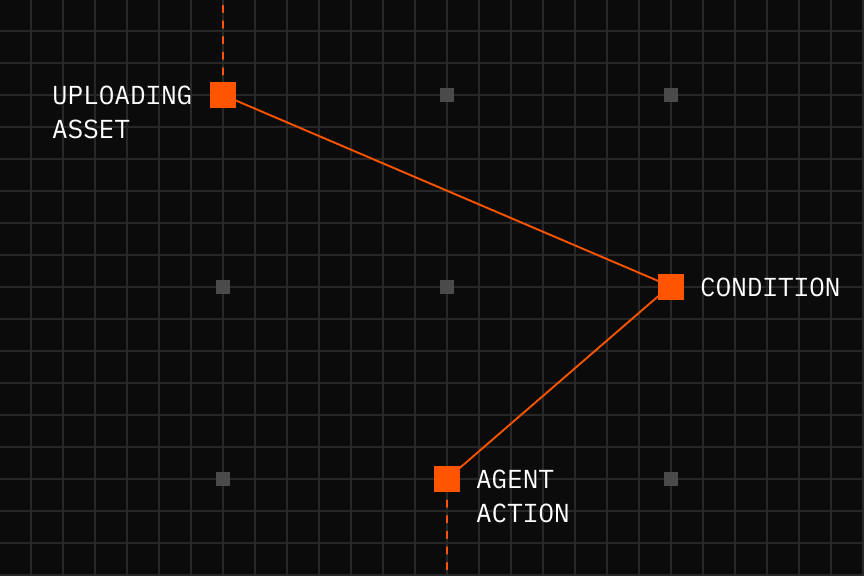
Connect agents to your content
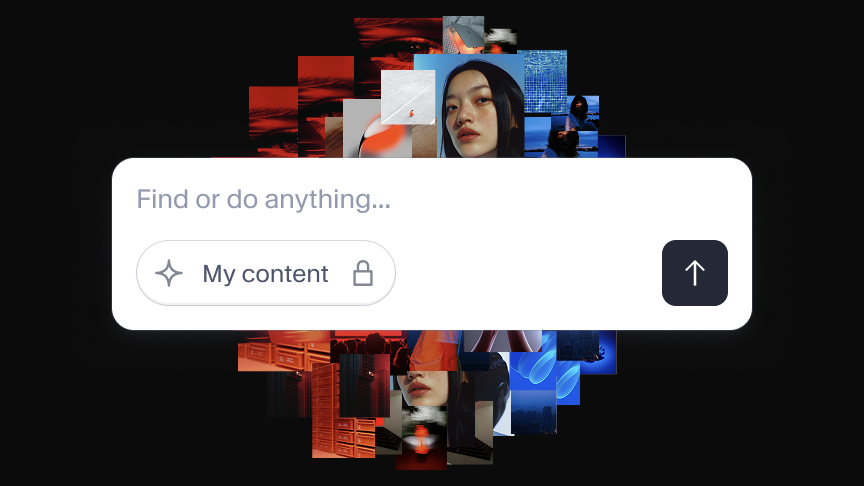
An MCP endpoint that gives your agent structured retrieval and semantic search.


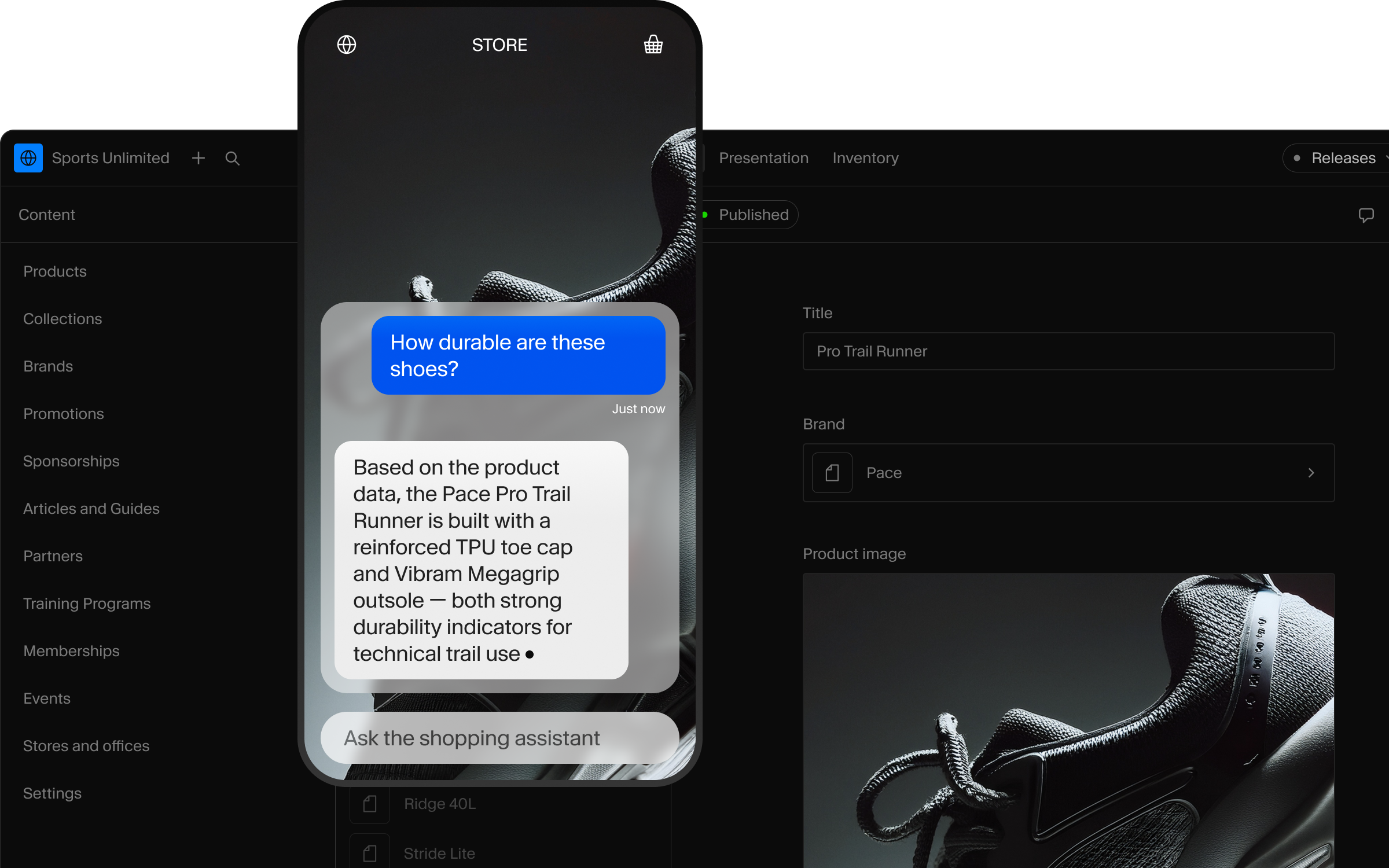
How it worksHow it works

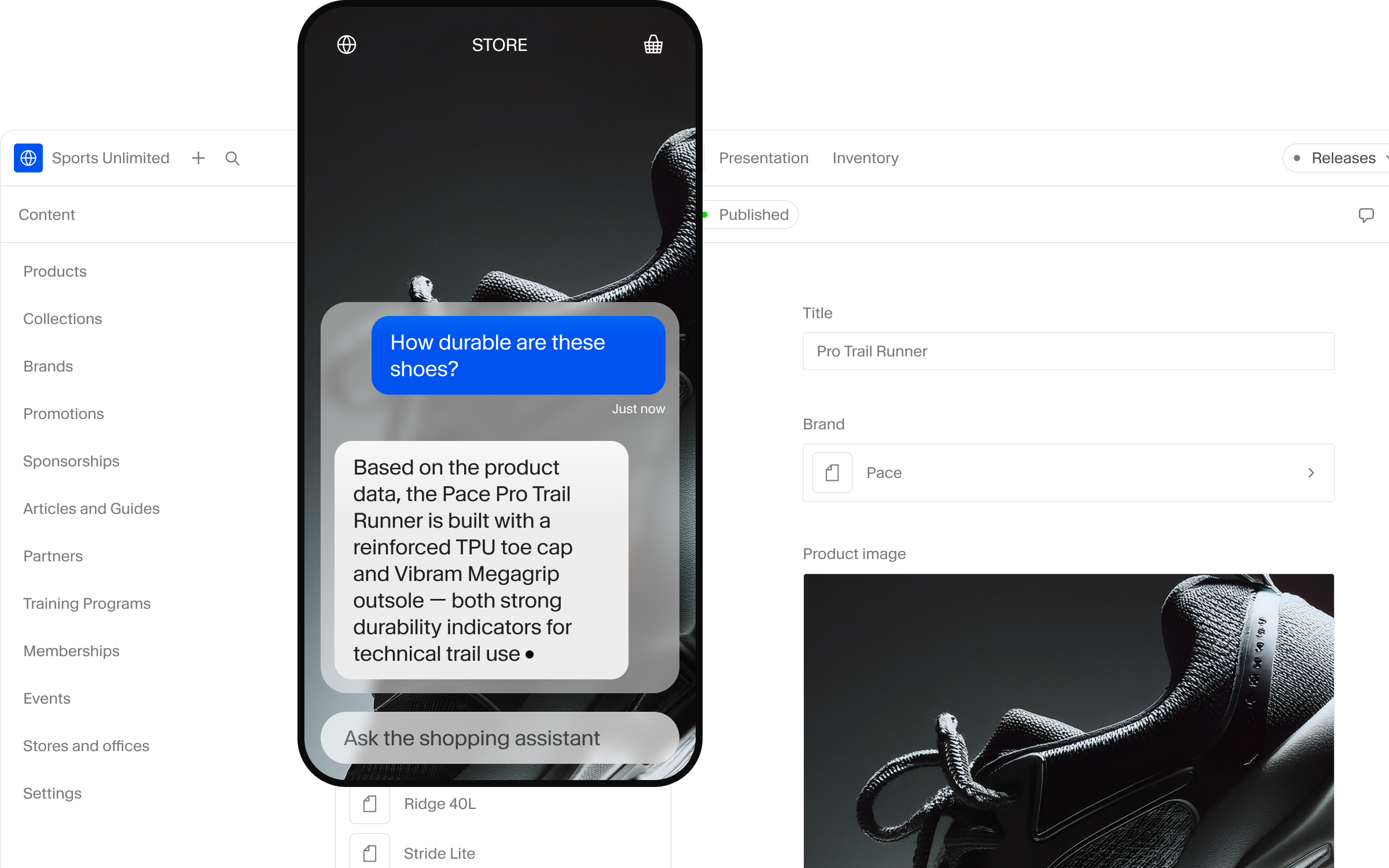
Sanity Context gives your agent your schema and GROQ through one MCP endpoint. Filters, keyword match, and semantic ranking run in a single query.
1
Customer asks a question
“Comfy hiking boots under $200, size 10?”
2
Agent generates a query
It knows your schema, combines hard filters (price < 200, size == 10, inStock == true) with semantic ranking (“comfy").
3
Sanity returns precise results
Real products. Filtered by your rules. Ranked by relevance. From your live dataset.
Quick startQuick start

Five minutes from npx to a working agent against your live data.
Already have an agent? Skip the skill and point your MCP client at the Sanity Context URL.
1
Install the skill
npx skills add sanity-io/context --all
2
Run the prompt
“Use the create-agent-with-sanity-context skill to help me build an agent in this project.”
3
Get a working agent
Your coding assistant will ask you some questions then build a bespoke agent.
Use casesUse cases
Video: Build an agent that actually finds what customers ask for
Shopping
"Find hiking boots under $200 in my size." Real products, retrieved and validated against live inventory. Increase CVR, reduce abandoned carts.
Guide and starter codeSupport
"How do I reset my password?" Real answers from your docs, instantly. Deflect tickets, cut support costs.
Search
BM25, semantic, and your schema's business rules in one GROQ query. Hybrid relevance without a separate search service.
Internal
Encode how your team works. Classify, route, and process content with the logic that used to live in people's heads.
PersonalizationPersonalization
Video: Make your AI agent smarter for logged-In users
The agent decides what to fetch. You decide what it can see.
Pass who they are in the system prompt
Pass user identity, role, and language in the system prompt. The agent uses it to write smarter GROQ.
Answers that know where you are
Pass the current page or product in the system prompt. The agent biases its query accordingly. Same MCP URL, different answer.
Different jobs, different agents
A support bot, a shopping bot, an admin assistant. Each one is its own document in Studio, with its own MCP URL.
FeaturesFeatures

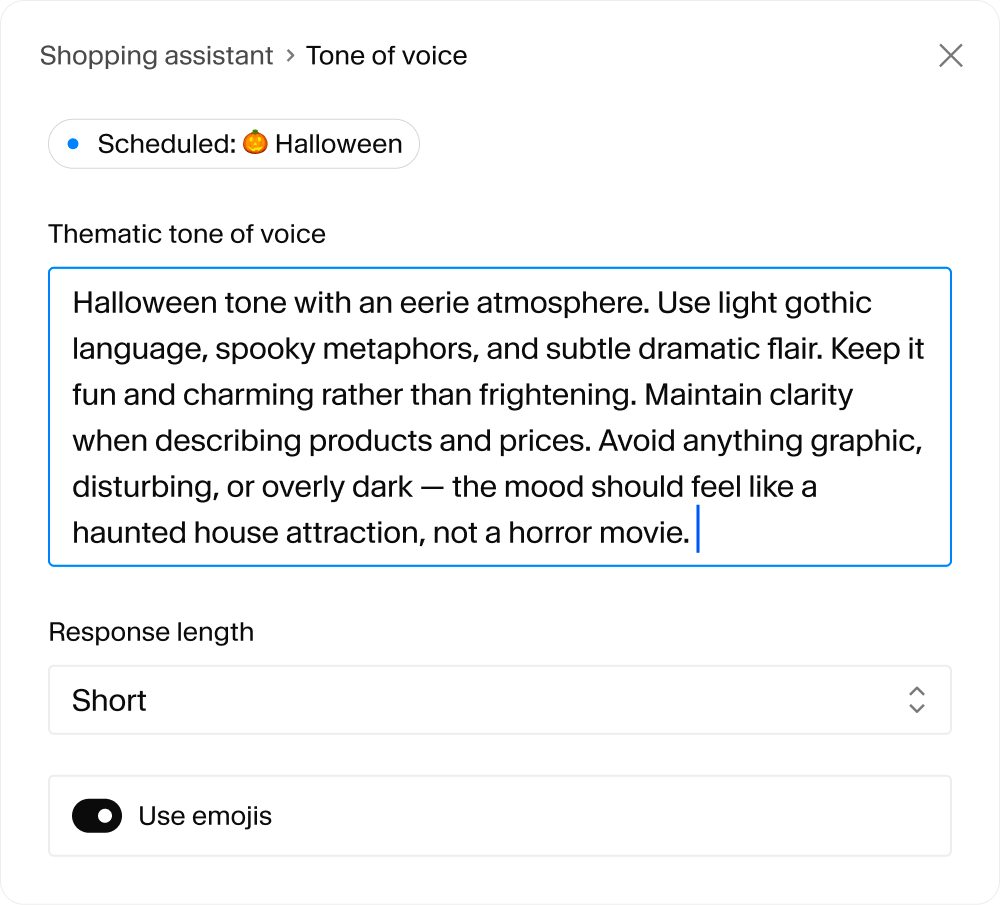
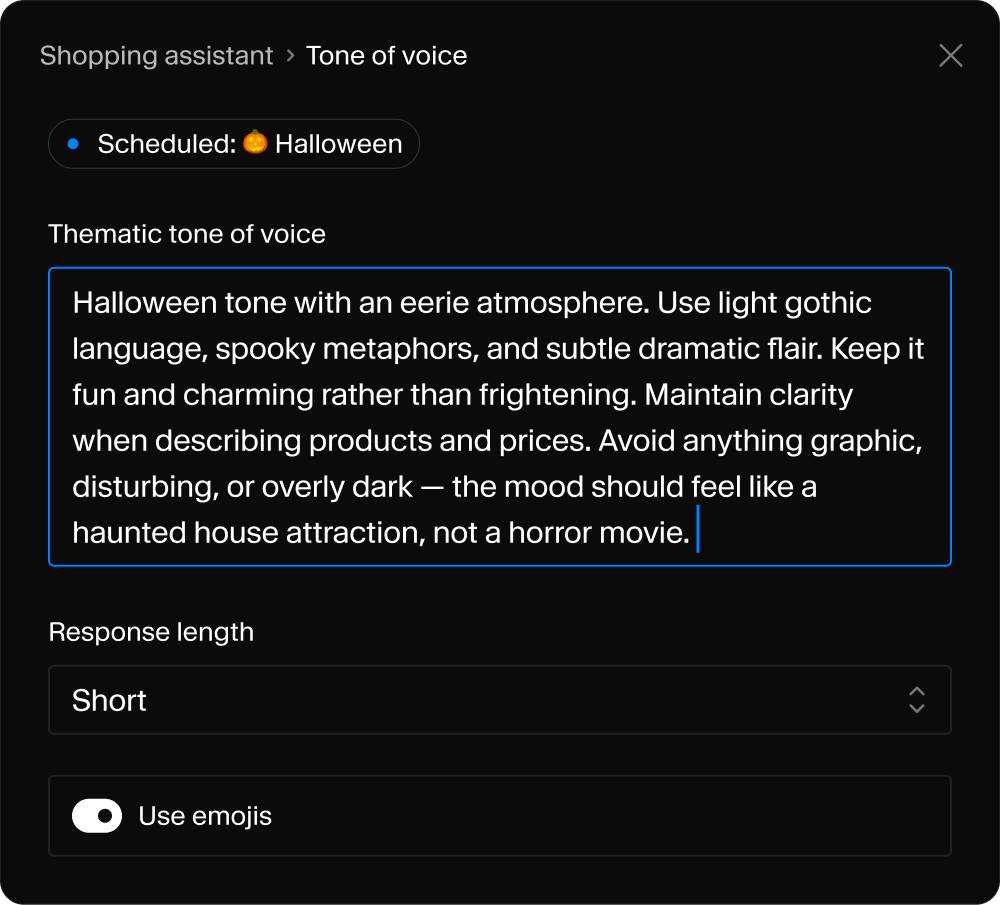
GROQ + keyword match + semantic search = agents that obey real constraints.
Real-time sync
Update a product or policy and agents know immediately. No reindexing. No drift.
Logic, not vibes
Agents can't recommend what you don't sell. Business rules enforced in the query, where it's deterministic, not the prompt.
Scope what it sees
Published content is agent-accessible. Drafts aren't. Internal stays internal.
No deploy to update
Change instructions, refine how the agent answers, fix what it gets wrong. All from Studio.
InsightsInsights

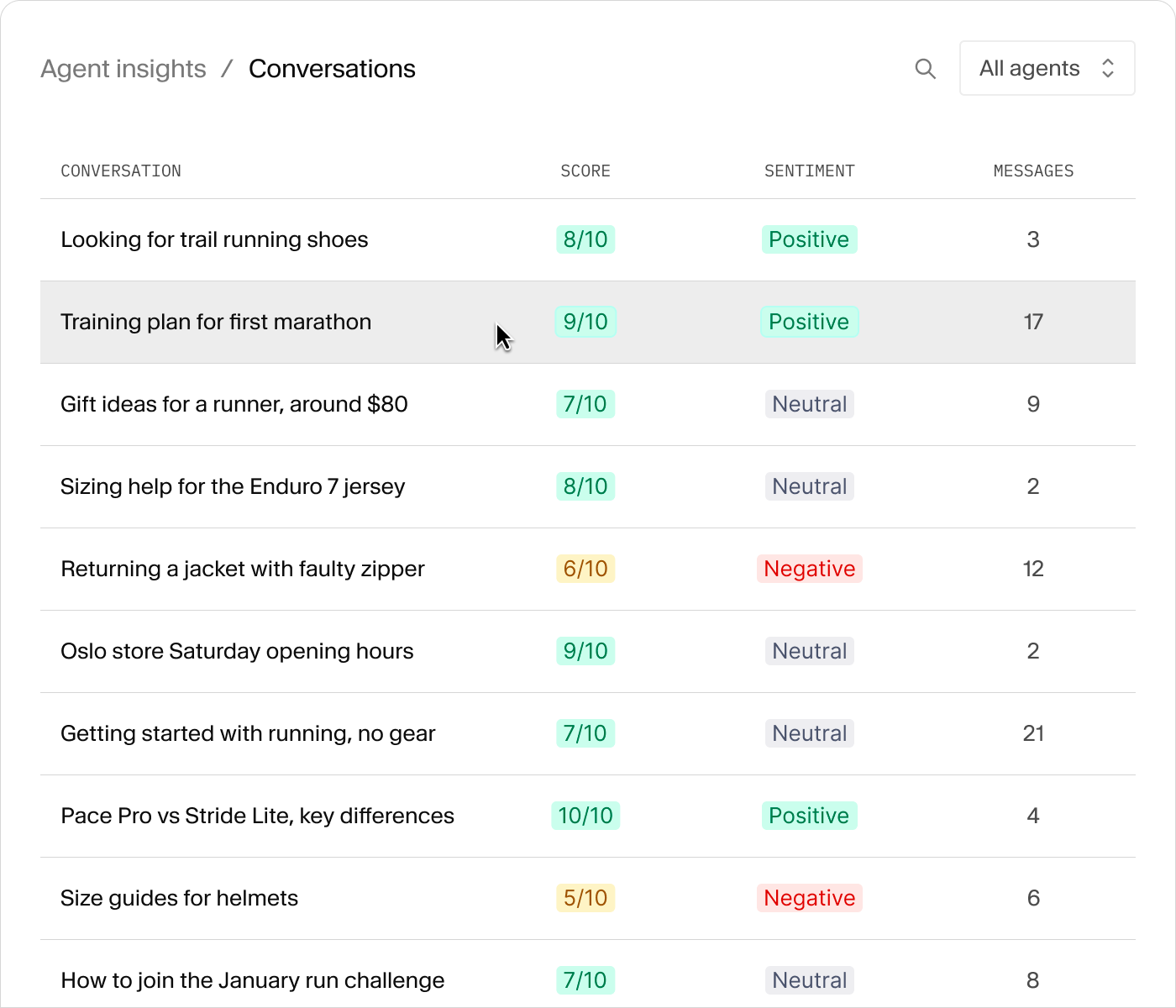
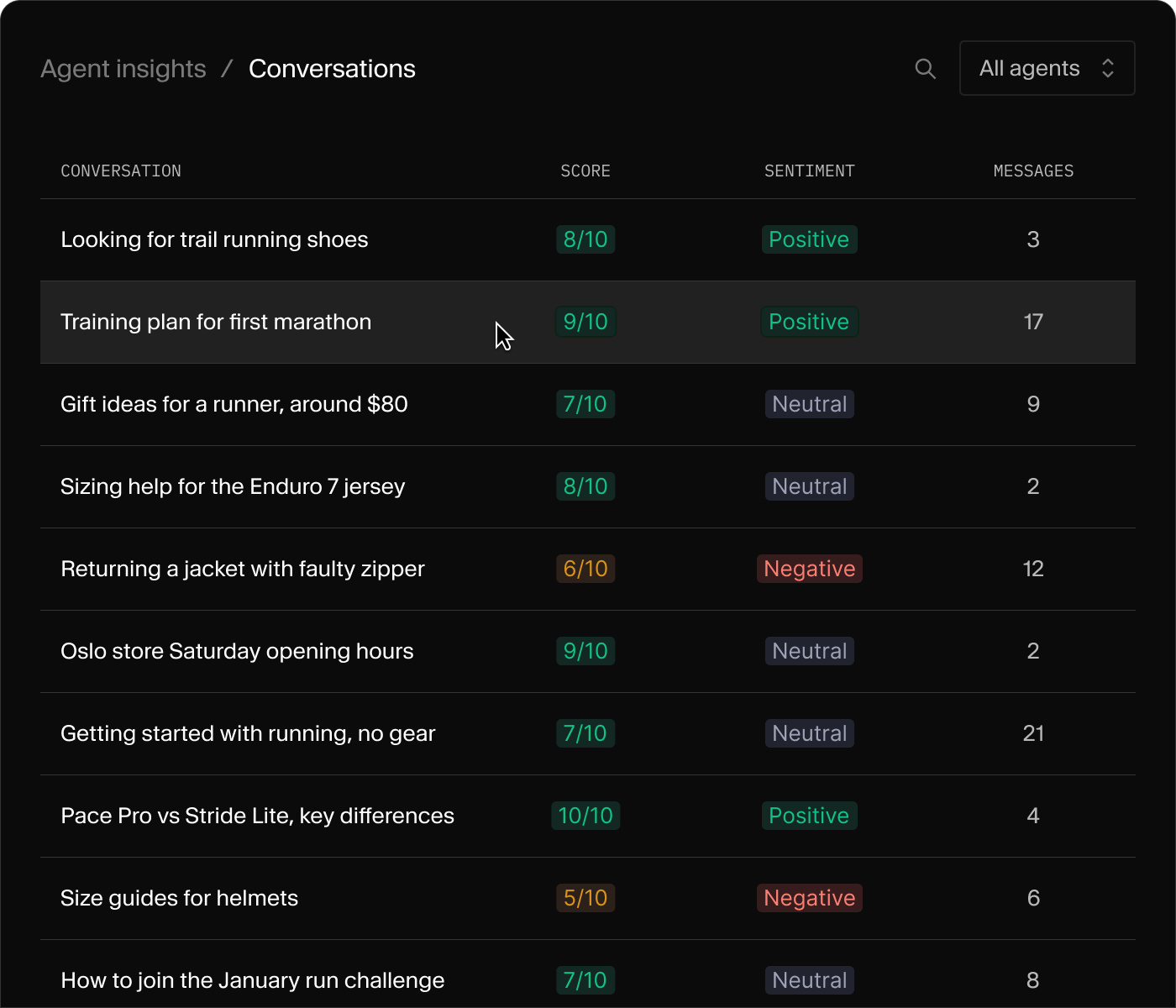

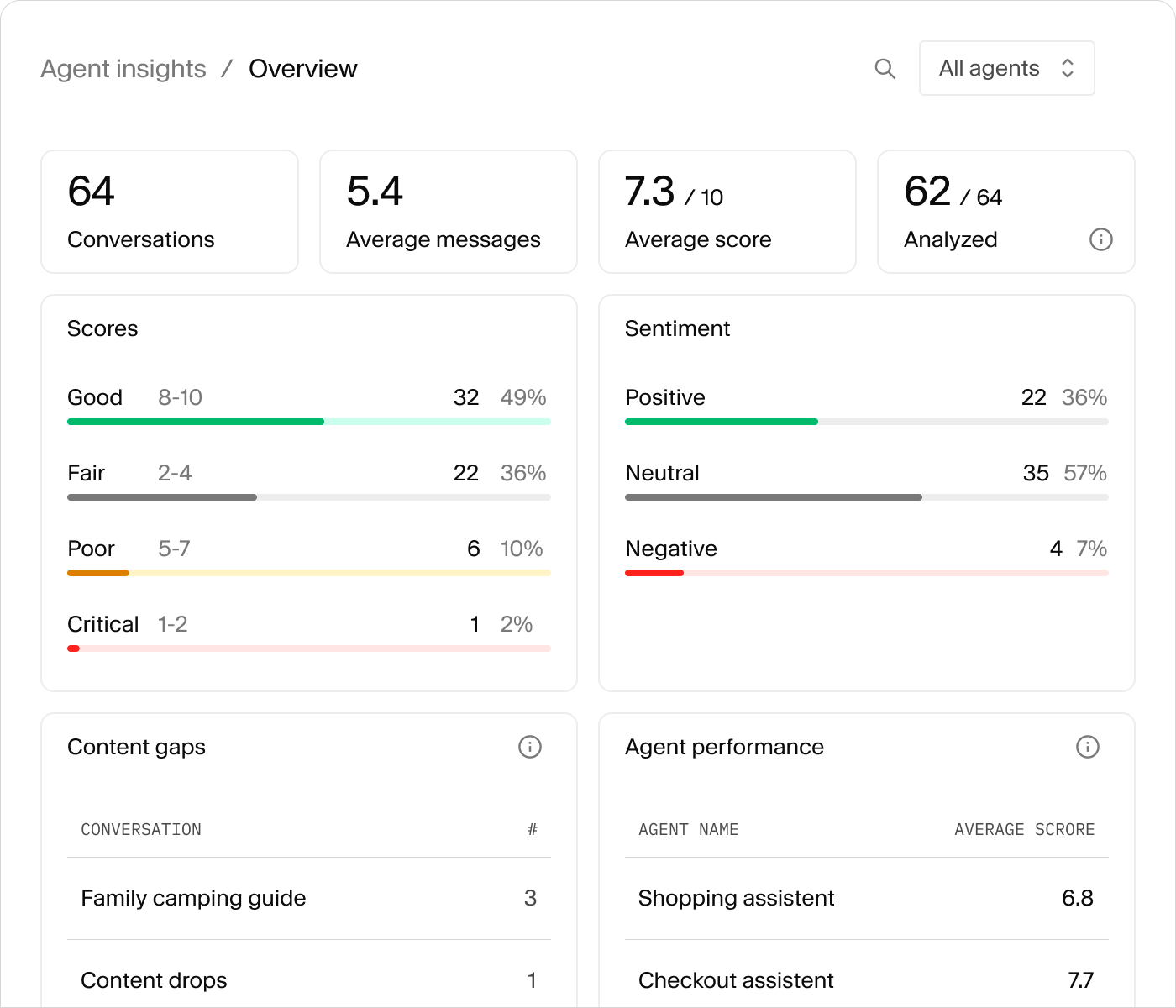
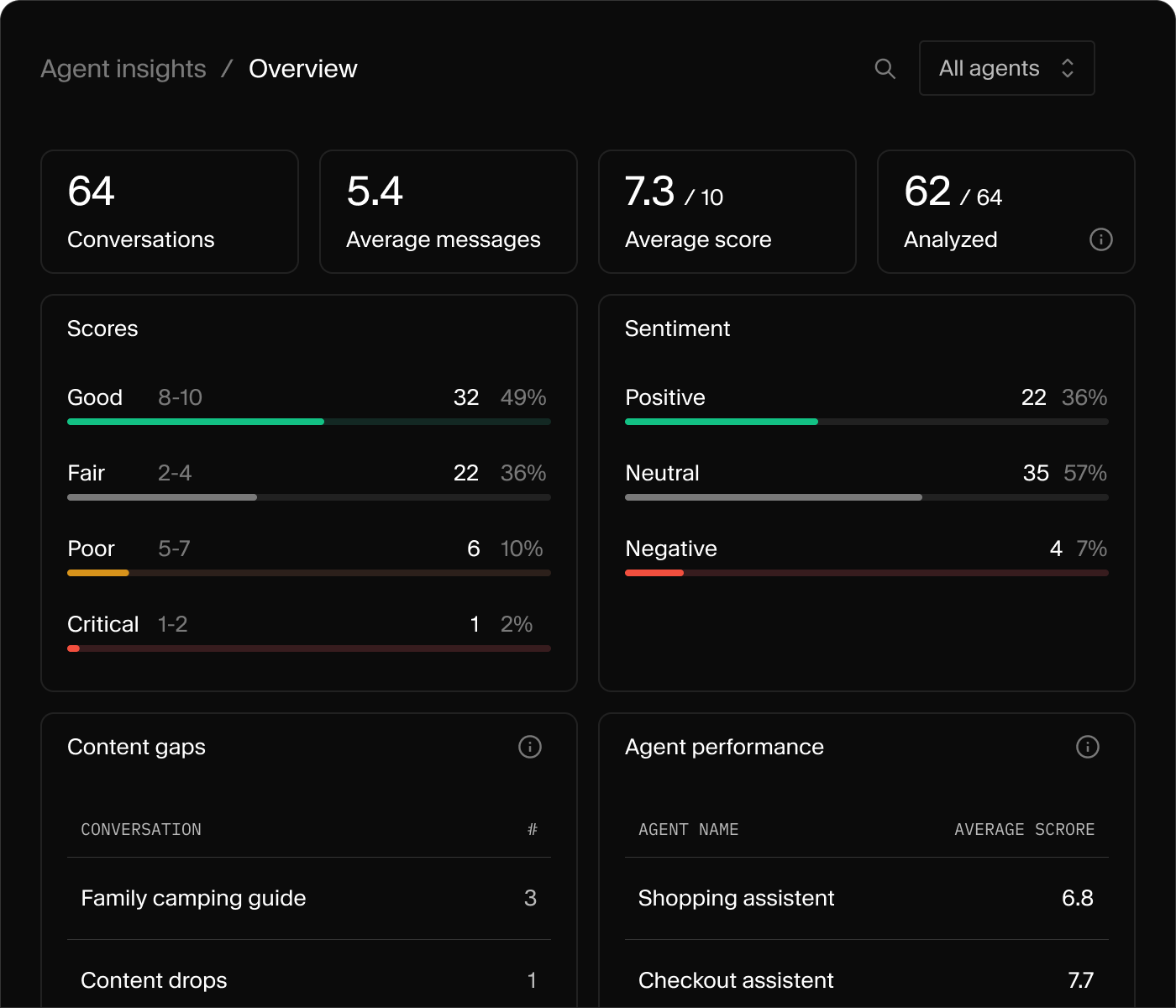
Conversation telemetry
Every conversation logged as a Sanity document. Query it with GROQ, surface it in Studio, build dashboards your editors actually open.
Automatic classification
Success score, sentiment, and content gaps written back onto each conversation. Powered by Sanity Functions, no separate pipeline.
Under the hoodUnder the hood

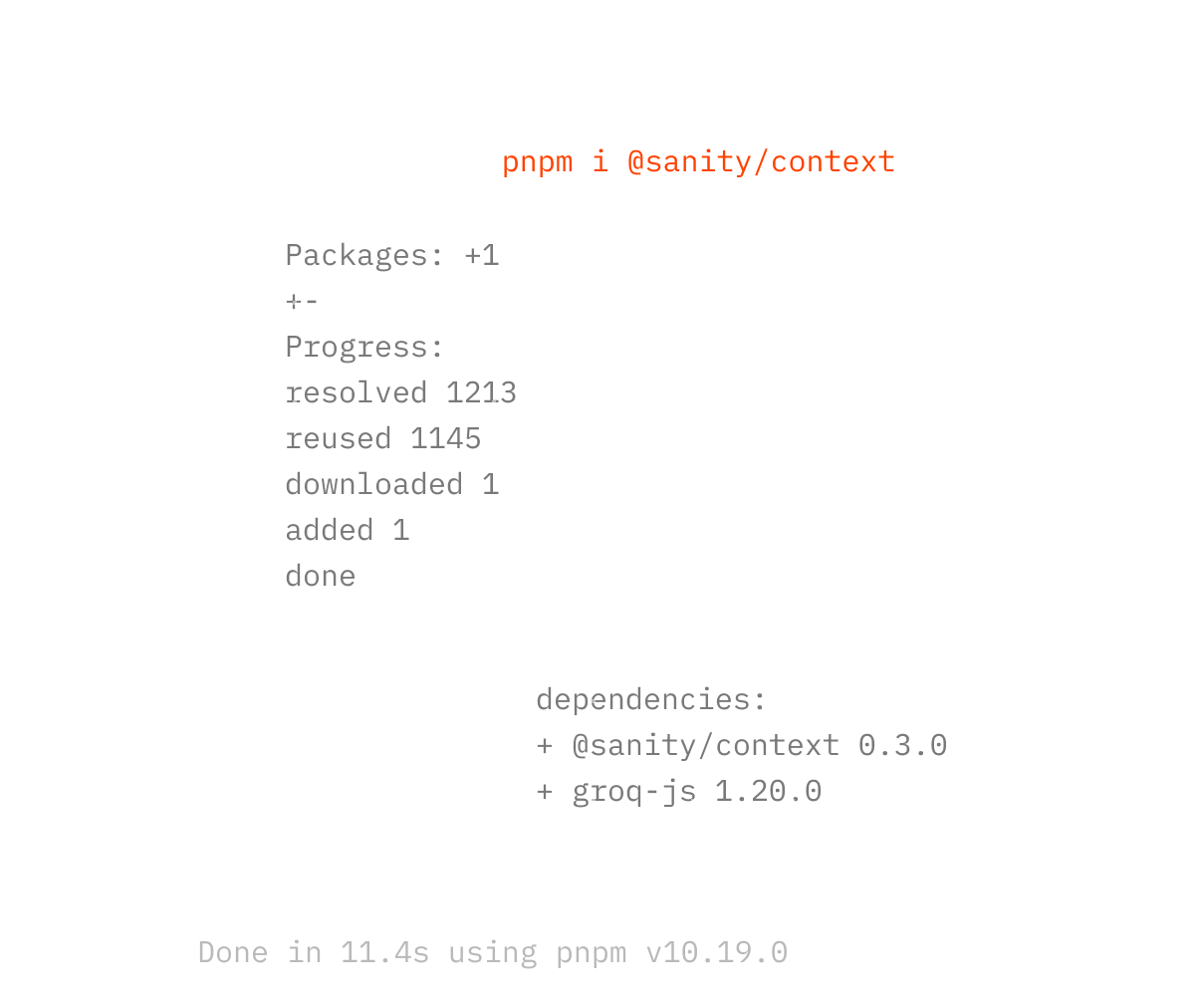
Dataset Embeddings
Turn it on, configure projections for which fields embed. No vector database to provision. No RAG pipeline to maintain. No reindexing schedule.
MCP endpoint
Any agent connects in one line. Claude, GPT, Gemini, or your own. They all see your structured content through a single endpoint.
GROQ with semantics
GROQ predicates narrow scope. Keyword match finds exact terms (specific SKU, API name). Embedding search handles conceptual queries.
A vector database, a RAG pipeline, a separate search service, a reindexing job, or a CMS-to-agent sync layer. Sanity Context has one MCP URL and one Studio document.
Two different products for two different jobs.
Content Agent lives in the Sanity Dashboard and runs content operations through conversation. Bulk edits, content audits, gap analysis, web research, schema-aware updates. It's for content teams who want to do days of work in minutes, on content that lives in Sanity.
Sanity Context is the retrieval layer for agents outside Sanity. Your app, your model, your interface. Use it when you're building a shopping assistant, a support bot, a search experience, or any agent that needs to read your content to answer your users.
Rule of thumb: content team doing operations on Sanity content, that's Content Agent. Your own app talking to your own agent, that's Sanity Context (which is read-only over MCP, by design).
Yes. Sanity Context runs against whatever LLM you're already using, whether that's Anthropic, Gemini, Copilot, an internal model, or something else. It's an MCP server, not a model provider. You bring the LLM and the harness. Sanity provides the retrieval.
We recommend frontier models for production. Tool-calling against a schema-aware MCP is the kind of work smaller models tend to get wrong. The choice is yours, and the bill is yours.
Sanity Context tool calls cost like ordinary Sanity API calls. No AI tax. No per-token retrieval fee. No separate pricing surface.
Dataset Embeddings (for semantic search) are optional and priced per dataset. They're off by default.
A developer can build something like an internal sales-support agent in an afternoon, on Sanity's standard per-call pricing.
Whatever you build it to do. The agent is yours, the model is yours, the application is yours. Sanity Context just gives the agent a way in.
The MCP layer itself is read-only. Agents connected through the MCP URL can read your schema, follow references, and run GROQ queries against the dataset. They cannot write, update, or delete.
If you want an agent that creates or updates content, that's a different product (Sanity MCP Server), which is write-enabled and meant for agents acting inside your content operations.
In your agent's system prompt. Your app already knows who's logged in, what page they're on, what they speak. Pass that into the system prompt and the agent will write GROQ queries that reflect it. Filtering by language, ranking by past behavior, scoping by region.
For tool calls that need to act on behalf of a specific user, you can pass a bearer token with the request. This lets your agent authenticate as that user and perform work in their context.
For different jobs (a support bot vs. a shopping bot), use a different Sanity Context document. Each one gets its own MCP URL, its own instructions, and its own scope. One Studio, many agents.
Yes. Anthropic's engineering team published a post on Contextual Retrieval showing that combining semantic embeddings with exact-match retrieval (BM25) reduces retrieval failures by up to 49% versus embeddings alone. The argument: traditional RAG chunks documents in a way that destroys context, and you need structured/exact-match retrieval alongside semantic similarity to get reliable results.
Sanity Context starts from that conclusion. Your content lives in Sanity already structured by schema and queryable by GROQ. Add Dataset Embeddings and you get the full combination in a single query, with no chunking, no separate index, and no preprocessing pipeline to maintain.
Sanity Context gives your agents the retrieval layer to use it, with the governance your team already built in.