Wistia input
Link media from the Wistia Data API.
Install command
npm i sanity-plugin-wistia-inputsanity-plugin-wistia-input
This is a Sanity Studio v5 plugin.
What is it?
Wistia input plugin for Sanity that stores the media ID and hash ID for displaying on the front-end.
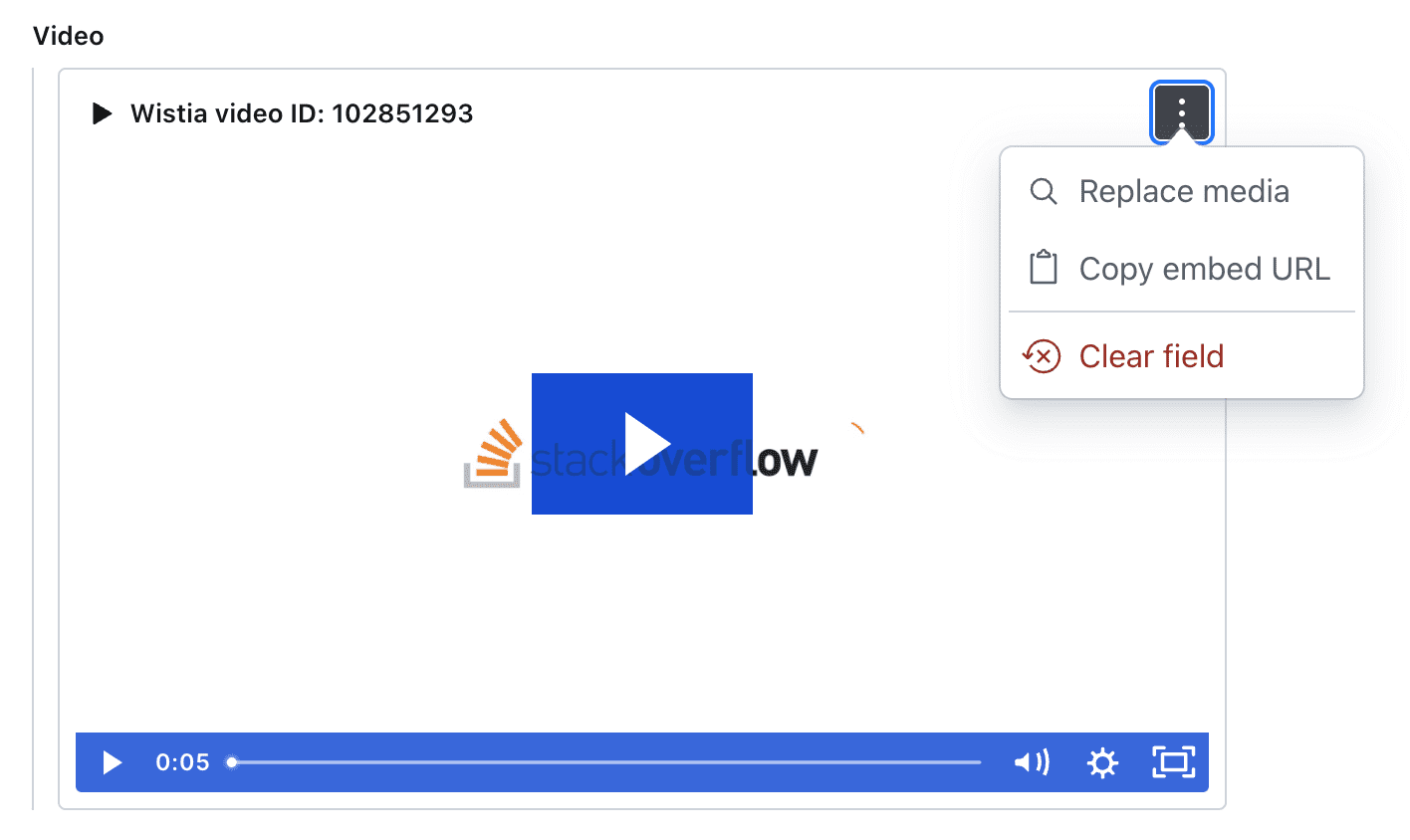
Installation
npm install sanity-plugin-wistia-inputUsage
Add it as a plugin in sanity.config.ts (or .js):
import {defineConfig} from 'sanity'
import {wistiaInput} from 'sanity-plugin-wistia-input'

export default defineConfig({
  //...
  plugins: [
    wistiaInput({
      token: '<your token here>',
      accountSubdomain: '<your company url>', // Optional, i.e., <this bit>.wistia.com
      fields: [
        // Optional, extra fields to capture with your media.
        defineField({
          name: 'caption',
          type: 'text',
        }),
      ],
    }),
  ],
})
Then use wistiaMedia as your field type:
export default {
  name: 'video',
  title: 'Videos',
  type: 'document',
  fields: [
    {
      name: 'video',
      type: 'wistiaMedia',
    },
  ],
})
Data model
{
  id: 123456,
  hashed_id: 'abc123',
  // plus any config.fields you define e.g.., caption: 'abc'
}idcan be used to query the Wistia Data API.hashed_idcan be used to load an iframe on the front end i.e.,https://fast.wistia.net/embed/iframe/<hashed_id>
License
MIT © David Longworth. WISTIA is a trademark of Wistia, Inc. and has no affiliation with this project.
Develop & test
This plugin uses @sanity/plugin-kit with default configuration for build & watch scripts.
See Testing a plugin in Sanity Studio on how to run this plugin with hotreload in the studio.