Umami Analytics Tool
Access your Umami analytics in Sanity Studio
Install command
npm i sanity-plugin-umami-analytics-toolsanity-plugin-umami-analytics-tool
This is a Sanity Studio v3 plugin. Inspired by https://www.sanity.io/plugins/plausible-analytics-widget by Stijn.
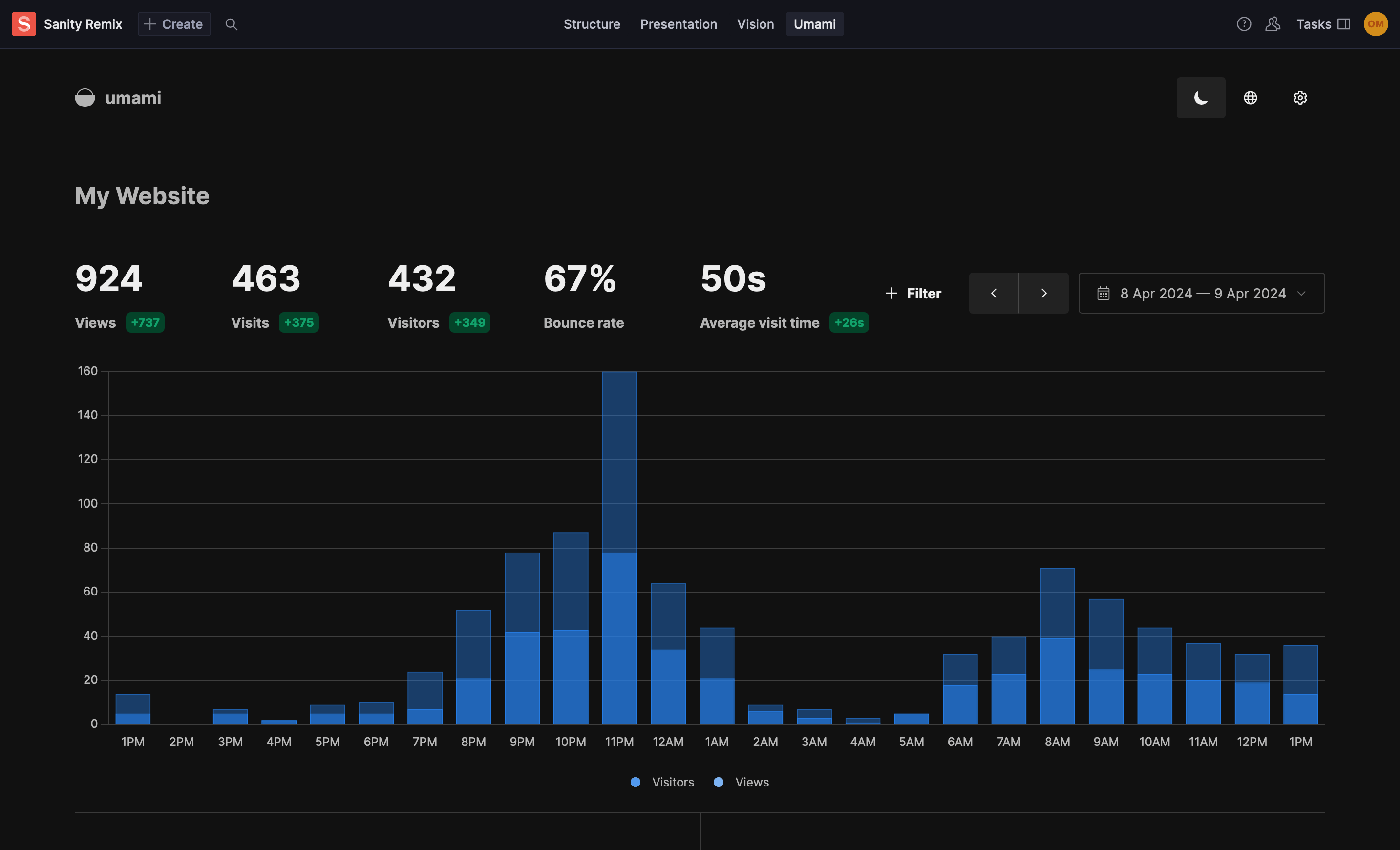
Umami configuration
- Go to the "Websites" section and click "Edit" on the website you want to embed.
- Navigate to the "Share URL" tab.
- Click the "Enable share url" button.
- Copy the provided URL and paste it into the Umami plugin configuration.
Installation
npm install sanity-plugin-umami-analytics-toolUsage
Add it as a plugin inside the dashboardTool in sanity.config.ts (or .js):
import {defineConfig} from 'sanity'
import {umamiTool} from 'sanity-plugin-umami-analytics-tool'

export default defineConfig({
  //...

  plugins: [
    umamiTool({
      url: '<your-share-url-from-umami>',
      //example: https://eu.umami.is/share/XXXX/XXXX
    }),
  ],
})
Options
url- Required - the share url from Umamititle- Optional - defaults to 'Umami'
License
MIT © Ole Svennevig
Develop & test
This plugin uses @sanity/plugin-kit with default configuration for build & watch scripts.
See Testing a plugin in Sanity Studio on how to run this plugin with hotreload in the studio.