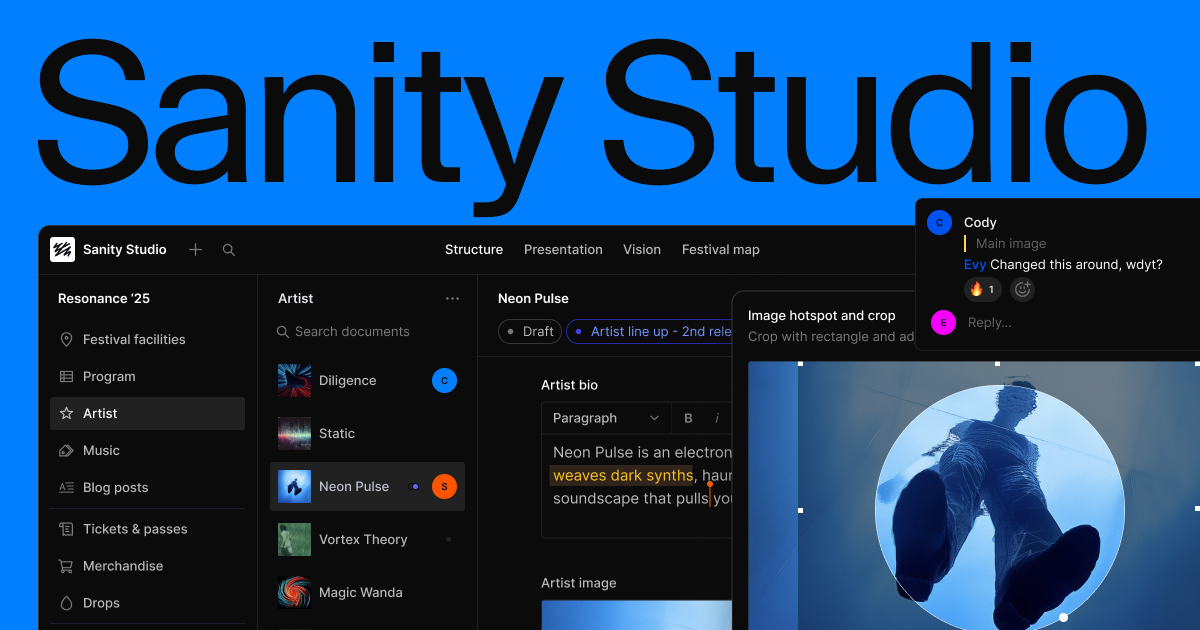
Sanity Studio
Where editors run each stage
An all-code content workspace configured by you, where editors collaborate in real time and preview changes live before publishing.
Now in beta
Run your editorial process where your content lives. Your team sees, approves, and audits content where they already edit it.


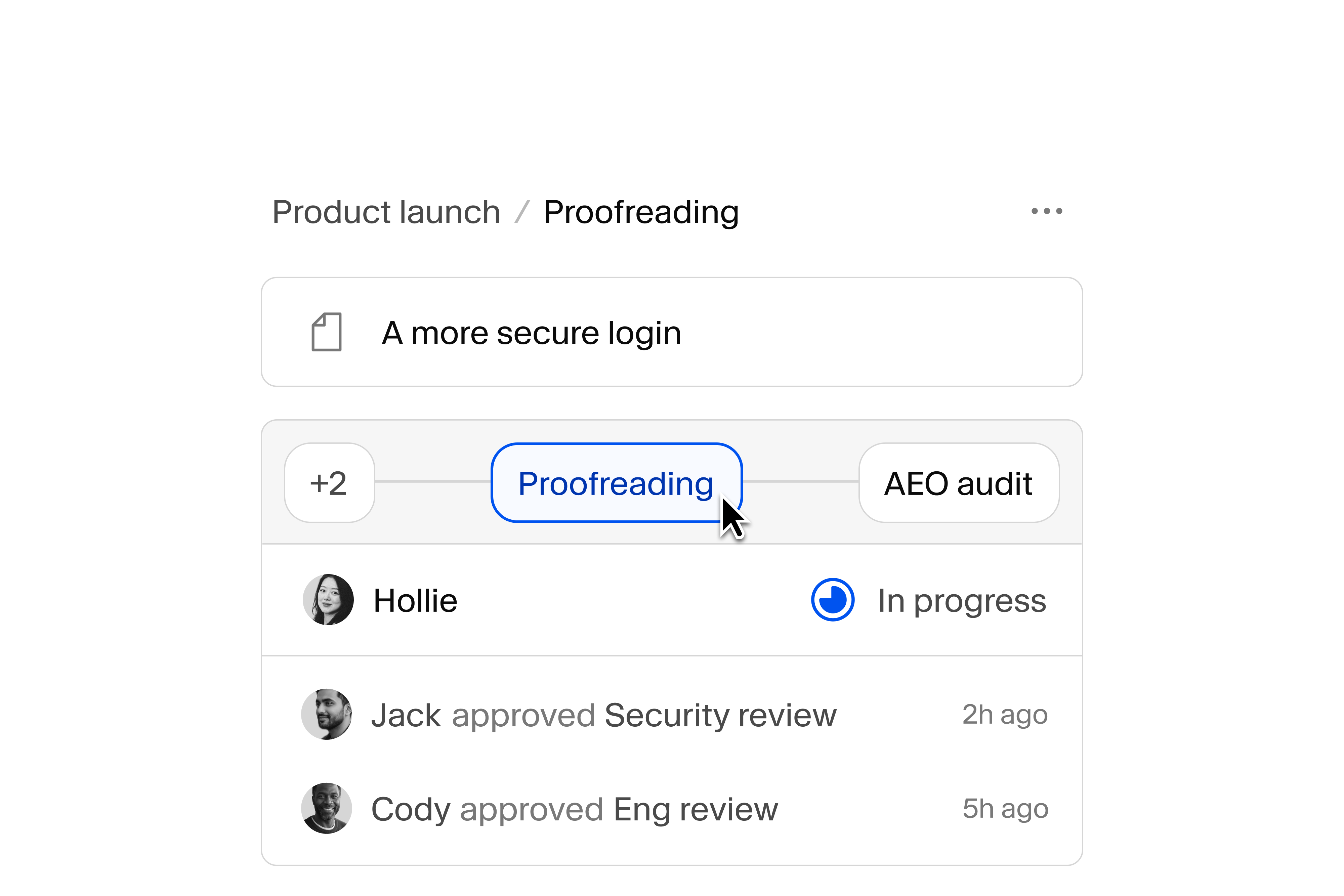
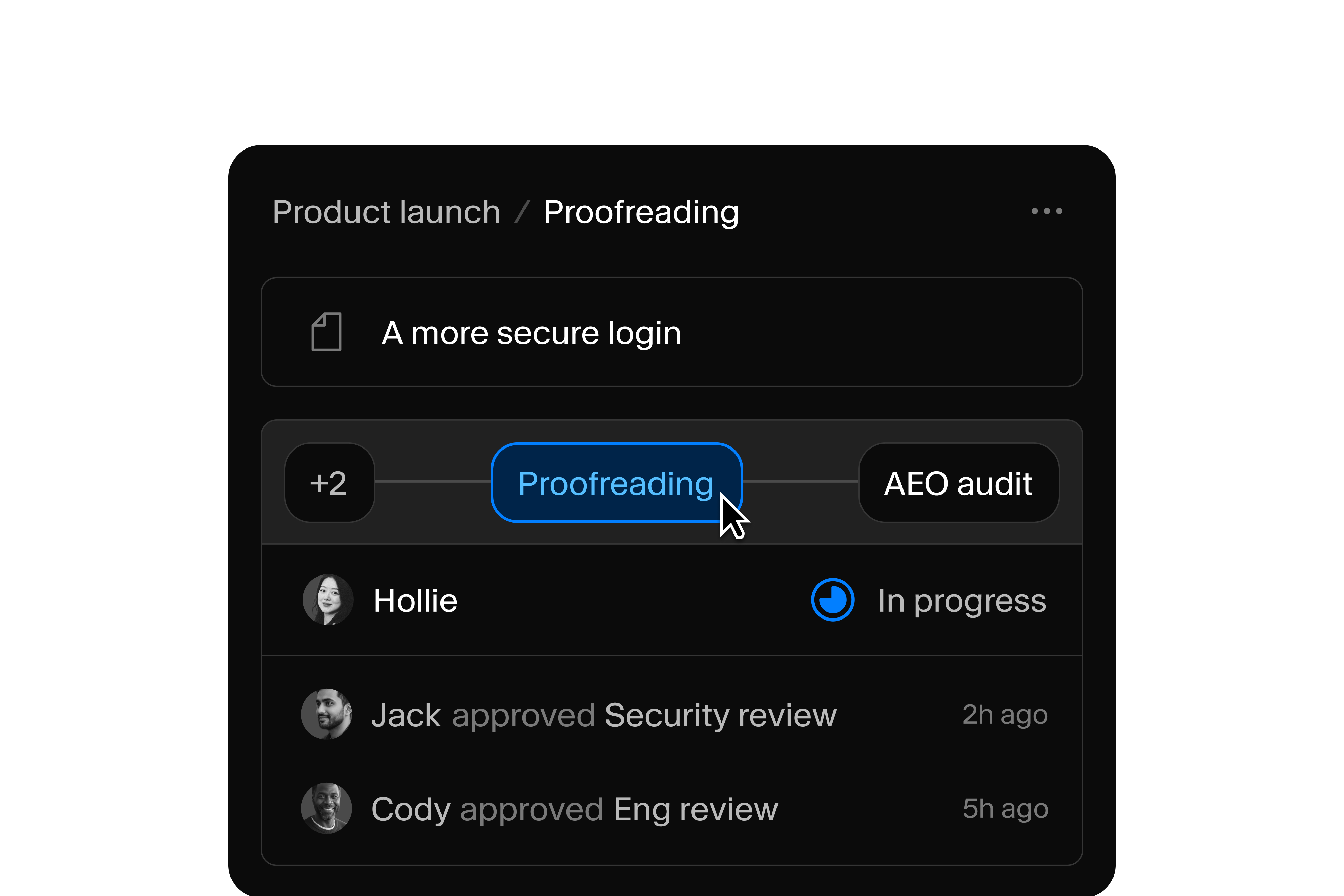
Workflows in actionWorkflows in action
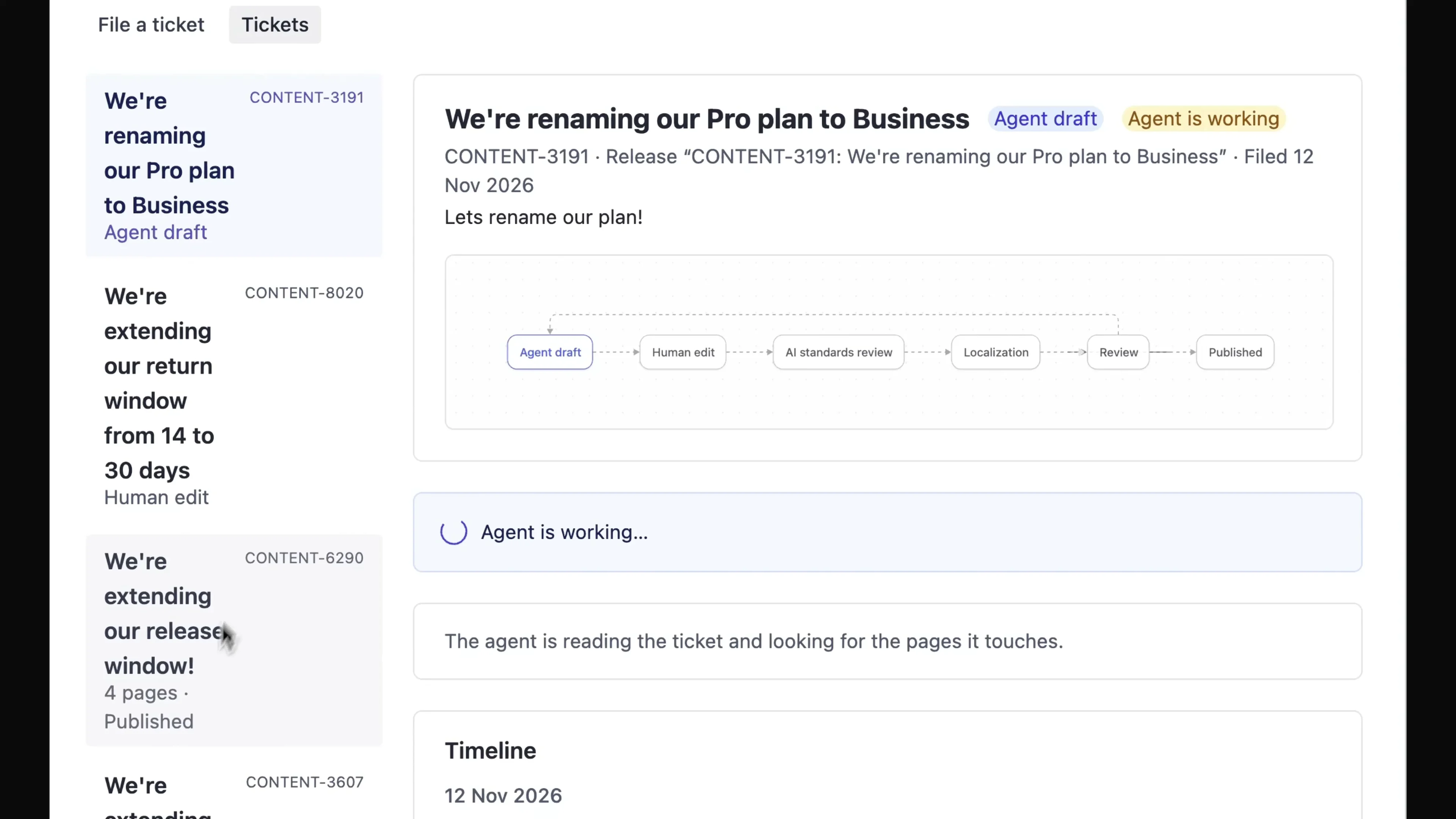
An agent finds the pages a ticket affects and drafts the edits, then hands the run to an editor to review.
A writer submits a draft, and an AI task checks it against your style guide, sending flagged drafts back to the writer.
Why WorkflowsWhy Workflows
Define your stages in TypeScript, and humans and agents move content through each one.
Knows your content and acts on it
A stage can disable Publish in Studio, trigger a Sanity Function, or pass a task to an agent, because the workflow and your content share one system.
People and agents, same tasks
When an agent fires Approve, the workflow moves exactly as if an editor clicked it, so you can shift work between people and agents anytime.
Separate from your documents
Each run stores its own data, like a brief or review notes, so approvals don't add fields to your schema or revisions to your documents.
Audits become queries, not projects
“What published without legal review?” is one GROQ query against your workflow data.
1. Model the process1. Model the process
import {defineWorkflow} from
  '@sanity/workflow-engine/define'

export const articleReview = defineWorkflow({
  name: 'article-review',
  title: 'Article review',
  initialStage: 'review',
  stages: [
    {
      name: 'review',
      activities: [{
        name: 'sign-off',
        actions: [{name: 'approve', status: 'done'}],
      }],
      transitions: [{name: 'finish', to: 'approved'}],
    },
    {name: 'approved'},
  ],
})Name the stages your team works through, like draft, AI review, legal, and publish. Transitions move work from one stage to the next, by default once every task in the stage is done.
Deploying a change creates a new version of the definition. Runs already in progress finish on the version they started with.
The engine runs in memory for tests, so you can drive every path and fast-forward deadlines before a workflow reaches editors.
Run your first workflow2. Run it in Studio2. Run it in Studio
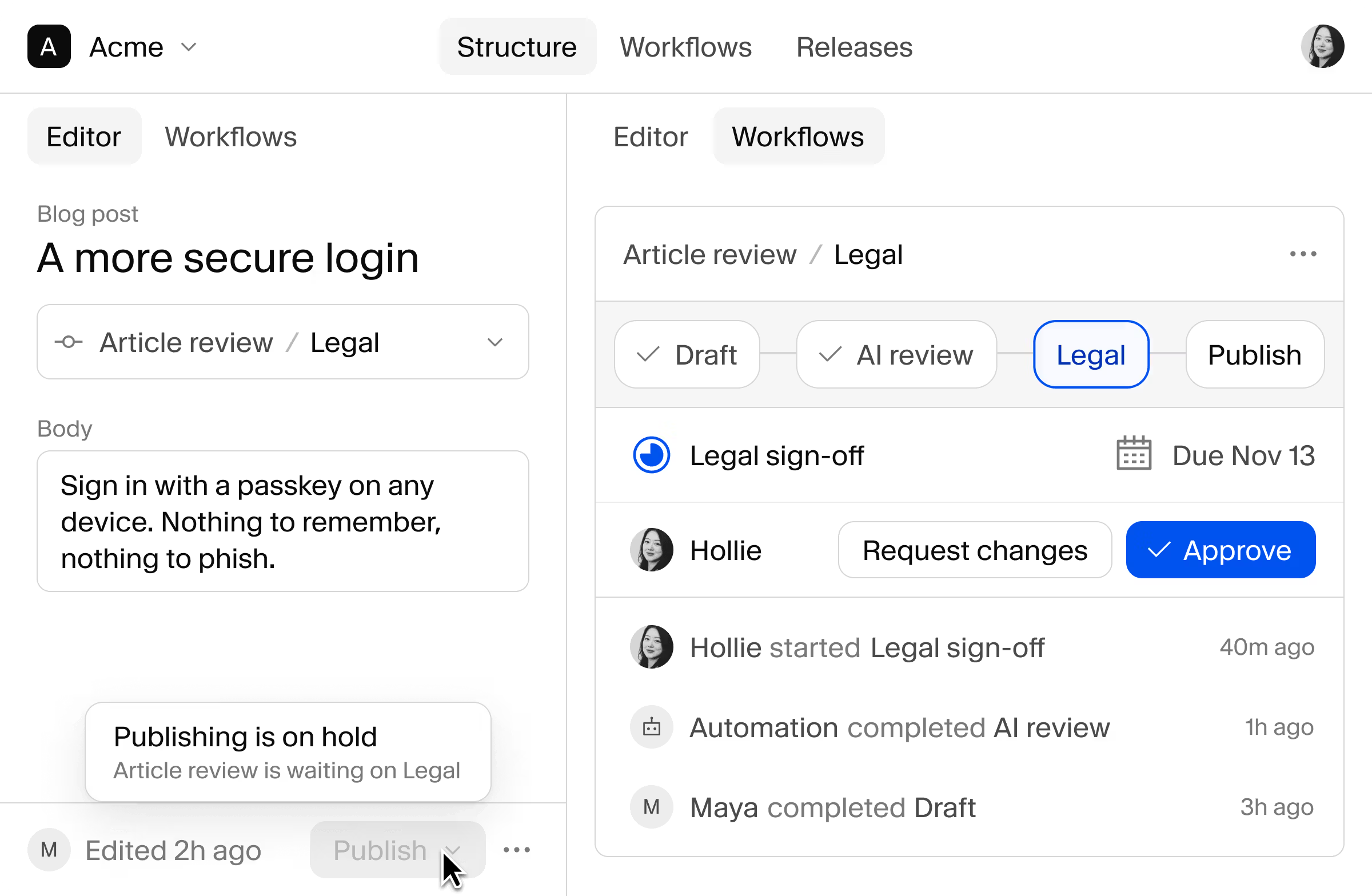
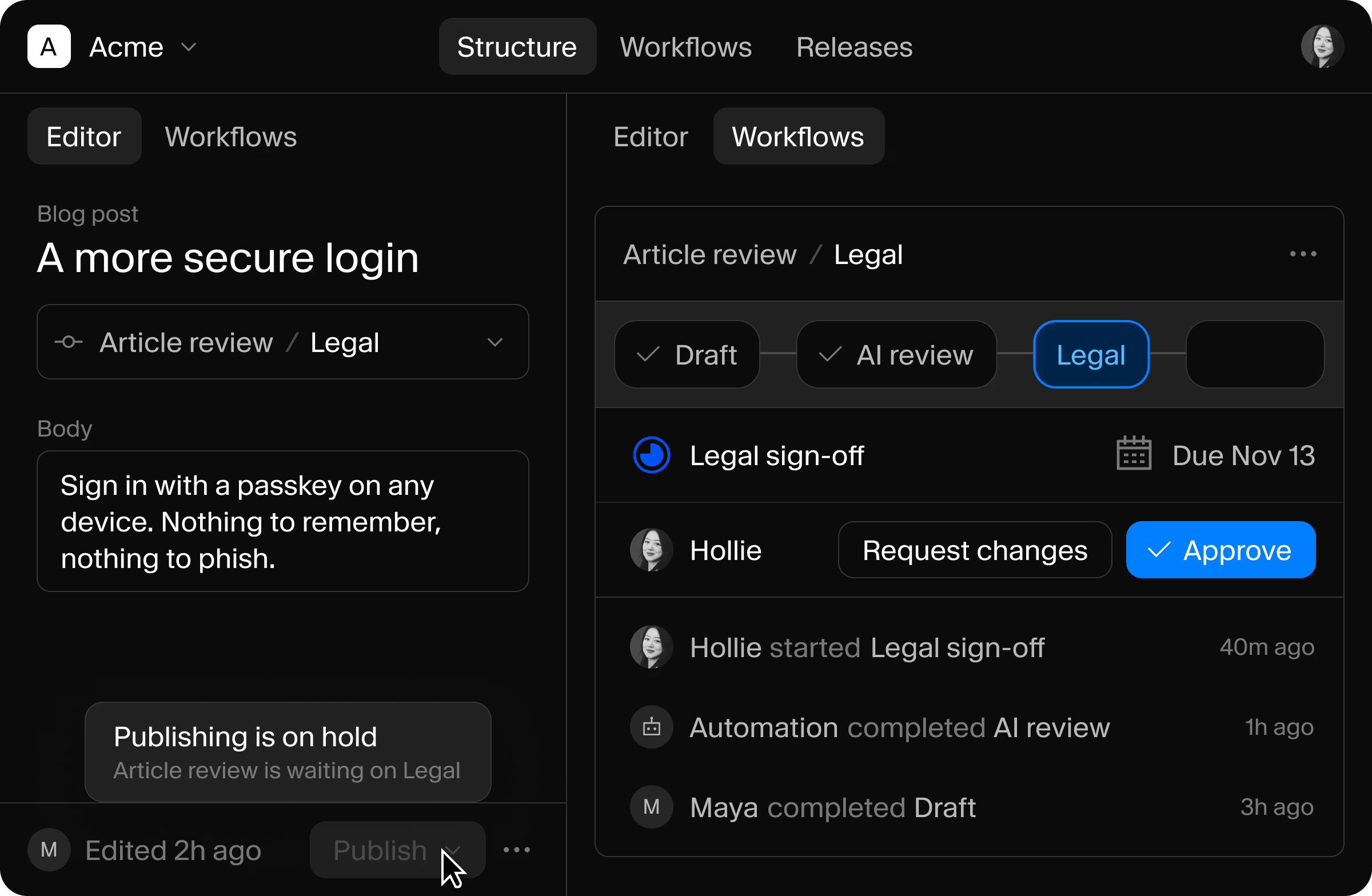
The Workflows tool lists every open run across documents. Switch to the board to see runs by stage, or filter to what needs attention.
Assign a task to a person, or offer it to everyone with a project role. Editors see what's waiting on them in the “For me” view.
While a stage holds a document, Studio disables Publish and tells the editor what the workflow is waiting on. During the beta, the hold applies in Studio, and writes through the API aren't blocked yet.
Request a demo3. Automate the routine3. Automate the routine
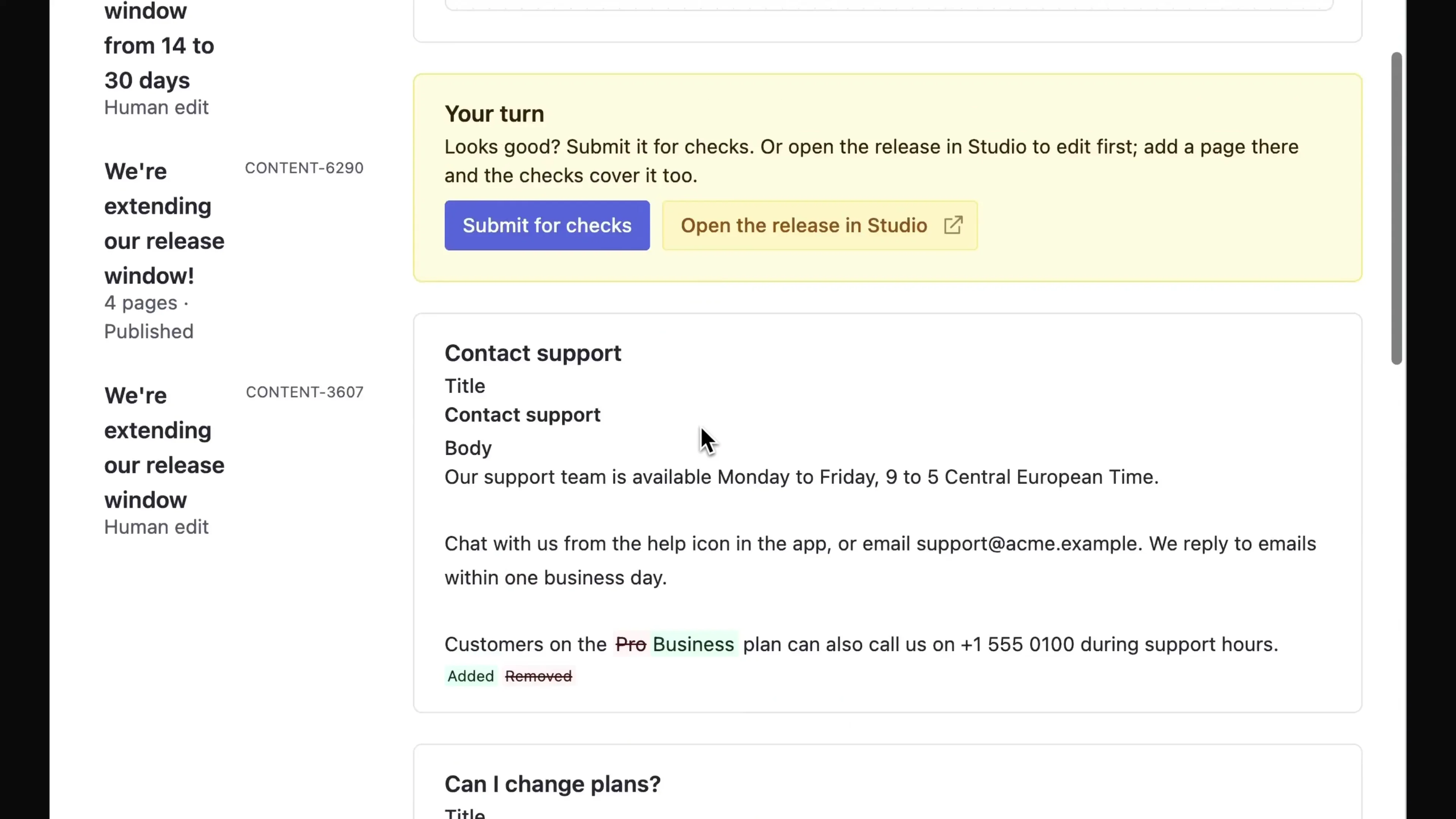
After the editor submits, an AI task reviews the copy and suggests fixes. The suggestions are advisory, so the reviewer decides.
Combine automations and human tasks in the same definition, and decide how much to automate at each stage.
Check copy against your style guide
An AI task reviews each draft for brand voice, SEO, and style guide issues, and you choose whether editors see every draft or only flagged ones.
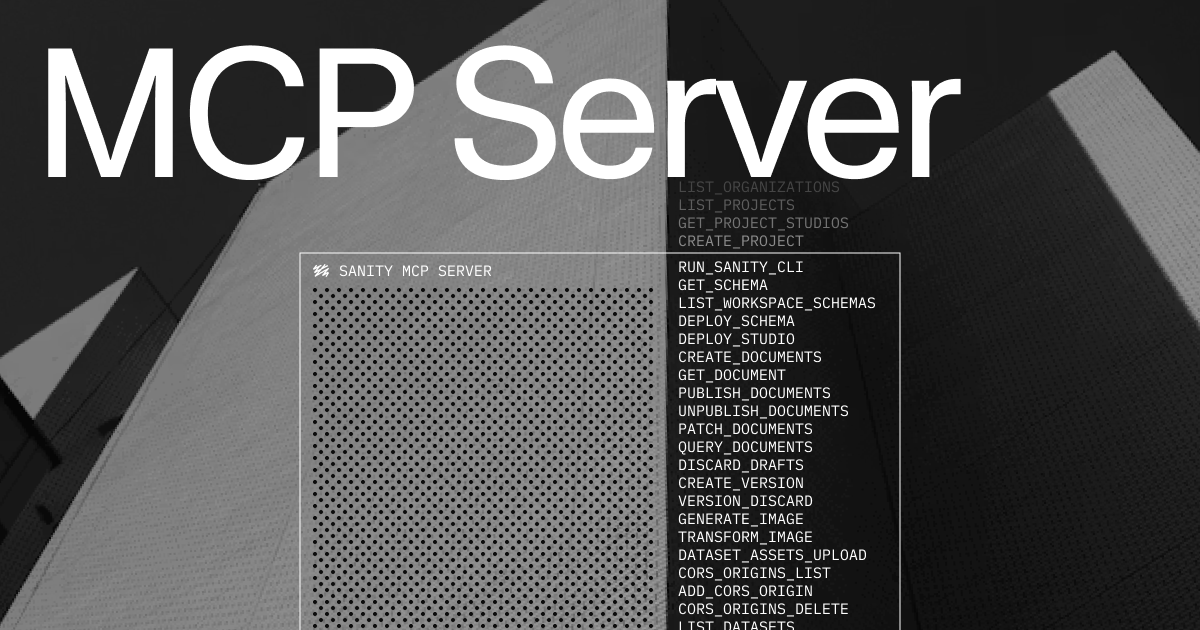
Agents connect over MCP
An agent can check where a run stands and take the next action, with the same permissions as the person or token it acts for.
Run automated tasks in your own code
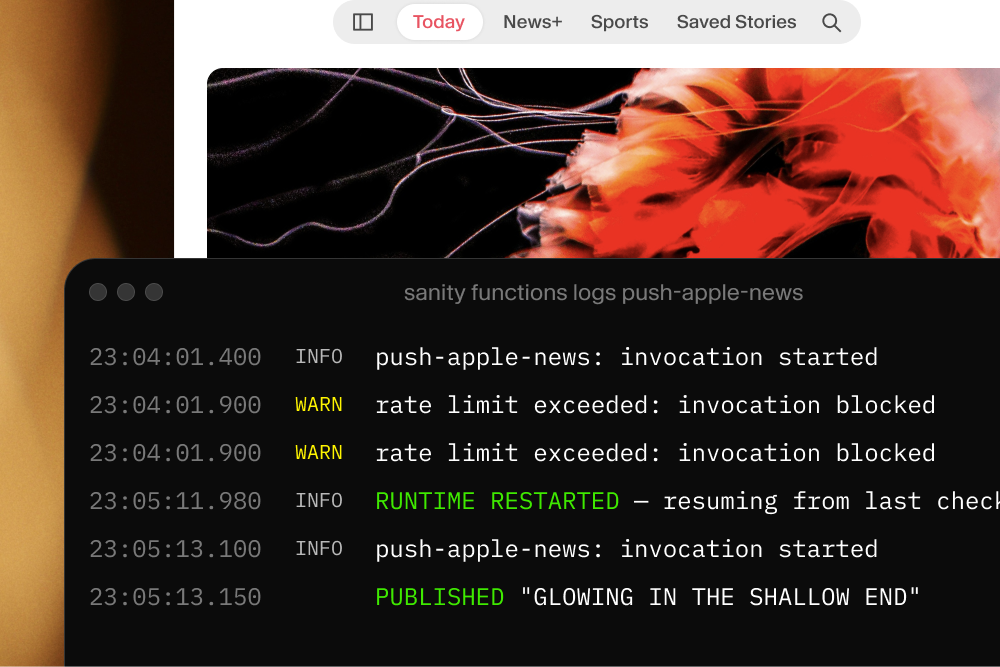
A stage can queue work for your code to carry out, like a Sanity Function that calls an LLM or sends a notification.
4. Build on the engine4. Build on the engine
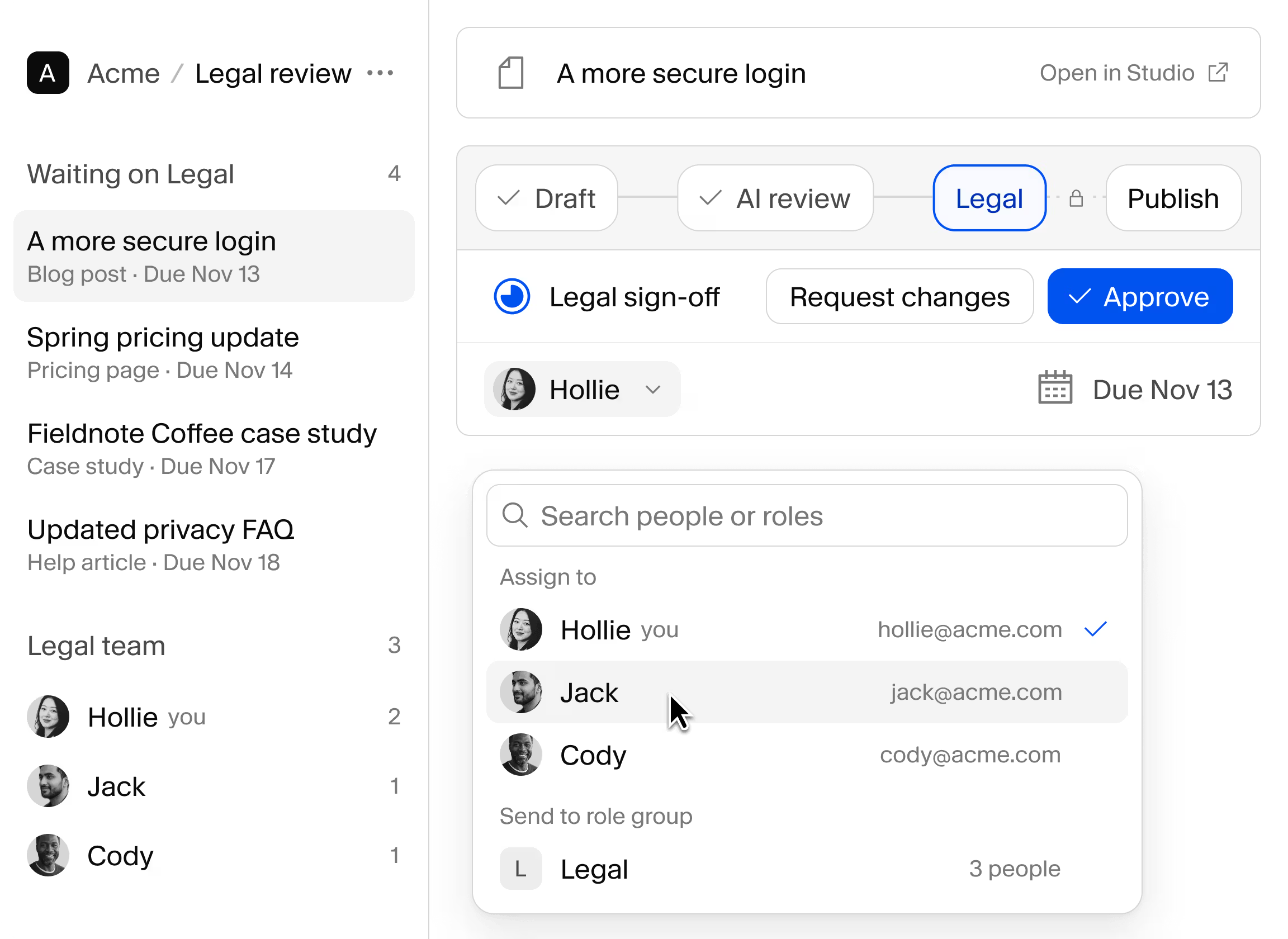
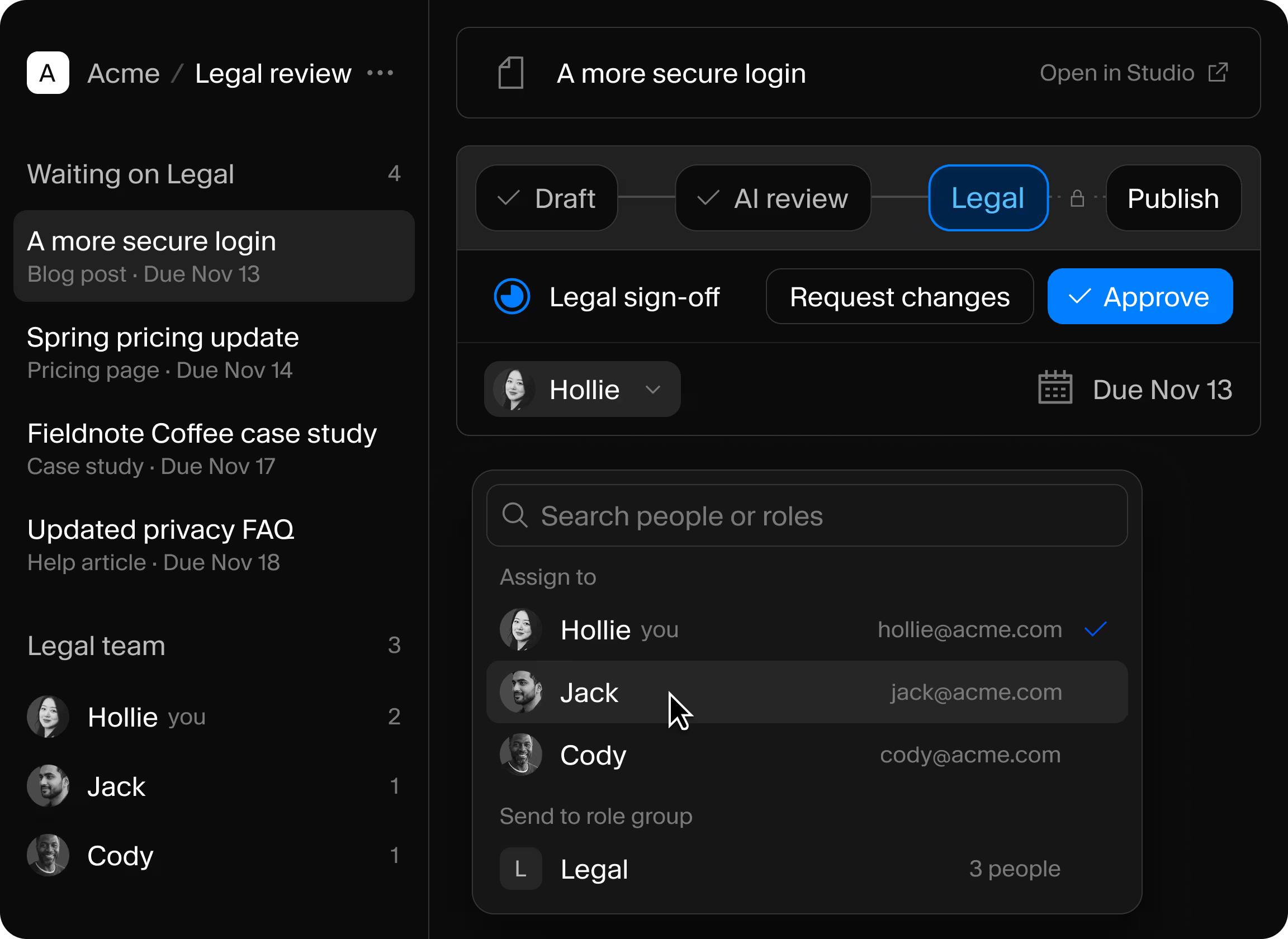
The workflow engine is a TypeScript library, so it runs wherever your code runs, and the Studio plugin is one of several ways to use it.
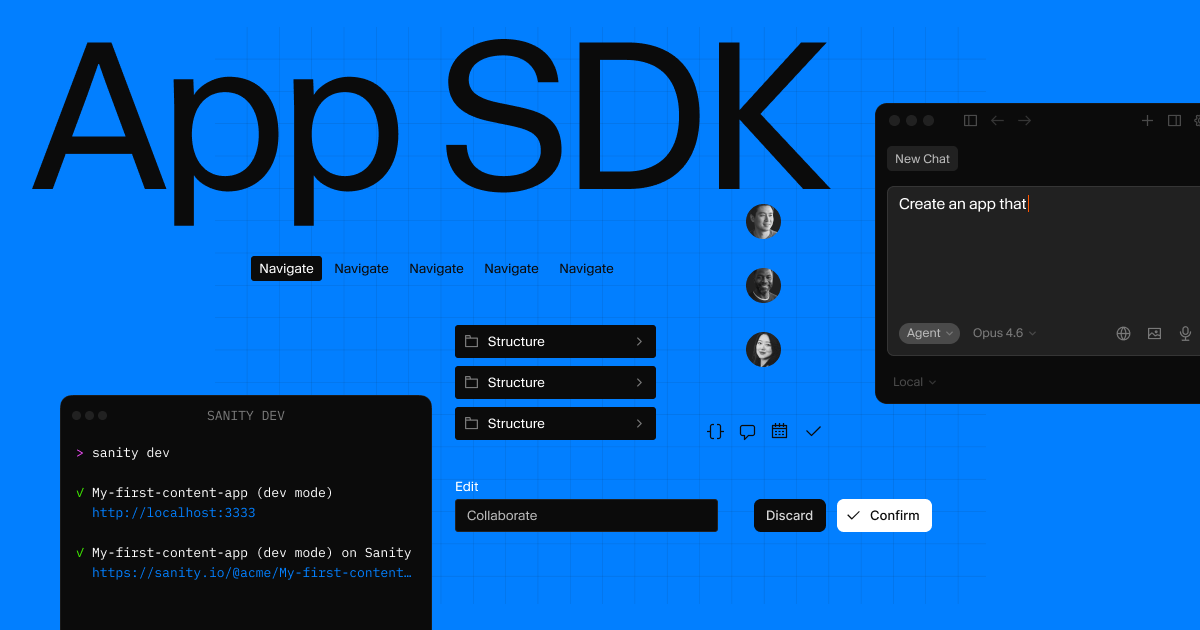
Custom apps on the App SDK
Show live workflow state and the actions each person can take, in an app built around one job.
Explore the App SDKPrebuilt React components
Add assignment pickers, due dates, member lists, and workflow diagrams to your own interface.
Component docsA CLI for deploys and CI
Deploy definitions from your pipeline, and inspect or recover a stuck run from the terminal.
CLI referenceYes. Workflows is in beta, and you can run it in production today. The packages are pre-1.0, so check the release notes for breaking changes before you upgrade.
Workflows is in beta and free to use during the beta period. Pricing for general availability isn't finalized. We'll give notice well ahead of any pricing taking effect.
Yes. A developer defines each workflow in code, the same way they define a schema. Editors then run it in Studio, working through tasks and actions without touching code.
Studio and the workflow engine honor the gates you define, and Studio disables Publish while a stage holds a document. Content Lake doesn't enforce workflow guards yet, so a client with write access could bypass a gate through the API. For rules that must hold for every writer, use dataset access control.
Workflows coordinates the stages people and agents move content through, and Functions run code. A stage can queue work for a Function to carry out, and Functions can keep workflows moving when nobody has Studio open.
Not out of the box. A stage can queue an effect, and your own handler, such as a Sanity Function, sends the email or Slack message. Anything with a webhook or an SDK can be connected this way.
Workflows is free to use during the beta period, so start with the review your team chases across the most tools and model it in code.