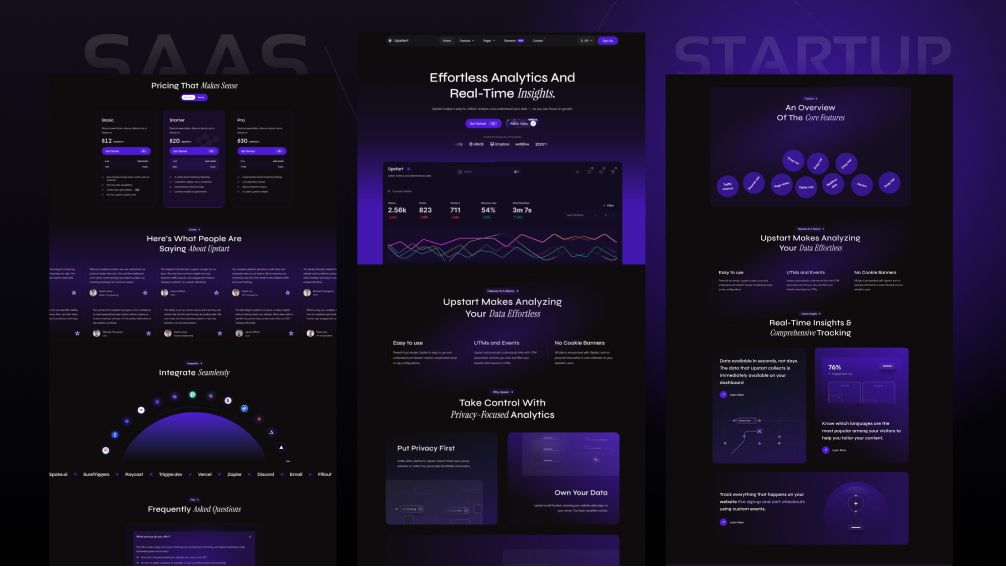
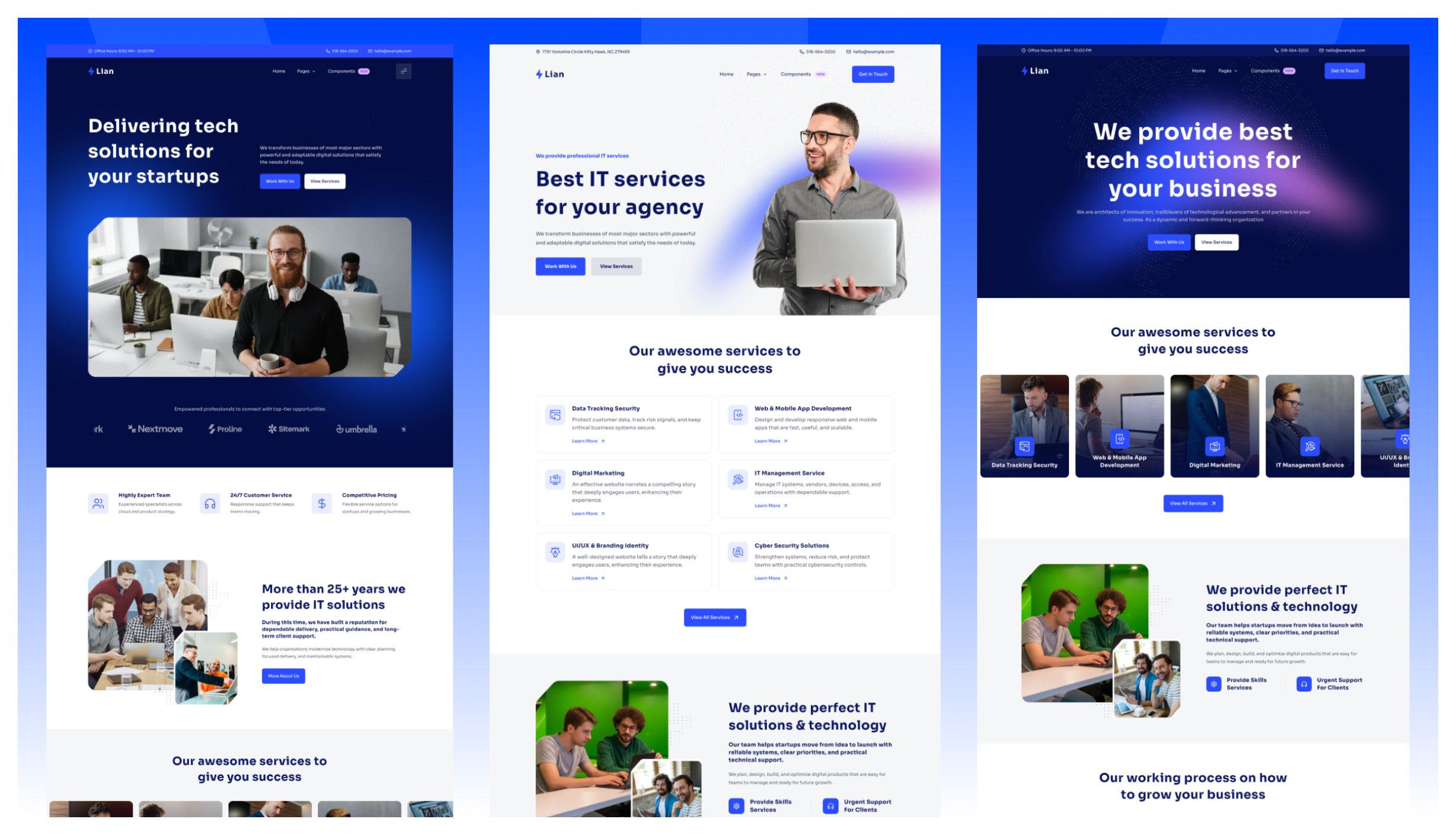
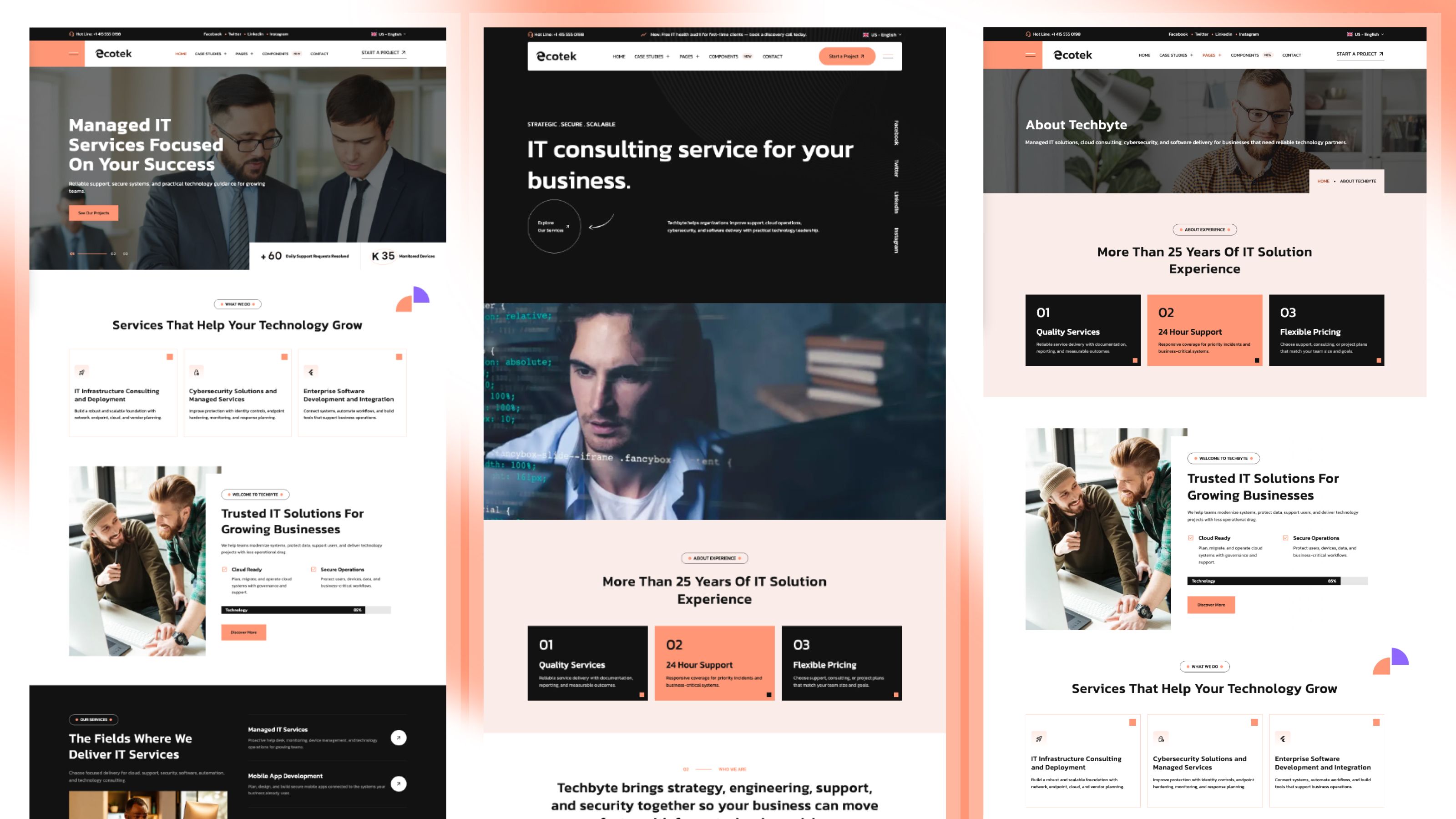
Veltro - Software and Digital Agency Astro + Sanity
Veltro is an Astro + Sanity template for software studios, digital agencies, and technology consultancies. 2 homepages, 28 page designs and 35 sections, all edited in Sanity Studio, in English, French and Arabic.

Veltro is an Astro + Sanity template for software companies, product studios, IT consultancies, and digital agencies whose buyers need to understand capabilities, review relevant work, and see sector expertise before making contact.
In this edition your content lives in your own Sanity project and you edit it in Sanity Studio. The live site is still static files built by Astro, so it needs no server. You can try it before creating a Sanity account: with no .env file, the site runs and builds from the bundled demo content.
Live demo: veltro-astro.pages.dev. Sanity setup guide: Veltro Sanity docs.
At a glance
- Price: $89 one-time for the Astro + Sanity edition, for up to 5 projects. The Pro and Business All Access Passes include it. The theme page shows any current offer.
- Built with: Astro 7.1.3, Tailwind CSS 4.3.3, Sanity Studio, Preline, AOS, Lenis, Swiper and Lucide
- Size: 2 homepages, 28 page designs, 35 sections
- Languages: English, French and Arabic, with a right-to-left layout for Arabic. Each language has its own documents in the Studio.
- Output: static site for Netlify, Vercel, Cloudflare Pages or any static host
- Figma file: no
- Released: July 2026. Last update: version 1.0.2, September 2026
What you edit in Sanity Studio
- Homepages: 2, one document each
- Main pages: About, Awards, Contact, FAQ, Pricing, Services, Case studies, Team, Careers, Industries, Portfolio and Blog
- Collections with one document per entry: Services, Projects, Case studies, Industries, Team members, Jobs and Blog posts
- Shared sections, menus, the footer, site settings and interface labels
- Live preview beside the editor on your computer: click text on the page to open its field. Drafts stay hidden until you click Publish.
- npm run setup logs you in, creates or picks a project, writes your .env file, creates a read token and offers to upload the demo content.
The full list, and what stays in code, is on What is editable in Sanity, along with what we tested for this theme.
Use cases
- Software company websites
- Startup and product studio sites
- Digital agency websites
- IT solutions and technology consultancy sites
Features
- Capability-to-proof content system with services, portfolio, case studies, and industries
- 35 reusable sections across two distinct homepage compositions
- 14 services, 9 portfolio entries, 8 industries, and 6 case studies included
Not a fit for
- Ecommerce storefronts
- Documentation-only products
- One-page personal profiles
- Editorial publications without service or portfolio content
Not included
- Draft preview and click-to-edit on a deployed site need a second copy of the site running as a Node.js server. We have not tested online hosts or a deployed Studio.
- Hosting, a domain or a Sanity plan.
When to choose another theme
- Choose Techbyte if the site is specifically for a managed IT service provider and should lead with support, security, and infrastructure services.
- Choose Techlo if a software agency needs three homepage styles and a more portfolio-led presentation.
- Choose Lumio if a broader multi-service consultancy should lead with case studies rather than product, portfolio, and industry collections together.
Every one of these also comes as an Astro + Sanity edition.
FAQ
Do I need a Sanity account to try it? No. Run npm ci and npm run dev with no .env file, and the site runs from the bundled demo content. npm run build works the same way.
What is the difference between the Astro and Astro + Sanity editions? The pages and design are the same. In the Astro edition, content lives in Markdown files in your project. In the Astro + Sanity edition, you edit it in Sanity Studio and it lives in your own Sanity project.
Does the live site need a server? No. Astro builds static files from your published Sanity content. Only draft preview on a deployed site needs a separate Node.js server.