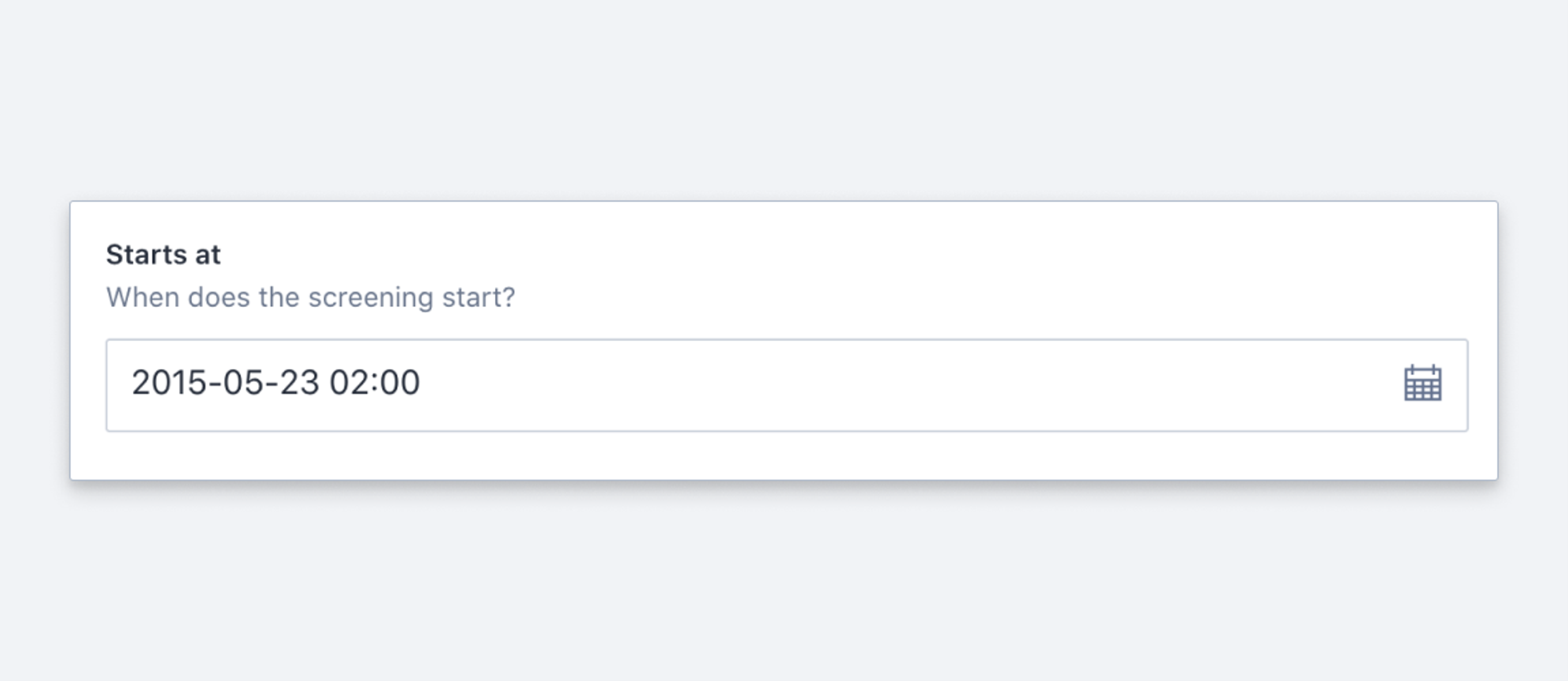
Date
Schema type reference for the Date type.
An ISO-8601 formatted string containing date. E.g. 2017-02-12. See the DateDefinition reference for the full type definition.
The stored date is represented as a string in compliance with ISO 8601 (often described as YYYY-MM-DD).
Protip
If you need to store information about both date and time, use the datetime type instead.
Properties
Requiredtype
Required. Value must be set to
date.Requiredname
Required. The field name. This will be the key in the data record.
Human readable label for the field.
If set to
true, this field will be hidden in the studio. You can also return a callback function to use it as a conditional field.If set to
true, this field will not be editable in the content studio. You can also return a callback function to use it as a conditional field.Short description to editors how the field is to be used.
Placeholder text that appear within the input when it is empty.
The initial value used when creating new values of this type. Can be a literal value, or a resolver function that returns a literal value or a promise that resolves to one.
Lets you provide custom components to override the studio defaults in various contexts. The available keys are
diff,field,input,item, andpreview. This property is in beta.Marks a field or document type as deprecated in the studio interface and displays a user-defined message defined by the single required
reasonproperty.If you deploy a GraphQL API schema, this property will translated into the
@deprecateddirective.Supply a custom icon for this field. See Icons for the supported values.
Options (DateOptions)
Controls how the date input field formats the displayed date. Default is
YYYY-MM-DD.The format string is Moment-style, but only this subset of tokens is supported:
YYYY, YY, MMMM, MMM, MM, M, DD, D, dddd, ddd, HH, H, hh, h, mm, m, ss, s, A, a. Other tokens, including bracket escaping such as[T], are passed through unconverted and stop the input from parsing what it just rendered.
Validation (DateRule)
Ensures that this field exists.
Discards the validation rules set before it in the chain and makes the field optional. Rules chained after it still apply.
Creates a custom validation rule.
Minimum date (inclusive). Accepts an ISO 8601 date string, or a field reference returned by
valueOfField().Maximum date (inclusive). Accepts an ISO 8601 date string, or a field reference returned by
valueOfField().Sets a custom error message for the preceding validation rule.
Sets a custom warning message for the preceding validation rule. Warnings do not prevent publishing.
Sets a custom info message for the preceding validation rule. Info messages are purely informational and do not prevent publishing.
Gets the value of a sibling field to use in validation. Useful for creating validation rules that depend on the value of another field.
Input
import {defineField} from 'sanity'

defineField({
  title: 'Release date',
  name: 'releaseDate',
  type: 'date',
})
Response
{
  "releaseDate": "2017-02-12"
}
Example: set a custom date format
import {defineField} from 'sanity'

defineField({
  title: 'Release date',
  name: 'releaseDate',
  type: 'date',
  options: {
    dateFormat: 'MMM D, YYYY',
  },
})