Docsta Documentation Template
🚀 A free, open-source Next.js documentation template powered by Sanity CMS build dynamic, content-rich, SEO-friendly docs with real-time editing and instant updates. (Note: Make sure to install environmental variables on launch.)
By Get Nextjs Templates & WrapPixel and 1 others

Docsta Nextjs Documentation Template
🌏Live Demo |📥Download Docsta Template | 👉 Discover Next.js Templates
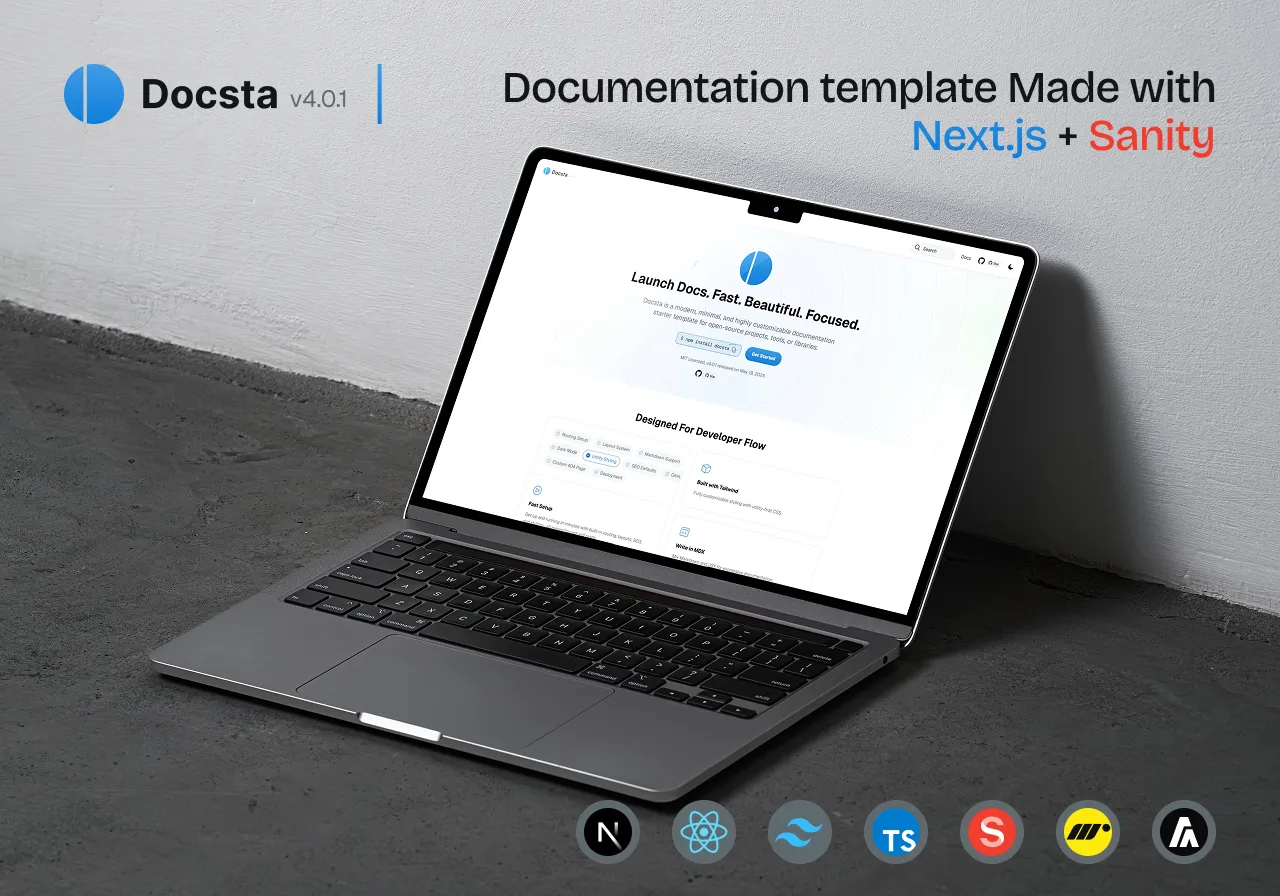
Docsta is a free, top-quality Next.js template designed to help you create stunning, high-performance documentation sites in minutes coded by GetNextjsTemplates. Built with Sanity, MDX, Tailwind CSS, and the Next.js App Router, it offers seamless navigation, dark mode, responsive design, and instant page loading.
💾 Installation Guide
Welcome to the Docsta Nextjs Documentation Template! This guide will walk you through the installation and setup process, so you can get started with building your custom admin dashboard in no time.
📝 Steps to Install
1. Clone the Repository
The easiest way to get started is by cloning the repository or download the zip file. You can do this with the following command:
git clone https://github.com/GetNextjsTemplates/docsta-nextjs-documentation-template.git
2. Install Dependencies
Install the relative Dependencies of the template. You can do this with the following command:
npm install3. Start the Development Server
Once the dependencies are installed, you can start a local development server to preview the template:
npm run dev📜 License
This project is licensed under the MIT License - see the LICENSE file for details.
Stay Tuned for Nextjs Templates Updates
Follow us for Web Design Updates
Spread the Word 📢
If you find this template helpful, give it a ⭐️ and share it with your fellow developers.
Happy coding! 💻