Flutter Image Package
Use the power of Sanity Images in your flutter apps! This package takes care of making your images exactly how the editors in the Studio specified (by respecting crops and hotspots). It also can be used to read the image color palette generated with sanity to create awesome UIs.
Install command
flutter pub get flutter_sanity_image_urlFlutter Sanity Image URL

A dart package to quickly generate sanity image urls. Ported from sanity-io/image-url.
Intented to be used together with the flutter_sanity package
Features
Easily make use of all of the image related features provided by Sanity:
- Allow editors of content to specify crops and hotspots, which will be respected in the app by creating the correct url.
- Apply image transformations, like setting the width and height of an image through a
ImageUrlBuilder. - Provides a
SanityImage.fromJson()method that parses the image data from sanity into an object with all data and metadata being typed:- Access the sanity image color palette, for better styling based on images.
- Access to
lqipto implement low resolution image placeholders.
Getting started
dart pub add flutter_sanity flutter_sanity_image_urlUsage
See /example for a full example.
Displaying an Image:
- create an instance of
ImageUrlBuilderwhich you can then use throughout your app. - get an image url by chaining calls to the
ImageUrlBuilder.
1. Creating a builder:
// sanityClient is an instance of SanityClient from flutter_sanity
final builder = ImageUrlBuilder(sanityClient);

ImageUrlBuilder urlFor(asset) {
  return builder.image(asset);
}
2. Using the builder:
using the builder design patten the options can be added in a chain, always call url() at the end to get the actual url of the image.
Image.network(urlFor(image).size(200, 200).url())Accessing the image color palette data
Available colors in the pallette:
darkMuteddarkVibrantdominantlightMutedlightVibrantmutedvibrant
Each has color has the attributes:
backgroundforegroundtitle
Example of using the color pallette for an image:
print(myImage.palette?.darkMuted.background);
// output: Color(0xff2c3b52)
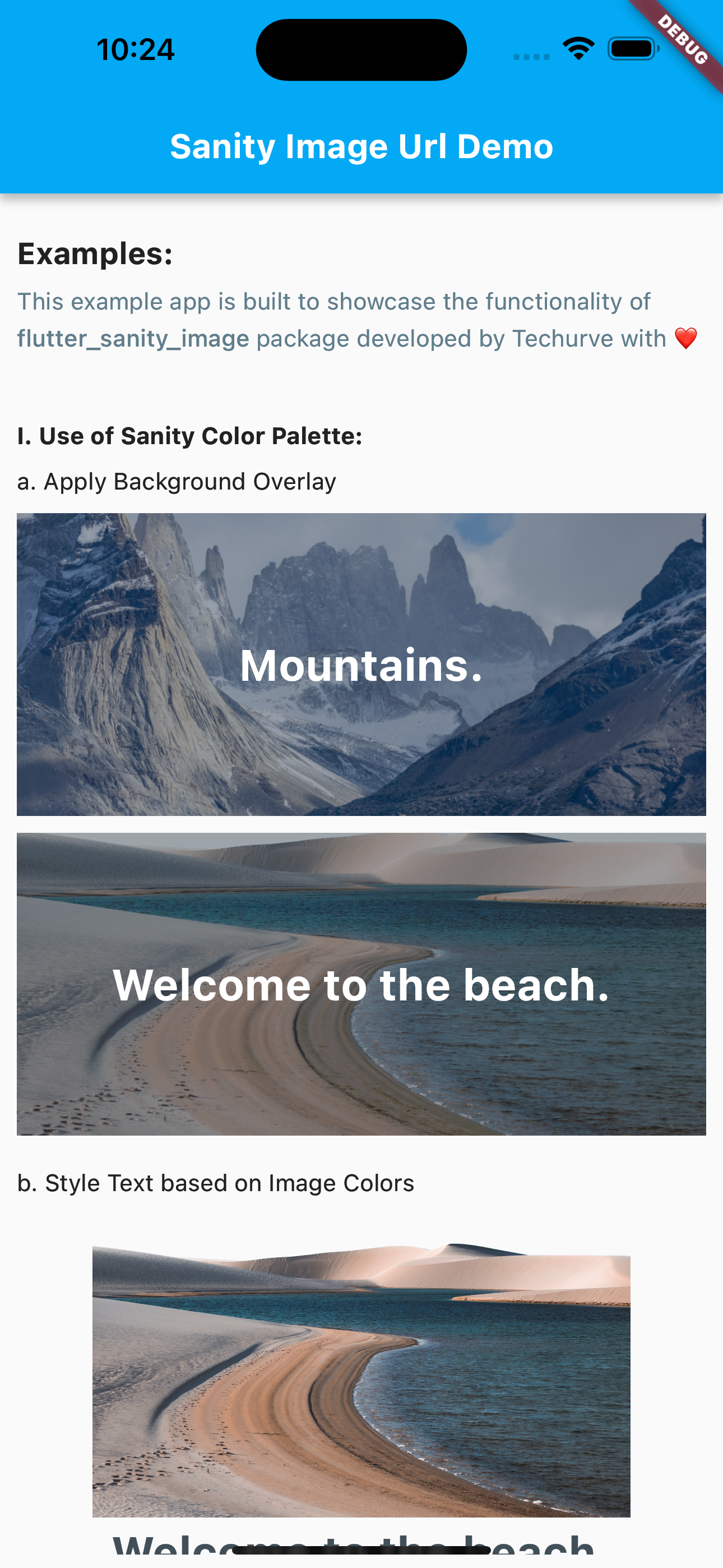
See the example project for an example of styling text and background overlays based on the color pallette.
Accessing Low Quality Image Previews for low resolution image placeholders.
LQIP(Low-Quality Image Preview) is a 20-pixel wide version of your image (height is set according to aspect ratio) in the form of a base64-encoded string.
By using the flutter_sanity_image package you can use Low Quality Image Previews in two ways:
Use the provided placeholder widget:
ImagePlaceholder(lqip: pictures[0].lqip);Access the lqip directly to implement into your own widget:
print(myImage.lqip)
/*
2wBDAAYEBQYFBAYGBQYHBwYIChAKCgkJChQODwwQFxQYGBcUFhYaHSUfGhsjHBYWICwgIyYnKSopGR8tMC0oMCUoKSj/2wBDAQcHBwoIChMKChMoGhYaKCgoKCgoKCgoKCgoKCgoKCgoKCgoKCgoKCgoKCgoKCgoKCgoKCgoKCgoKCgoKCgoKCj/wAARCAANABQDASIAAhEBAxEB/8QAFwAAAwEAAAAAAAAAAAAAAAAAAAYHBf/EACYQAAIBAwIEBwAAAAAAAAAAAAECAwAEBREhBgcVMhITFjFBYZH/xAAWAQEBAQAAAAAAAAAAAAAAAAAEAQL/xAAaEQEAAgMBAAAAAAAAAAAAAAABAAIREkFR/9oADAMBAAIRAxEAPwBl5ZX11aYSWNoAYUGsKL861u+rlRX6pD5ECA+NgdhUoXi2+wuIjjtghdx3n32pMyufyOZuNbyclSewbL+UuplVh7OACUnN8wNcjJ0mGOS0GyuynVvuip/FG0kYKysgGwAore1TkmtvZ//Z
*/