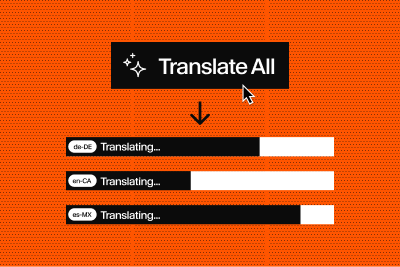
AI translations that follow your terminology
Most CMSes give you a content API and call it done. Sanity is the structured content backend that models your business, automates workflows, and powers every Angular surface — web, SSR, mobile, and AI agents — from a single source of truth.














The Content Lake is a database optimized for content operations. Schema as code powers your Studio experience — store and query structured JSON with referential integrity.
typegen generates TypeScript interfaces from your schema so your Angular services and components are fully typed end-to-end.
graph-aware query language that shapes responses to match your component interfaces, no overfetching, no REST endpoint sprawl.
Fully programmable editorial UI, so you can ship content tools your team actually wants to use without maintaining a separate app.
Go faster and serve more customers with query results cached at the edge on a global CDN. Accelerate your Angular app.
Find everything you need for Angular and Sanity—from official plugins to community-built starters.

Integration guide for Angular, including @sanity/client setup, data fetching with signals and resource API, Portable Text rendering, and image optimization.
AI Content Operations
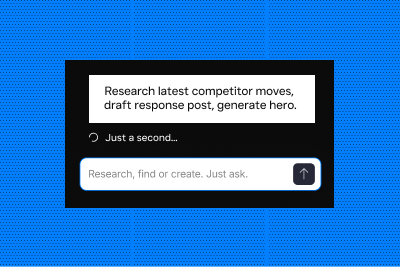
Your AI is only as good as the content it operates on. These guides show how to build real AI workflows on structured content: working code, honest trade-offs, and a starter kit for each.
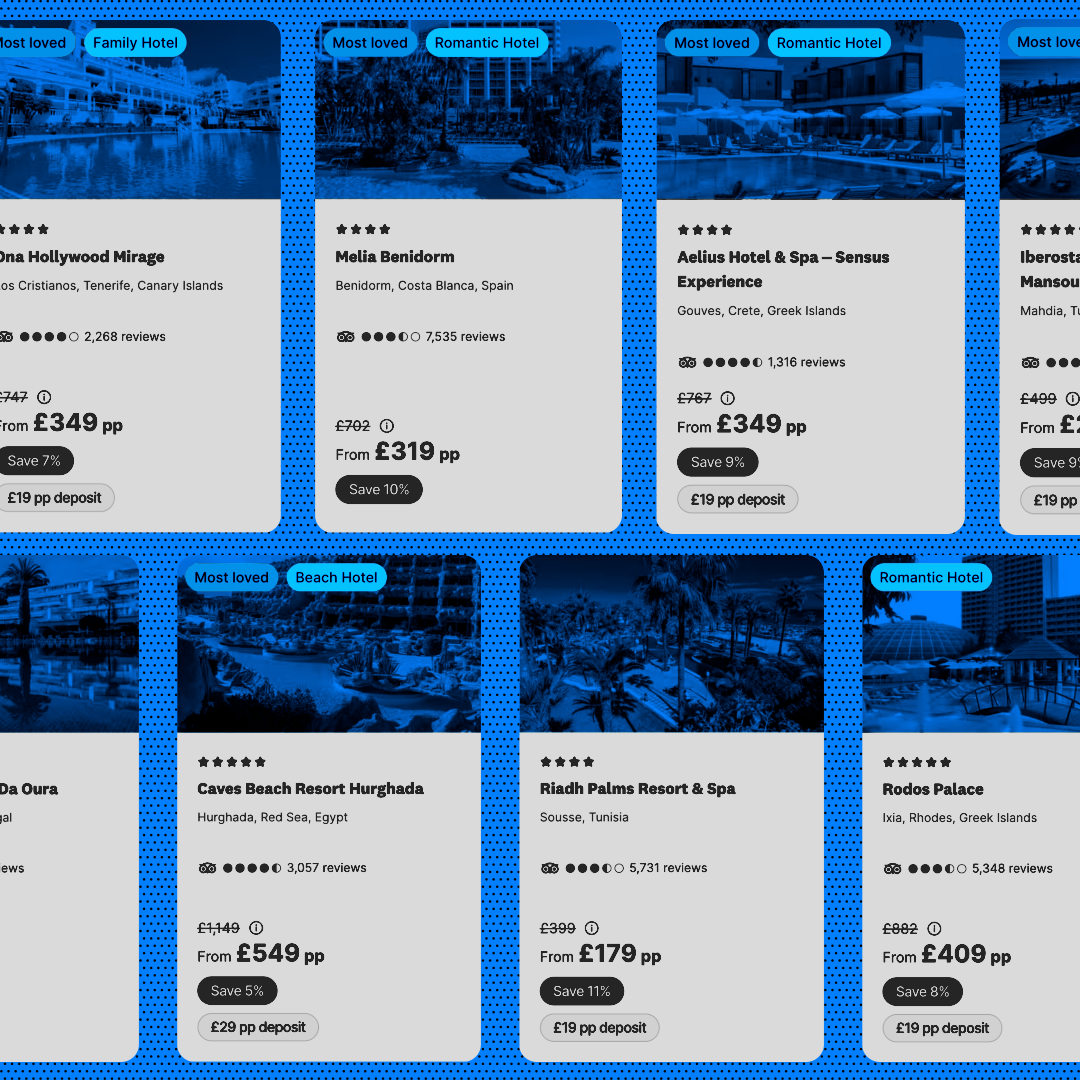

loveholidays replaced a £300K/year translation agency with an AI pipeline that launches new markets in days instead of months.
The results are in
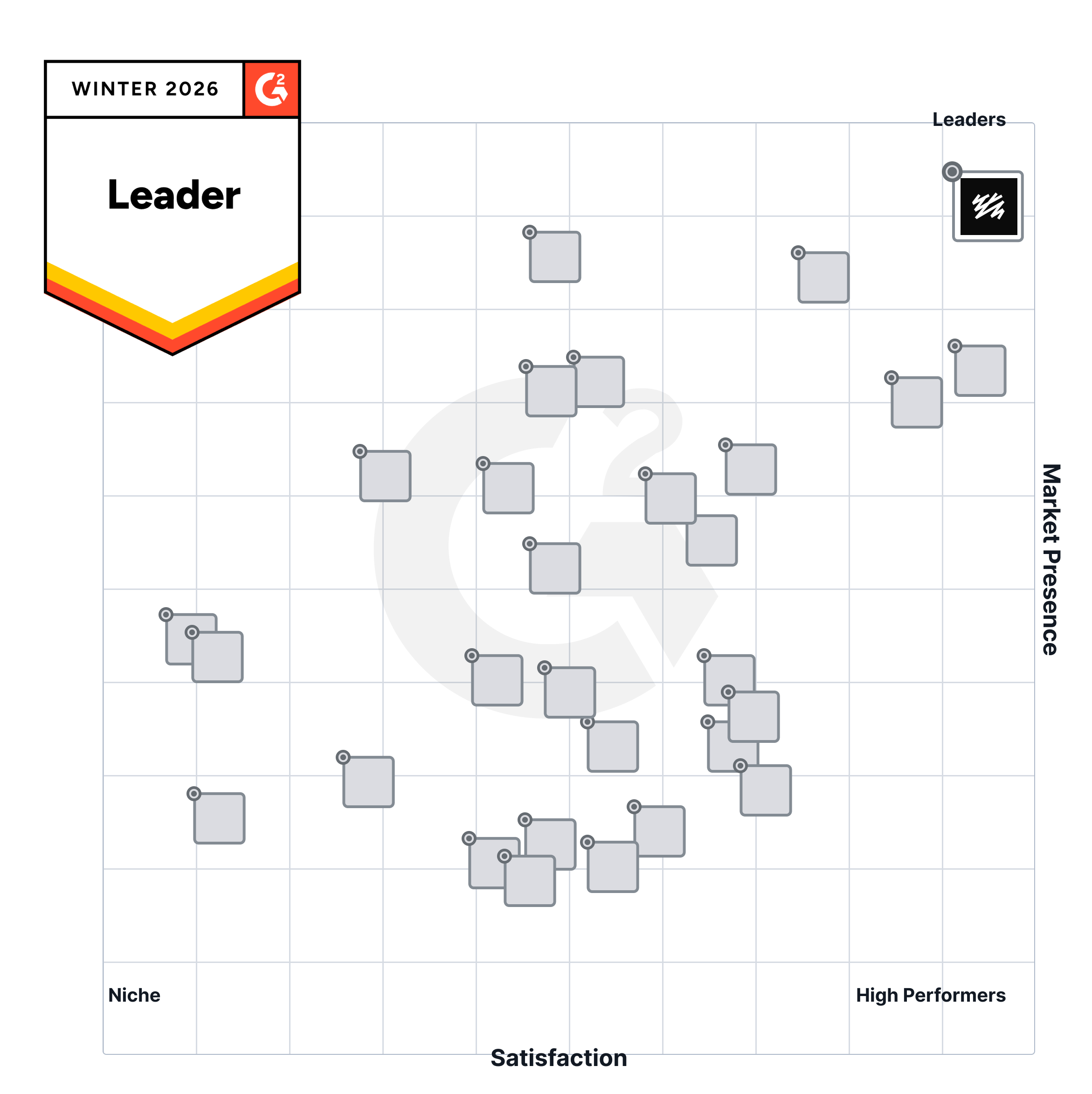
G2.com, the world's largest marketplace for software, has rated Sanity as the #1 leader in the Headless CMS category, as measured by customer review ratings and market presence
CMS INTEGRATIONS
Sanity can be integrated with any major framework, providing the flexibility need to have full control of your project.
Yes. Sanity works with Angular because it's a framework-agnostic, API-first content platform.
Content is stored in Sanity's Content Lake and delivered through APIs that any frontend framework can query. Angular applications can retrieve content from Sanity the same way they would from any external API.
Sanity also provides an official "Clean Angular + Sanity app" template that demonstrates how to connect an Angular frontend to a Sanity backend.
There isn't an Angular-specific SDK, but one usually isn't necessary.
Sanity's official JavaScript client, @sanity/client, works in any JavaScript or TypeScript environment, including Angular. You can import the client into an Angular service, run GROQ queries, and pass the results into components.
Because the client works in standard TypeScript environments, it integrates well with Angular patterns such as services and dependency injection.
The most common approach is to create an Angular service that wraps the @sanity/client.
Typical workflow:
Sanity also provides a Query HTTP API, which means you can call Sanity directly using Angular's HttpClient if you prefer working with native Angular networking tools.
Yes. Sanity provides Sanity TypeGen, which can generate TypeScript definitions from your Studio schema and GROQ queries.
These generated types can be used throughout your Angular application to improve type safety when working with Sanity content.
Yes. Sanity supports real-time updates.
For new projects, Sanity recommends using the Live Content API, which allows applications to receive updates when content changes.
Sanity also provides the Listen API, which can emit events when documents are created, updated, or deleted.
Angular applications can integrate either approach using RxJS observables or other reactive patterns if needed.
Portable Text is Sanity's structured rich text format.
There isn't an official Angular renderer, but you can render Portable Text by:
Because Portable Text is structured JSON, it can be rendered in whatever way your Angular UI requires.
Yes. Sanity can be used with Angular Universal or other server-side rendering setups.
Since Sanity is accessed through standard APIs and JavaScript tooling, content can be fetched during server-side rendering to:
Angular features like TransferState can be used to pass server-fetched data to the browser without triggering an additional API request.
Sanity supports previewing unpublished content through the Presentation tool and Content Lake perspectives.
In preview mode, the Sanity client can be configured to use the drafts perspective, which returns draft content as if it were published.
Draft documents are internally stored with IDs prefixed with drafts., but when building preview experiences the recommended approach is to use perspectives rather than manually querying draft paths.
This allows editors to preview unpublished changes before publishing them.
A good pattern is to centralize GROQ queries in a service or dedicated query file instead of embedding them directly in components.
Benefits include:
GROQ projections also allow you to fetch only the fields your Angular components need, which can reduce payload size.
Yes. Angular's HttpClient can call Sanity's Query HTTP API directly.
However, many developers prefer using @sanity/client because it simplifies tasks such as:
Yes. Sanity works well for Angular applications that need structured content, flexible APIs, and real-time updates.
Because Sanity is framework-agnostic, multiple Angular applications—or other frontends—can share the same Content Lake and content models while accessing content through a single API.
This makes Sanity a strong choice for multi-site platforms, enterprise Angular applications, and projects with complex content workflows.
Get started fast with the Clean Angular Starter template –A minimal Angular SPA app with Sanity Studio.