Markdown IDE
Studio v2
This plugin only works with an older version of Sanity Studio (v2), which is deprecated.
Schema and Component for editing Markdown in Sanity
v2 install command (deprecated)
sanity install mdide
Sanity-Plugin-MdIDE
This is a wrapper on React SimpleMDE Editor to be used on Sanity Studio
Installation 📦
sanity install sanity-plugin-mdideUsage 🚀
Just set type markdown to the field you wish to use.
// ./schemas/post.js

export default {
  name: 'post',
  title: 'Post',
  type: 'document',
  fields: [
    {
      name: 'body',
      title: 'Body',
      type: 'markdown',
    },
  ],
}
CSS customization 🎨
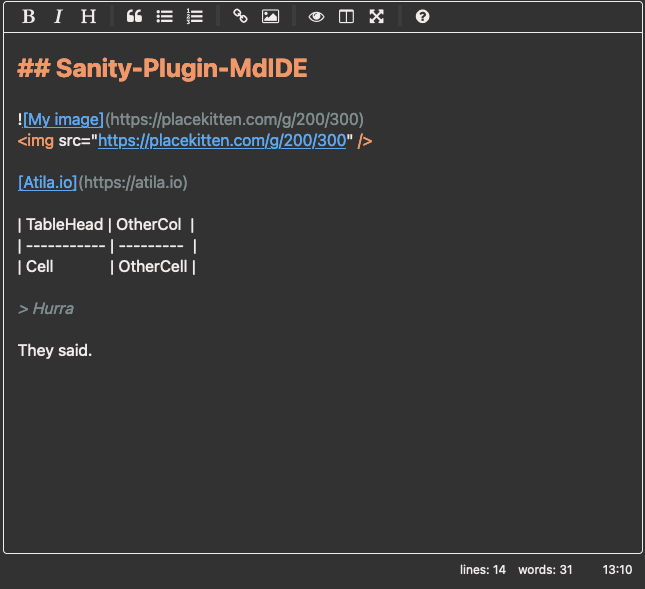
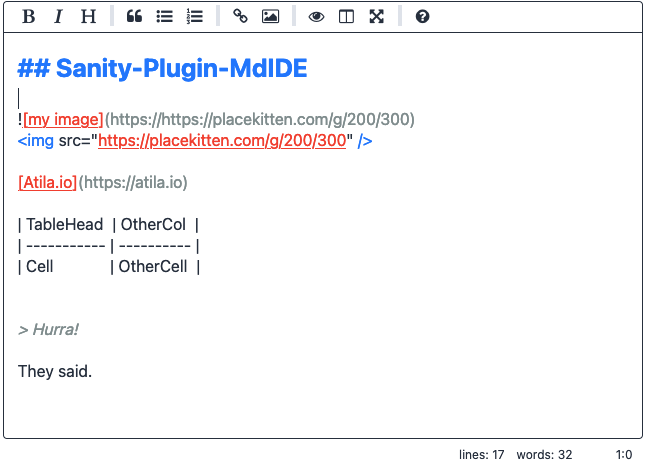
To fit well with Sanity Studio‘s design system. These variables come from part:@sanity/base/theme/variables-style.
The list of CSS custom properties:
--body-text--component-bg--hairline-color--border-radius-base--brand-primary--brand-secondary
This also allows to easily adapt to any color pallete.
Dark mode
Light mode
Configuration Options 🔧
Just is a very thin wrapper on top of React SimpleMDE Editor and as such, it accepts every option EasyMDE supports. On your field schema, just pass an options object.
export default {
  name: 'post',
  title: 'Post',
  type: 'document',
  fields: [
    {
      name: 'body',
      title: 'Body',
      type: 'markdown',
      options: {
        minHeight: '400px', // default is 500px
      },
    },
  ],
}
Thanks 🙇♂️
- Jeroen Akkerman for maintaining EasyMDE
- Andrey Los for maintaining React SimpleMDE Editor