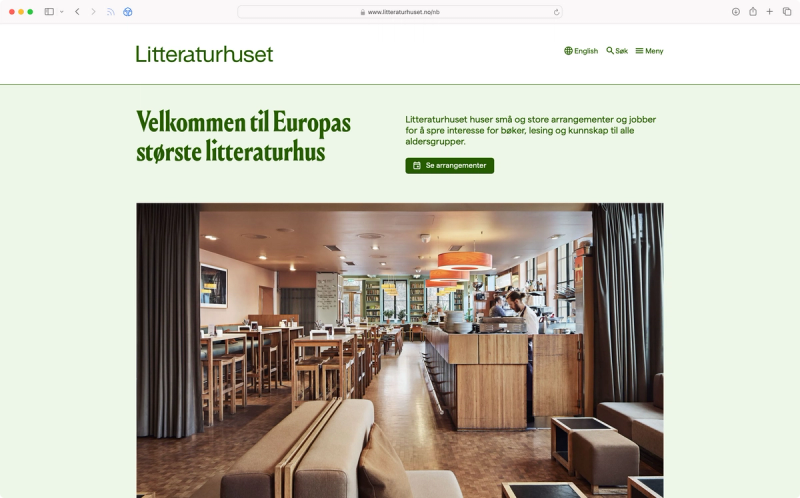
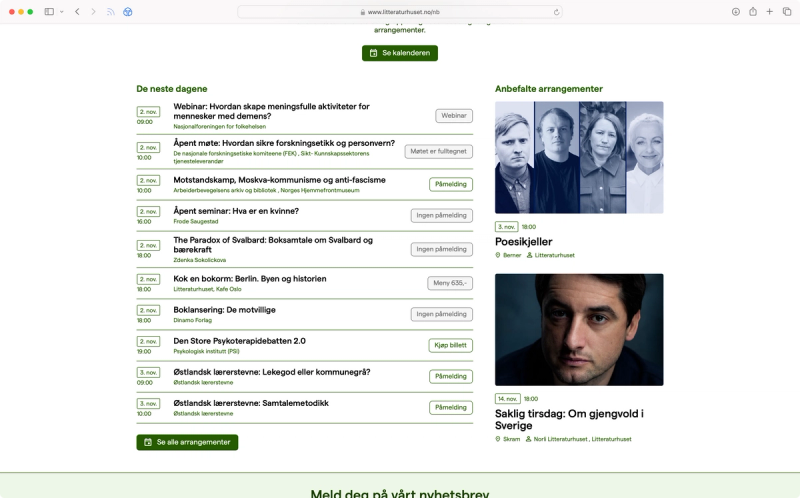
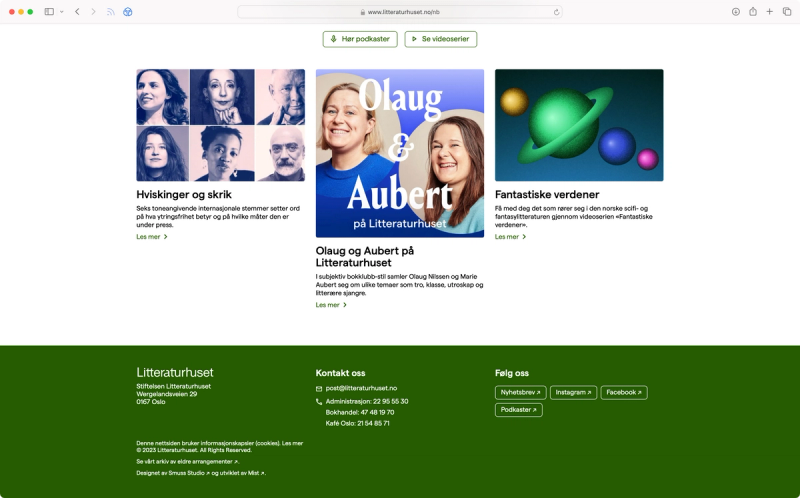
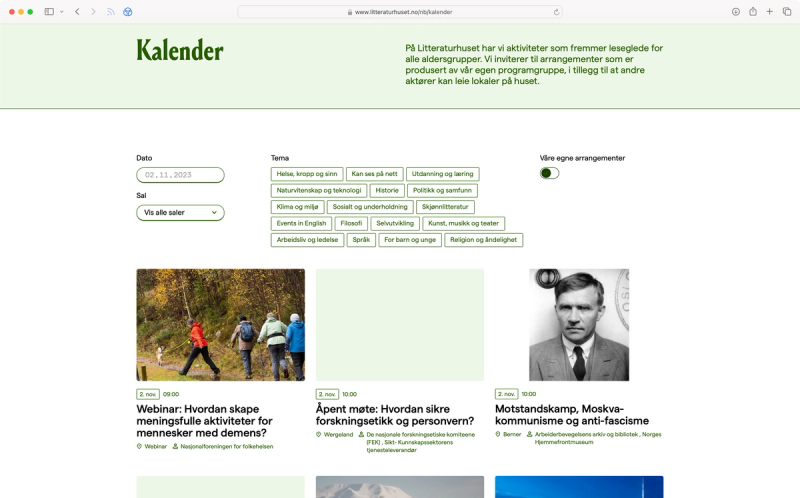
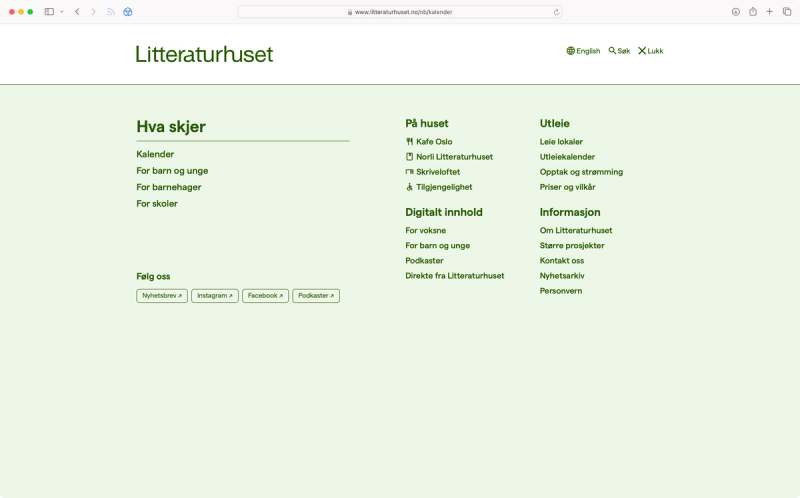
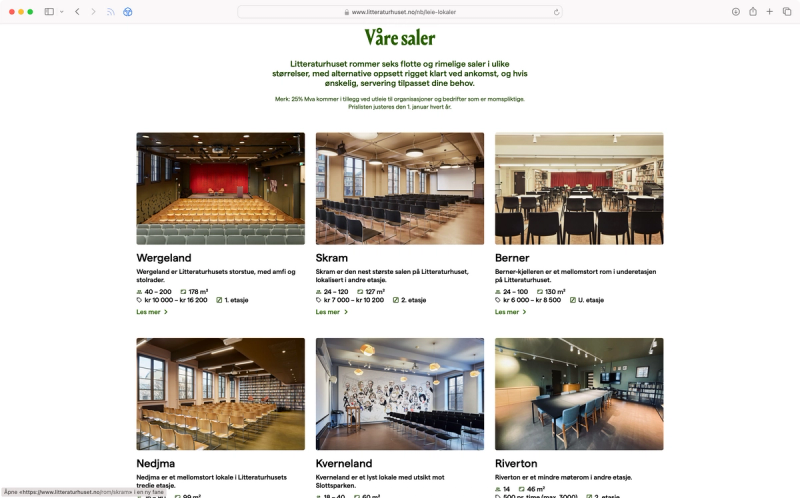
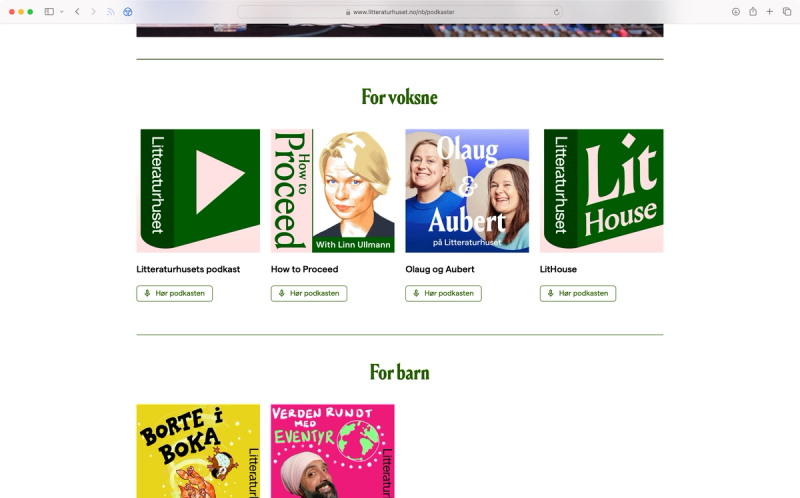
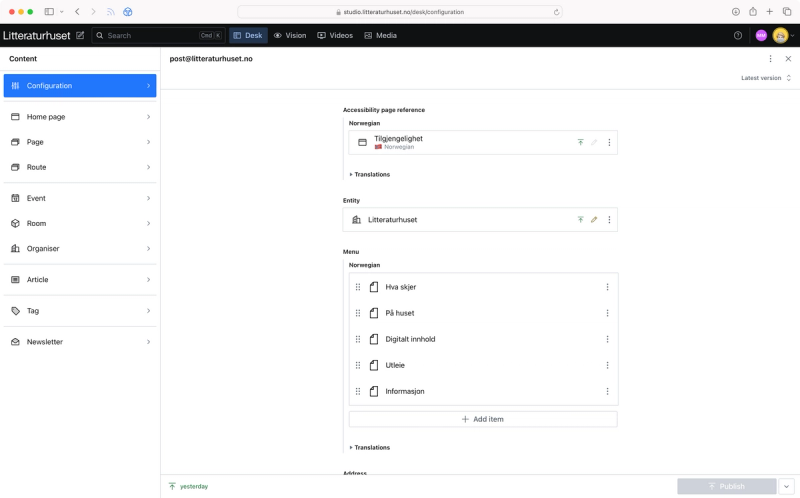
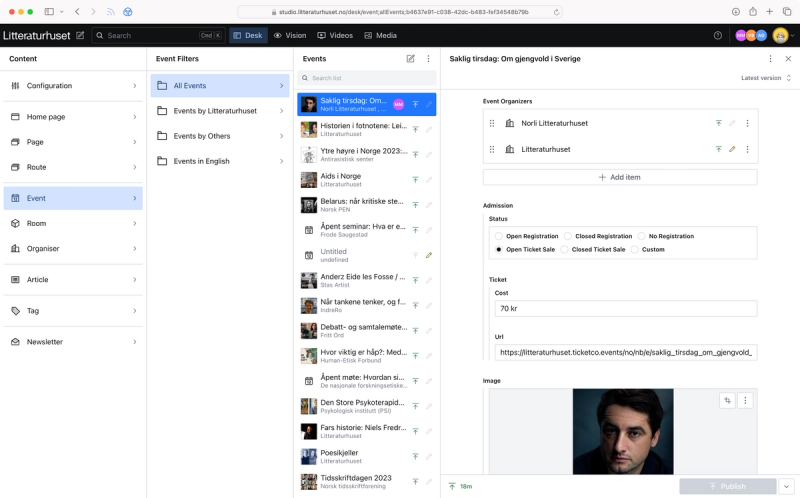
The idea was to create a flexible and modular content system so that the client independently can create all the pages they need.
The website was expertly designed by Smuss Studio. They have great technical understanding so there is a lot of design thinking put into the content structure and studio setup as well.
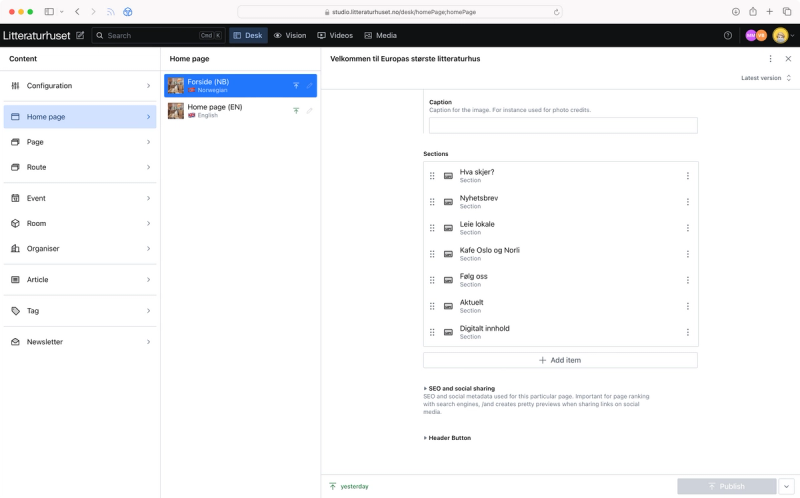
The content structure for the page document type is the most interesting one. It is built like this:
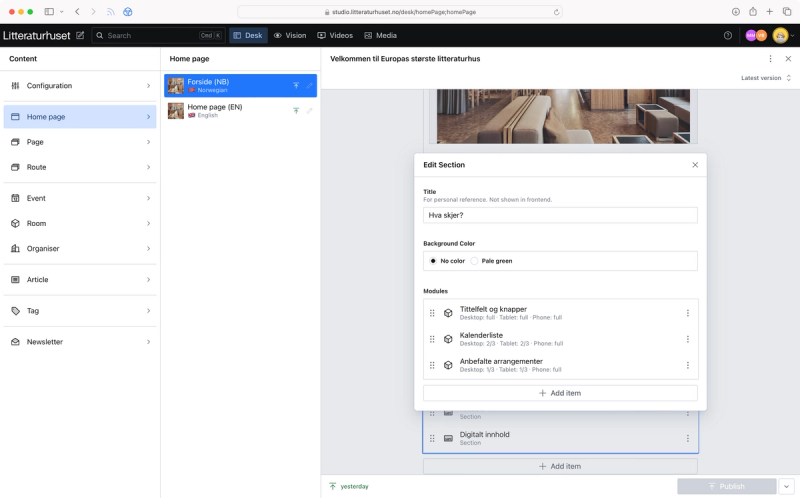
- A page consists of one or more "sections"
- A section can specify a background colour and consists of one or more "modules"
- A module can specify layout properties (different settings for mobile, tablet and desktop) and can contain one or more "content" blocks
- There are in total 11 different content blocks from "Page reference"'s to "Event"'s, "Accordion"'s and more
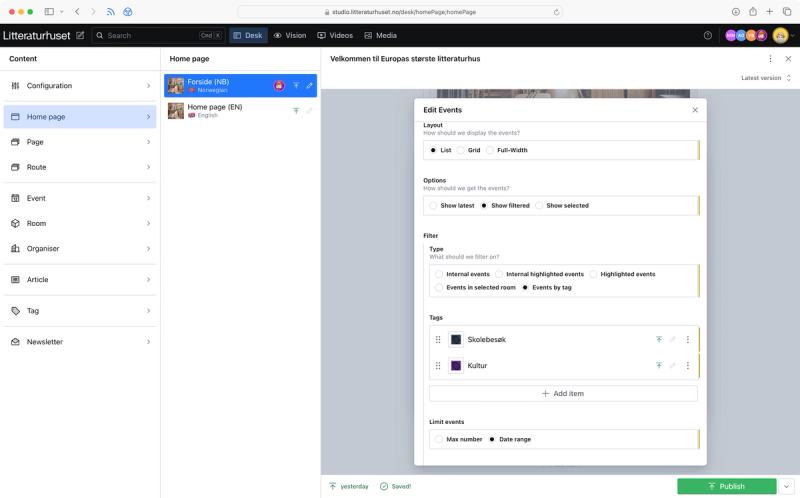
- The most complex content block is the Event block. It has options for specifying how it should be rendered and various options to fetch, filter and limit the events
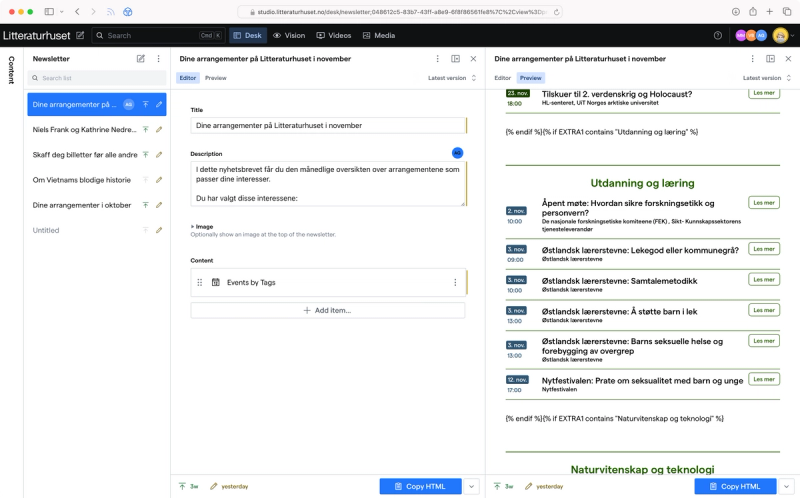
Other notable features of the backend is how it's being used to generated multiple different newsletters.
We use a subset of the document model for a page to build a newsletter document. Using the live preview the client can see how the newsletter will be rendered. To make sure the html is email friendly, it's being rendered using React Email with support for Tailwind and custom fonts. With some modification's we can eve reuse components used for the frontend like our custom Portable Text component.
The publish button is replaced with a function that copies the email friendly html to the clipboard. This html can then be pasted into Make, which handles delivery of the newsletter.
For search we use Algolia. Using a webhook we rebuild the search index when content in Sanity is changed.
The site is also statically generated and we use a similar webhook to on demand regenerate the affected routes.