Cincopa Video Platform
A Sanity Studio v3 plugin for uploading and managing video assets with Cincopa.com Video Platform.
Install command
npm i sanity-plugin-cincopa-uploader🎞️ Sanity Plugin: Cincopa Uploader
A Sanity Studio v3 plugin for uploading and managing video assets with Cincopa Video Platform.
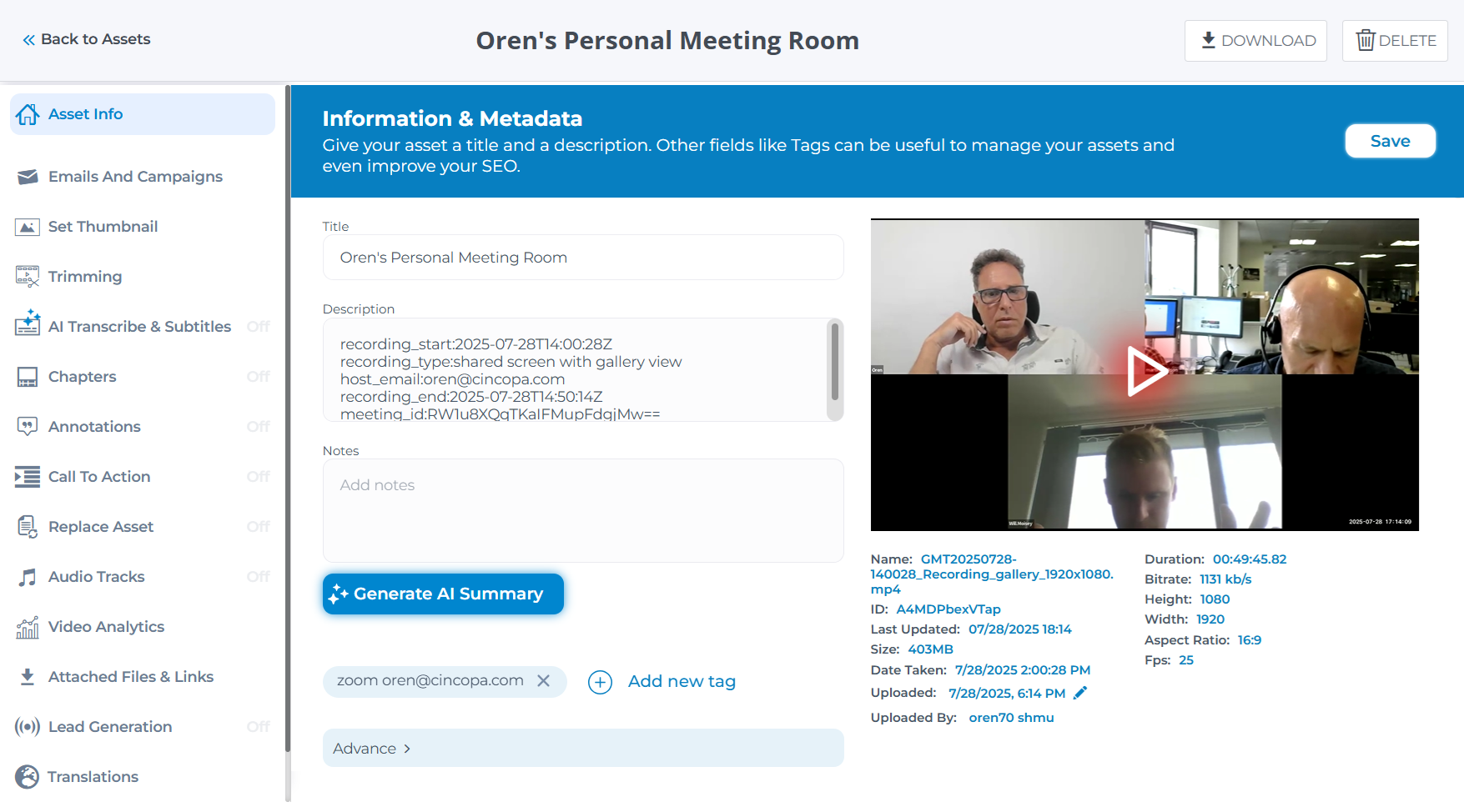
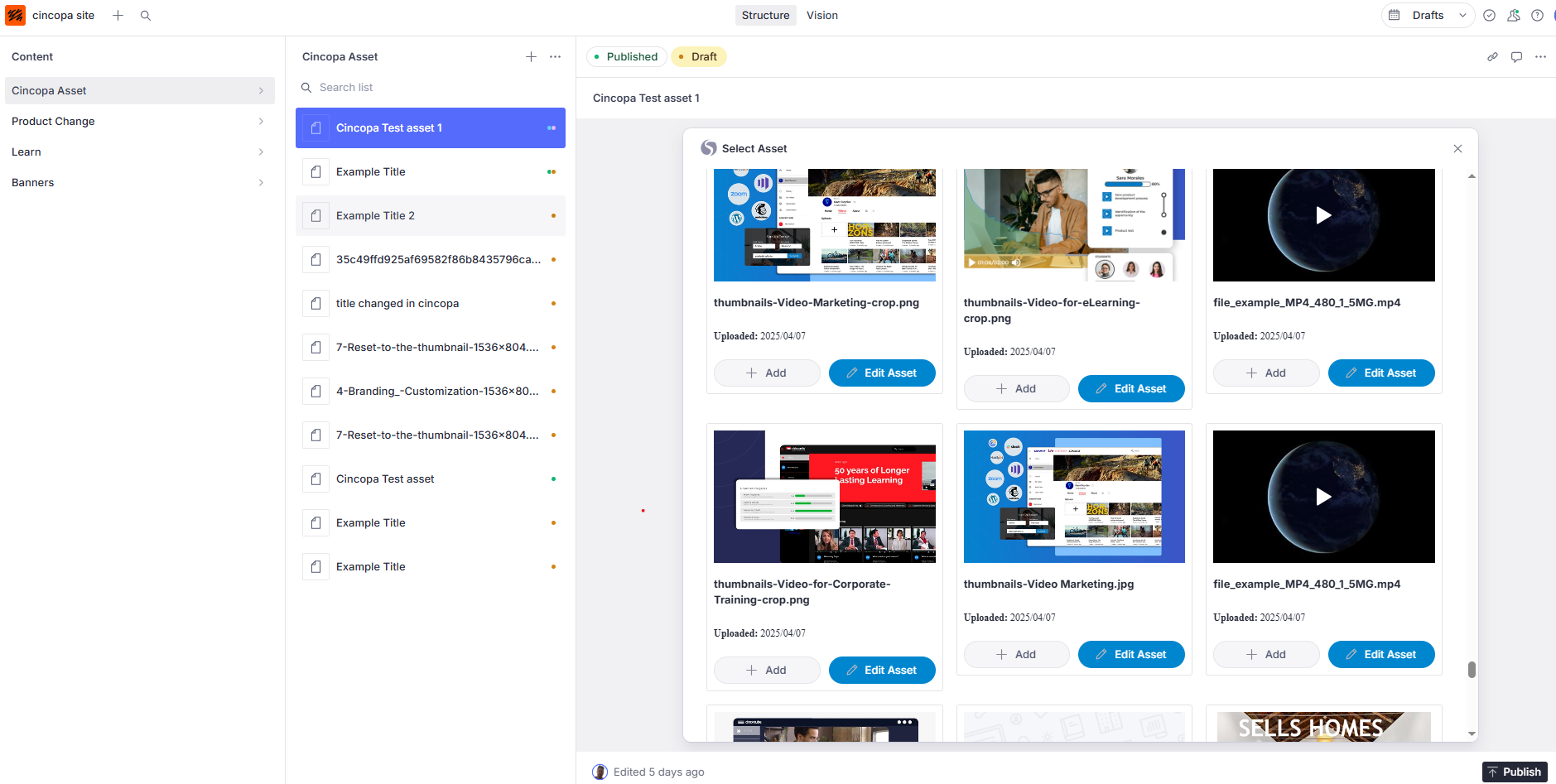
This plugin enables editors to seamlessly upload and manage videos directly within the Sanity Studio interface.
✨ Features
- 📤 Upload videos to Cincopa from within Sanity
- 🎥 Use our customizable, video players (mobile and desktop) - available in multiple styles such as playlists, Netflix-like galleries, academy and course layouts with multiple playlists, and more
- ⚡ Deliver content through a top-tier global CDN for maximum speed and reliability
- 🔒 Enterprise-grade security - protect your videos with AES encryption, domain and IP restrictions, and expiring embed tokens.
- 📊 Analytics: Dive into layered insights with our three-level analytics
- 📝 Create, upload, or generate subtitles/CC with AI
- 🎬 Create or auto-generate chapters to divide a long video
- 🎯 Add on-video features like annotations, calls to action, lead capture forms
- 🔍 Search your video library by title, description, ID, or even within the transcript
- 🧠 Set or auto-generate title and description with AI
- 🖼️ Pick or upload a thumbnail, or define a video clip as your preview
- 🌐 Automatic Video SEO with structured JSON-LD markup
- ✂️ Cut, trim, and refine your video content
- 🧩 API access - integrate Cincopa with your apps, automate workflows, or build fully custom video experiences.
🛠 Installation
npm install sanity-plugin-cincopa-uploader@latestThis plugin is built for Sanity Studio v3.
🔑 Requirements
- A Cincopa account
- A Cincopa API Token with
Full Accesspermissions
🛠 Token Configuration
Create a .env file in the root of your Sanity Studio (if you don't already have one) and add the following:
SANITY_STUDIO_CINCOPA_API_TOKEN=YOUR_CINCOPA_FULL_ACCESS_TOKEN
SANITY_STUDIO_CINCOPA_API_TOKEN_EDITOR=YOUR_CINCOPA_VIEWER_ACCESS_TOKEN
SANITY_STUDIO_CINCOPA_API_TOKEN is required for uploading and managing assets (Full Access).
SANITY_STUDIO_CINCOPA_API_TOKEN_EDITOR is an optional token used for read-only access (Viewer).
Restart the server after saving changes:
npm run dev🚀 Usage
1. Configure the plugin in sanity.config.ts (or .js):
import { defineConfig } from 'sanity'
import { cincopaUploader } from 'sanity-plugin-cincopa-uploader'

export default defineConfig({
  plugins: [cincopaUploader({
    token: process.env.SANITY_STUDIO_CINCOPA_API_TOKEN,
    token_viewer: process.env.SANITY_STUDIO_CINCOPA_API_TOKEN_EDITOR,
  })],
})
🧱 Extending the Asset Schema
You can optionally extend the Cincopa Asset (cincopa.asset) document schema with your own custom fields (e.g., tags, categories, or internal notes).
1. Create a file at:
/schemaTypes/cincopaAssetCustomFields.ts
2. Export an object like this:
export const cincopaAssetCustomFields = {
  fields: [
    {
      name: 'customField',
      title: 'Custom Field',
      type: 'string',
    },
    {
      name: 'customFieldBoolean',
      title: 'Custom Field Boolean',
      type: 'boolean',
    },
  ]
};
3. Update your sanity.config.ts to include the Cincopa plugin with custom fields:
import { defineConfig } from 'sanity'
import { cincopaUploader } from 'sanity-plugin-cincopa-uploader'
import { cincopaAssetCustomFields } from './schemaTypes/cincopaAssetCustomFields'

export default defineConfig({
  plugins: [
    cincopaUploader({
      token: process.env.SANITY_STUDIO_CINCOPA_API_TOKEN,
      token_viewer: process.env.SANITY_STUDIO_CINCOPA_API_TOKEN_EDITOR,
      cincopaAssetCustomFields,
    }),
  ],
})
🧩 Optional: Use Cincopa Assets in the Portable Text Editor
This enables editors to insert and manage Cincopa assets inline within Portable Text editors.
  import { defineField } from 'sanity'

  defineField({
    name: 'body',
    type: 'array',
    of: [
      { type: 'block' },
      { type: 'cincopa_asset' }
    ]
  })
🧩 Optional: Use Sanity Cincopa Assets in the Portable Text Editor
This enables editors to insert and manage Cincopa assets inline within Portable Text editors.
  import { defineField } from 'sanity'

  defineField({
    name: 'body',
    type: 'array',
    of: [
      { type: 'block' },
      { type: 'sanity_cincopa_asset' }
    ]
  })
🧪 Develop & Test
This plugin uses @sanity/plugin-kit for development tooling.
To test it in your studio with hot reload:
npm run devSee: Testing a plugin in Sanity Studio
💬 Support
Need help? Reach out to support@cincopa.com