Astro Shopify Sanity
A lightweight and powerful e-commerce theme to build headless Shopify storefronts with Astro and manage content with Sanity.
By Soufiane

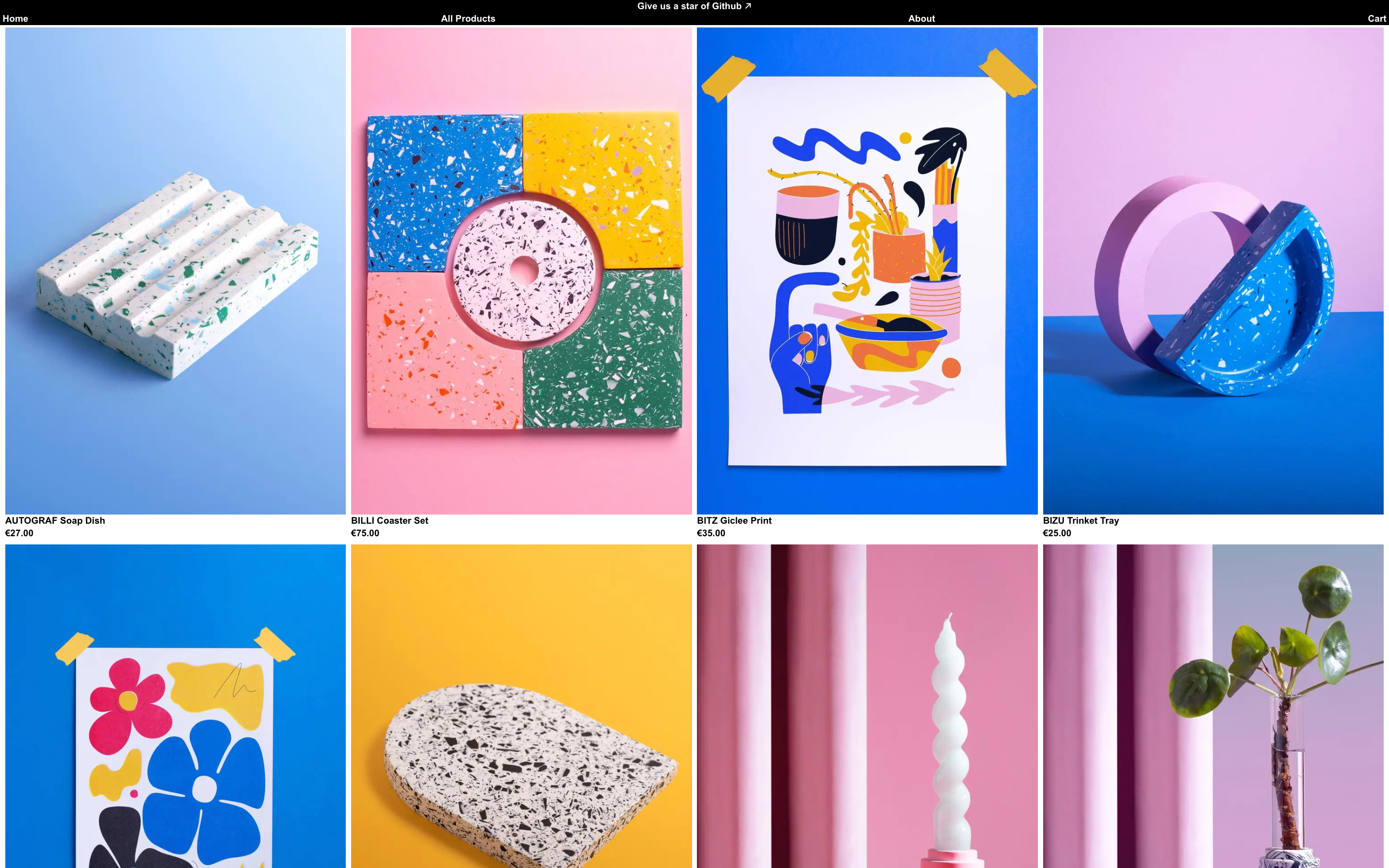
Astro starter theme to build a headless ecommerce website with Shopify and Sanity
This theme is an extension of the work done by Thomas. If you want to check the original code, click here.
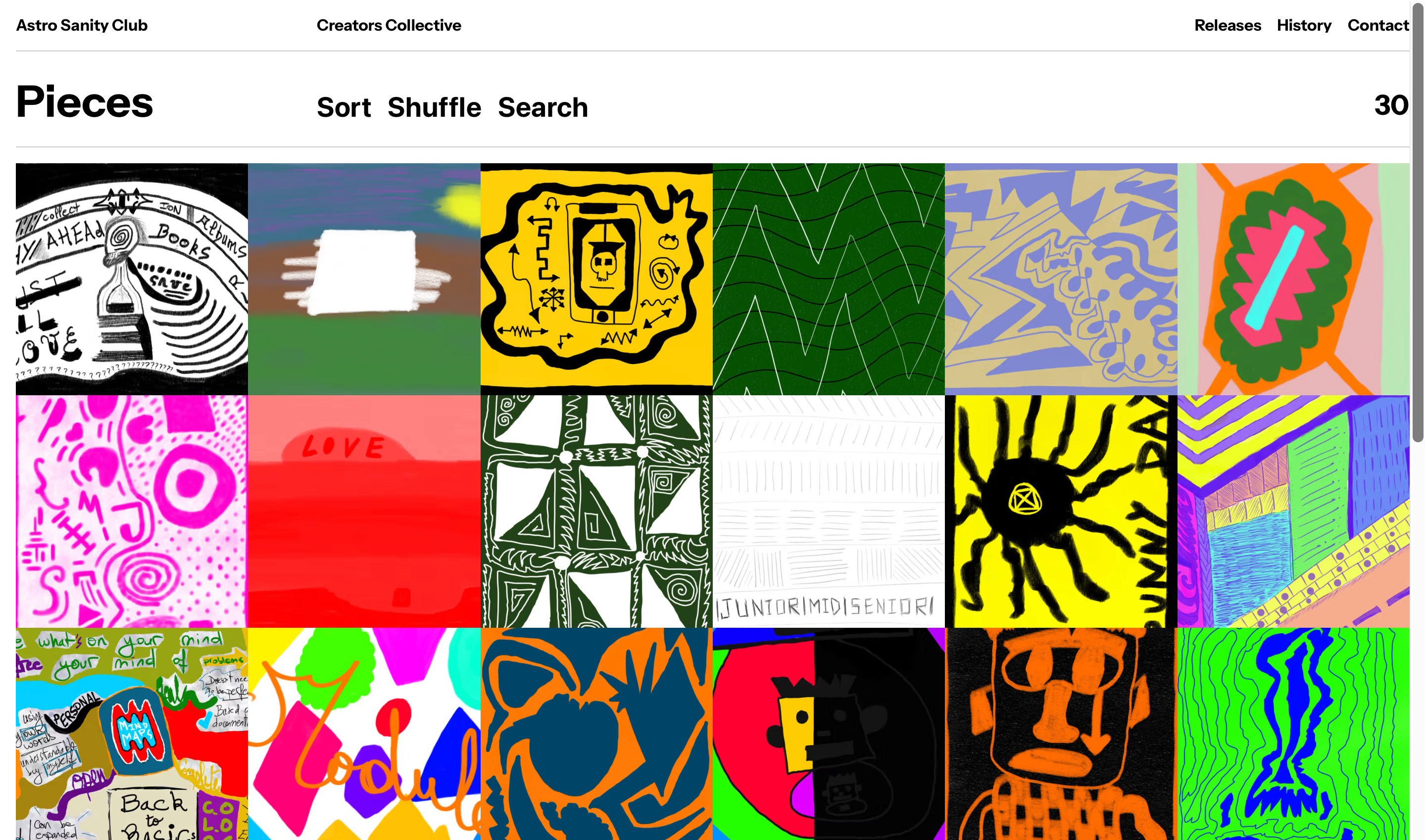
This repository adds a Sanity studio content management system, synced with Shopify for better control and editorial capabilities for your storefront. I also added variant selection to product pages for a more featured theme.
The theme is built with Svelte components and you can use any framework you like (Vue, Solid etc.) thanks to Astro. Tailwind CSS 4 is used for styling with a modern design system.
✨ New Features
- Sanity CMS Integration: Full content management system with visual editing capabilities
- Live Preview: Real-time preview of content changes with Sanity's presentation tool
- Page Builder: Flexible content blocks with rich text, images, and color backgrounds
- Enhanced Product Management: Synced Shopify products with additional editorial content
- Visual Editing: In-context editing experience with Sanity Studio
- Custom Schema Types: Products, collections, pages, and global settings
- Server-Side Rendering: Built for performance with Astro's SSR capabilities
🧑🚀 Where to start
- Create a
.envfile based on.env.examplewith your Shopify store credentials and Sanity project details - Set up your Shopify store (see Shopify Configuration Guide below)
- Set up your Sanity project (see Sanity Configuration Guide below)
- Run
npm installoryarnorpnpm install - Run
npm run devoryarn run devorpnpm run dev - Visit
/studioto access the Sanity Studio for content management
Shopify Configuration Guide
- Create a new account or use an existing one. https://accounts.shopify.com/store-login
- Add the Shopify Headless channel to your store
- Click on
Add Storefront - Copy/Paste your
publicandprivateaccess tokens to your .env file - Next, check Storefront API access scopes
unauthenticated_read_product_listingsandunauthenticated_read_product_inventoryaccess should be fine to get you started.- Add more scopes if you require additional permissions.
Sanity Configuration Guide
- Create a new Sanity project at https://www.sanity.io/manage
- Copy your Project ID and add it to your
.envfile asPUBLIC_SANITY_STUDIO_PROJECT_ID - Create a read token in your Sanity project's API settings and add it as
SANITY_API_READ_TOKEN - Set
PUBLIC_SANITY_STUDIO_DATASETto "production" (or your preferred dataset) - Enable visual editing by setting
PUBLIC_SANITY_VISUAL_EDITING_ENABLED="true" - Run
npm run devand visit/studioto start creating content
Shopify Troubleshooting
- If you encounter an error like
error code 401you likely didn't set this up correctly. Revisit your scopes and be sure add at least one test product. Also make sure you are using theStorefront APIand not theAdmin APIas the endpoints and scopes are different. - If you do not see a checkout sidebar, or if it is empty after adding a product, you need to add an image to your test product.
Sanity Troubleshooting
- If the studio doesn't load, check your
PUBLIC_SANITY_STUDIO_PROJECT_IDand ensure your dataset exists - For visual editing issues, verify
PUBLIC_SANITY_VISUAL_EDITING_ENABLEDis set to "true" - If products aren't syncing, check your Shopify webhook configuration and Sanity API tokens
🚀 Project Structure
Inside the project, you'll see the following folders and files:
/
├── public/
├── src/
│   └── components/          # Svelte & React components
│       ├── Header.astro
│       ├── ProductCard.astro
│       ├── PageBuilder.astro
│       └── CartDrawer.svelte
│   └── data/               # Data layer
│       ├── sanity/         # Sanity queries & types
│       └── shopify/        # Shopify API integration
│   └── layouts/
│       └── BaseLayout.astro
│   └── pages/
│       ├── index.astro     # Homepage
│       ├── products/       # Product pages
│       ├── [slug].astro    # Dynamic pages
│       └── studio/         # Sanity Studio (auto-generated)
│   └── sanity/             # Sanity configuration
│       ├── schema-types/   # Content schemas
│       ├── structure/      # Studio structure
│       └── components/     # Custom studio components
│   └── stores/
│       └── cart.ts         # Cart state management
│   └── styles/
│       └── global.css
│   └── utils/
│       └── shopify.ts
├── sanity.config.ts        # Sanity studio configuration
└── package.json
Astro looks for .astro or .md files in the src/pages/ directory. Each page is exposed as a route based on its file name.
There's nothing special about src/components/, but that's where we like to put any Astro/React/Vue/Svelte/Preact components.
Any static assets, like images, can be placed in the public/ directory.
🧞 Commands
All commands are run from the root of the project, from a terminal:
| Command | Action |
|---|---|
npm install | Installs dependencies |
npm run dev | Starts dev server with Sanity typegen at localhost:4321 |
npm run build | Build your production site to ./dist/ |
npm run preview | Preview your build locally, before deploying |
npm run sanity:typegen | Generate TypeScript types from Sanity schemas |
npm run astro ... | Run CLI commands like astro add, astro check |
npm run astro --help | Get help using the Astro CLI |