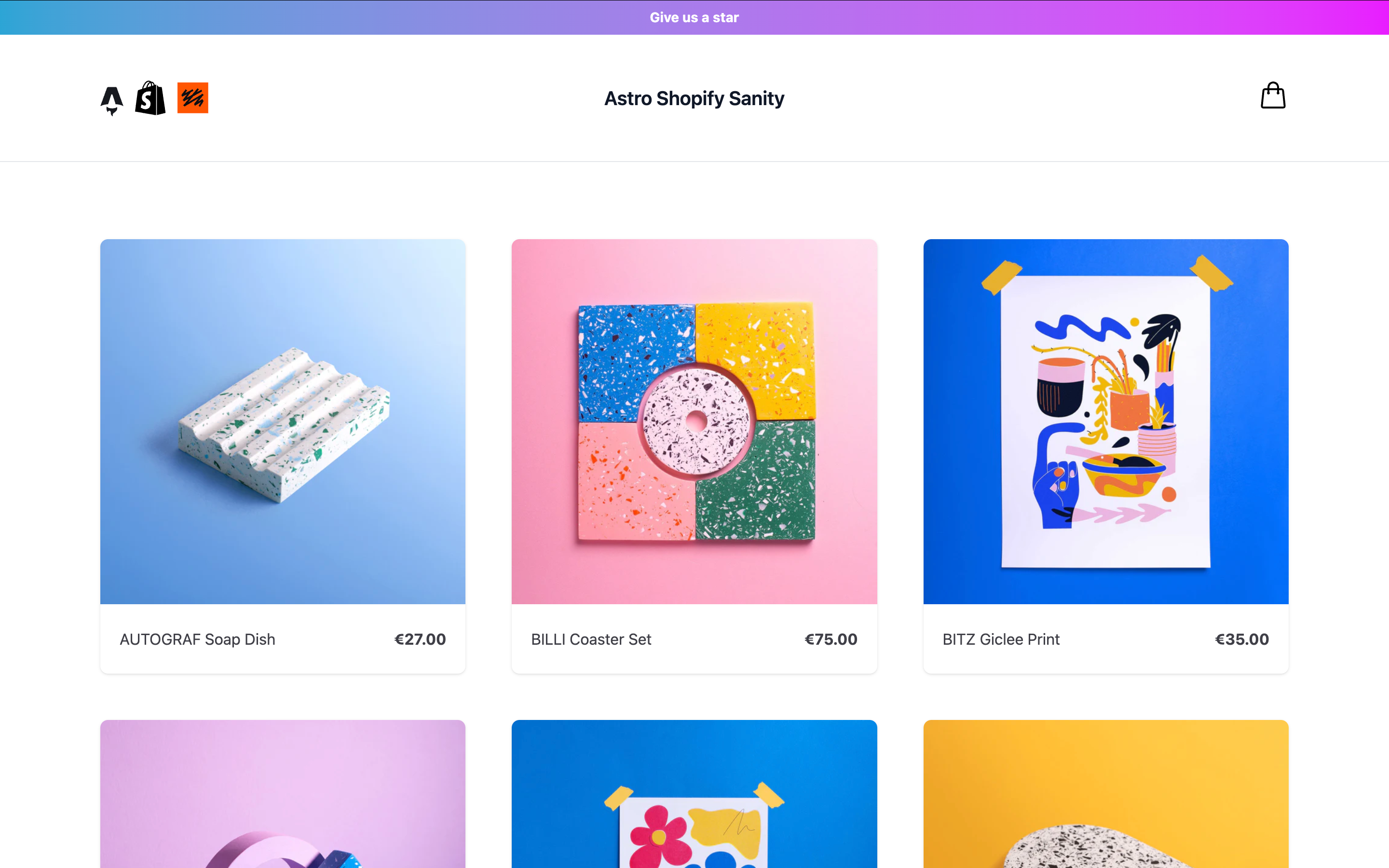
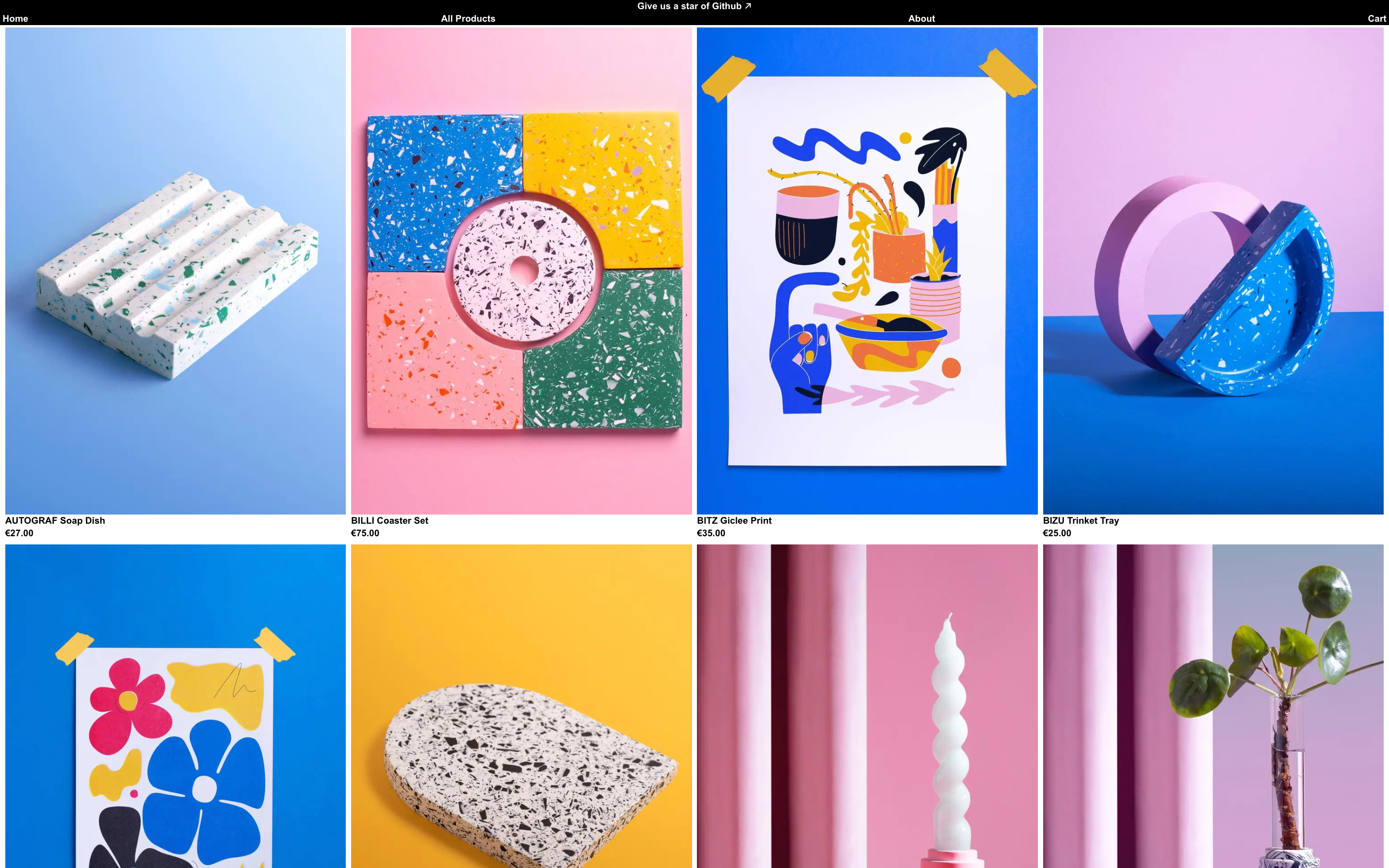
Sanity Astro Club
Sanity Astro Club is a free Astro template, originally created by Codrops and further enhanced by me. It allows you to showcase and sell digital artworks or any other digital products using Polar.sh checkout links.
By Soufiane

Sanity Astro Club: A Free Astro Template for Showcasing And Selling Digital Products
Sanity Astro Club is a free Astro template for showcasing artworks or any other digital product. At first, an experimental proof of concept built by Codrops in collaboration with Alex Tkachev. Soufiane then enhanced the template with the addition of an extendable Sanity Studio to handle content and a simple Polar API integration for generating checkout sessions.
Folder Structure
├── frontend/          # Astro application
├── studio/            # Sanity Studio
└── package.json       # Root workspace configuration
Commands
All commands are run from the root of the project, from a terminal:
| Command | Action |
|---|---|
pnpm install | Installs dependencies for the frontend asn studio workspaces |
pnpm run dev | Starts local dev server at localhost:4321 for Astro and localhost:3333 for Sanity |
pnpm --filter=frontend run build | Build your Astro production site to ./dist/ |
pnpm --filter=frontend run preview | Preview your Astro build locally, before deploying |
pnpm --filter=frontend run astro ... | Run Astro CLI commands like astro add, astro check |
pnpm --filter=frontend run astro -- --help | Get help using the Astro CLI |
pnpm --filter=frontend run lint | Lint your Astro code using Biome |
pnpm --filter=frontend run format | Format your Astro code using Biome |
pnpm --filter=studio run build | Build your studio site to ./dist/ |
pnpm --filter=studio run start | Preview your Sanity Studio build locally, before deploying |
pnpm --filter=studio run deploy | Deploy your Sanity Studio on the Sanity Cloud |
Credits
- Design based on Alex Tkachev's Players Club Dribbble shot.
- Original Template by Codrops. Checkout the original article on Codrops
- Template extension and Artwork content by Soufiane
Misc
Follow Codrops: Bluesky, Facebook, GitHub, Instagram Follow Soufiane Bluesky, GitHub, Instagram
License
Made with :blue_heart: by Codrops Extended with :yellow_heart: by Soufiane
Deployment and Configuration
Deploy Frontend
You have the freedom to deploy your app to your hosting provider of choice.
Deploy Studio
To deploy your Sanity Studio to production:
- Make sure you're logged in to your Sanity account:
npx sanity login- Deploy the studio:
pnpm --filter=studio run deployConfiguration
There are env.example files for the studio and frontend folders, with the relevant secrets that need to be filled.
You need to create a Polar account, add your products and create an API key with read and write access to checkout_links, checkouts and products.
You need to add your Polar API key and your Polar Organisation ID in the secret tab inside your Sanity Studio.
You can also need to set up a webhook to trigger rebuilds when content changes.
Contact me via email jazsouf@pm.me or dm on bluesky if you need anything.
Next steps
- Add cart functionality w/ Astro sessions
- Rewrite scripts in Typescript