Dark blue theme
Studio v2
This plugin only works with an older version of Sanity Studio (v2), which is deprecated.
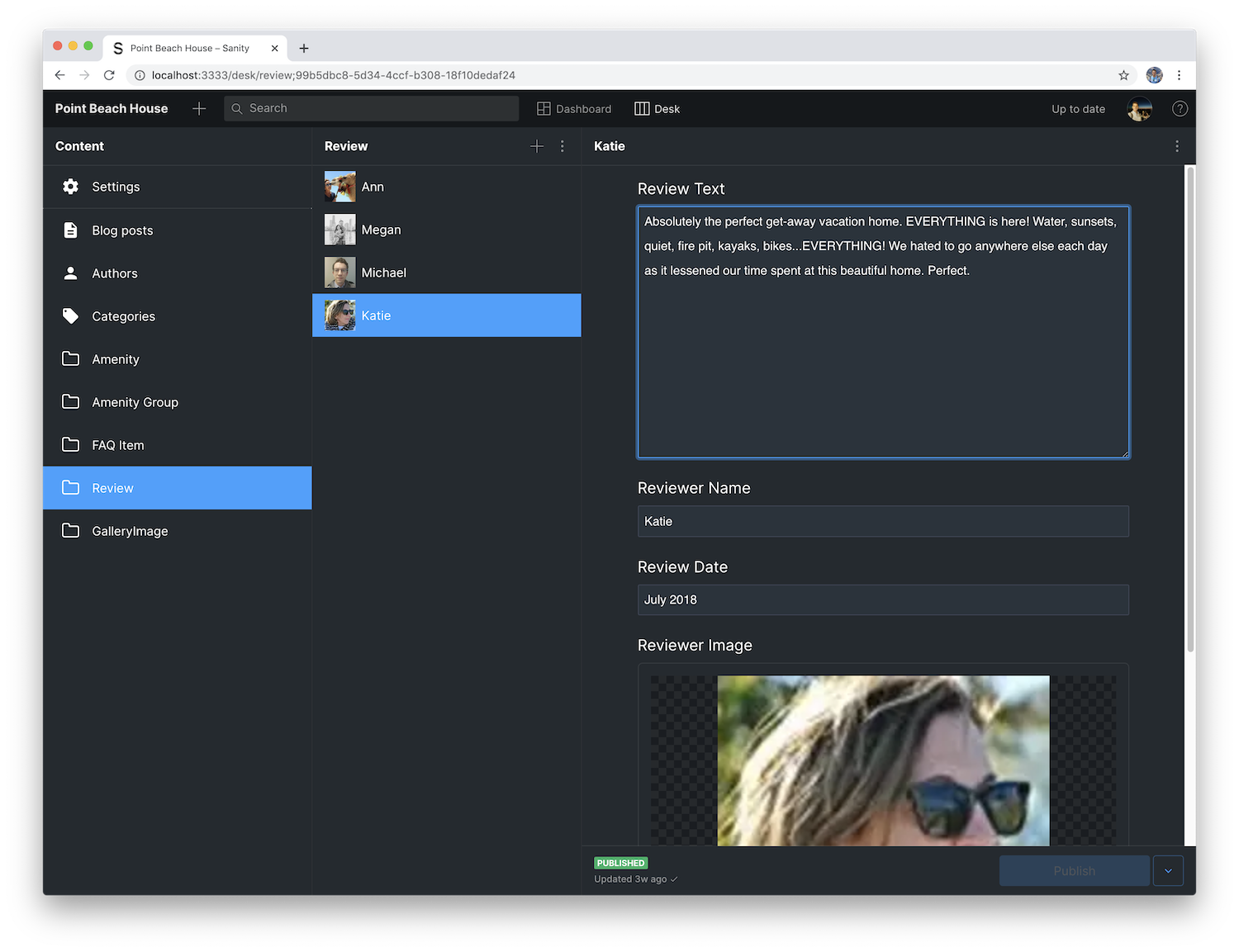
A dark blue theme for Sanity Studio
v2 install command (deprecated)
sanity install dark-theme-blueDark Theme Plugin for Sanity Studio
A dark theme that overrides the default appearance of the Sanity.io Studio.
Installation
At the root of your Sanity project, run this command in the terminal.
sanity install dark-theme-blueThen restart your Sanity Studio to see the new theme.
See the official documentation for more information about styling the Studio, or explore the full list of variables on GitHub.