
- Tool
sanity-country-state-select
A sanity plugin to generate custom field for countries and states in the ISO 3166 standard

Syed M Sohaib
A sanity plugin to generate custom field for countries and states in the ISO 3166 standard
This is a simple starting off point to allow users to organize a page


Learn how to create a page builder from structured content that can withstand the test of time and redesigns.


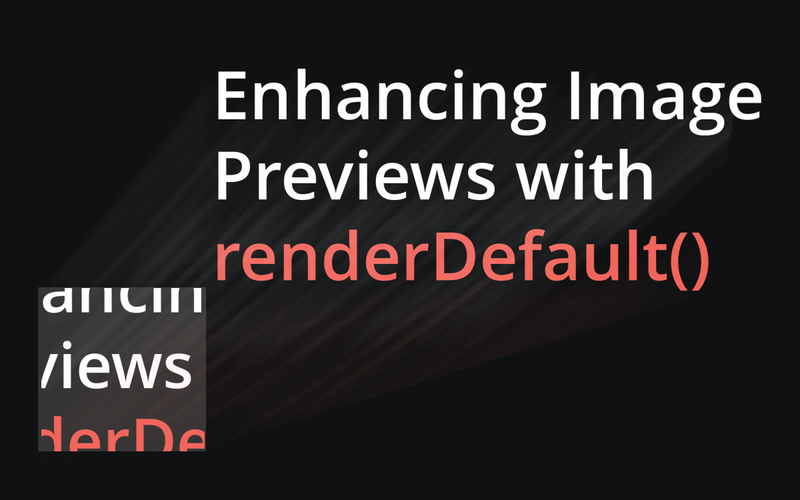
By doing nothing more than passing modified props, it's possible to tweak the cropping in a grid of images.


Infer Sanity Document Types from Sanity Schemas

groq-js with typed GROQ Results

Generate Zod Schemas from Sanity Schemas
@sanity/client with typed GROQ Results

Generate Mock Data from Sanity Schemas
Mock @sanity-typed/client for local development and testing

This plugin allows content editors to quickly view, approve and reject all the documents in draft mode.


A simpler color input for Sanity studio.


This article will explore how to use SVG in React in three examples


The Sanity Lighthouse Plugin seamlessly integrates Google PageSpeed Insights into your SanityCMS workflow, providing comprehensive performance analysis. Generate reports, monitor performance, and optimize your website for faster load times and improved user experience, all within your existing development process. It's a developer-friendly tool that streamlines performance testing and optimization for your SanityCMS-powered website.


Deploy and view history of multiple Netlify sites directly inside your Sanity Studio.

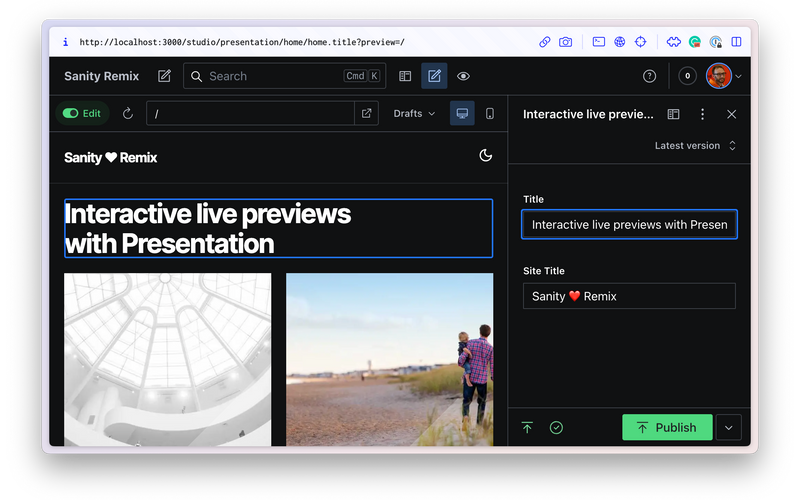
Batteries-included website template for a content-editable, interactive live-preview enabled Remix website powered by Sanity Studio.

A slider component to add weighting to any Sanity array. Perfect for A/B tests.
Go to Weighted Array Input
With this plugin, you can finally copy/paste referenced blocks in array type of fields in Sanity Studio.
